Table of Contents
Document management is one of those things that sounds boring… until you’re the one hunting through old PDFs at 9:47 p.m. trying to find a single line from a contract. That’s where DocAI caught my attention.
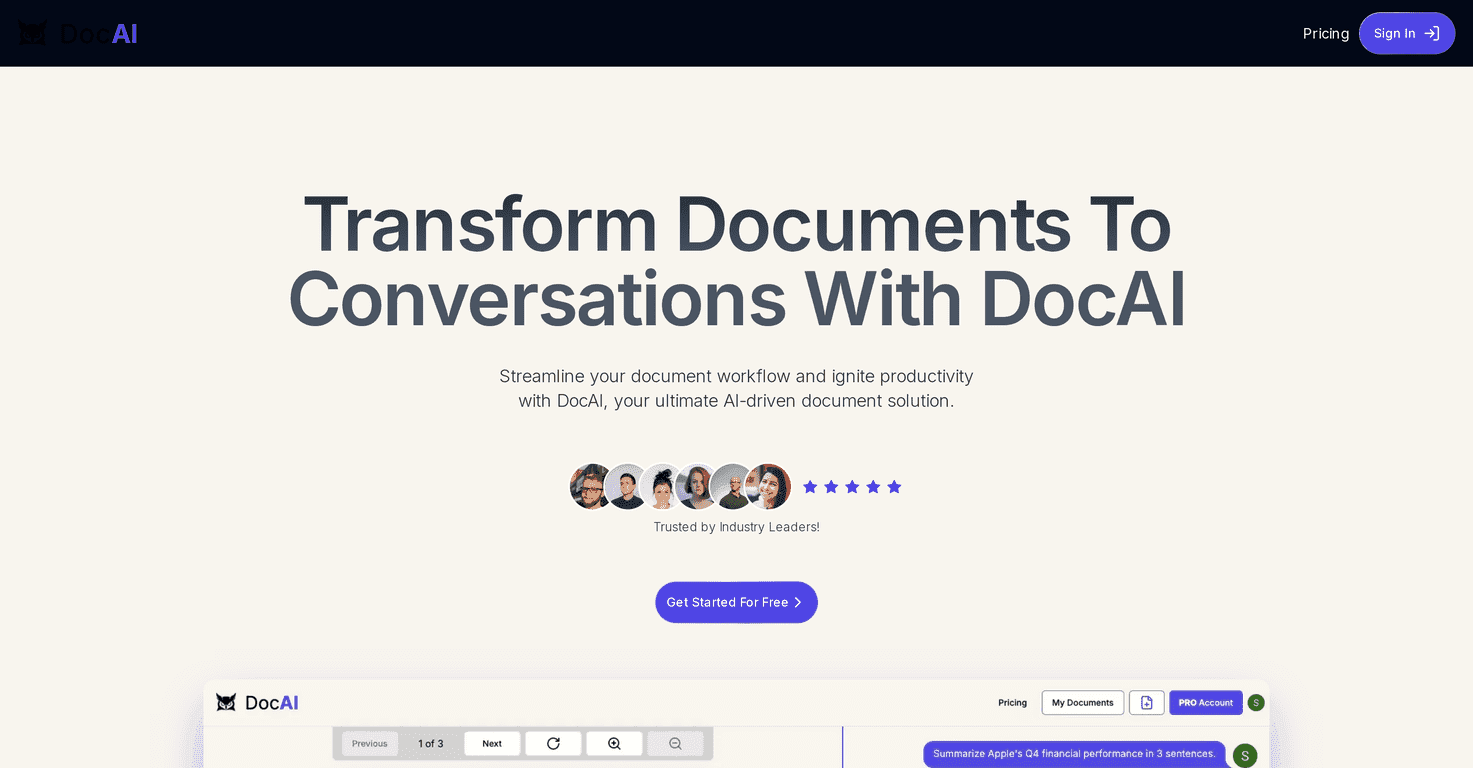
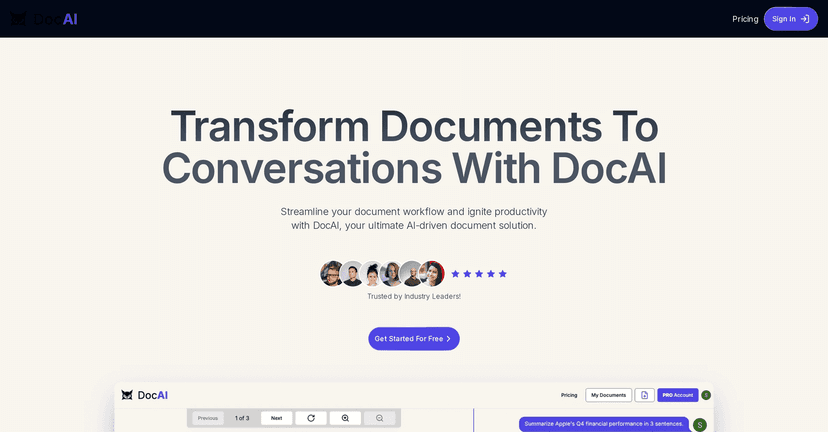
Instead of treating your documents like static files, DocAI lets you ask questions in a chat-style interface and get answers grounded in what’s inside the document. In my experience, it feels closer to “talking to the file” than “searching through pages.” And once you start using it for quick lookups, it’s hard to go back to manual scanning.
DocAI Review: What It’s Like to Use a Chat Interface for Documents
Here’s the simplest way I can describe DocAI: you upload a document, then you ask it questions like you would in a chat. No more “Ctrl+F and hope.”
What I liked right away is how quickly you can get to the point. For example, I tried asking things like “What are the key terms?” and “Where does it mention renewal?” and it didn’t feel like I was waiting around for a slow process. Responses were quick enough that it felt natural to iterate—ask, refine, ask again.
Another thing I noticed: the chat experience makes it easier to ask follow-ups. Instead of rephrasing everything from scratch, you can build on your previous question. That’s a big deal when you’re trying to extract multiple details from the same file (like pulling all requirements from a policy, or summarizing sections from a report).
And yes, it’s still a tool—you don’t magically get perfect answers to every possible question. If your document is poorly formatted or the information isn’t clearly present, you’ll still have to do a little cleanup. But for day-to-day “find and understand” tasks, it’s genuinely convenient.
Key Features I Actually Look For
- Document Storage for secure archival and quick access when you need to reference something again.
- AI Chat Functionality so you can ask questions directly about the content instead of reading line by line.
- Lightning-Fast Responses—when you’re in a workflow, waiting is the enemy.
- Chat Memorization that helps retain context from earlier messages, so follow-up questions don’t feel like starting over.
- Collaborative PDF Viewer with an interface that’s easier to use than juggling multiple tabs.
- Multilingual Support for teams or users who need more than one language.
- Enhanced Document Security to help protect sensitive information.
Pros and Cons (Realistic Take)
Pros
- Easy to use. The interface is straightforward, and I didn’t feel like I needed a manual to get started.
- Fast answers. The speed makes it practical for repeated questions during review or research.
- Conversation history helps. Being able to keep context makes follow-ups way less annoying.
- Multilingual support. Useful if your documents or team are not all in one language.
- Free tier for testing. You can try it without committing first—handy if you’re evaluating for personal or team use.
Cons
- Free plan limits are tight. If you’re hoping to upload a bunch of files, you’ll hit the wall quickly.
- Messaging caps on Free. You may run out of messages sooner than you expect during active testing.
- Free won’t feel great for heavy use. If you’re doing lots of Q&A across multiple documents, you’ll probably want to upgrade.
Pricing Plans: What You Get for Free vs. Pro
DocAI’s pricing is pretty simple, and that’s refreshing. Here’s the breakdown:
- Starter Plan (Free): stores 1 document and allows up to 3 messages.
- Pro Plan: costs $15.99/month, includes up to 15 documents and up to 50 messages per document, plus 24-hour support.
If you’re just testing whether the chat-doc workflow is useful to you, the Starter plan is enough to see how it feels. But if you’re actually managing multiple client files, internal docs, or recurring reports, Pro makes a lot more sense.
Wrap up
DocAI is one of those tools that changes how you interact with documents. Instead of treating PDFs like something you have to grind through, it turns them into something you can question. For quick answers, follow-ups, and reducing manual searching, it’s genuinely helpful.
If you’re tired of hunting for details in long files, DocAI is worth a try—especially since the free tier lets you test the workflow before you commit.



