Table of Contents
If you’ve got more than one email account, you already know the pain: you’re checking one inbox, then another, then realizing you missed something important because it was hiding in the “wrong” place. I’ve been there. It’s exhausting. That’s why I wanted to test Dobror—to see if it actually helps you get control of your inbox instead of just looking nice.
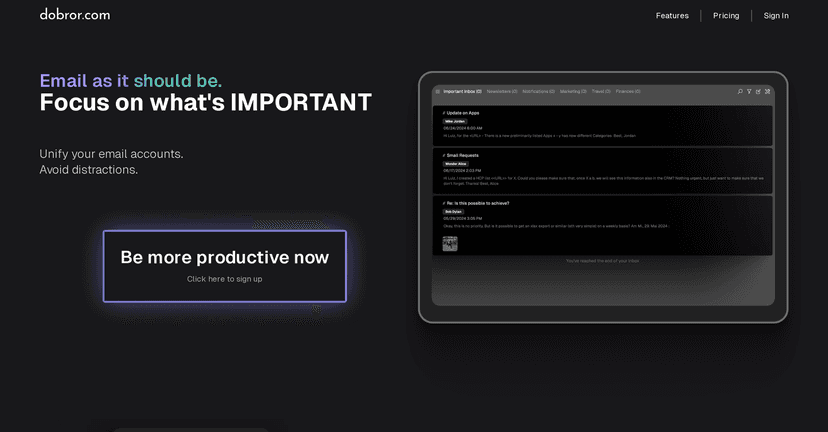
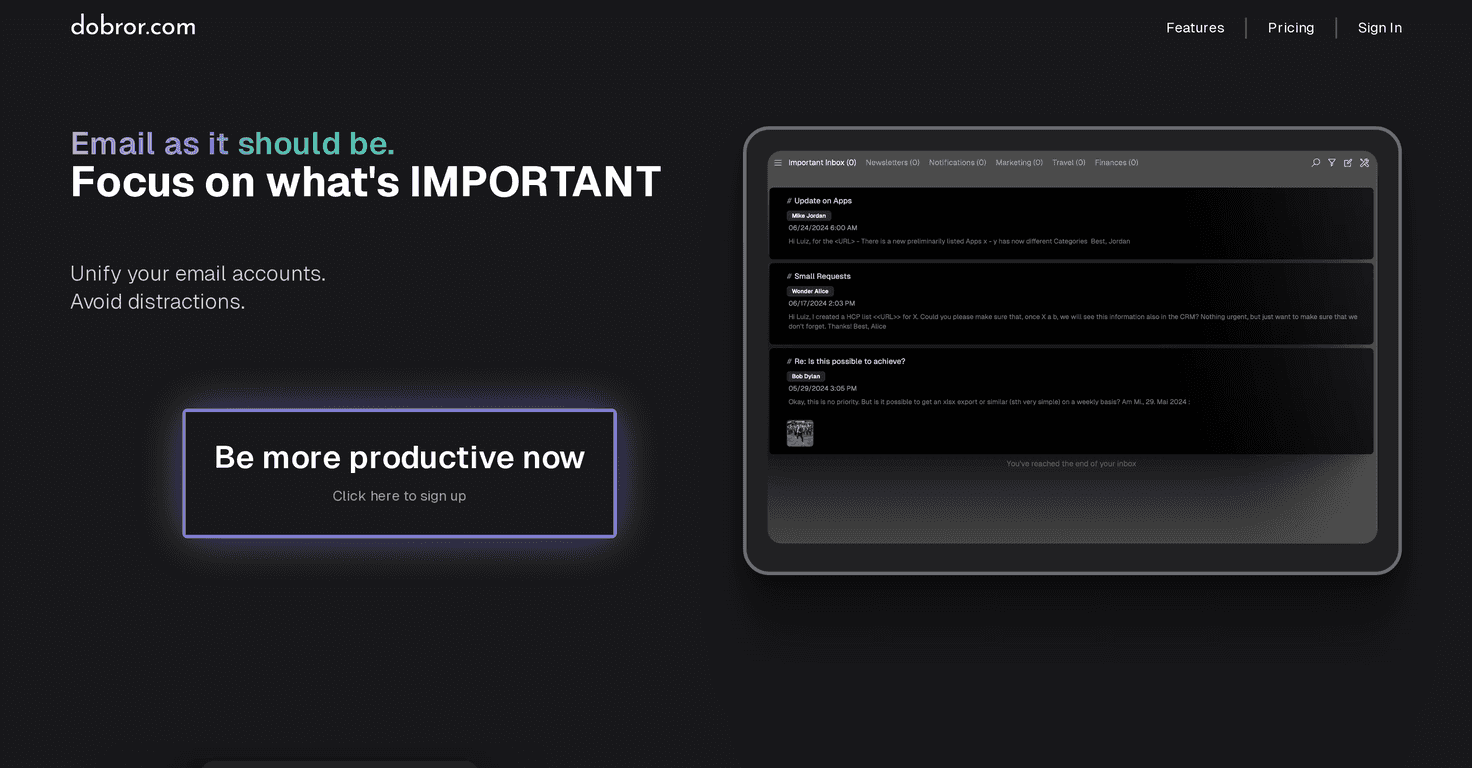
Right away, Dobror feels focused. The interface is clean, and it doesn’t bombard you with clutter. After logging in, I could switch between accounts without bouncing between separate services. That alone is a big deal if you’re juggling work + personal + maybe a couple of “sign-up” accounts.
One of the headline features is AI-powered inbox classification. In my experience, that’s the part that determines whether an email client is genuinely useful or just another inbox wrapper. Dobror sorts incoming messages into categories automatically, so you can spend less time hunting and more time deciding what actually needs your attention. It’s not magic—some emails still need a quick glance—but the overall “what should I deal with first?” experience is noticeably smoother.
Then there’s Focus Mode. I tried it when my inbox was at its worst (the day you know you’ll regret later). What I liked is that it creates a calmer workspace by reducing distractions. Instead of seeing everything at once, it helps you stay on the messages that matter. If you’re the type who gets derailed by newsletters or random notifications, this feature is worth paying attention to.
Dobror also includes productivity tools right inside the email workflow. For example, I could mark emails as done, snooze them until later, and move messages to different inboxes/categories. That might sound small, but it changes the rhythm of email. You’re not just reading—you’re processing.
And if you deal with calendar invites, the upcoming unified calendar view is something I’m watching. The site mentions it’s planned to launch in summer 2024, and I can see why people want that—calendar management is usually scattered across tools, and consolidating it would reduce the “check email, then check calendar, then check again” loop.
Dobror Review: Does It Actually Make Email Easier?
Dobror is built for people who don’t just “check email”—they manage it. If your inbox is a mix of work updates, receipts, newsletters, and messages that require action, Dobror’s approach makes sense: gather everything in one place, then help you sort and act faster.
Here’s what stood out most to me after using it for a bit:
- Multiple accounts in one view: Instead of logging into different inboxes and losing context, you can handle everything from one client.
- AI classification that reduces noise: It doesn’t remove the need to review emails, but it does help you quickly spot what’s likely important vs. what’s probably just background clutter.
- Focus Mode: When you want to get through your inbox without getting distracted, this helps. It’s the kind of feature you notice most on busy days.
- Built-in actions: Snoozing, marking as done, and moving messages means you can process emails without constantly switching tools.
Is it perfect? No. I do think the “future” features matter, because unified calendar functionality is still planned. If calendar management is a must-have for you right now, you’ll want to keep that in mind.
Key Features (What You’ll Use Most)
- AI Powered Inbox Classification for smarter email sorting
- Focus Mode to cut down on distractions while you work
- Easy integration of multiple email accounts in one place
- Calendar management with a future unified view (planned)
- Built-in productivity tools like task-style handling for emails
- Privacy-first approach with strong privacy standards
Pros and Cons (My Honest Take)
Pros
- Less inbox switching: integrating multiple accounts makes email feel less chaotic.
- AI helps with organization: classification reduces the time spent scanning everything manually.
- Clean, distraction-free layout: it’s easier to stay in “work mode” than with messier inbox designs.
- Lifetime license option: if you’re an email-heavy user, a one-time $99 option can beat subscriptions over time.
Cons
- Web client only (for now): there aren’t mobile apps available yet, and that matters if you live on your phone.
- Some features are still planned: like the unified calendar view, which isn’t available yet but is expected in the future.
Pricing Plans (What You Pay)
Dobror has two pricing options:
- Lifetime License: one-time payment of $99. This includes unlimited connected email accounts, automatic email categorization, unlimited storage, premium support, and access to future features.
- Subscription: $7/month billed annually, with the same feature set as the lifetime license.
If you’re the type who checks email constantly, the lifetime option could make sense quickly. If you’re more casual or just testing the waters, the subscription gives you a lower upfront commitment.
Wrap up
Overall, I think Dobror is a solid email client if your main goal is productivity and organization—especially if you’re tired of juggling multiple inboxes. The combination of AI classification, Focus Mode, and built-in “process the email” tools makes it feel like more than just a place to read messages.
Just be realistic about what’s available today: it’s currently web-based, and some planned features (like the unified calendar) aren’t live yet. Still, if you want a cleaner workflow and fewer distractions, Dobror is worth a try.


