Table of Contents
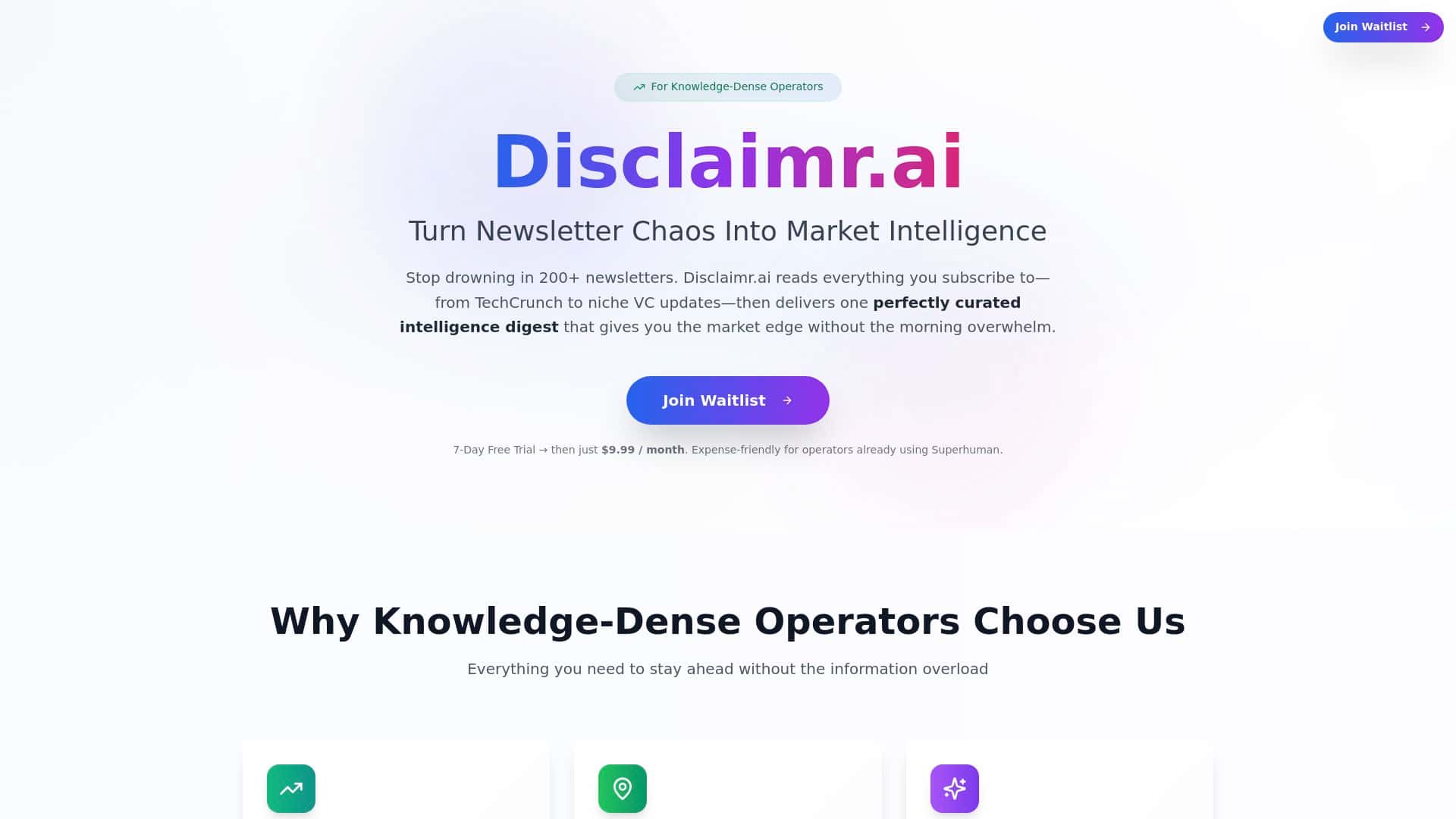
If you’re anything like me, your inbox is basically a full-time job. I was getting hammered by newsletters—product updates, market roundups, “you might like this” emails—everything piling up, and somehow I was still behind. Disclaimr.ai caught my eye because it promises to summarize and filter the stuff you actually care about. So I tested it to see if it genuinely saves time… or if it’s just another AI wrapper that sounds good but doesn’t deliver.
I used it for 7 days, linked a handful of newsletters in my niche (mostly product + market + AI/tech), and then compared what I would’ve read manually vs. what Disclaimr generated for me. The short version? It made my newsletter intake way more manageable. The longer version is where I’ll be picky, because this is one of those tools where the details matter.
Disclaimr Review: Does It Actually Cut Newsletter Overload?
Here’s what I did (so you can judge the results instead of taking my word for it). I linked my newsletters and then watched what Disclaimr sent back over the course of a week. My goal wasn’t “read less.” It was “know what matters faster.”
What I noticed day-to-day:
- Summaries were quick to scan. The digest format made it easy to decide in 10–20 seconds whether something was worth opening.
- It focused on themes, not just headlines. When multiple newsletters covered the same trend, the summaries felt more like “what changed” than “here’s a list of links.”
- Customization helped (but you still have to steer it). If I left my interests broad, the digest stayed broad. Once I tightened what I cared about, the summaries became more relevant.
A concrete example from my testing: On one of the days, I had several emails discussing enterprise AI adoption and tooling updates. Disclaimr didn’t just repeat each announcement. It grouped the takeaways into a digest that emphasized what companies are actually doing (pilots, vendor consolidation, and where budgets are going). I still opened one or two items for details, but I didn’t feel like I had to read everything to stay informed.
Where it fell short: There were times it summarized something correctly but missed the “so what.” For one newsletter that was more opinionated than factual, the digest sounded a bit too neutral—like it sanded off the sharp angle that the original writer emphasized. If you rely on newsletters for strong viewpoints, you may occasionally feel like the edge gets softened.
Overall, though, I didn’t feel like I was “outsourcing thinking.” I felt like I was compressing the noise into something I could act on. And that’s the real win.
Key Features That Matter (Not Just Buzzwords)
- AI-powered digest that summarizes and curates newsletter content automatically
- Simple setup (I linked my email/newsletter sources and it started generating digests without a complicated workflow)
- Customization so the output matches your interests or industry (this is the difference between “useful” and “meh”)
- Regular highlights delivered to your inbox so you don’t have to constantly check a dashboard
- Actionable snippets designed to turn long newsletters into quick takeaways
How the workflow felt in practice
What I liked most wasn’t any single “feature button.” It was the overall flow: link sources → receive a condensed digest → quickly decide what to open (if anything). If you’re juggling meetings and you don’t want to spend your morning skimming 40 subject lines, that flow is exactly what you’re looking for.
One thing I’d call out: the quality of the digest depends on how clean your inputs are. If you subscribe to a lot of overlapping newsletters or a bunch of irrelevant topics, you’ll still get a digest—but it won’t magically become perfect. You’ll want to trim your list or tune your interests so the summaries stay focused.
Pros and Cons (My Honest Take After Testing)
Pros
- Time savings is real for high-volume inboxes. I wasn’t reading every newsletter cover-to-cover anymore. I was scanning the digest, then drilling into only the items that looked relevant.
- More signal than noise. The summaries tended to highlight themes and trends instead of making me decode every paragraph.
- Easy to get started. Setup didn’t feel like a technical project. I could get value quickly.
- Customization improves results. When I narrowed my interests, the digest became more “my world” and less generic.
Cons
- Summarization accuracy isn’t guaranteed. On a few items, the digest captured the gist but softened the nuance or emphasis from the original newsletter.
- You may need to manage subscriptions. If your newsletter list is chaotic, the digest reflects that. In my experience, trimming and tuning beats leaving everything on autopilot.
- Limited transparency on selection. I couldn’t always tell why one section was prioritized over another—so if you want full control over what gets included, you might feel slightly in the dark.
- Potential extra costs if you hit limits. Some AI tools charge based on usage or plan tier, and Disclaimr may be similar—so watch for that if you subscribe to a lot of sources.
Pricing Plans: What I Could (and Couldn’t) Verify
Here’s the deal: I don’t want to make up pricing. In the information I reviewed, exact pricing wasn’t clearly listed in a way I could confidently quote (like “$X for Y newsletters”). The page suggested that pricing for similar AI tools typically starts around $10/month, and that some services offer tiered plans or different usage levels.
If you want the most accurate number, you’ll need to check Disclaimr.ai directly (pricing can change fast, and I don’t want you making a decision based on outdated info).
Who it’s best for
- Founders, VCs, and operators who track multiple newsletters but don’t have time to read all of them.
- People with 10–30+ newsletter subscriptions who want a daily (or regular) “what matters” digest.
- Anyone who needs scanning speed more than deep analysis.
Who might want to skip (or be cautious)
- If your newsletters are very opinion-driven and you care about exact wording or strong stances, the digest may feel like it blurs the edges.
- If you want full control over what’s included and why, the lack of detailed selection transparency could be frustrating.
- If you only follow a few newsletters, a tool like this might be overkill—you could probably just use a simple folder + scan routine.
My final thoughts
After a week of using Disclaimr.ai, I ended up relying on the digests more than I expected. It’s not perfect—there were a couple moments where nuance got flattened—but it consistently helped me move faster through newsletter overload. If you’re drowning in inbox updates and you want a quick “what matters” view, this is one of the more practical AI summary tools I’ve tried.
If you try it, my advice is simple: start with a smaller set of newsletters, tune your interests, and treat the first few digests like calibration—not a final verdict.