Table of Contents
Let’s be honest—tracking money can get messy fast. I’ve tried spreadsheets, budgeting apps, even a notes app that I “totally” update… and then I forget for a week. That’s why I was curious about Dibba. It’s an AI finance app that focuses on expense tracking and savings goals, without asking you to hand over full bank access.
In my experience, the biggest win with tools like this is reducing the effort. If it doesn’t feel easy, I won’t keep using it. Dibba aims for “set it and let it work,” while also keeping things security-first. Let me break down what it does and what I actually think about it.
Dibba Review
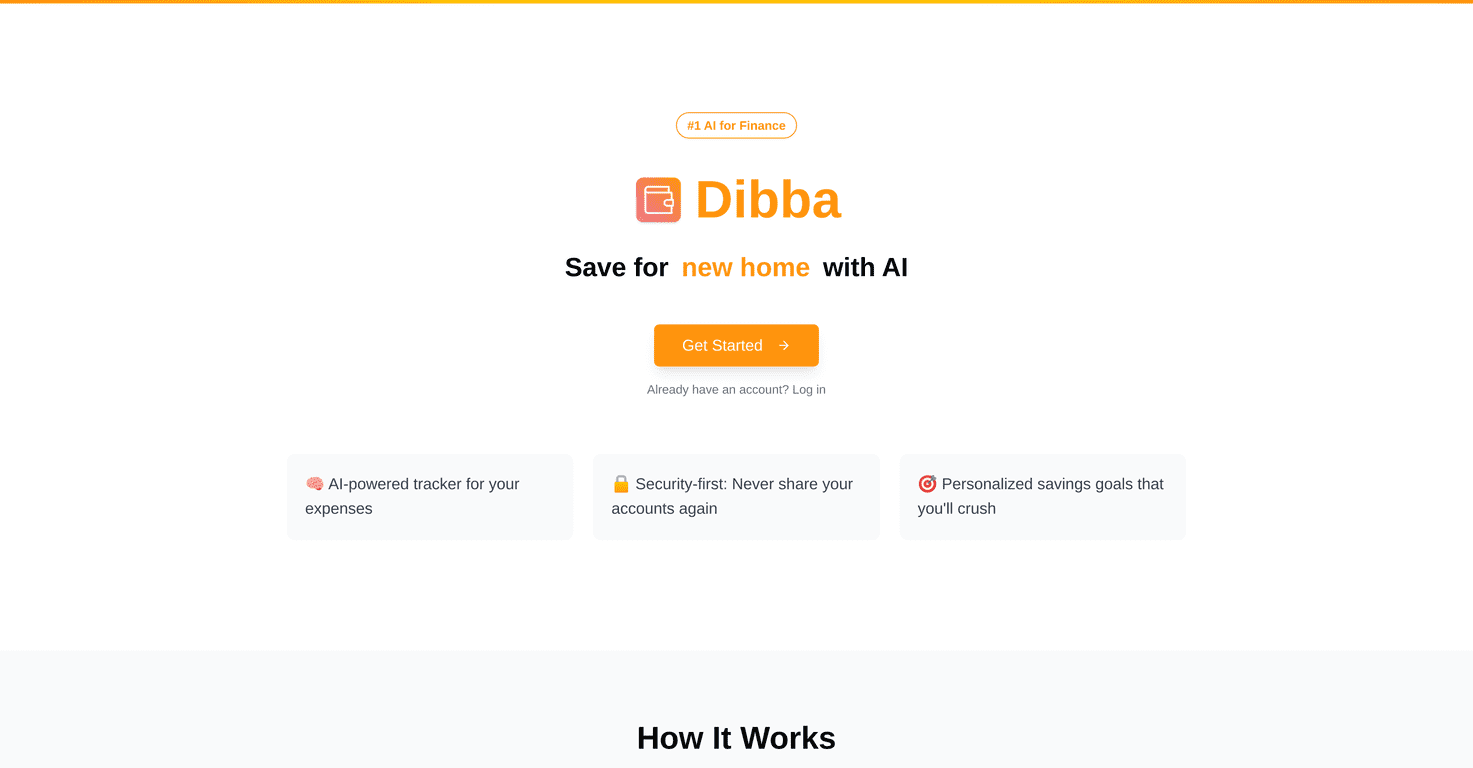
Dibba is a finance app that uses AI to help you track what you spend and then turn that into savings goals. The pitch is simple: you shouldn’t have to connect your entire bank account just to get visibility into your spending. Instead, it’s built around a security-first approach, and it processes SMS notifications to keep your information private.
What I like about that idea is the friction. When a tool requires too many steps (or feels invasive), I stop using it. Dibba’s approach is more “quietly track in the background,” then show you what matters—categories, spending patterns, and goal progress.
Here’s what stood out to me when I looked at how it’s positioned:
- Expense tracking that doesn’t feel manual. The AI-powered tracker is meant to categorize spending in real time, so you’re not stuck entering every coffee, delivery, or bill.
- Security-first by design. Since it uses SMS notifications, it avoids the “give the app full access” vibe that some people don’t love.
- Savings goals that are actually tied to your behavior. Instead of generic advice, it aims to help you set personalized savings targets and then provides insights based on your spending habits.
Now, a quick reality check: AI categorization is helpful, but it’s not magic. If you buy from merchants that don’t map cleanly to categories, you may need to correct things at first. That’s normal for most expense tools, though. The difference is whether the app makes corrections painless—which is what you’d want to look for during your first few days of use.
Pros and Cons
Pros: Dibba’s AI-driven tracking is built to make it easier to see where your money goes, and the goal-setting part is meant to keep you moving toward something concrete. Plus, the privacy angle—processing SMS notifications instead of requiring bank access—is a big deal for anyone who’s cautious about data sharing.
Cons: Switching to a new finance workflow can be annoying, especially if you’re used to a spreadsheet or another budgeting app. Also, availability can be limited by geography or banking restrictions. If your bank or region isn’t supported, you won’t get the full experience—so it’s worth checking before you commit.
Pricing Plans
If you want exact pricing, the details aren’t listed here. I’d recommend checking the Dibba website for the most up-to-date subscription options.
Key Features
These are the main features Dibba highlights, and they’re the ones that matter if you’re trying to cut down on money-tracking effort:
- AI-Powered Expense Tracker
- Security-First Design
- Personalized Savings Goals
- Smart Insights
- User-Friendly Interface
Pros and Cons
Pros
- AI helps reduce manual work. Categorizing spending in real time is the big convenience.
- Security-first approach. Using SMS notifications instead of demanding bank access is a privacy win.
- Savings goals feel personalized. The app is designed to connect your spending habits to goal suggestions.
Cons
- You may need to adjust at first. If you’re used to a traditional budgeting setup, the “AI does it for you” model takes a little getting used to.
- Availability may be limited. Geographic or banking restrictions could affect whether it works for you.
Pricing Plans
For current pricing and subscription details, visit the Dibba website. Plans can change, and I don’t want to guess here.
Wrap up
Dibba is worth considering if you want a simpler way to track expenses and set savings goals without jumping through hoops or sharing full bank access. The combination of AI categorization and a security-first setup (via SMS notifications) is a strong direction, especially if you’re privacy-conscious. Just make sure it’s available for your region/bank, and give yourself a few days to confirm the categories and insights feel accurate for your spending style.
Promote Dibba



