Table of Contents
Building a website can feel like one of those “easy in theory” projects—until you’re staring at a blank page and wondering why every button seems to do something different. That’s been my experience, anyway. If you don’t want to mess with code or spend weeks wrestling with templates, CraftWeb is the kind of tool that tries to shortcut the whole process.
In this CraftWeb review, I’m going to walk through what you can actually expect when you use it—what feels smooth, what’s a little limiting, and who I think it’s best for. I also paid attention to the stuff that usually matters in real life: how fast it gets you to a usable site, how much you can tweak once it’s generated, and whether the end result looks “real” or generic.
CraftWeb Review: What You Get (and What You’ll Probably Change)
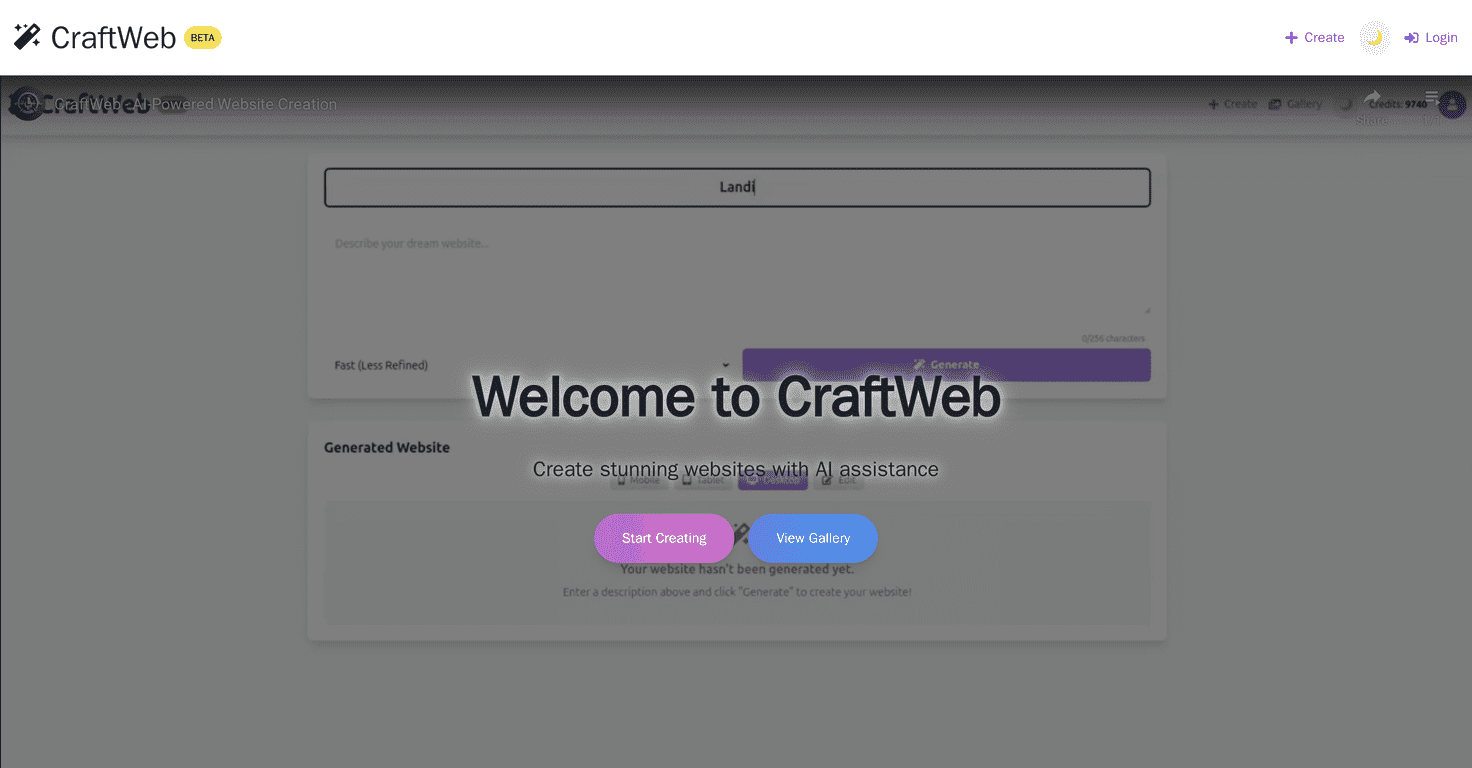
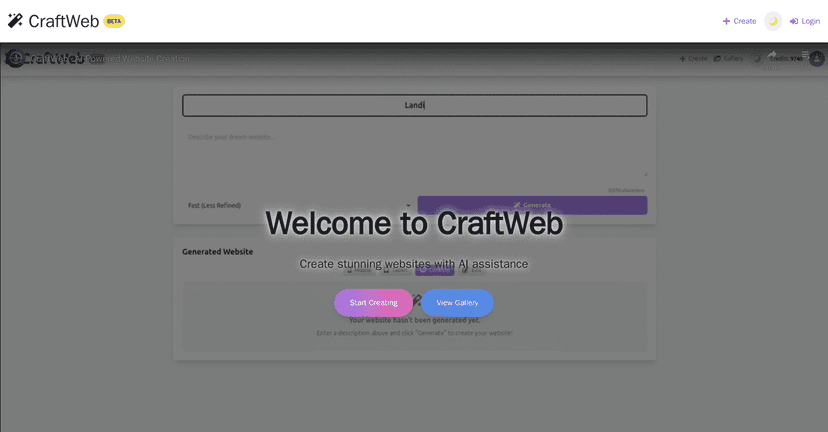
CraftWeb is positioned as an AI website generator, and that’s pretty accurate. The main value is speed: it helps you go from idea to a real, publishable-looking site without needing to learn layout grids, fonts, and spacing rules. In my experience, it’s the kind of tool you’ll appreciate when you’re trying to launch something quickly—like a service page for your business, a portfolio, or an event landing page.
That said, I don’t think it’s “magic.” AI tools can get you 80–90% of the way there fast, but you’ll still want to adjust things so it matches your brand. For example, if the generated homepage headline sounds a little generic, you’ll likely want to rewrite it. If the color palette doesn’t match your logo, you’ll want to swap it. And if the layout puts your CTA in a spot that doesn’t feel right, you’ll probably move it.
One thing I liked: the end result tends to look more polished than the typical “first draft” you get from drag-and-drop builders. It’s not always perfect, but it’s usually close enough that you’re editing instead of starting over.
Key Features of CraftWeb (How It Actually Helps)
- AI-Powered Design that adapts based on your preferences and content—so you’re not stuck selecting everything manually.
- User-Friendly Interface for different skill levels. If you’re brand new, you won’t feel completely lost.
- Responsive Designs built to work on mobile. I always check this because a “desktop-perfect” site is basically useless if it falls apart on phones.
- Customizable Templates so you can steer the style without needing to rebuild the whole page structure.
- Fast Deployment that helps you publish sooner rather than later—which matters if you’ve got a deadline.
Pros and Cons (My Honest Take)
Pros
- Time-efficient web creation: If you want a website up quickly, CraftWeb does that job well. You’re not spending hours on basic setup.
- Cost-effective compared to hiring: For many small businesses, paying a designer can be overkill for a simple marketing site. CraftWeb can get you a functional version without that upfront cost.
- AI features that reduce blank-page stress: Starting with suggested sections and structure is a huge win when you don’t know what to put where.
- Beginner-friendly: I think it’s a good fit if you don’t code and you just want a clean site that looks professional.
Cons
- Customization can feel limited: If you want total control—pixel-level design, custom layouts, or very specific branding rules—you may hit walls sooner than you’d like.
- AI won’t fully understand niche needs: If your industry has unusual requirements (special compliance text, unique workflows, or very specific content structures), you might need to do extra editing or accept a more “standard” layout.
- Some advanced options take a learning curve: Not necessarily hard, but you may need a bit of trial-and-error to get everything looking exactly right.
Pricing Plans (What to Check Before You Commit)
CraftWeb typically offers a Free Tier for basic features, plus Basic and Pro plans that unlock more templates and options. In my opinion, the real question isn’t just “what’s the monthly price?”—it’s what you get access to at each tier (like how many site variations you can generate, what customization tools are included, and whether advanced features are locked behind Pro).
Pricing can change, so for the most accurate numbers, you’ll want to check the CraftWeb website directly.
Wrap Up
If your goal is to launch a professional-looking website without spending your weekends learning web design, CraftWeb is worth a serious look. It’s fast, it’s pretty easy to use, and the AI-generated starting point helps you avoid that “where do I even begin?” feeling.
Just don’t expect it to replace every designer-grade customization need. If you want total creative control or you’re building something highly specialized, you may find the customization limits frustrating. But for portfolios, small business pages, and simple marketing sites? CraftWeb can be a practical way to get live quickly and improve from there.
Promote CraftWeb