Table of Contents
If you’ve ever stared at your phone or laptop at 11:30pm thinking, “What am I even posting tomorrow?” — yeah, same. I’ve been there. And honestly, most content idea tools either give you the same generic prompts or they’re so complicated that you lose motivation before you even start.
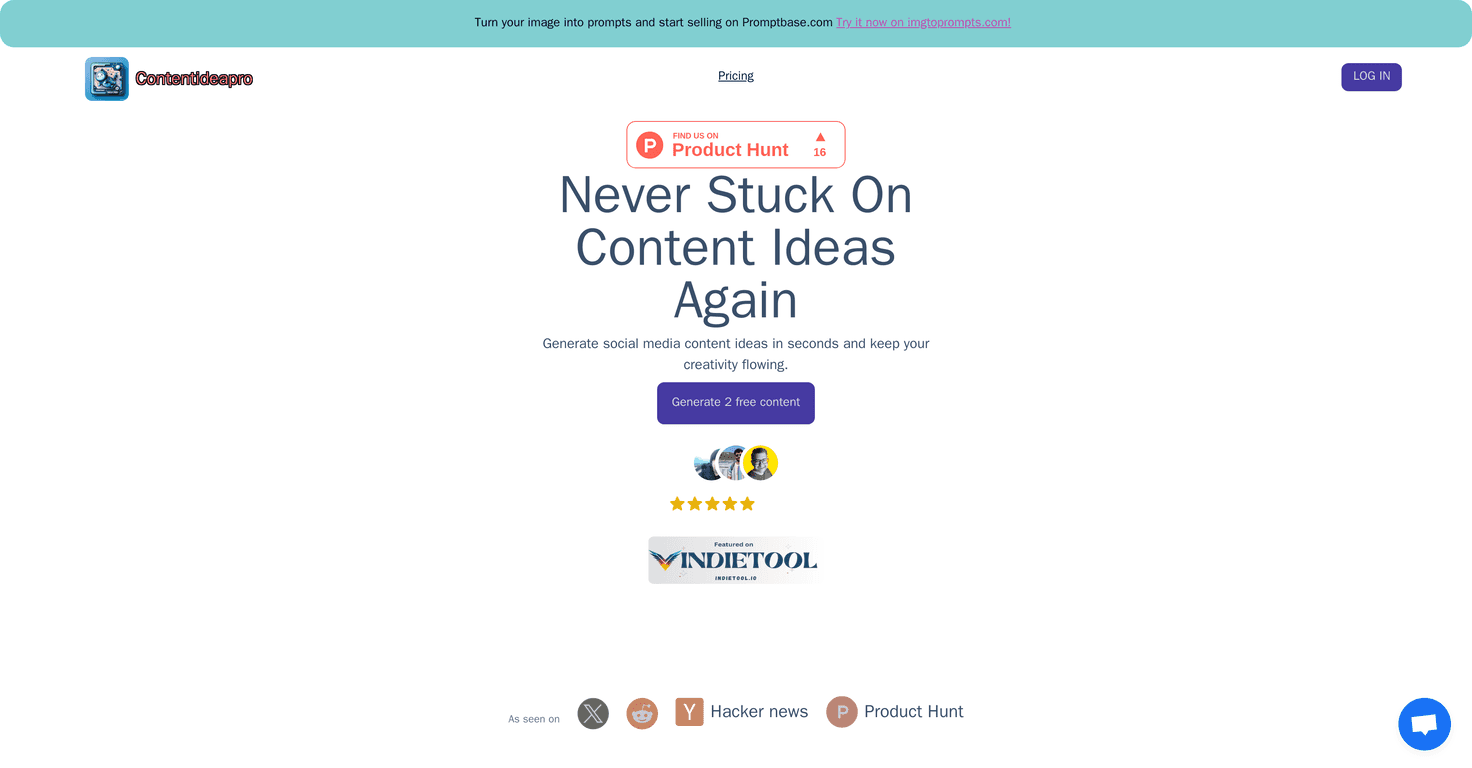
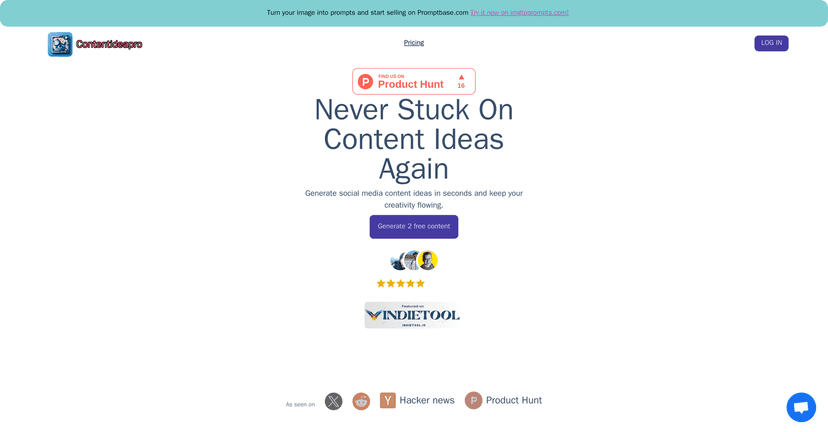
That’s why I decided to test Content Idea Pro. It’s a content idea generator that focuses on helping you come up with posts for platforms like YouTube, TikTok, Instagram, Facebook, and Twitter/X. The big promise here is simple: you tell it your niche, and it spits out ideas you can actually turn into content instead of staring at a blank screen.
Content Idea Pro Review: Does It Actually Help You Post More?
Here’s what I liked right away: it doesn’t feel like you need a marketing degree to use it. I went in with a pretty specific niche (the kind of thing that usually makes idea tools either overgeneralize or go off the rails), and I tested it across a few platforms.
What I noticed is that the suggestions aren’t just random headlines. They’re usually built around content angles you can turn into real posts—like quick tips, audience questions, “mistakes to avoid,” and content series ideas. That matters, because idea generators that only spit out vague themes are basically useless when you’re trying to write captions or script a video.
Also, the tool is positioned for multiple platforms. So if you’re repurposing content (for example, turning one TikTok idea into an Instagram Reel and a short Twitter thread), it’s at least thinking in that direction instead of giving you ideas for only one channel.
Key Features (What You Get and What It Means in Real Life)
- Unlimited content generation (during your pass): I tested this by running multiple prompts back-to-back. Instead of hitting a hard wall after a few ideas, it kept generating options so I could build a mini content plan for the week.
- Advanced AI suggestions: The ideas tend to be more relevant than the super generic stuff you see from some free generators. You still have to pick what fits your brand, but the starting points feel usable.
- Platform-focused tools: You can generate ideas for YouTube, TikTok, Instagram, Facebook, and Twitter/X. In my experience, that saves time because you’re not constantly re-framing the same concept for different formats.
- Customer support: They mention free support. I didn’t need to contact them during my test, but it’s a good sign if you’re the type who likes quick answers when something doesn’t make sense.
Pros and Cons (My Honest Take)
Pros
- Fast to use: You can get ideas quickly without spending 30 minutes tweaking settings. That’s huge when you’re on a schedule.
- Ideas feel tailored to niches: I noticed fewer “one-size-fits-all” suggestions compared to some other tools. It still helps to be specific with your niche and audience, though.
- One-time payment options: Instead of paying monthly, you can grab a pass and use it for a set period. If you only need help occasionally, that can be a relief.
- Good for brainstorming sessions: I used it like a warm-up. I’d generate a batch of ideas, pick the best 3–5, then turn them into drafts (captions, hooks, or short outlines).
Cons
- Access is limited by time passes: The content generation is tied to 7 or 21-day passes. That’s not automatically bad, but if you want ongoing access year-round, you’ll hit the limit sooner than you’d expect.
- Recurring subscription users may prefer a different setup: If you’re someone who posts daily or runs campaigns all month, the pass model might feel a bit inconvenient compared to a subscription.
- Like any AI tool, you still need your voice: I’m not saying this to be negative—just realistic. You’ll likely rewrite the ideas into your own tone, especially for captions and scripts. The generator helps you start; it won’t fully replace your creativity.
Pricing Plans (What I’d Choose)
Content Idea Pro pricing is pretty straightforward:
- 7 Days Pass — $6.99: Unlimited content generation during the pass, improved AI, and customer support.
- 21 Days Pass — $16.99: Includes everything in the 7 Days Pass, but you get more time to generate ideas and actually schedule content.
If you’re testing the tool for the first time or you just want a week of ideas, I’d start with the 7 Days Pass. But if you’re trying to build a consistent posting rhythm (like planning 3–4 weeks ahead), the 21 Days Pass makes more sense.
Wrap up
So… is Content Idea Pro worth it? In my opinion, it’s a solid option if you want faster brainstorming and more usable content angles for multiple social platforms. It won’t magically make your content viral, but it does help you stop freezing when you run out of ideas.
If you’re the kind of creator who needs a little push to get posting again, I’d give it a try—especially with the short pass first. You might be surprised how quickly you can turn generated ideas into drafts once you’ve got momentum.



