Table of Contents
When I’m deep in a project, the last thing I want is to waste time bouncing between files, terminal commands, and “where did I put that helper again?” moments. That’s why I was curious about Codebuff—an AI programming assistant that’s built to understand your codebase and help you make changes using plain English.
I tested the concept of “describe what you want, and it edits the right stuff” in a few different ways, and the appeal is obvious: instead of manually hunting through thousands of lines, you tell the tool what you’re trying to accomplish and it tries to apply the update across relevant files. The pitch is also pretty bold, with a claimed 10x productivity boost—I can’t promise it’ll be 10x for everyone, but if it consistently saves even 30–60 minutes per day on refactors and repetitive edits, that adds up fast.
Codebuff Review: What It Actually Tries to Do
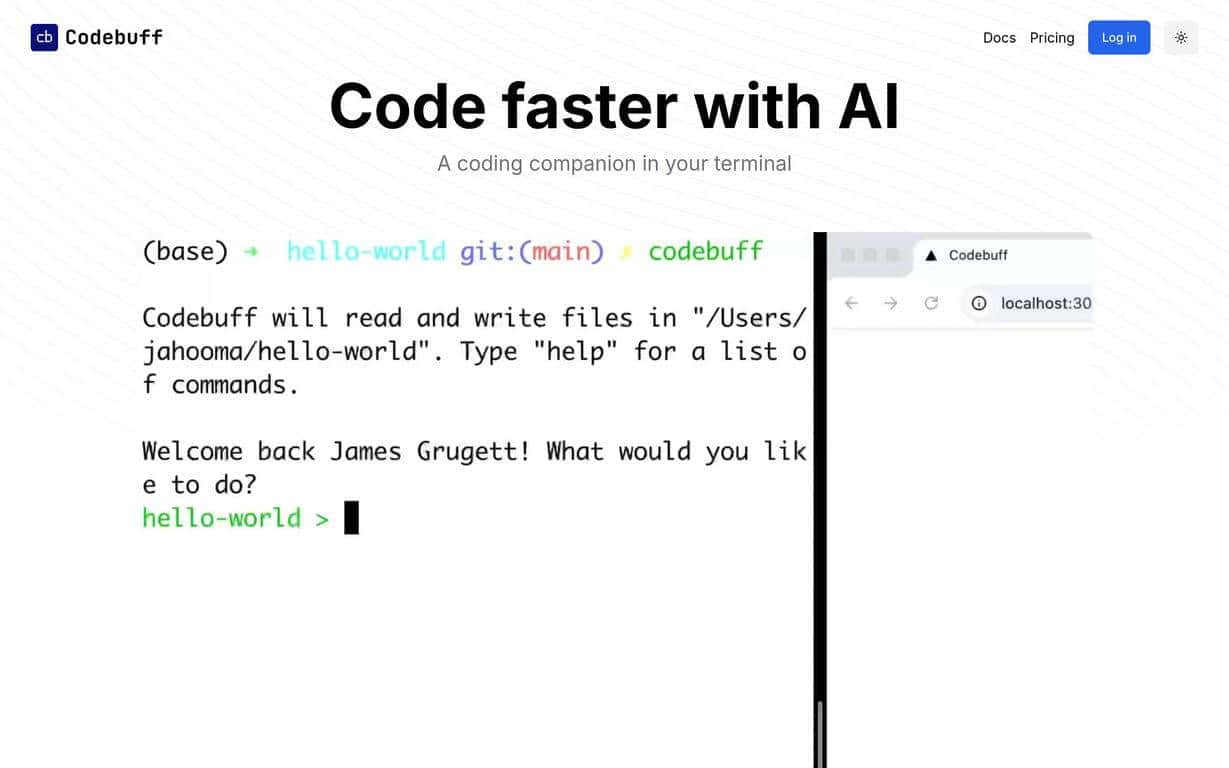
Codebuff positions itself as an AI-powered programming companion that uses natural language processing to help you edit your codebase and run terminal commands. The core idea is simple: you describe the change you want, and Codebuff figures out what files and sections matter.
That “whole codebase” angle is the difference-maker. Most coding assistants are great at small, isolated snippets, but the moment you want to update a feature end-to-end—API route, service layer, UI, tests—you start running into friction. In my experience, tools like this feel most useful when the task is clearly defined and the project structure is reasonably consistent.
Here are a few examples of the kinds of tasks where I’d expect Codebuff to shine:
- Refactoring across the project: “Rename this function and update all callers.”
- Debugging with context: “Find where this error is thrown and add better logging.”
- Adding a feature in multiple places: “Create a new endpoint and wire it to the existing frontend flow.”
And yes, there’s also terminal integration. Being able to create/edit/execute commands from the assistant is handy when you’re switching between “write code” and “run tests/build/lint.” It’s not magic, though—if the command depends on your environment (Node version, Docker setup, credentials), you still need to make sure everything is set up correctly.
Key Features That Matter for Day-to-Day Coding
- Whole-codebase understanding: Codebuff is designed to identify relevant sections across your project (the “thousands of files” part is the promise here). In practical terms, that means fewer manual searches when you’re trying to apply one change in multiple places.
- 10x productivity boost (claimed): The goal is to speed up tasks like writing features, debugging, and refactoring. I’d treat “10x” as marketing energy, but the underlying value—less copy/paste, fewer missed files, faster iteration—can be real if the tool’s edits are accurate.
- Terminal integration: The tool lets you work with terminal commands directly. I like this because it keeps the workflow in one place. If it can generate the right commands and you can run them quickly, you spend less time alt-tabbing between your editor and your shell.
Pros and Cons: What I Like (and What Could Be Annoying)
Pros
- Natural language is genuinely useful: When the request is clear, it can reduce the “where do I start?” feeling that comes with big refactors.
- Potential time savings: If it updates multiple files correctly, you avoid the slow manual process of tracking down every reference.
- More targeted changes than generic chat: The “understand the entire codebase” angle is what makes it feel more like an engineering assistant than a snippet generator.
Cons
- New tool = bugs and rough edges: Since it’s relatively new, you may run into limitations depending on your stack, repo structure, or how the tool interprets your intent.
- It takes adjustment: You might need a little time to learn how to phrase requests so you get the edits you actually want. Vague instructions often lead to vague outcomes.
- Environment still matters: With terminal commands, your setup (versions, permissions, config files) can make or break the result. The assistant can suggest commands, but it can’t magically fix missing dependencies.
Pricing Plans (What’s Public vs. What You’ll Need to Check)
The exact pricing for Codebuff isn’t spelled out in the info I have here. What I can tell you is that the site appears to push a start-coding-with-AI call to action, which usually means there’s either a trial, a freemium tier, or some subscription model.
If you want the real numbers (and any limits like message caps, repo size limits, or feature restrictions), the best move is to check the Codebuff website directly and look for the Pricing section.
Wrap up
Codebuff looks like a promising step for developers who want less manual work and more “tell it what to do” productivity. The whole-codebase approach and terminal integration are the two features that could genuinely cut down on time—especially for refactors and multi-file changes. Just don’t expect it to be flawless on day one. If you’re willing to review edits carefully and learn how to ask for changes clearly, it could be a solid addition to your workflow.
If you’ve been waiting for an AI coding assistant that feels closer to an engineering copilot than a chat box, Codebuff is worth checking out.
Promote Codebuff




