Table of Contents
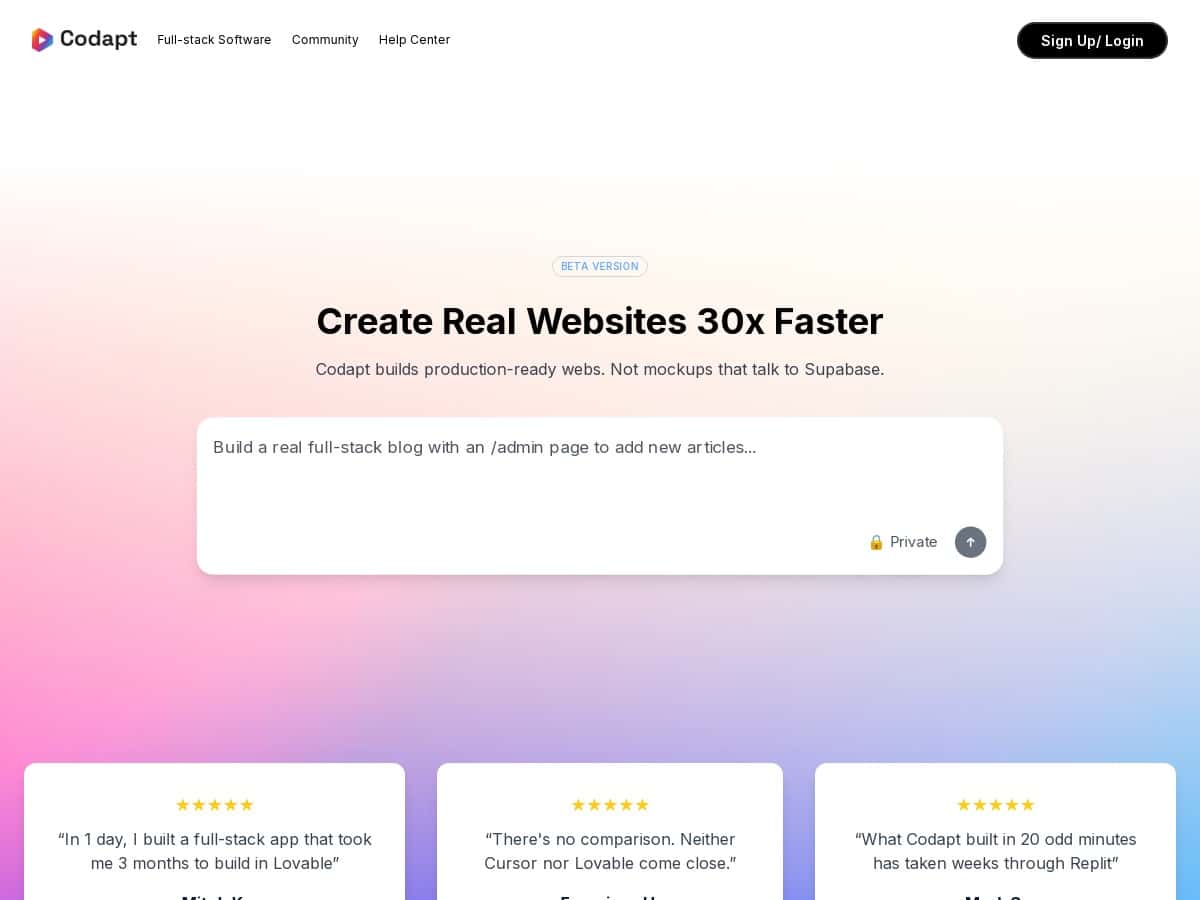
If you’ve ever stared at a blank repo and thought, “Why does this always take forever?”, you’re going to relate to Codapt. I tested Codapt with the goal of building a small full-stack web app from an idea—without spending hours wrestling with boilerplate. The promise is that it can cut development time by up to 30x, and while I can’t honestly guarantee that number for every project, I did notice a real speed boost on the parts that usually waste the most time (scaffolding, wiring routes, generating starter code, and getting a working baseline quickly).
I also used the IDE extension in VS Code (and tried it alongside Cursor) to see how well it fits into a normal workflow. The overall experience felt “assistant-like”: you describe what you want, it generates code, and you iterate. Some things were smooth. Some things needed manual fixes. That’s the honest version.
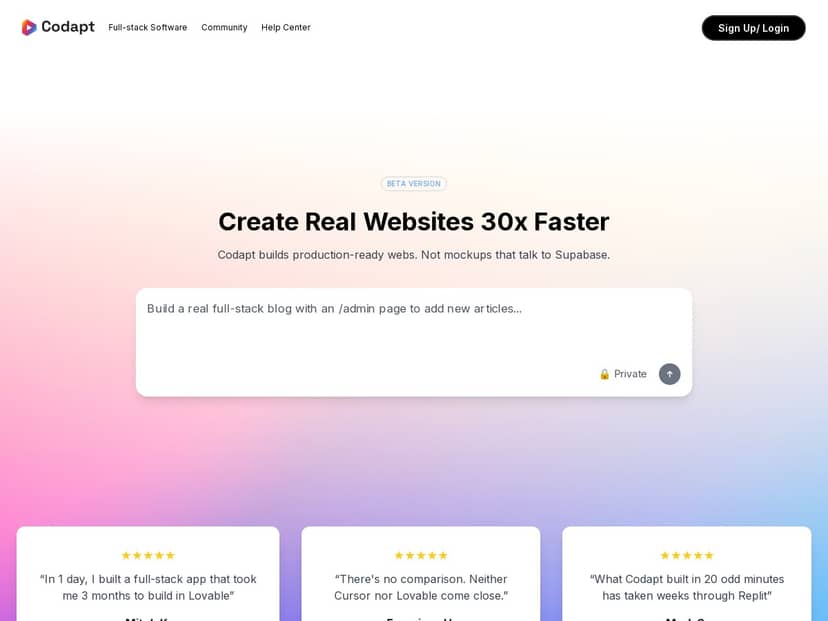
Codapt Review: What Happened When I Actually Built Something
I’m going to be straight with you: Codapt felt best when I treated it like a “generate + iterate” partner, not a magic button. The biggest win for me was how quickly I got from idea to a running baseline.
My test goal: build a tiny full-stack app with a clear UI, a backend endpoint, and a database model—something I could realistically expand later.
What I did (step-by-step):
- 1) Described the app in plain English (web UI + basic CRUD + simple auth concept). I kept it specific: what screens I needed, what fields the data should have, and what actions the user should be able to do.
- 2) Generated a full-stack baseline using Codapt’s web-based builder and then checked the project structure.
- 3) Used the IDE extension inside VS Code to adjust pieces that weren’t quite right (naming, a couple of route handlers, and one UI mismatch).
- 4) Ran the app and validated the flow end-to-end: open page → create/update item → verify it hits the backend → confirm it persists in the database.
What I noticed right away: the initial scaffolding was the fastest part. In a typical setup, I’d expect to spend time on routing, wiring request/response shapes, and getting the database layer to match the UI. With Codapt, a lot of that came pre-built, so I could focus on the “does it work” checks instead of staring at configuration files for an hour.
Where it didn’t fully nail it: like most AI-assisted builders, it can generate code that’s “close” but not perfect. In my case, I had to clean up a couple of mismatched field names between the UI and the backend. Also, beta tools sometimes require small manual adjustments when dependencies or defaults don’t line up with what you expected.
So, is Codapt a “game-changer”? For certain workflows—especially starting new web apps and iterating on features—it’s genuinely helpful. But if you’re expecting it to produce production-ready code with zero review, you’ll be disappointed. I wouldn’t ship instantly without tests and a quick security pass.
Key Features That Matter (and How They Played Out for Me)
- Full-stack development support (frontend, backend, database)
- Instead of generating just UI components or just an API, Codapt aimed to cover the whole stack. In my test, that meant I could describe the data model and then see it reflected in the database layer plus the UI actions. The best part was how quickly I got an end-to-end loop working—create → save → refresh → see changes.
- IDE extensions for VS Code and Cursor
- I used the extension in VS Code and checked how it fits into everyday editing. What I liked: I didn’t have to constantly jump back and forth to make small changes. What I didn’t love: when the generated code was slightly off, it still took a bit of manual cleanup—mostly naming consistency and aligning data shapes.
- Natural language code editing and generation
- This is where Codapt shines the most. I tried requests like “Update the form to include a new field and make sure the backend endpoint accepts it,” and it responded with code changes that were usually in the right area (UI component, handler, and related types). Still, I had to verify the generated output—especially types and validation rules—because “it compiles” isn’t the same as “it’s correct.”
- Customizable backends with no vendor lock-in (as claimed)
- Codapt’s positioning here is that you can tailor the backend without being trapped. I can’t promise lock-in behavior without a deeper audit of every integration option, but what I did find useful is that the backend pieces were editable and understandable enough to modify. If your goal is to keep control of architecture, that’s a good sign.
- Web-based app builder
- The browser-based builder made it easy to prototype without setting up a bunch of local tooling first. For me, it reduced friction during early iteration. If you like to move fast and validate ideas quickly, this part is worth paying attention to.
- JavaScript and TypeScript support
- I focused on TypeScript-friendly flows. The output was generally compatible with typed patterns, but again: I still checked the types and made sure the UI and API data contracts matched. That’s on me as a developer, not a flaw unique to Codapt—AI tools just make it easier to get moving before everything is perfect.
- Security and production-ready code focus
- Codapt claims it’s aiming for secure, production-ready output. In practice, I treated it like a starting point and did my usual checks: looked for obvious validation gaps, confirmed request handling behavior, and reviewed generated logic for anything that looked like it could break under real input. If you’re not already doing those checks, I’d strongly recommend you start.
Pros and Cons: What I Liked vs. What Still Needs Work
Pros
- Fast time-to-working baseline: the biggest win is getting a working app scaffolding quickly, especially for full-stack wiring.
- Beginner-friendly UI + workflow: you can move forward with plain-language prompts without understanding every detail upfront.
- One place to work across the stack: frontend + backend + database in one flow is genuinely convenient for small-to-medium projects.
- IDE integration helps with iteration: being able to adjust generated code inside VS Code reduced context switching for me.
- Natural language edits are practical: when prompts are specific, the generated changes tend to land in the right files and areas.
Cons
- Beta instability: some features can feel “almost there.” I ran into small issues that required manual fixes rather than a fully automatic experience.
- Absolute beginners may still struggle: if you don’t understand basic web concepts (routes, request/response, data models), you’ll need to learn while you build.
- Pricing transparency isn’t complete in my test: I didn’t see fully detailed tier breakdowns in the way I’d expect before paying.
- Advanced workflows aren’t always as polished as mature tooling: expect to do more review and cleanup for complex edge cases.
- Enterprise-level capabilities are unclear: things like team governance, deeper compliance, or advanced deployment controls weren’t something I could verify in my quick test.
Pricing Plans (What I Found)
Codapt offers a free trial, and the paid plans I saw were described as starting around $25/month. The part that matters: I couldn’t confirm a detailed tier chart (exact plan names, usage limits, or what features unlock per tier) from the info available in my review window.
If you’re deciding whether it’s worth it, here’s what I’d verify before entering your credit card:
- Which plan includes the full IDE extension experience (VS Code/Cursor) and whether it’s consistent across tiers
- Any usage limits (number of generations, projects, or build runs)
- Whether database/back-end integrations differ by plan
- What “production-ready” means in practice for your stack (any built-in testing, deployment, or security tooling)
Wrap up
After testing Codapt, my takeaway is pretty simple: it’s a strong option if you want to move quickly from an idea to a working full-stack app and you don’t mind doing some review. The speed advantage is real—especially for scaffolding and getting the first version running. But it’s still beta, so you should expect to catch and fix a few mismatches and edge cases yourself.
If you want a tool to help you prototype faster, iterate in the IDE, and reduce the boring setup work, Codapt is worth trying. Just don’t treat it like a substitute for understanding what your code does. That’s the difference between “working” and “ship-ready.”


