Table of Contents
If you’re trying to post more consistently on TikTok, YouTube Shorts, or Instagram Reels, you already know the annoying part: editing can eat your time. That’s why I gave Clip Studio a real test. The big promise is simple—make short-form videos faster, without needing a full-on editing setup. And honestly? For the kind of videos most people actually post every day, it’s pretty compelling.
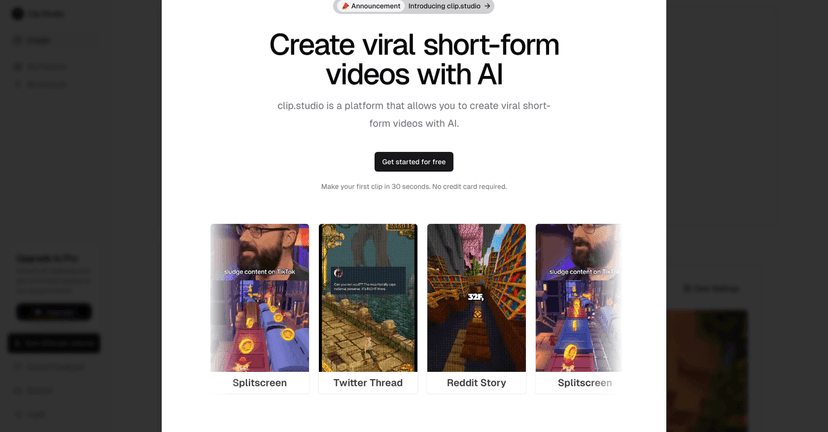
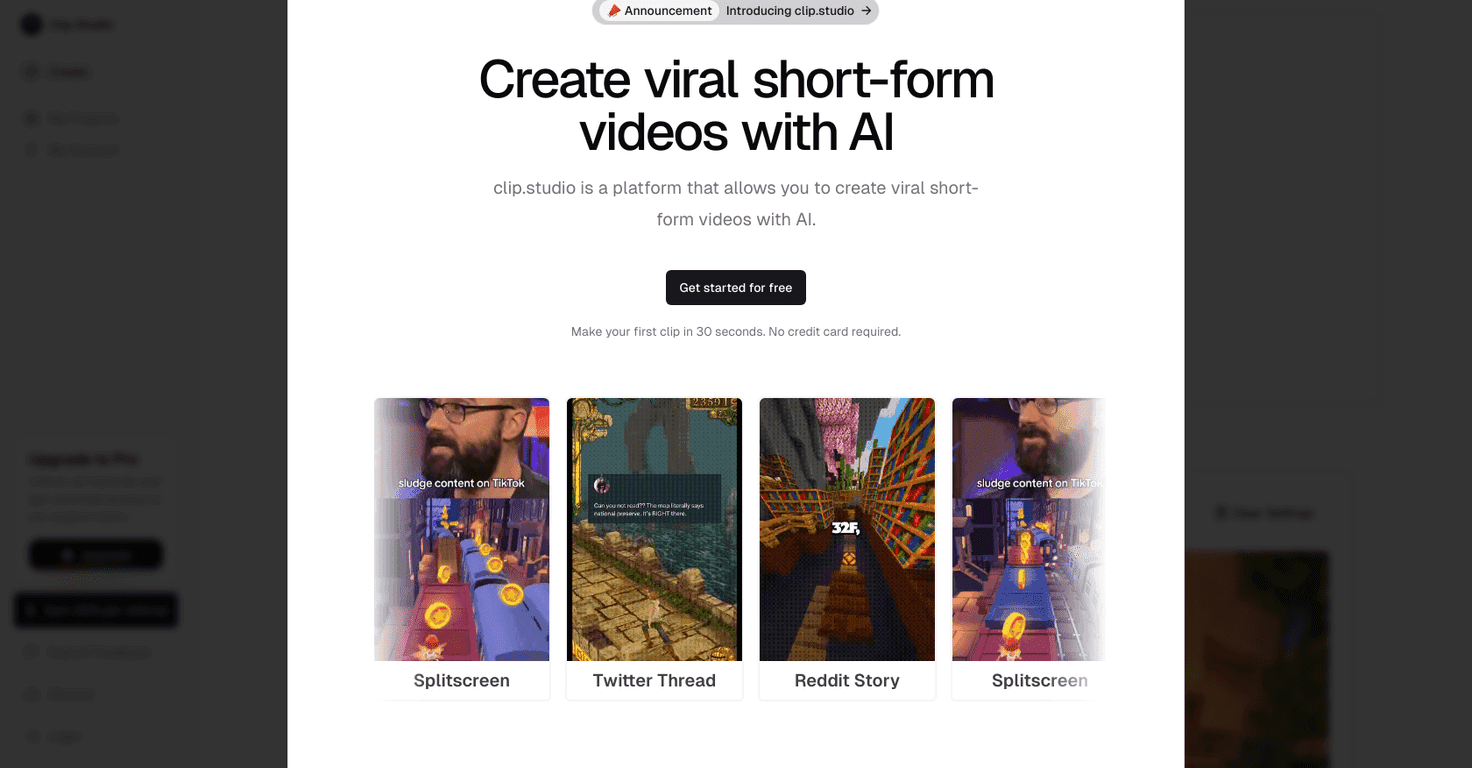
What I liked most right away is how quickly you can go from “idea” to “something you can post.” The interface is built to keep you moving. You’re not buried in timelines and layers like you’d be with traditional video editors. Instead, you’re choosing styles, setting up the voice/narration, picking captions, and exporting in the right format for each platform.
Clip Studio Review
Clip Studio is a web-based tool that’s clearly aimed at creators who want to publish short videos without spending hours editing. In my experience, that focus matters. When a tool is designed for Reels/Shorts/TikTok first, you don’t waste time hunting for the “right” export settings—because those decisions are already baked into the workflow.
Here’s what I mean by “baked in.” Instead of building everything from scratch, you pick a template, choose your aspect ratio, decide on voiceover/narration, and then style things like captions and backgrounds. It’s almost like assembling a video from pieces that are meant to work together.
And yes, there’s an AI angle to it. The platform helps generate or speed up parts of the production process, so you’re not stuck doing every step manually. But the real win isn’t that it’s “AI.” It’s that it keeps you moving toward a finished export.
Key Features
- AI video creation (built for speed): The workflow is designed to reduce the time between idea and draft. In practice, I found I could make a complete short video without the usual “open editor, set up timeline, fix everything” routine.
- Template selection: Templates help you start with a look that already fits a niche—motivational, product-style, educational, and more. If you don’t have a strong design background, templates are a lifesaver.
- Voiceover options: You can use narrator voices in different languages. What I noticed is that voice selection changes the vibe instantly—choose something that matches your tone, or your video will feel off even if the visuals look great.
- Background options: Backgrounds make it easier to avoid the “blank” feeling that some quick edits have. I liked that you can swap the look without rebuilding everything.
- Caption styles: Captions are where short-form videos often win or lose. Clip Studio’s caption styling makes it easier to keep text readable and on-brand, especially on mobile.
- Aspect ratio selection: This is huge for anyone posting across platforms. You don’t want your text cut off on one platform and stretched on another.
- Direct sharing / export: The goal is to get your finished video out fast. I found exporting and sharing was straightforward, which matters when you’re posting frequently.
Pros and Cons
Pros
- It’s genuinely quick for short-form: I was able to create a full draft without the steep learning curve you get with traditional editors.
- Easy interface: Everything is laid out in a way that makes sense. I didn’t feel like I was fighting the tool to get basic results.
- Lots of creative knobs: Templates, backgrounds, voice options, and caption styles let you make multiple variations without starting over.
- Platform-friendly formats: Aspect ratio options and export/sharing are aligned with how people actually watch videos today.
Cons
- Not built for long-form editing: If you’re trying to make a 20–40 minute video with complex cuts, overlays, and custom transitions, this isn’t really that tool.
- Less control than a full editor: You trade some precision for speed. If you love fine-tuning every second, you may feel boxed in.
- Template look can feel similar: If you post a lot, you might start noticing that videos made with the same template family share a “house style.” It’s not a deal-breaker, but it’s worth keeping in mind.
Pricing Plans
For complete and detailed pricing information, please visit the official Clip Studio Pricing page.
If you’re comparing plans, I’d pay attention to things like how many exports you get, whether there are limits on voiceover usage, and what “quality” options (if any) are included. That’s usually where pricing differences show up.
Wrap up
Clip Studio is a solid choice if your main goal is posting more short-form videos with less friction. It’s not trying to replace every editor out there—it’s trying to help you publish faster, and in my experience, it does that well. If you want quick drafts, readable captions, and platform-friendly exports, you’ll probably enjoy the workflow.
Just don’t expect it to replace a full timeline-based editor for long-form work or ultra-specific creative control. For most creators doing TikTok/Reels/Shorts regularly, though? It’s worth checking out.
Promote Clip Studio




