Table of Contents
Ever find yourself doom-scrolling your camera roll and realizing you’ve got thousands of near-identical photos? I did. And the worst part? They quietly eat storage until your phone starts nagging you about “low space.” That’s exactly why I downloaded Cleaner Ai—to clean things up without spending an entire weekend manually hunting duplicates.
In this Cleaner Ai review, I’ll walk through what the app actually does, what it does well, and where I think you should be a little cautious. Spoiler: the gestures are genuinely convenient, and the storage-focused sorting helps you spot the “big file” offenders fast.
Cleaner Ai Review (What I Noticed After Using It)
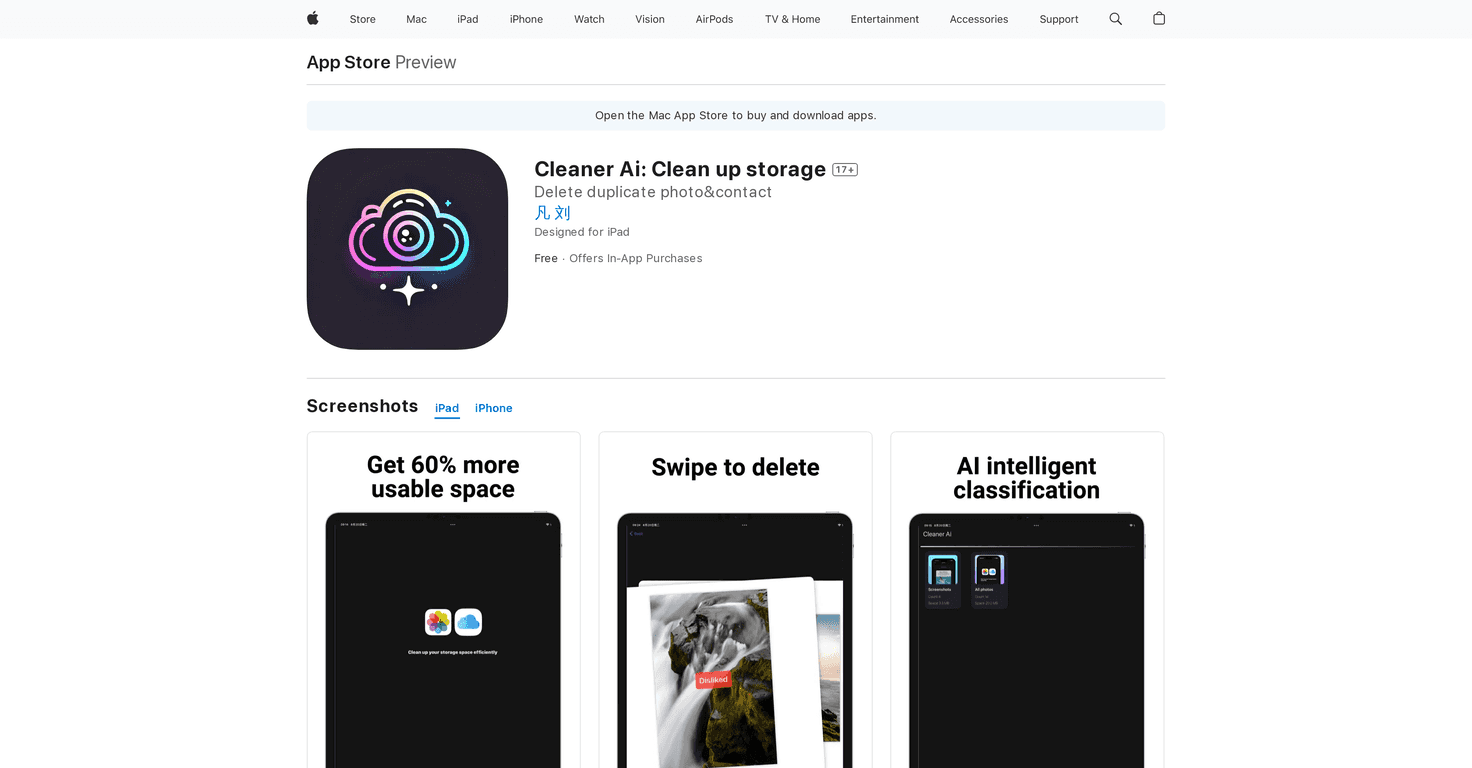
Cleaner Ai is basically a photo organizer and cleanup tool. Its main pitch is simple: find duplicates, remove clutter, and help you reclaim storage without doing everything manually.
What stood out to me right away is how it focuses on storage, not just “organizing for the sake of organizing.” It lets you sort by things like file size, which is honestly the fastest way to find what’s actually taking up space. Instead of scrolling through a thousand thumbnails, you can jump straight to the bigger files and decide what to keep.
And the gestures? They’re not just a gimmick. I tested it during a quick cleanup session and found myself deleting unwanted shots faster than I expected. Swipe to move through items, swipe to manage what you don’t need—less tapping, fewer “where do I press?” moments.
One more thing I liked: the app makes it easier to target photos from a specific timeframe. If you know the clutter started after a trip, a specific event, or a month where you took a ton of pics, narrowing the view helps a lot. Why clean your entire library when you only need to fix one mess?
Key Features That Actually Matter
- Quick photo album organization
You can group and manage your photos without the usual “tap-tap-tap” grind. It’s built for speed. - Sorting by file size
This is the feature I’d recommend first. When you sort by size, you can spot large videos and oversized images that are usually the real storage hogs. - Find photos by timeframe
If you want to clean up a specific period (like “last summer” or “that weekend”), this helps you avoid reviewing everything. - Gesture controls for navigation
Swiping through items feels smooth. It’s the kind of UI that makes cleanup sessions less painful. - Support team access
If you run into questions, there’s a support option inside the app ecosystem.
Pros and Cons (Real Talk)
Pros
- Gesture-based workflow makes deletion and review feel faster than traditional tapping.
- Duplicate cleanup helps you free up storage—especially if you tend to take bursts or re-take the same shot.
- Advanced features are available via in-app purchases, so you’re not stuck with only the basics.
- Free to download, which is great if you want to test it before spending anything.
Cons
- Some advanced capabilities are locked behind in-app purchases. I noticed the upgrade prompts show up when you want more thorough cleanup.
- The free version can feel limited depending on what you’re trying to accomplish. You might be able to do a quick pass, but deeper scans or specific tools may require paying.
- As with any cleanup app, you still need to be careful. Even when duplicates are detected, it’s smart to double-check before deleting—especially for screenshots or edited photos that might look similar.
Pricing Plans (What You’ll Pay)
Cleaner Ai offers a free version with basic features, and then you can unlock more with in-app purchases.
From what’s listed, there’s a monthly subscription for $1.99, or a one-time lifetime option at $12.99 for ongoing access to enhanced features. If you only want cleanup once or twice a year, the lifetime option might make more sense. If you’re planning to keep your library constantly trimmed, monthly could be easier to justify.
My Quick Tips Before You Start Cleaning
- Start with the biggest files first. Sorting by size usually gets you the quickest storage wins.
- Do a “small batch” cleanup first. I like to remove a few items, then check my Photos library to make sure nothing important disappeared.
- Be extra careful with screenshots. They can look “duplicate-ish,” but sometimes one version includes different text or formatting.
- Use timeframe filtering to reduce noise. Cleaning one month beats cleaning your entire library in one sitting.
Wrap up
Overall, I found Cleaner Ai to be a solid, user-friendly option if you’re trying to get control of duplicate photos and free up storage without turning cleanup into a chore. The file size sorting is the feature that brought the most practical value for me, and the gesture controls make the whole process feel smoother than most photo management apps.
If you’ve been ignoring the “low storage” alerts or you’ve got a messy camera roll from repeated takes, it’s worth trying—especially since you can start with the free version and upgrade only if you feel you need the extra tools.
Promote Cleaner Ai




