Table of Contents
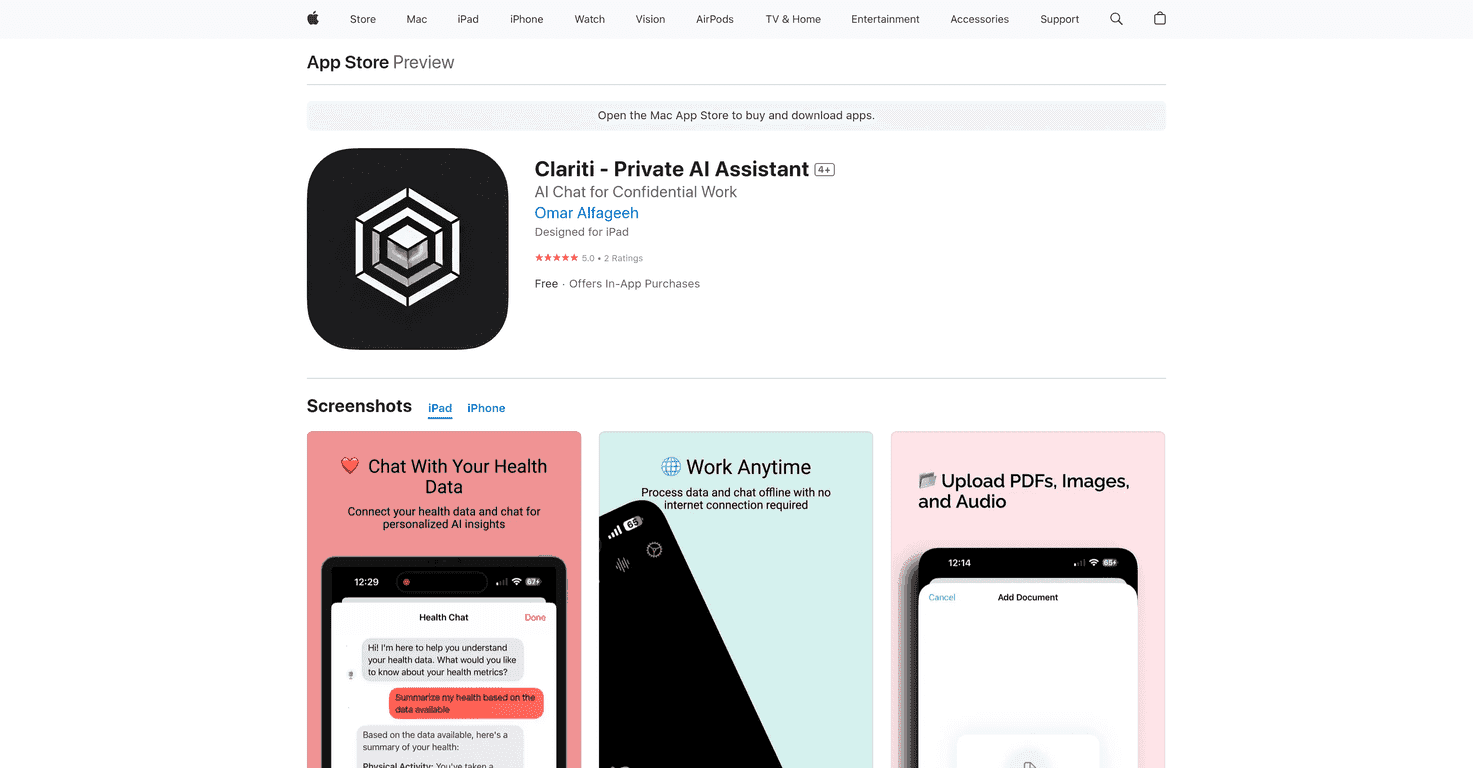
Privacy is one of those things I always thought I had “handled”… until I started paying closer attention to what apps actually do with my data. Clariti is the first private AI assistant I’ve tested that feels built around that problem from day one. The big headline is simple: it’s designed to work offline after setup, so you’re not constantly feeding your personal info to the cloud.
That matters because most AI assistants—at least the ones people talk about all the time—pull you into an always-online workflow. Clariti tries to flip that. In my experience, that alone makes it easier to use for anything sensitive (notes, documents, health-related info, and even voice memos) without that nagging “where is this going?” feeling.
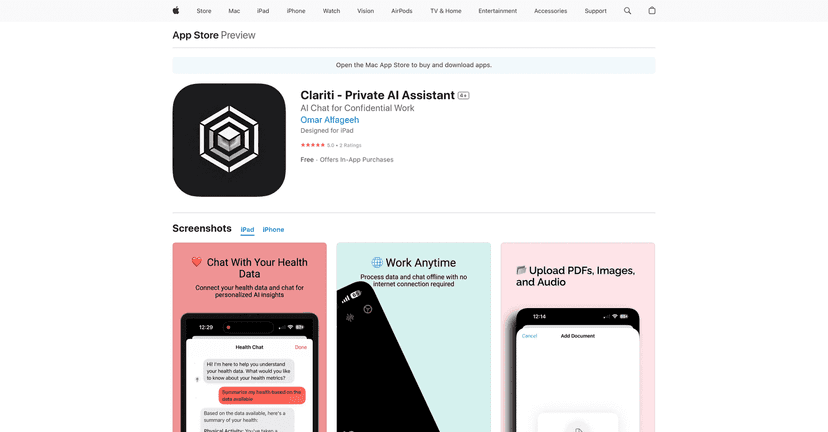
What I also like is that Clariti isn’t just “privacy talk.” It’s actually useful. The app is positioned as a personal assistant that can help with things like health & wellness tracking, calendar management, and working with documents. If you’re the type who has a dozen tabs open, a messy calendar, and random notes scattered everywhere, you’ll probably feel the pain it’s trying to solve.
And yes—users seem to agree. The app has been rated highly (you’ll often see it near a 5/5), which is a good sign for something that’s still relatively new. Still, I always recommend looking at the details, especially if you’re privacy-focused and want to know what “offline” really means for you.
Clariti Review: A Private Assistant That Actually Feels Different
Here’s what stood out to me right away: Clariti is built around keeping your information on your device. That means the app doesn’t feel like it’s constantly reaching out to a server just to help you think or organize your life.
In practical terms, that shows up in the “offline” promise. After setup, you can still use Clariti without being tethered to an internet connection. I tested it in a couple offline scenarios—think commuting and working in places with spotty Wi‑Fi—and it was the kind of reliability that makes you stop worrying and just get stuff done.
Clariti also tries to be more than a chatbot. It connects to the stuff you already use, so it can help you manage:
- Health and wellness tracking (so notes and insights don’t get lost)
- Your calendar (so tasks don’t pile up at the last second)
- Documents (so you can interact with files instead of retyping everything)
And if you’re the kind of person who likes quick voice capture, the voice note transcription and analysis is where I noticed the biggest “daily use” potential. You record a thought, and instead of it turning into a forgotten audio file, Clariti helps you turn it into something actionable.
If privacy is your priority, this is the kind of assistant that feels worth considering. If you just want a generic AI that’s always online, you might not feel as much of a difference. But for people who don’t want their personal stuff floating around, it’s a breath of fresh air.
Key Features I’d Actually Use
- 100% Private data handling
This is the core of Clariti. The app is designed to keep your data on your device rather than relying on cloud storage. - Offline functionality after setup
You don’t need constant connectivity to get value once it’s set up. - Health & wellness tracking
If you log habits, symptoms, workouts, or just want to keep health notes organized, this fits naturally. - Smart calendar management
It’s aimed at helping you keep your schedule under control—less “where was that meeting?” more “what’s next?” - Interactive document engagement
Instead of treating documents like static files, Clariti helps you interact with them more directly. - Voice note transcription and smart analysis
I like this because it turns voice into something usable without extra steps. - Integration with personal health, calendar, and documents
The point isn’t just answers—it’s organization across your day-to-day tools. - Enhanced speed with Apple’s Neural Engine
This is one of those “small but noticeable” improvements. The app feels responsive rather than laggy.
If you want, you can grab it here: Clariti on the App Store.
Pros and Cons (Real Talk)
Pros
- Privacy-first design — it’s clearly built for people who care where their data goes.
- Offline capabilities — after initial setup, you can still use it without always being online.
- Useful management tools — documents, health, and calendar features aren’t just “extra,” they’re part of the workflow.
- Strong user sentiment — you’ll see high ratings, which matters for something that you’re trusting with personal info.
Cons
- Initial internet setup is required — if you’re hoping for instant offline use without setup, this might annoy you.
- Best for privacy-focused users — if you don’t care about offline-first or on-device processing, you may not feel the value.
- Limited long-term review history — it’s still early compared to bigger assistants, so there aren’t as many “years of usage” stories out there.
Pricing Plans: One-Time Cost + Optional Pro
Clariti is a one-time purchase for $19.99. If you want additional features, there are in-app purchases:
- Clariti Pro: $4.99 per month
- Clariti Pro: $24.99 per year
My take? If you’re privacy-minded and you’ll use it regularly for health notes, document work, and calendar organization, the base price feels reasonable. If you’re just curious, start with the one-time purchase and see if Pro is actually worth it for your routine.
Wrap up
Clariti is the kind of private AI assistant I actually want to recommend: it’s offline-focused, privacy-first, and built around real productivity tasks—not just answering questions for the sake of answering questions. If you’re managing sensitive health info, keeping documents organized, or trying to tame a cluttered calendar, it fits nicely.
And honestly, that offline-first approach is the deciding factor for me. If protecting your data is a priority, Clariti is absolutely worth a look.
Promote Clariti




