Table of Contents
Video editing can feel like one of those skills you need a whole weekend (or a whole YouTube course) to start. I’ve been there—dragging clips into a timeline, getting lost in settings, and wondering why everything looks “almost right” but not quite. That’s why I was genuinely interested in Clapper.
I tested Clapper like I would any editing tool: I pulled in a few short clips, tried to make a quick social post, and then pushed it a bit to see where the AI actually helps (and where it just gets in the way). Here’s what I noticed, plus the honest pros and cons.
Clapper Review: a free AI video editor that’s actually approachable
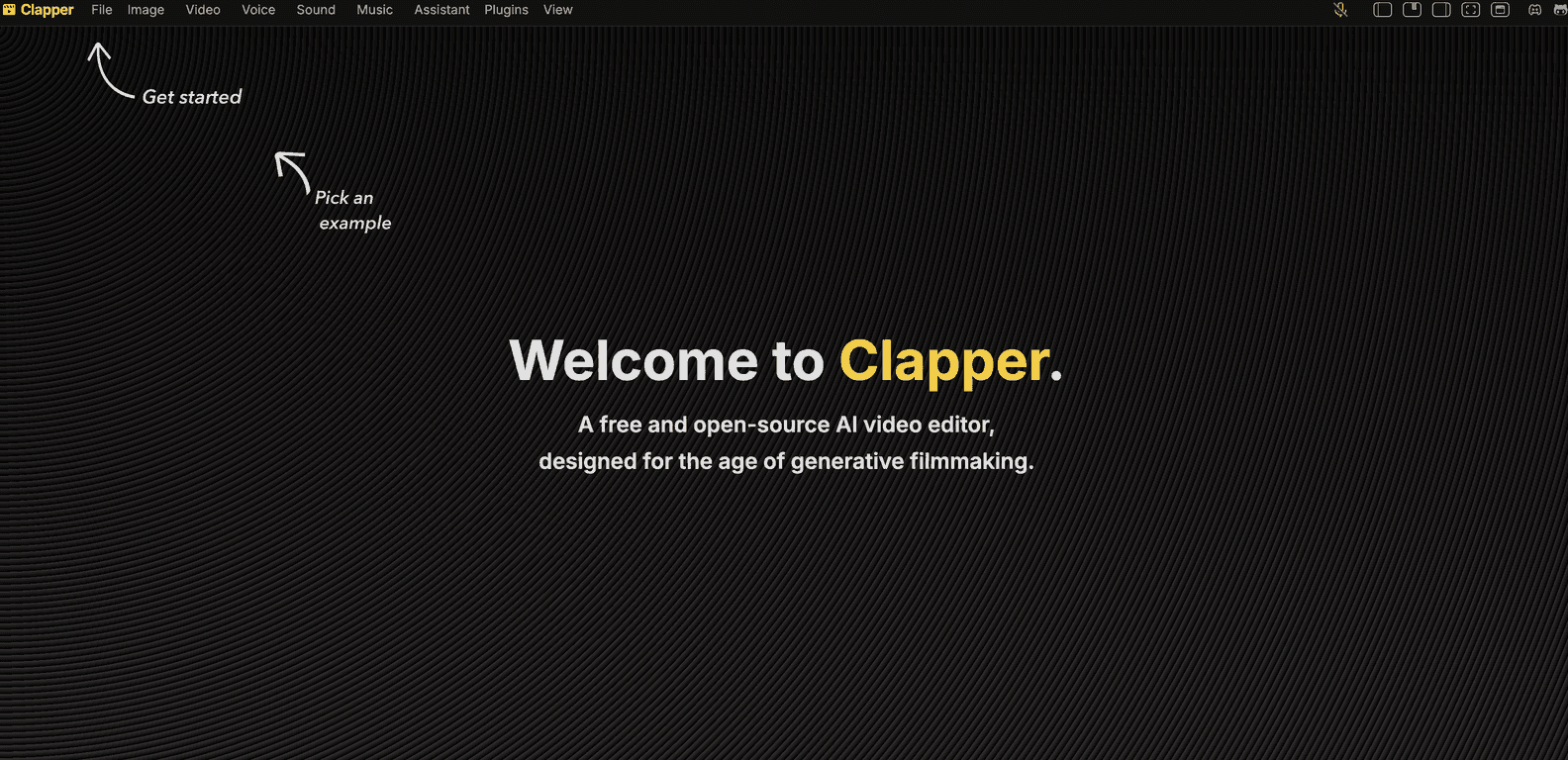
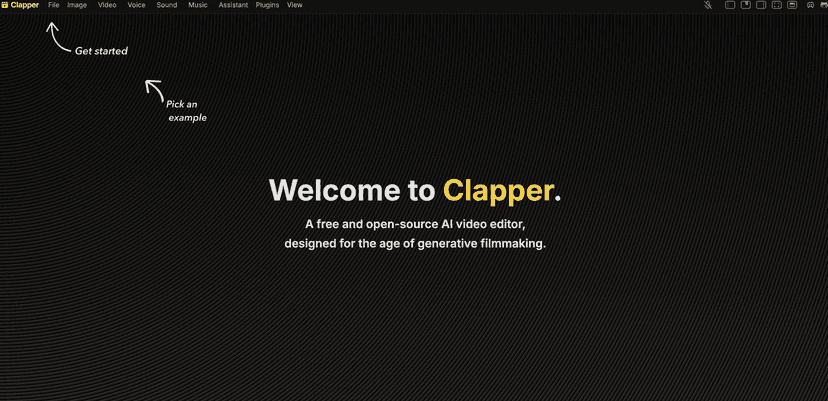
Clapper is a free, open-source AI video editor built to make editing less intimidating. The pitch is simple: you drop in your clips, and the AI helps you move faster—things like organizing edits, generating suggestions, and speeding up the parts that normally eat time.
In my testing, the biggest win wasn’t “wow, it’s magic.” It was how quickly I could go from raw footage to something I’d actually post. I didn’t have to fight for basic layout or hunt through menus for every tiny step. The interface felt designed for people who just want to finish a video.
Also, the open-source angle matters more than people think. When software is community-driven, you usually get faster improvements and more transparency about what’s happening under the hood. That said, open-source also means you’re more likely to run into “rough edges” than you would with a polished commercial editor.
Key Features (what I’d use day-to-day)
- AI-powered editing that saves time
When I tried making a quick cut, the AI suggestions helped me trim and structure the video without manually scrubbing through every second. It’s not perfect—sometimes it doesn’t match the vibe I wanted—but it definitely reduced the “blank timeline” problem. - Open-source so the community can improve it
Clapper being open-source means developers and users can contribute. I like that because it often leads to faster feature tweaks and fixes. If you’re the type who enjoys tinkering, you’ll probably appreciate this more than most people. - User-friendly interface for beginners
The learning curve felt reasonable. I didn’t need to memorize keyboard shortcuts or watch a 45-minute tutorial just to export. If you’re new to video editing, that matters. - Completely free (no subscription trap)
Clapper is free to use. No “start a trial and forget it” situation. You can download and get working without worrying about paying later to unlock basic exports.
Pros and Cons: what’s great, and what to watch out for
Pros
- Good value for the price (free is a big deal)
If you’re trying to build a workflow for short-form content, Clapper gives you enough capability without forcing you into paid software. - Community support and frequent updates
Because it’s open-source, there’s usually more momentum behind improvements than you’d expect from small tools. You can also find guidance from other users building their own workflows. - Encourages people to contribute
If you like suggesting improvements or reporting issues, you’re not just stuck waiting for a single company roadmap.
Cons
- Support isn’t as “instant” as with commercial editors
When something goes wrong, you may end up relying on documentation, community posts, or trial-and-error rather than quick help from a dedicated support team. - Advanced features may feel limited
If you’re doing complex effects work, heavy keyframing, or highly specific workflows, you might eventually want a more full-featured editor. Clapper feels best for getting clean results quickly. - Performance can vary
On my system, the experience was smooth with shorter clips. With heavier projects (longer timelines, lots of effects), it may depend on your hardware and how technically comfortable you are with troubleshooting.
Pricing Plans
Clapper is entirely free to use. You can download it without hidden fees or subscription costs. No tiers. No “free for now” fine print. Just install and start editing.
Wrap up
So, is Clapper worth trying? If you want a free AI video editor that doesn’t make you feel stupid for not knowing every editing term, then yes—I think it’s a solid option. I liked how quickly I could get a usable result, and I like that the project is open-source and community-driven.
Just don’t expect it to replace every professional editing tool for advanced, effects-heavy projects. But for beginners, creators making short videos, and anyone who’s tired of complicated software—Clapper is definitely worth a download.
Promote Clapper