Table of Contents
I’ve tried my fair share of grammar checkers, and honestly? Most of them just correct you and move on. You get a “fixed” sentence, but you don’t really learn why it was wrong in the first place. That’s why I was interested in Chatty—it’s built to help you write better while you’re writing, not just after the damage is done.
Chatty is an AI-powered writing enhancement tool that focuses on improving your English skills over time. Instead of treating your text like something to “police,” it’s more like having an English teacher who’s willing to explain what to change and—this part matters—how to think about the wording.
In my experience, the best writing tools don’t just spit out edits. They guide your choices. Chatty leans into that by offering suggestions and explanations as you work through your message. It also feels more interactive than the typical “highlight errors in red” approach.
It’s especially useful if English isn’t your first language. When you’re learning, it’s not enough to know that a sentence is “wrong.” You want to understand what sounds natural, what’s too formal, what’s too casual, and what you could say instead. Chatty’s learning-first approach is designed for that.
One more thing I noticed: it encourages you to participate. You’re not just accepting corrections—you’re actively making improvements. And over time, that’s where the real confidence comes from. You start relying less on AI and more on your own instincts.
Chatty Review: What It Does (and What It Doesn’t)
Chatty is designed to help you express your ideas more clearly and effectively. Think of it as an assistant that nudges you toward better phrasing, better flow, and more natural English—while teaching you along the way.
Instead of only flagging mistakes, it focuses on how specific phrases can make your writing stronger. For example, I found myself getting suggestions that weren’t just “correct grammar,” but “this wording sounds more natural” or “this is clearer for a reader.” That’s a big difference.
Also, it’s built around writing your own message first. You start with your draft, then Chatty helps you refine it. That matters because if you don’t write anything yourself, there’s nothing for the tool to improve.
Now, let’s be real—if what you want is a super fast “paste your text, get final answer” experience, Chatty may feel a bit more hands-on than you’re expecting. But if you’re trying to learn, that “hands-on” part is kind of the point.
Key Features
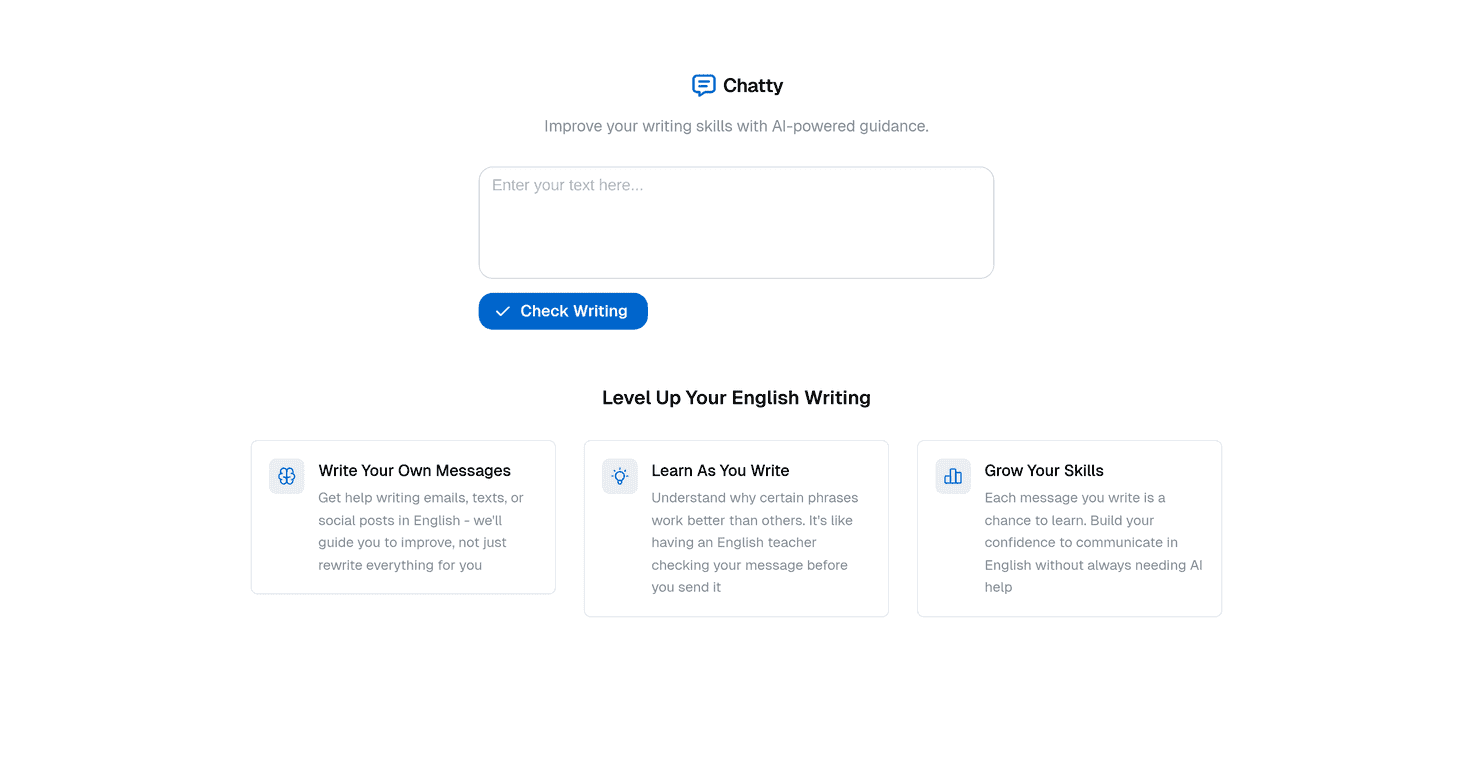
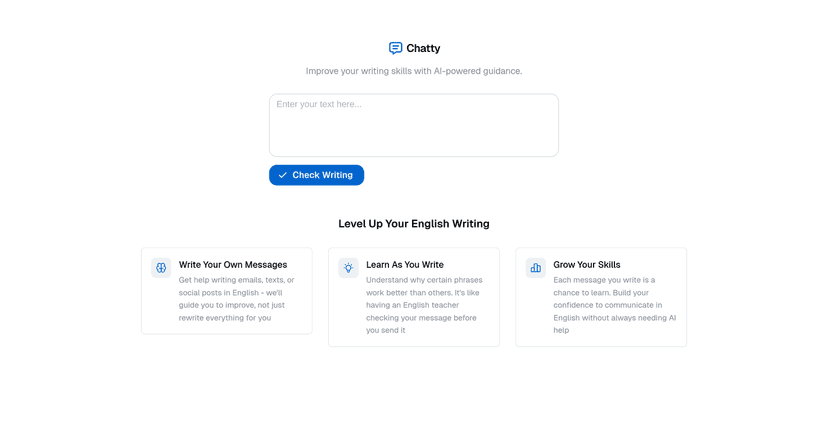
- Write Your Own Messages
- Chatty works best when you bring your own draft. You write the message, and it helps you improve it as you go. No blank-page babysitting—just assistance while you’re actively writing.
- Learn As You Write
- This is the core idea. Instead of only correcting mistakes, Chatty explains what you could change and why. In my experience, that’s what helps the improvements stick.
- Grow Your Skills
- Because the tool is focused on learning, you’re not just fixing one email or one post—you’re building habits. The more you use it, the more you start noticing patterns in your own writing.
Pros and Cons (My Honest Take)
Pros
- Personalized guidance: It feels more tailored than generic checkers, and I noticed suggestions that target how the sentence reads, not just whether it’s technically correct.
- Educational approach: The “learn as you write” concept is genuinely useful if you want to improve long-term, not just get a one-off fix.
- User-friendly: The interface is straightforward and encourages you to keep working instead of shutting down after the first correction.
Cons
- Not built for instant results: If you’re looking for a quick auto-rewrite with minimal interaction, you might find it slower or more involved.
- You have to do the work: To get the most out of Chatty, you’ll need to review suggestions and actually apply them. If you just want a button that “solves everything,” this won’t feel like that.
Pricing Plans
I couldn’t find clear, specific pricing listed in the details provided here. If you’re considering trying Chatty, you’ll likely need to check the site directly or ask for the current plan options.
If you do sign up, my suggestion is simple: test it on a few real drafts (like a work email and a short social post) and see whether the learning feedback actually helps you improve. That’s the fastest way to tell if it’s worth paying for.
Wrap up
Chatty is a writing tool that’s more focused on improvement than correction. If you’re trying to get better at English—especially with clearer phrasing and more natural wording—it can be a solid option. I like that it pushes you to learn as you write, because that’s what actually changes how you write later.
That said, it’s not the best fit for people who want instant, hands-off rewrites. If you’re willing to engage with the suggestions, though, Chatty has the kind of “practice and feedback” vibe that makes it worth considering.
Promote Chatty