Table of Contents
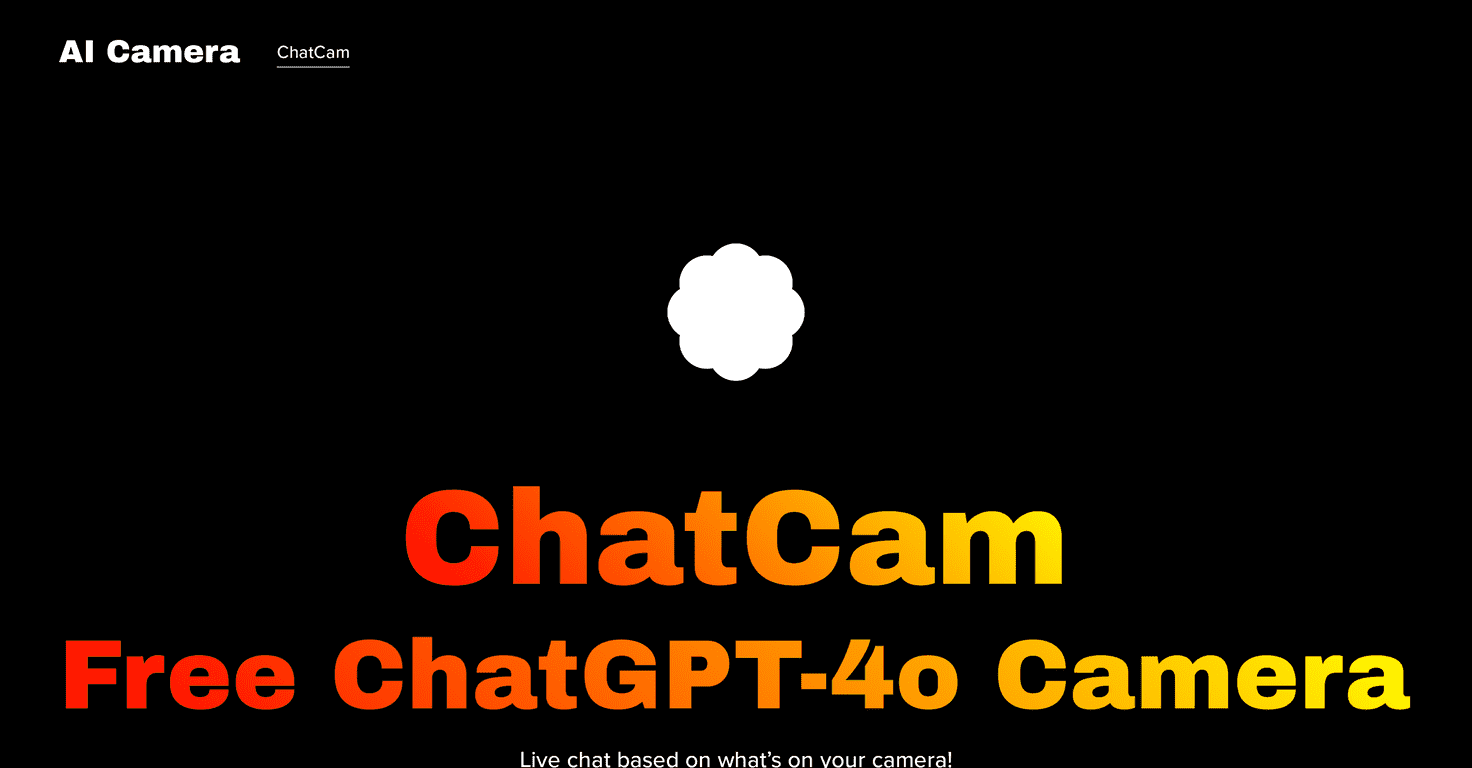
Have you ever looked at a photo or a live scene and thought, “I wish someone would just explain what I’m seeing”? That’s basically the whole idea behind ChatCam. Instead of treating your camera like a dumb capture tool, ChatCam pairs it with an AI chat experience—so you can ask questions and get responses based on what the camera is currently showing.
In my experience, it feels less like “taking a picture” and more like talking to a helpful assistant in the real world. Point your camera at something, ask what it is, what’s going on, or even ask for suggestions—and the app tries to respond in context. It’s genuinely fun, and it’s also surprisingly useful for quick learning.
ChatCam Review: the AI Camera That Actually Replies
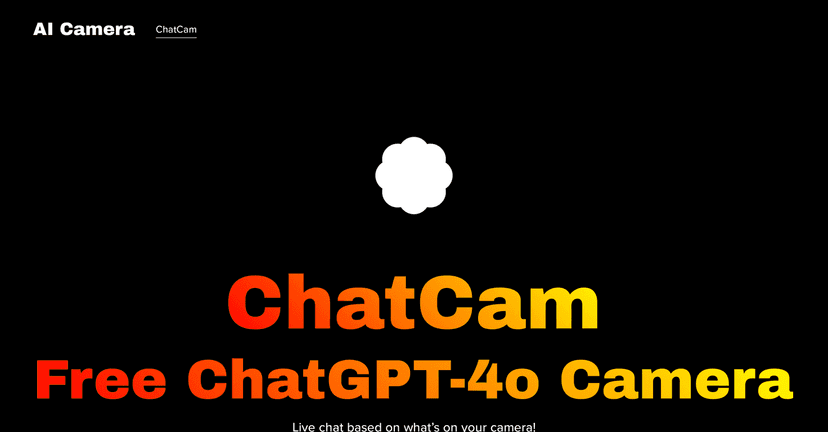
ChatCam is built around a pretty simple promise: you talk to an AI while it “looks” through your camera. It’s powered by the ChatGPT-4o model, and that matters, because the responses feel more conversational than the usual “scan and search” style tools.
What I liked most is that the conversation stays grounded in the visuals. For example, when I pointed the camera at a printed page, I could ask things like what the text was about and get an explanation back. When I moved the camera to a different object, the answers shifted with it. That real-time feedback loop is the whole magic trick here.
Is it perfect? No. If the object is too far away, blurry, or the lighting is rough, the AI can only work with what it can actually see. Still, when you give it a clear view, it’s a lot more engaging than I expected.
Key Features (What You’ll Use Every Day)
- Real-Time Interactivity – Talk to an AI while it sees what you see. You ask, it responds based on the current camera view.
- Free to Use – In my testing, it didn’t push me into a paywall just to try things out.
- Multi-Language Support – If you’re not comfortable in English, it’s designed to help users globally. (I found this especially handy when switching between prompts.)
- No Sign-Up Required – You can jump in quickly without a long registration process.
Pros and Cons (My Honest Take)
Pros
- Cool concept that feels practical – AI + live visuals is more than a gimmick. It’s the kind of tool you’ll open when you’re curious about something in front of you.
- Easy to use – You don’t need to be techy. The experience is straightforward: point camera, ask question, get an answer.
- Multi-language support – Helpful if you want the conversation in your native language instead of forcing everything into English.
Cons
- It depends on what the camera captures – If the view is shaky, dark, or too zoomed out, answers get weaker. In other words: garbage in, garbage out (or at least “less confident”).
- Privacy concerns are real – Because it’s camera-based, you should think about what’s in your frame. Avoid pointing it at private information (screens with passwords, documents with personal details, etc.).
Pricing Plans (Is It Actually Free?)
ChatCam is completely free. That’s a big deal, because a lot of AI tools either limit usage heavily or start charging right after the first few tries. If you just want to test the concept and see how well it works for your needs, you can do that without paying.
How I’d Use ChatCam (Quick Tips)
- Ask specific questions – Instead of “what is this?”, try “what part of this is important?” or “how would I use this?” You’ll usually get a more useful response.
- Move closer when it matters – For text, labels, or small objects, getting the camera closer makes a noticeable difference.
- Keep the background simple – A cluttered scene can confuse the AI. One main subject works best.
Wrap up
ChatCam is one of those apps that’s fun to play with, but it can also be genuinely helpful when you need quick context from what you’re seeing. The biggest limitations are the same ones you’d expect from any camera-based AI: if the visuals aren’t clear, the answers won’t be either. Still, the free access, quick start (no sign-up), and real-time “talk back” experience make it worth trying—especially if you like learning on the fly or just want a smarter way to explore the world around you.
Promote ChatCam