Table of Contents
If you’ve ever wished you could ask one more question and get an answer right away (without digging through notes, tabs, or your brain), Chat Master AI Friend is exactly that kind of app. I tested it like I would any “chat assistant”—short questions, real-life tasks, and a few experiments to see how consistent it is.
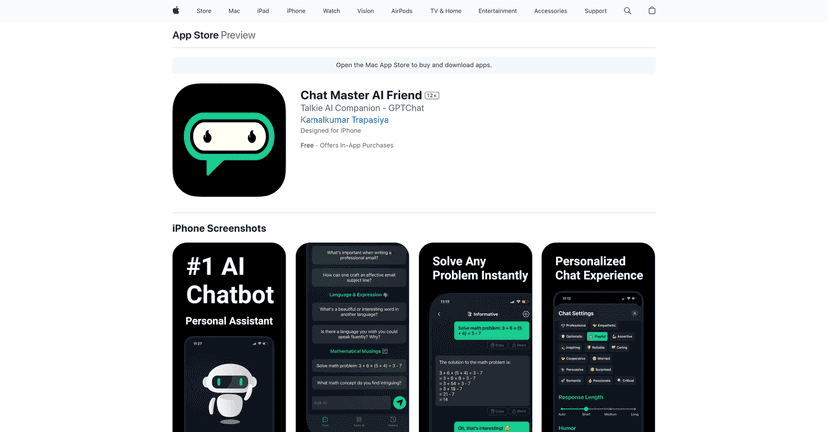
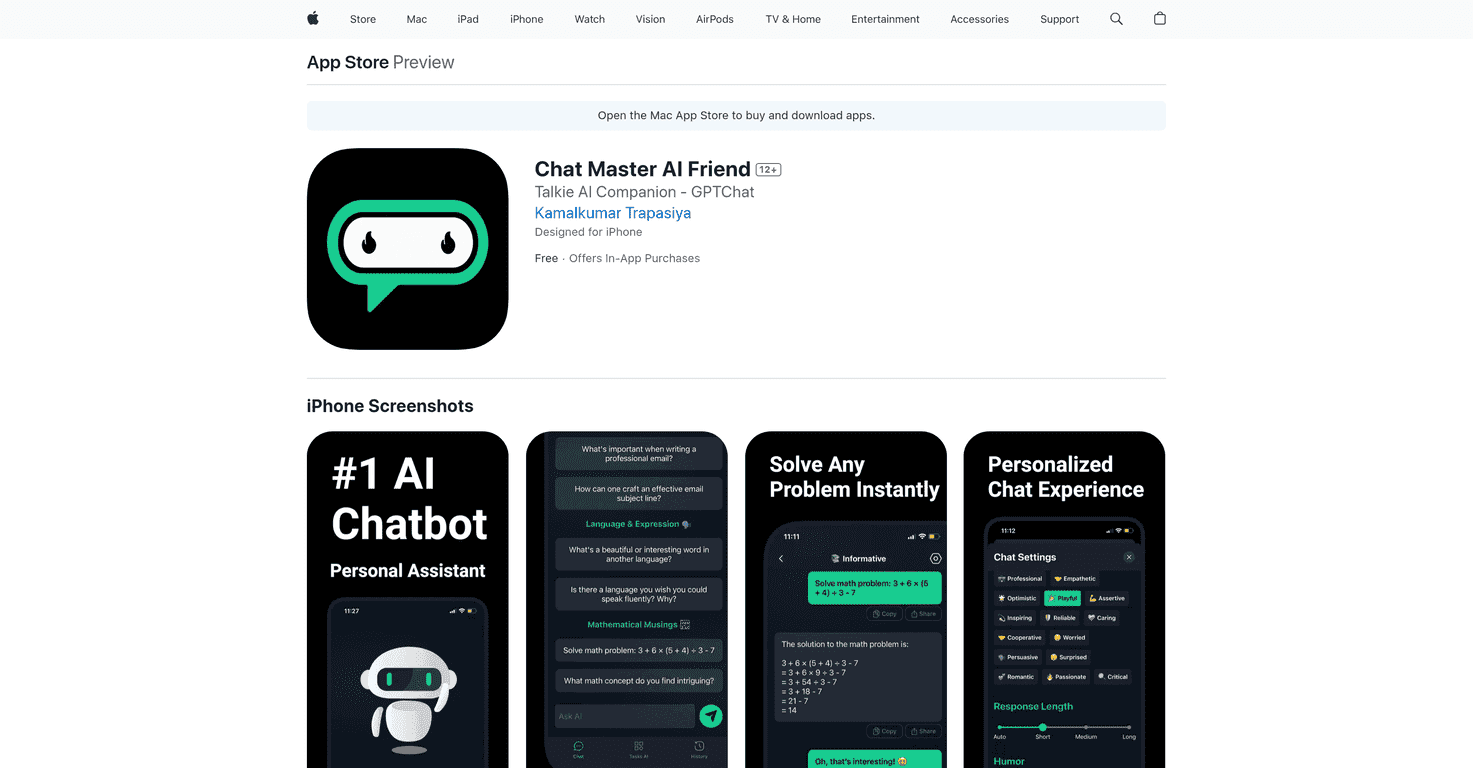
Overall, the vibe is simple: you open the app, chat whenever you want, and use it for quick help. It’s positioned as a 24/7 AI friend that can handle everyday stuff like answering questions, doing calculations, and helping you think through reminders. And yes, it does feel more “friendly” than a cold Q&A bot—mostly because the responses can be adjusted to match the tone you want.
One thing I noticed right away is how much the app leans into personalization. You’re not stuck with one generic voice. You can tweak things like the tone (and even the overall humor level, depending on what options you see). That matters more than people think, because it makes the experience feel less robotic. Who wants to talk to an assistant that sounds like a textbook?
It also claims continuous learning, which is always a tricky phrase—nobody should expect it to magically become a perfect “you” clone. But in my testing, it did seem to pick up on preferences over time, especially when I repeated similar styles of requests. The more I used it, the more the tone and approach felt aligned with what I asked for earlier.
And the interface is pretty straightforward. I didn’t have to fight with settings or menus to get going. If you’re not super techy, you still should be able to use this without a learning curve.
Chat Master AI Friend Review
Here’s what I actually used it for. I asked it to help with everyday questions, ran a few quick calculations, and tested how it handles “reminder-style” prompts. For example, instead of asking vague stuff like “help me later,” I tried prompts like “Turn this into a reminder I can follow tomorrow morning” and “Calculate X and show the steps.”
What I liked:
- Fast responses: Most replies came back quickly enough that it felt like a real conversation, not a waiting game.
- Chat-first experience: It doesn’t try to force you into complicated workflows. You just talk, and it responds.
- Tone customization: The ability to adjust how it talks is a big part of why it feels friendly. When the tone matches your mood, the whole interaction is smoother.
- Practical task handling: It’s not only “answer questions.” It can help format reminders and solve simple problems.
What I didn’t love as much:
- Not everything is fully unlocked for free: Some of the best “unlimited” style features are tied to the Pro upgrade.
- Internet required: Like basically every AI app, you’ll need a connection for best results. If you’re offline, it’s not going to work the way you’d hope.
- Learning isn’t magic: The “continuous learning” part is more like improving context and response style over time, not a dramatic transformation overnight.
So is it worth it? If you want a casual assistant you can talk to anytime, and you like customizing the vibe of the responses, I think it’s a solid option. If you’re expecting a hardcore productivity tool with deep automation, you might find it a bit simpler than you want.
Key Features
- Personalized Chat Experience with adjustable settings (tone and style changes make it feel less repetitive)
- Instant Assistance for questions and quick problem-solving
- Task Solver for reminders, calculations, and everyday “help me with this” requests
- Continuous Learning for improved responses based on your interactions over time
- User-Friendly Interface designed so you can start chatting right away
- Pro Version with more features via in-app purchases (this is where the “unlimited” promise comes in)
Pros and Cons
Pros
- 24/7 availability—you can ask questions whenever they pop into your head.
- Customizable responses—I appreciated being able to shift tone instead of getting the same voice every time.
- Better interaction over time—the more you use it, the more consistent it feels with your preferences.
- Easy to use—the UI is simple enough that you won’t get stuck.
Cons
- Pro may be needed for the full “unlimited” experience and advanced features.
- Internet access required for optimal use (not surprising, but still important).
Pricing Plans
Pricing is pretty clear-cut. You can start with basic features for free. If you want the Pro version, the app lists:
- $4.99 weekly
- $29.99 yearly
In my experience, the difference is basically about access and how much you can do without hitting limits. If you’re only using it occasionally, the free tier might be enough. If you’re using it daily (like for reminders, quick calculations, and ongoing questions), Pro is where you’ll likely feel the benefit.
Wrap up
Chat Master AI Friend is a friendly, chat-based assistant that’s built for everyday use—quick answers, simple calculations, and reminder-style help. I liked the customizable tone and how easy it is to jump in and start talking. The “continuous learning” feels more like better alignment over time than a complete overhaul, but it’s still a nice touch.
If you want a virtual assistant that feels more like a conversation than a tool, this one’s worth a look—especially since you can try the basics first. And if you end up using it a lot, the Pro pricing is straightforward enough to decide quickly.
Promote Chat Master AI Friend



