Table of Contents
I’ve used a few AI coding assistants in the past, and what usually bugs me is how “generic” the suggestions feel—like the model is guessing instead of actually reading what I’ve already written. With CGFT, that’s the first thing I noticed right away: the completions feel more grounded in my current Xcode project. When it works well, it’s the kind of help that saves you time without forcing you to constantly second-guess the suggestion.
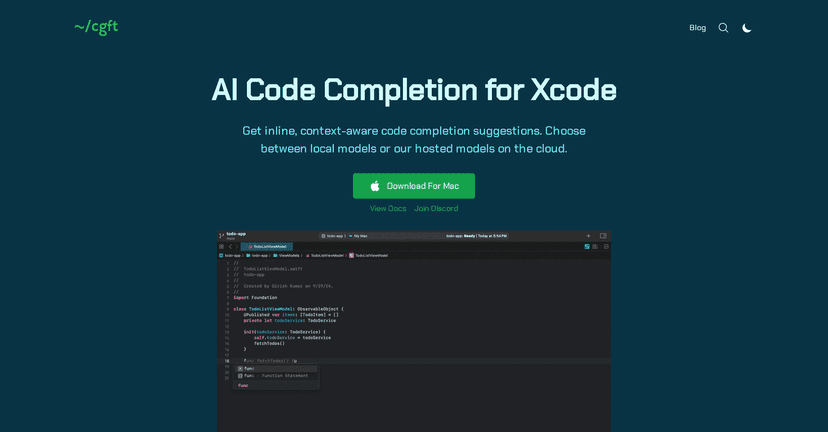
CGFT Review: How It Fits Into Real Xcode Work
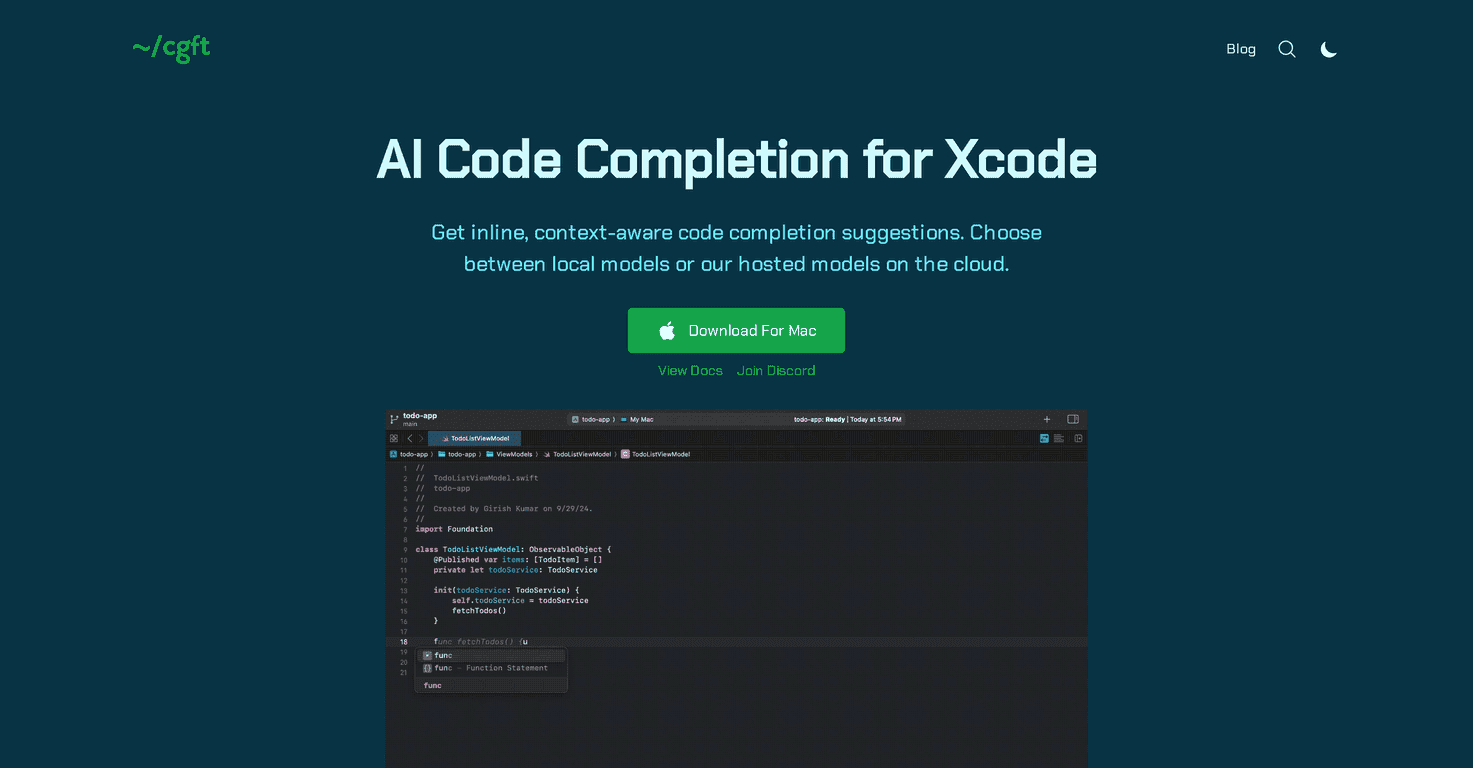
CGFT is built specifically for Xcode, and that matters. The best AI assistants don’t just spit out code—they try to match what you’re doing right now: your naming conventions, your patterns, and even the way your project is structured.
In my experience, CGFT’s inline suggestions are the most useful when you’re doing repetitive-but-nuanced tasks. Think: wiring up a new view model, adding a helper function that matches an existing style, or filling in the last few lines of a method where you already know what you want, but you’re just stuck on the exact syntax.
One thing I really like is the dual-model approach. You can use local models for quick, responsive completions, or switch to cloud-based models when you want deeper context. That gives you options depending on what you’re working on—fast iteration locally, and more “big picture” help when the file or component is getting complex.
It’s also designed to integrate smoothly with macOS and Xcode, so you’re not fighting UI friction. Is it perfect all the time? Of course not. But the suggestions feel more relevant than the typical “here’s a random snippet” behavior I’ve seen elsewhere.
Key Features I Actually Look For
- Inline code completion suggestions for Xcode
- Context-aware suggestions based on your existing codebase
- Local model support via Ollama, so you can run different models locally
- Cloud-based model access when you want stronger context (bigger context windows)
- Local indexing of your codebase so relevant suggestions don’t require cloud storage
Pros and Cons (From Someone Who Tests Stuff)
Pros
- Local model flexibility: I like being able to choose local models via Ollama instead of being locked into one setup.
- Better results with cloud models: When I’m working on larger components, the cloud option tends to produce suggestions that feel more “aware” of what’s going on.
- Data security focus: The idea of local indexing and not needing to store everything in the cloud is a big plus for privacy-minded developers.
- Supports popular model options: If you already have preferences for model types, this is easier to fit into your workflow.
- Xcode-friendly experience: The inline completion style feels natural compared to tools that push everything into a separate chat window.
Cons
- Cloud usage may cost later: The cloud tier is currently free, but it’s the kind of thing that could change once usage grows. I wouldn’t build a long-term plan assuming “forever free.”
- macOS requirement: It’s currently limited to macOS 12 and later. If you’re on an older setup, you’ll be blocked.
Pricing Plans: What You Need to Know
Right now, the cloud tier is listed as free. That’s great for trying it out and seeing whether the cloud model suggestions are actually worth it for your projects.
After that, it sounds like there may be paid options for more advanced models in the future. For local models, CGFT uses Ollama with your existing resources—so there aren’t extra “per completion” costs mentioned here (though your machine’s performance and any local model setup is still on you).
If you’re evaluating CGFT for a real workflow, I’d suggest testing both modes for a day: use local for quick completions, then flip to cloud when you’re stuck on a tricky file or integration. You’ll quickly see whether the extra context is helping or just slowing you down.
Wrap up
CGFT is a solid option if you want an AI code assistant that’s actually designed around Xcode and your existing codebase. The combination of inline completion, context-aware suggestions, and a local-first option for indexing/data handling is what makes it stand out to me. And having the cloud model option there when you need deeper context is a nice safety net.
It won’t magically write your whole app for you, but it can absolutely cut down the “ugh, what’s the exact syntax?” moments—especially when you’re working in Swift and iterating on UI, networking, or app architecture. If you’re already building in Xcode and you’re open to trying a tool that’s more context-aware than generic, CGFT is worth a look.
Promote CGFT