Table of Contents
I’ve worked with a few bookkeeping workflows over the years, and the annoying part is always the same: the “busy work” that eats time but doesn’t actually help you make decisions. That’s why I wanted to check out cc:Monet. On paper, it’s an AI-powered bookkeeping tool that automates routine tasks, connects to tools you’re probably already using (like QuickBooks and Xero), and then gives you dashboards so you can see what’s going on without digging through spreadsheets.
In my experience, the difference between “bookkeeping software” and something actually useful is whether it reduces the number of times you have to re-check your work. cc:Monet’s pitch is that it does that by handling repetitive steps and organizing your data into clearer reporting. Sounds good—so I focused on the practical stuff: integrations, how the dashboards feel, and what you still have to double-check yourself.
cc:Monet Review
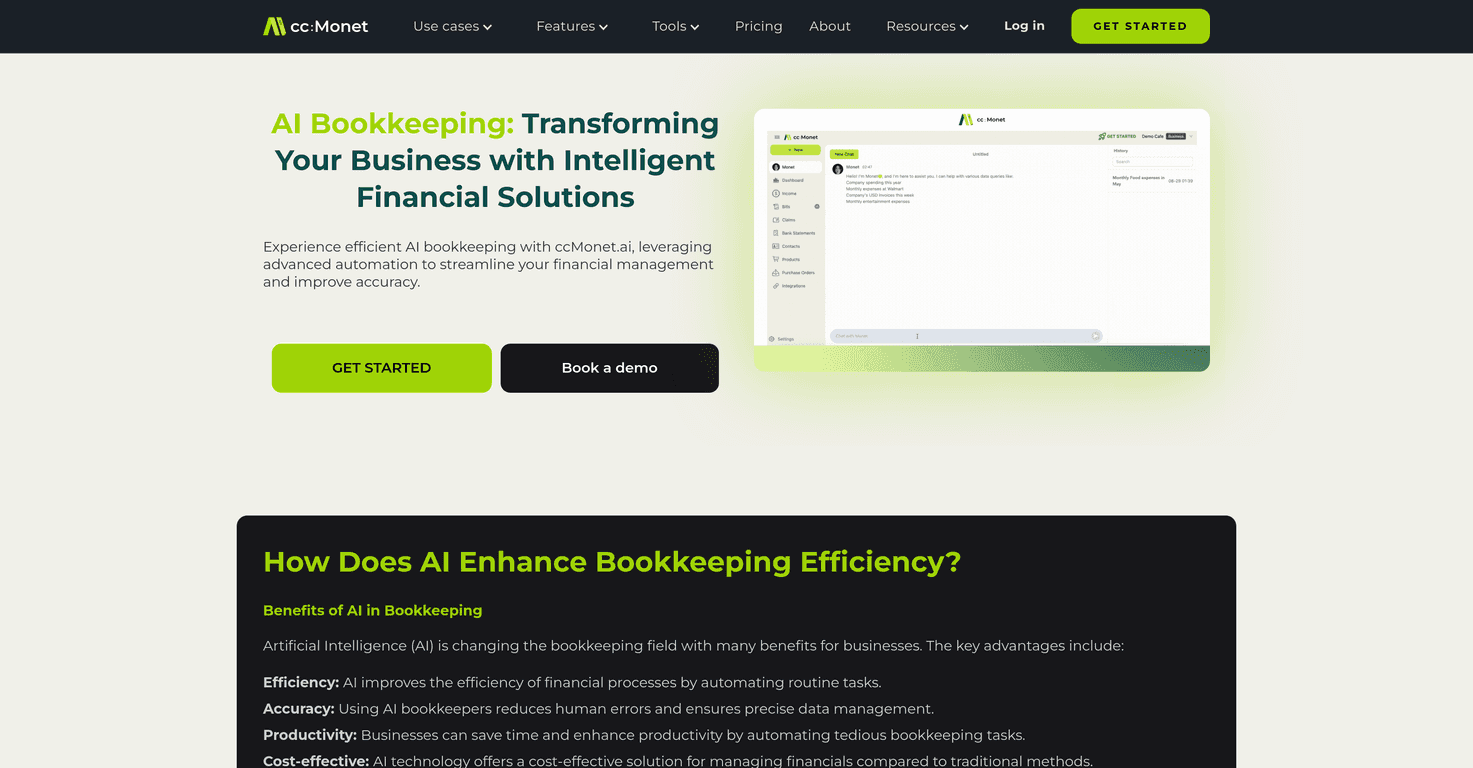
cc:Monet is built to reduce the repetitive parts of bookkeeping—things like organizing expenses, keeping your records tidy, and producing reports without you manually stitching everything together. The big selling point for me is that it connects with common accounting platforms. If you’re already using QuickBooks or Xero, you’re not starting from scratch. You’re layering cc:Monet on top to make the workflow smoother.
Another thing I liked (and I always look for this) is dashboard customization. Most teams don’t need every chart under the sun. They need the handful of views that answer real questions—like “Are we spending too much in a category?” or “How’s cash flow trending this month?” If the dashboards match what your business cares about, you’ll actually use them.
One more practical note: with AI tools, you still need to review what gets categorized. Automation can be a huge time-saver, but it’s not magic. You want it to be accurate enough that you’re catching exceptions—not doing everything over.
Key Features that stood out to me
- Automation of routine bookkeeping tasks (so you’re not stuck re-entering the same stuff every week)
- AI-assisted data management designed to keep records organized and consistent
- Automated financial reporting and real-time analytics, so reporting doesn’t feel like a monthly chore
- Integration with popular platforms like QuickBooks and Xero (this matters if you don’t want to disrupt your existing stack)
- Customizable dashboards, which is great if you want different views for different roles
- Security measures such as encryption and fraud detection (still, I’d recommend reviewing what specific protections are included in your plan)
- Scalability for small teams up through larger organizations, depending on how complex your books get
Pros and Cons (the honest version)
Pros
- Time savings are the main win. If you’ve ever spent hours cleaning up expenses or chasing down missing entries, automation is a relief.
- Fewer manual mistakes. In setups like this, the biggest improvement is usually accuracy—less copy/paste, fewer missed categories.
- Integrates with tools you likely already use. QuickBooks and Xero support means less disruption than switching everything at once.
- Dashboards help non-accountants. Even if you’re not the person who lives in financial statements, you can still track performance without learning accounting jargon.
- Support and training. I appreciate when tools don’t just throw you in and hope for the best—especially for teams that need quick onboarding.
- Cost can be competitive vs. “traditional” processes. When automation reduces the hours spent on bookkeeping, it can pay off.
Cons
- There’s an upfront cost. If you’re a very small business, subscription costs can feel like a barrier until you’re sure it’ll save enough time.
- AI shouldn’t be treated as fully hands-off. You’ll still want someone to review edge cases and unusual transactions. AI can speed things up, but bookkeeping accountability still matters.
- Integration won’t be perfect for every setup. If you use less common accounting software, you might run into limitations or extra setup steps.
- Reporting still depends on clean inputs. If your source data is messy, the output can only be as good as what you feed it—so you may need to tighten your process.
Pricing Plans (what to expect)
cc:Monet uses tiered subscriptions depending on the size and needs of your business. I can’t quote exact numbers here since pricing can change, but the fastest way to get the current details is to check the official cc:Monet website.
If you’re comparing plans, I’d pay attention to things like: how many connections you can make, what reporting features are included, and whether onboarding/support is included or limited.
Wrap up
Overall, cc:Monet looks like a practical option if you want bookkeeping to feel less stressful and more organized—especially if you’re already on QuickBooks or Xero. The core value is automation plus clearer reporting, and in my experience that’s where teams actually feel the difference: fewer repetitive tasks and faster visibility into what’s happening.
That said, don’t expect “set it and forget it.” You’ll still want to review transactions and confirm categorizations, at least at first. If you can do that, cc:Monet could be a solid way to modernize your bookkeeping without turning your workflow upside down.
Promote cc:Monet




