Table of Contents
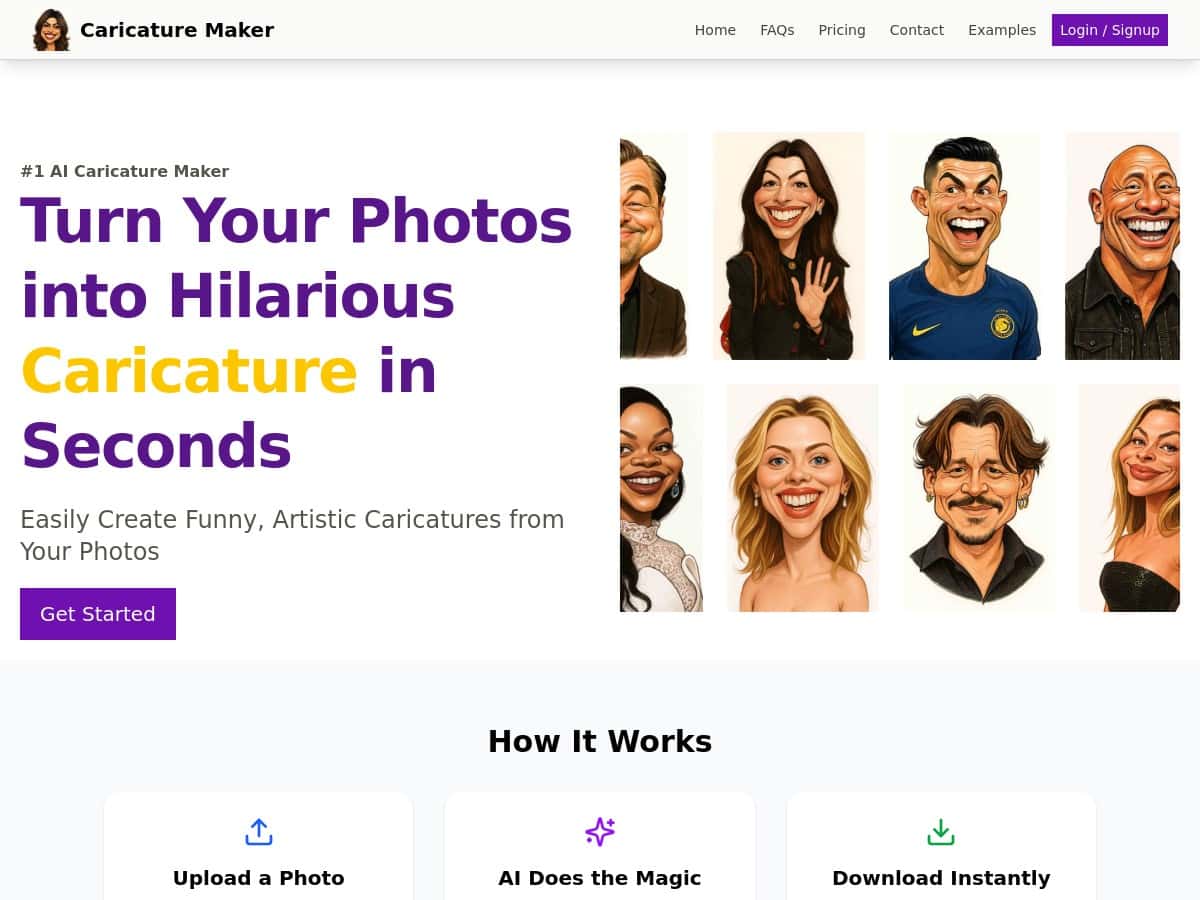
Want an easy way to turn a normal selfie into something goofy and caricature-style? I tried Caricature Maker to see if it actually delivers on the “fast + recognizable” promise. After a few test runs, here’s what stood out to me, what didn’t, and who I think this is (and isn’t) for.
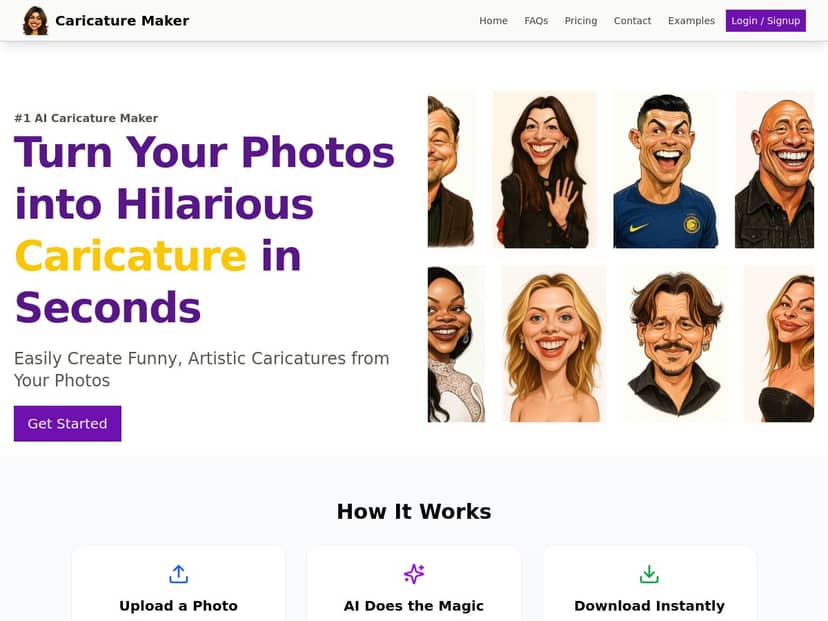
Caricature Maker Review: fast AI caricatures that actually look like you
I’ll be honest: I’m always suspicious of tools that promise “within seconds.” Sometimes that just means the upload is fast, not the result. So I tested it a few different ways and paid attention to what changed.
Test setup (so you can judge the results): I used three different photos of the same person. All were taken on a phone, but the quality and angle varied:
- Photo A: front-facing selfie, good lighting, neutral background (indoors near a window).
- Photo B: slightly angled shot, softer lighting, background busy (more clutter behind).
- Photo C: close crop with a bit of blur (not terrible, but not razor sharp).
Steps I took each time: I opened Caricature Maker, uploaded the photo (no extra settings), waited for the AI to process, then downloaded the output. I ran A → B → C, and then I repeated Photo B once more to see if style changes on reruns.
Time to result: My first upload (Photo A) took about 20–35 seconds end-to-end on my connection. The follow-up runs were in the same ballpark—usually ~25–40 seconds. Was it instant? Not exactly. But it was still quick enough that I didn’t feel like I was waiting around.
What the AI changed (the “caricature” part): Across all three, it exaggerated facial features in a way that stayed recognizable:
- Eyes: they got slightly larger and more expressive.
- Cheeks/jaw: the tool boosted contrast around the face shape, making the caricature effect pop.
- Brows/mouth: features were simplified a bit (less realistic texture), but the expression stayed on point.
Background handling: This is where the results varied. With Photo A (clean background), the output looked more “finished,” with the background either softened or stylized so the face remained the focus. With Photo B (busy background), the background became more abstract—still usable, but not something I’d frame as-is.
One limitation I noticed: With Photo C (a little blurry), the caricature still generated, but the details were less crisp. It didn’t “fail” exactly—it just looked like the AI had less to work with. So yeah, the quality of your input photo really matters.
Does the style stay consistent? Not fully. When I reran Photo B, the face exaggeration was similar (still recognizable), but the overall look shifted slightly—like a different “take” on the same caricature. If you want a specific vibe, you might need 2–3 tries.
Download quality: The downloaded image looked like it was optimized for sharing. I didn’t see any obvious way to choose output resolution from the interface, so you’re basically accepting what the tool generates. If you’re planning to print, I’d test with your target image size first.
Overall? It’s a fun tool that gets you caricatures quickly, and the results are usually close enough to your original face that friends will recognize you. But it’s not a replacement for a human artist who can match a specific style on purpose.
Key Features I actually used
- Upload formats: The tool supports common image types like JPEG, PNG, and WebP. I tested with a phone JPEG and it worked immediately.
- AI caricature generation: The exaggeration is targeted—eyes and face contours get emphasized while the overall identity stays intact.
- Fast turnaround: In my testing, I consistently got results in roughly 20–40 seconds depending on the photo and traffic.
- Easy download: Once processing finished, downloading was straightforward. No complex menus or settings buried inside.
- Privacy messaging: The page claims privacy protection by deleting images after processing. I’ll cover the privacy details in the next section, because this part is worth checking before you upload anything sensitive.
- Simple workflow: You don’t need any design skills. Upload → wait → download. That simplicity is the whole point.
Pros and Cons (with real-world tradeoffs)
Pros
- Quick results: I measured roughly 20–40 seconds per image in my tests.
- Recognizable caricatures: The face exaggeration is strong, but it still looks like the original person.
- Great for casual sharing: The output is ready for social media and quick gifts without needing extra editing.
- Reruns are useful: If you don’t love the first version, running the same photo again can produce a slightly different “style take.”
- Beginner-friendly: No confusing controls. You’re not hunting for sliders.
Cons
- Photo quality matters: If your image is blurry or poorly lit, the caricature will look softer and less detailed.
- Style consistency isn’t guaranteed: The same photo can generate slightly different results on different runs.
- Limited control: I didn’t see advanced options like “increase exaggeration by 30%” or “make it more realistic vs more cartoon.” With a professional artist, you’d get that kind of intentional control.
- Background can be hit-or-miss: Clean backgrounds look better. Busy backgrounds get abstracted, sometimes in a way that’s less flattering.
Pricing Plans: what I could (and couldn’t) verify
I want to be upfront here: I don’t have reliable, timestamped pricing numbers from the official Caricature Maker checkout page inside this post. Prices can change, and I don’t want to guess and mislead you.
What you should check on the site:
- Free tier limits: If there’s a free option, look for limits like number of images per day/week.
- Watermark rules: Many AI tools watermark free downloads—check whether downloads are clean on paid plans.
- Output resolution: See if paid plans increase resolution or remove caps.
- Credits vs subscription: Some platforms use credits (e.g., 10/25/50 credits). Others use a monthly subscription. Confirm which model this one uses.
If you want the most accurate pricing details, check the official Caricature Maker website (and any checkout page it links to) right before you generate.
Privacy check: what “deleted after processing” means
The feature list says: “Photos are deleted immediately after processing”. That’s a good sign, but I’d still verify the exact wording in the privacy policy because “immediately” can mean different things (for example, queued processing vs. actual deletion after job completion).
Here’s what I recommend you look for on the site’s privacy policy:
- Whether deletion is guaranteed or “intended”
- Whether images are retained briefly for fraud prevention / debugging
- Whether images are used for training (and if you can opt out)
- How long metadata might be stored even if images are deleted
In my experience, the safest approach is simple: don’t upload anything you wouldn’t want to be exposed, and use a photo that’s already public or low-risk.
Wrap up
Caricature Maker is a genuinely fun way to get caricatures fast. In my tests, it produced recognizable caricatures in about 20–40 seconds, and the exaggeration hit that sweet spot where you look like yourself—but with a clearer, more playful expression. Just don’t expect total control over style, and don’t upload blurry photos and then blame the AI. The input matters.
If you want quick laughs for social media, a party favor, or a gift that feels personal without hours of editing, it’s a solid option. Try one clean photo first, and if you don’t love the first result, run it again—you might get a style you like more.


