Table of Contents
Let me guess—you’ve got a photo ready, you know your audience is going to like it… and then you stare at a blank caption box for way too long. I’ve been there. Sometimes I’ll write something, delete it, rewrite it, and still end up with a caption that feels a little “meh.”
That’s why I tried CaptionCrafterAI. The idea is simple: generate Instagram captions quickly, with suggestions that feel relevant to what you’re posting—so you spend less time thinking about words and more time actually posting.
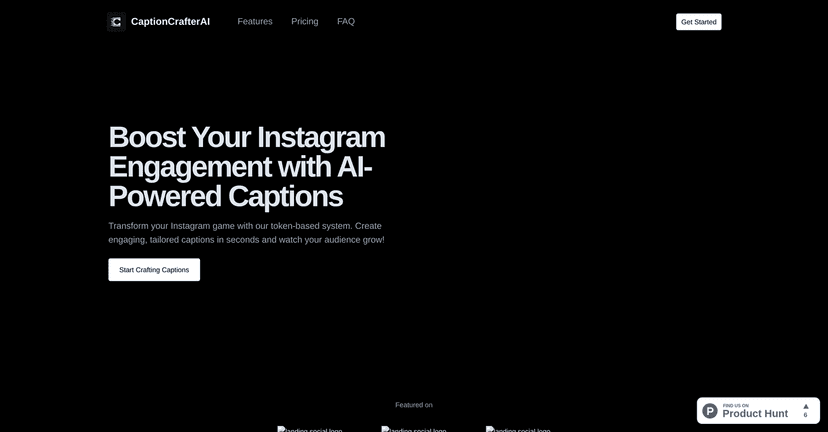
In this CaptionCrafterAI review, I’ll walk through what it does well, what I didn’t love, and how I’d actually use it in a real posting routine (not just in theory).
CaptionCrafterAI Review
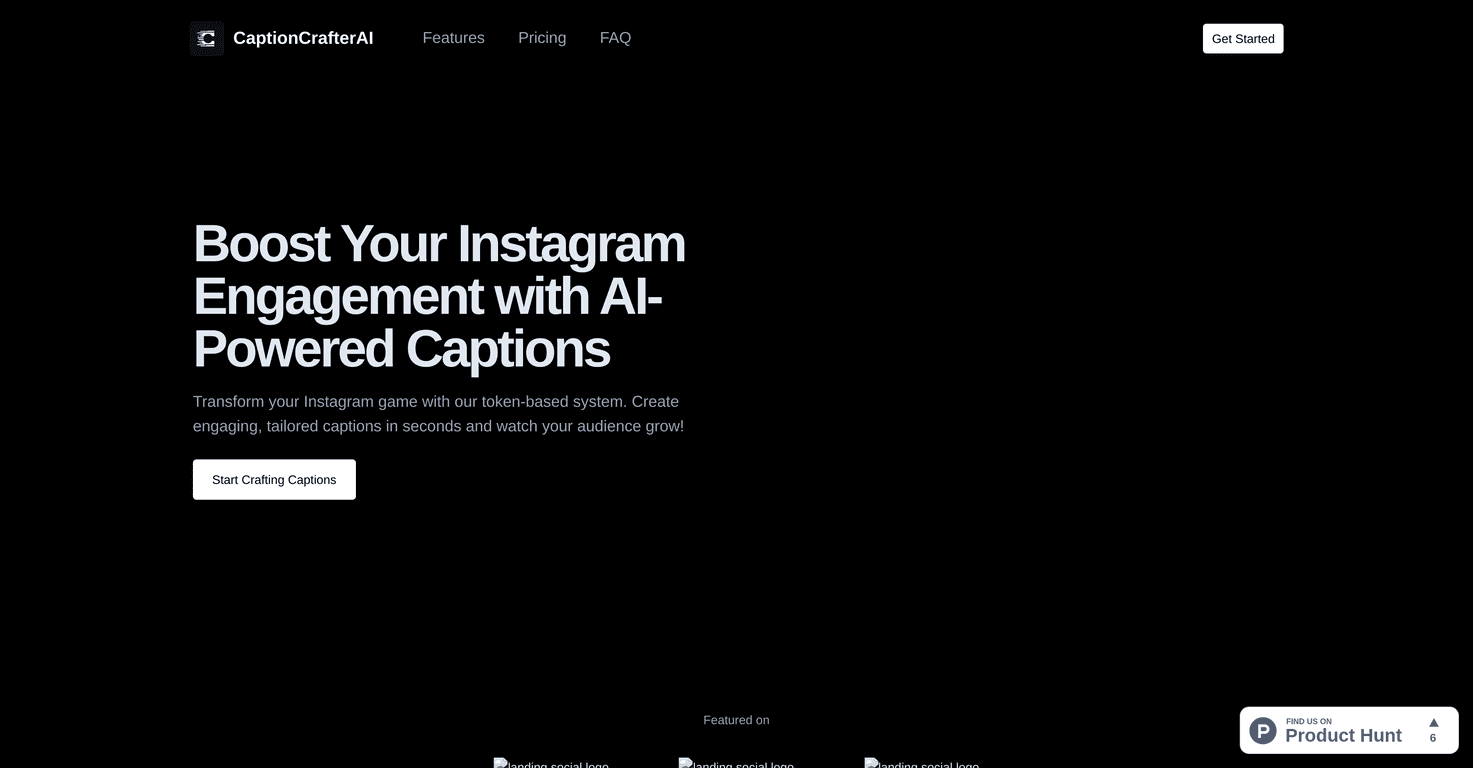
CaptionCrafterAI is built for Instagram-focused creators who want captions that don’t sound like they were generated at 2 a.m. on a deadline. The pitch is that it uses AI to create caption ideas tailored to your post, so you’re not starting from scratch every time.
What I noticed right away is that it’s meant to reduce the “blank screen” problem. Instead of thinking, “Okay… what’s the hook?” you can generate a few options, pick the one that matches your vibe, and tweak it so it still sounds like you.
For example, if you’re posting a product photo, you don’t just want a generic sentence—you want something that nudges people to care. I like captions that do a few things fast: highlight the benefit, add a personal angle, and end with a question or a clear next step. That’s the kind of structure CaptionCrafterAI is aiming for.
Is it perfect? Not always. AI can sometimes overdo the “engagement-y” tone. But if you’re willing to edit for authenticity, it can still be a huge time saver.
Key Features
- AI-driven caption generation tailored for Instagram
You’re not just getting random text—you’re getting caption suggestions designed for Instagram posting. In practice, that means you can generate options faster and then refine them to fit your niche. - Tools to boost engagement on posts
The goal here is engagement. I look for captions that include a hook, a reason to care, and a call-to-action (even if it’s just “Which one are you?”). This tool is positioned to help you hit those beats without spending 20 minutes rewriting. - Time-saving capabilities for users frequently posting on social media
If you post often—daily, a few times a week, or you’re running a brand—caption creation adds up. I like anything that cuts down the “drafting” time because that’s usually where the burnout starts.
Quick tip from my own process: I don’t copy-paste the first result. I generate, choose the best direction, then adjust the first line to match my voice. That tiny step makes the caption feel way more human.
Pros and Cons
Pros
- Captions can feel more “on target”
When the suggestions match your topic, it’s easier to write something people actually respond to. That’s the real win—less guesswork. - Saves time (especially when you’re posting regularly)
Even if you only use it to get the first draft, it can cut your caption time down a lot. I’d rather spend 2 minutes editing than 15 minutes blank-staring. - Simple and straightforward for content creators
You don’t need a marketing degree to use it. It’s designed for creators who just want results quickly.
Cons
- Limited to Instagram
If you’re also posting on TikTok, X, LinkedIn, or Facebook, you might end up using a different tool for those platforms. That’s not a dealbreaker for Instagram-first creators, but it matters. - Results can vary depending on niche and audience
In my experience, AI works best when your input is specific. If you give it something vague, you’ll get vague captions. If your niche is super specific, you’ll still want to edit to make it accurate and believable.
One more honest note: AI captions can sometimes sound a little “formulaic.” If you’re building a personal brand, your audience will notice when you sound generic. So keep your voice in the driver’s seat.
Pricing Plans
Pricing for CaptionCrafterAI isn’t clearly listed in the content I reviewed. That’s a little frustrating—because if I’m going to test a tool, I want to know whether it’s a $10/month “try it out” option or something more serious.
If you’re considering it, I’d suggest checking the site directly and looking for a free trial, monthly vs. yearly plans, or any credits-based system. If the cost isn’t transparent, it’s harder to judge value compared to other caption tools.
Wrap up
Overall, I think CaptionCrafterAI is worth considering if Instagram captions are slowing you down. It’s designed to help you go from idea → draft faster, and that alone is valuable when you’re posting consistently.
That said, don’t expect a “perfect caption with no edits” situation every time. The best results I’ve seen from tools like this come from using the AI to generate options, then rewriting the first line and adding your real context.
If your goal is to improve your Instagram presence without spending your whole evening thinking about wording, CaptionCrafterAI could be a helpful addition to your workflow.
Promote CaptionCrafterAI



