Table of Contents
Social media moves fast. One day your brand is everywhere, the next day it’s… kind of not. That’s why I actually like tools that can show more than just “likes and follows.” BuzzLens caught my attention because it focuses on brand presence and audience signals using AI and computer vision (so it’s looking at images, not just text). The big question for me was: does it feel useful in real life, or is it just another dashboard with fancy charts?
BuzzLens Review
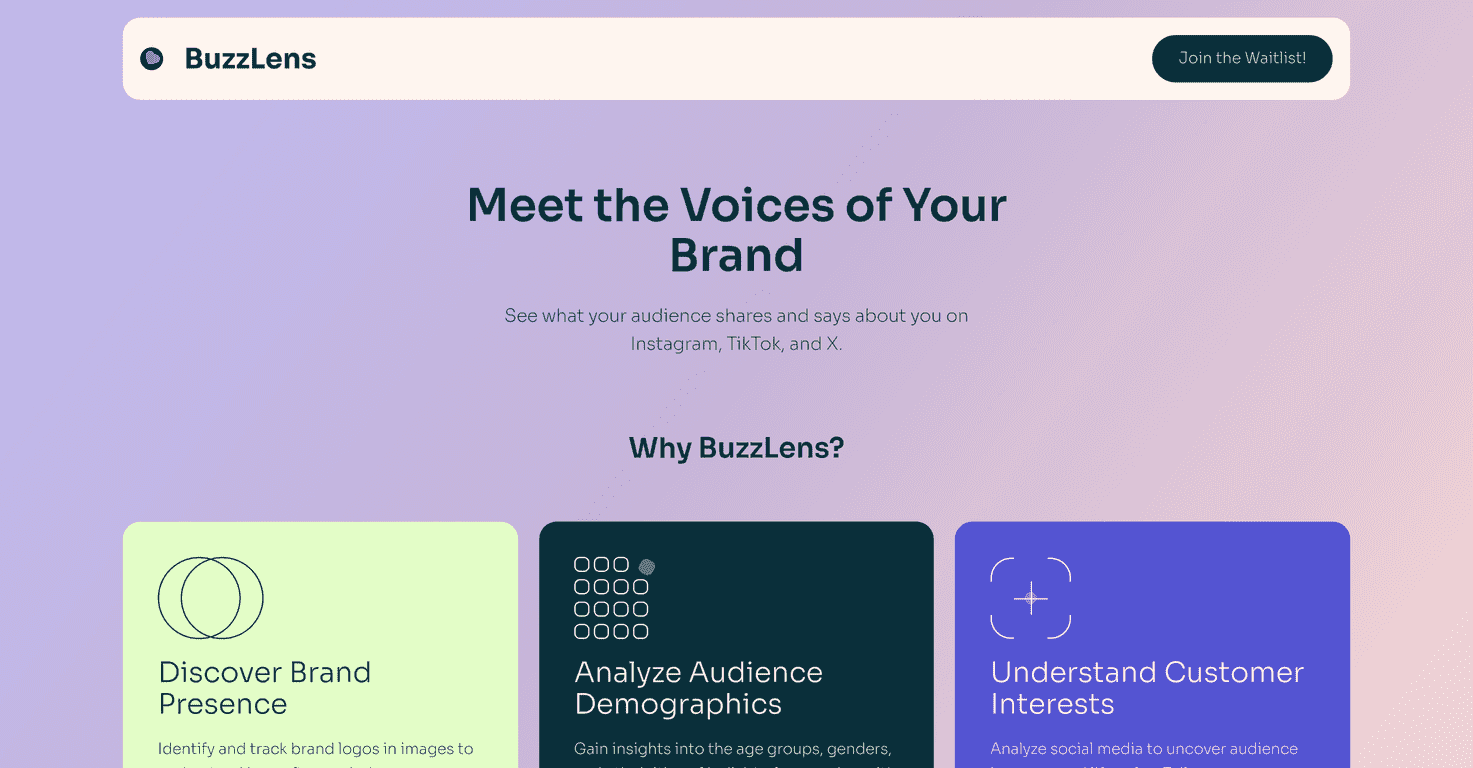
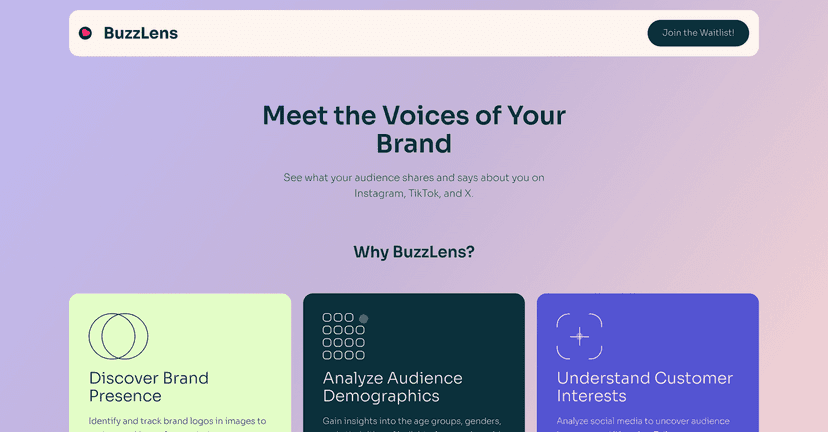
BuzzLens is built around three ideas: track where your brand shows up, understand who’s engaging, and infer what people are interested in based on their behavior. The “brand presence” part is the standout. Instead of only relying on mentions or hashtags, it can analyze images to detect when your logo appears on platforms like Instagram, TikTok, and X. In my experience, that matters because a lot of brand visibility happens in visuals—reposts, product shots, story screenshots—where people don’t always tag you.
Here’s what I liked about that approach: it doesn’t just tell you that you got exposure. It helps you see the context around that exposure. So you’re not staring at a vague number thinking, “Okay… but where did that come from?” You get a clearer picture of your visibility and how consistently it’s happening across platforms.
Next up is the audience demographic analysis. BuzzLens aims to surface details like age and gender, and even ethnicity, based on who’s interacting with your content. I’m not going to pretend demographic data is perfect—platforms don’t always make it easy, and models can misclassify—but having a directional read is still better than guessing. If you’re trying to decide whether to run a campaign for younger vs. older audiences, or whether your content is resonating with a particular gender split, this kind of insight can save you a lot of trial-and-error.
Then there’s the customer interest angle. BuzzLens looks at how users interact with your brand and tries to identify interest or lifestyle preferences. This part is useful if you’re planning content themes or ad angles. For example, if you notice people engaging with your posts also show interest patterns that align with fitness, travel, or beauty categories, you can test content that leans into those themes instead of posting randomly and hoping something sticks.
That said, I don’t think BuzzLens is “set it and forget it.” Like any analytics tool, results depend on the amount and quality of social data you have to work with. If your brand visibility is low or inconsistent, the insights may feel thin. Also, if you’re not used to AI-driven dashboards, the analytics can feel like a lot at first. It’s not the most “beginner friendly” experience—more like, “Here are powerful tools, now learn how to use them.”
So who is BuzzLens for? If you run marketing for a brand that gets shared visually—think consumer goods, lifestyle products, apps, creators, anything where screenshots and reposts are common—this could be a strong fit. If your strategy is mostly text-based mentions and links, you might not feel the same payoff.
Key Features
- Brand Presence Tracking — tracks logo appearances in images across platforms like Instagram, TikTok, and X, so you can measure visibility beyond tags and hashtags.
- Audience Demographic Analysis — surfaces age, gender, and ethnicity insights to help you target content and campaigns more accurately.
- Customer Interest Insights — analyzes engagement behavior to infer what people are into, which can guide ad angles and content themes.
Pros and Cons
Pros
- Computer vision for brand visibility — it’s useful when people share your brand visually without tagging you.
- More than vanity metrics — you’re not only looking at likes; you’re getting exposure and audience signals.
- Demographic insights can improve targeting — helpful for planning campaigns and adjusting messaging.
Cons
- Depends on data quality — if your social footprint is limited, the insights may be less actionable.
- Learning curve — the analytics can feel advanced if you’re expecting something simple and “plug-and-play.”
- Demographics aren’t guaranteed to be perfect — like any model-based estimation, you should treat results as directional and validate with your own performance data.
Pricing Plans
I couldn’t find clear pricing listed directly in the same way some tools do. What I did see is that you can register at BuzzLens and inquire about pricing options. If you’re comparing tools, I’d recommend asking a couple quick questions early: what platforms are included, whether there are limits on how many posts/images you can analyze, and how reporting works for ongoing campaigns.
How I’d use BuzzLens (practical tips)
- Watch brand presence trends over time — don’t judge after a day or two. Give it at least a couple weeks so you can spot real patterns.
- Pair insights with what you already track — if BuzzLens says your audience skews younger, compare that to your ad platform demographics and engagement rates.
- Test content themes based on customer interest — pick one interest angle, run a small test, and see if engagement improves. Then iterate.
Wrap up
BuzzLens is the kind of tool that makes sense if you care about actual brand visibility—not just mentions. The logo tracking and audience insights are genuinely helpful for building smarter marketing decisions, especially for brands where visuals do most of the work. Just keep in mind the results are only as good as the data you’re feeding it, and the analytics can take a bit of time to get comfortable with. If you’re ready to understand your social impact with more context, it’s worth checking out BuzzLens.
Promote BuzzLens




