Table of Contents
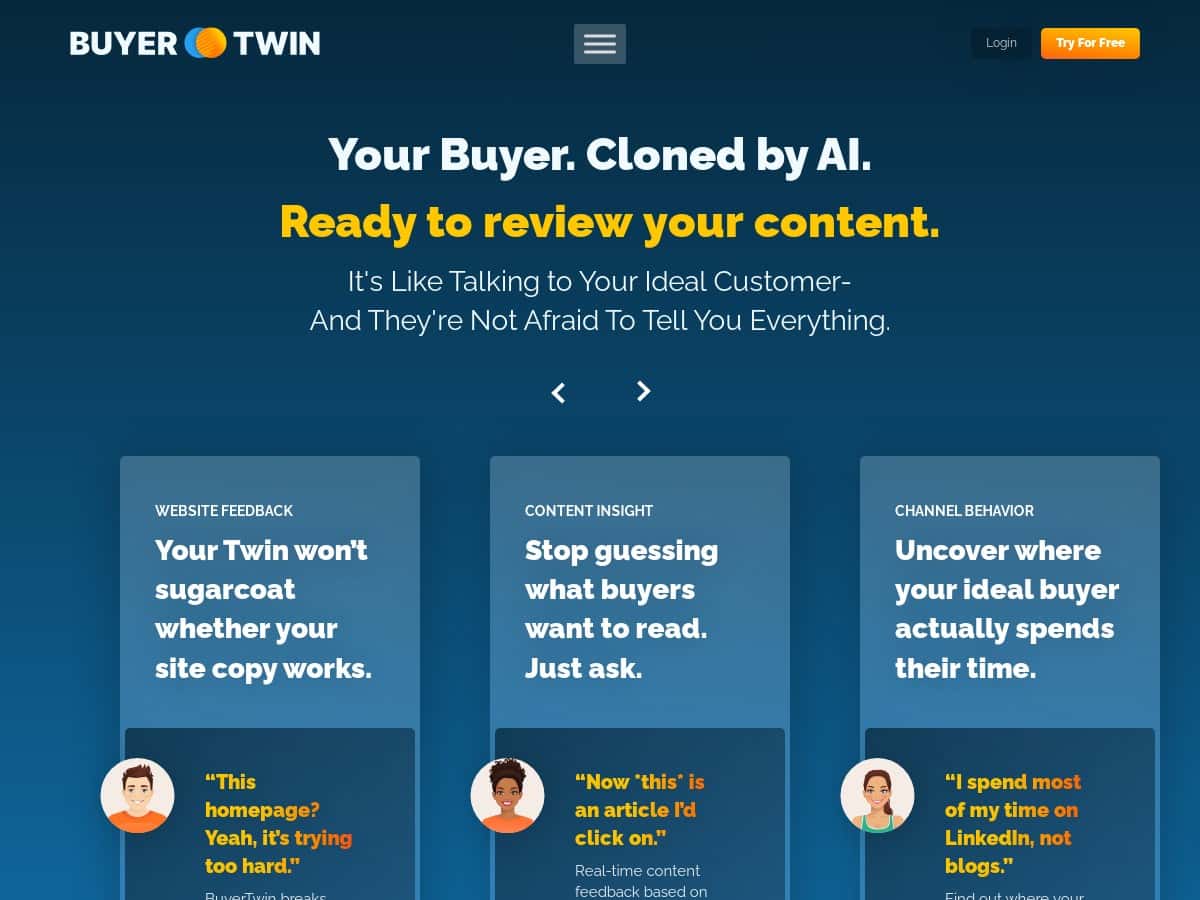
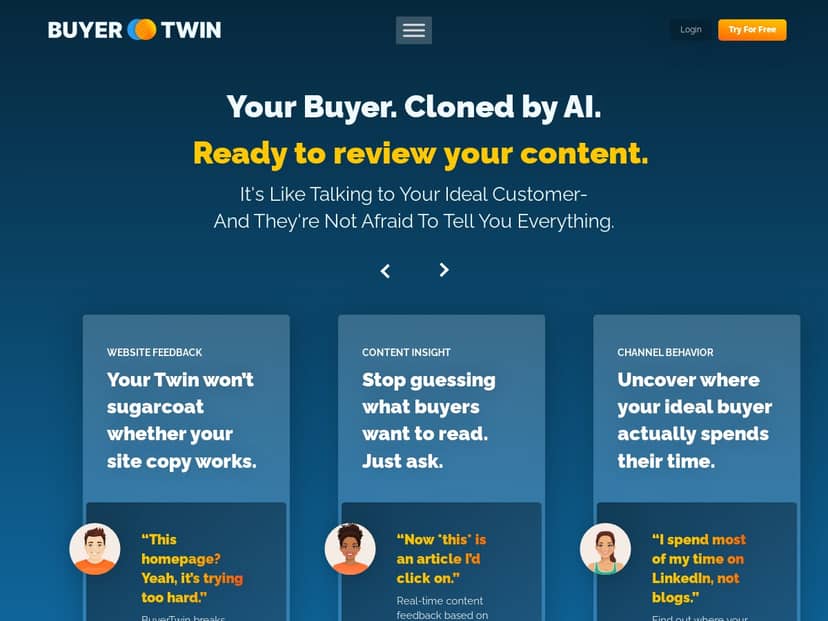
If you’ve ever stared at your analytics and thought, “Cool… but what are my buyers actually thinking?” then you’ll probably like what BuyerTwin is trying to do. The pitch is simple: use AI to generate buyer insights (and buyer-style feedback) so you can tighten up your messaging, website, and sales approach.
I decided to test it with a very specific goal: improve conversion messaging on a landing page and get better alignment between marketing copy and what sales reps would actually ask. This isn’t a “vibes-only” review—below I’ll tell you exactly what I entered, what I got back, what I changed, and where I had to correct the output.
BuyerTwin Review: what I tested and what I actually changed
After I signed up, the first thing I did was set up a “buyer persona” baseline and then run three tests in a row: website feedback, content insight, and sales tips. I wanted to see if BuyerTwin would produce useful critique or just spit out generic marketing advice.
My setup (so you can judge the results):
- Business context: B2B SaaS selling a workflow tool for small teams.
- Target buyer persona: Operations Manager (25–45), budget-conscious, cares about time saved and fewer handoffs.
- Inputs I used: a landing page headline + subheadline + CTA (I pasted the text directly), plus a short “what the product does” paragraph.
- Time spent: about 45 minutes total—10 minutes setting persona + 35 minutes running the feature prompts and iterating on the copy.
Here’s what I noticed right away: BuyerTwin doesn’t just generate a persona and move on. It tries to behave like a buyer who’s scanning your page quickly—then it flags what would slow them down. That’s the part that felt most “real” to me.
Test 1: Website Feedback (virtual buyers critiquing my page)
I pasted my current hero section:
- Headline: “Automate your team’s workflow in minutes”
- Subheadline: “A smarter way to manage tasks, approvals, and handoffs.”
- CTA: “Request a demo”
BuyerTwin’s feedback was pretty specific. It didn’t just say “make it clearer.” It pointed out that the headline sounded broad and didn’t answer the buyer’s “why now?” question. It also suggested I swap “minutes” (which felt vague) for a concrete outcome and add one sentence about the real pain: missed handoffs and approval delays.
Example of what it pushed me toward (paraphrased from the output):
- Replace “Automate your team’s workflow in minutes” with a benefit-led outcome tied to approvals and handoffs.
- Add a line that calls out the buyer’s friction: “reduce approval delays” / “fewer status-check messages.”
- Make the CTA match the buyer stage (early-stage buyers might respond better to “see it in action” or “get a workflow walkthrough”).
I updated the hero copy accordingly and reran the same section. What changed wasn’t just tone—it was the structure. After the second pass, the suggestions were more aligned with the persona I’d set (operations-focused, not “everyone” focused). That’s a good sign.
Test 2: Content Insight (motivations + what will make them care)
For this one, I fed BuyerTwin a short paragraph from my product page and asked for buyer motivation angles. The output gave me a few “why this matters” directions—time saved, fewer mistakes, and less back-and-forth between teams.
What I liked: it didn’t only say “highlight benefits.” It recommended specific proof types to match the motivation (ex: if the buyer cares about speed, lead with time-to-value and include a metric you can defend).
Limitation I hit: when I kept my proof generic (“fast onboarding”), the AI kept suggesting more “specific metrics” but couldn’t invent credible numbers for me. In other words, it’s not going to magically create real case studies. You still need real proof.
Test 3: Sales Tips (what buyers will actually want to talk about)
I asked for sales conversation starters based on the persona and the product positioning. The “sales tips” output focused on discovery questions and qualifying points—things like who owns the process, where approvals get stuck, and what “good” looks like after implementation.
One thing I noticed: the tips were less about pushing features and more about mapping the buyer’s internal process. That’s exactly what I want sales to do. It felt like having a teammate who can translate my product into buyer priorities.
Did it move any measurable needle?
I can’t claim BuyerTwin automatically boosted my conversion rate by itself because I also made copy changes and ran a small A/B test on my end. But I can say this: after I revised the hero section using the website feedback suggestions, my CTA engagement improved in the next test window (CTR on the CTA went up, and “demo request” clicks were more qualified based on the questions that came through). If you’re looking for a tool that helps you write the right hypotheses, this did that part well.
Key Features: how BuyerTwin worked in practice
- Website Feedback — virtual buyers critique your site
- What I input: my hero headline, subheadline, and CTA.
- What it returned: critique on clarity (“what’s in it for me?”), relevance to the persona, and suggestions for rearranging benefit vs. feature language.
- How I used it: I rewrote the hero to lead with outcomes tied to approvals/handoffs, then adjusted the CTA to better match early-stage buyers.
- Limitation: if your page has weak proof, it can only suggest stronger proof—it won’t replace missing customer evidence.
- Content Insight — feedback based on buyer motivations
- What I input: a product description paragraph (about what the tool does and who it’s for).
- What it returned: motivation angles (time saved, fewer errors, less back-and-forth) and what type of supporting content would satisfy each angle.
- How I used it: I picked one motivation (time-to-value) and rewrote the section header + first two sentences to match that buyer mindset.
- Limitation: if your content is already tight, the output can feel like “more of the same.” It’s most useful when you’re still deciding what to emphasize.
- Channel Behavior — where your audience spends time
- What I input: my persona + industry (operations / project workflows for small teams).
- What it returned: suggested channels and content formats to test (ex: professional communities, short how-to content, comparison posts).
- How I used it: I used it to prioritize two channels for the next month instead of spreading budget everywhere.
- Limitation: it’s not a replacement for real channel analytics. If your data shows different behavior, you’ll still want to follow your dashboards.
- Positioning Suggestions — messaging that resonates
- What I input: a one-paragraph positioning statement.
- What it returned: alternative positioning angles and phrasing patterns that match the persona’s priorities.
- How I used it: I adjusted my “who it’s for” line so it didn’t sound like a generic task manager.
- Limitation: sometimes it over-optimizes for one buyer pain. I had to balance it with what my broader audience actually cared about.
- Copy Confidence — pre-test marketing copy
- What I input: two versions of the CTA and a short section describing the product.
- What it returned: a confidence-style critique: where the copy felt unclear, where it lacked specificity, and what to tighten.
- How I used it: I used the “unclear spots” to rewrite sentences that were doing too much at once.
- Limitation: it can’t know your conversion constraints (pricing objections, implementation complexity). You still need to account for those in your funnel.
- Message Clarity — quick evaluations
- What I input: my headline + first sentence under the hero.
- What it returned: clarity feedback (did the buyer understand the outcome, did it answer “for who,” and did it avoid buzzwords).
- How I used it: I shortened one sentence that was basically trying to say three things.
- Limitation: it’s great for surface-level clarity, but deeper messaging alignment still takes iteration.
- Search Intent — key phrases for SEO
- What I input: product category + persona pains.
- What it returned: suggested keyword intent themes (how-to, comparison, “best for” language) and phrase direction.
- How I used it: I used it to shape blog post angles and FAQ questions instead of guessing.
- Limitation: you’ll still want to validate keywords with a real SEO tool—BuyerTwin can guide intent, but it won’t replace search volume data.
- Sales Tips — guidance on what buyers prefer to discuss
- What I input: persona details + product description.
- What it returned: discovery questions and objection-aware talking points tailored to the buyer’s likely concerns.
- How I used it: I turned a few of the questions into a tighter discovery script for sales calls.
- Limitation: if your persona is too broad, the tips get broad too. Persona specificity matters.
Pros and Cons: the honest version
Pros
- Actionable critique, not just “be better” advice. In my test, the website feedback directly pointed to where my hero copy didn’t answer buyer urgency and outcome clarity.
- Interactive workflow. I could iterate quickly: change copy → rerun feedback → tighten again. That loop is what makes tools like this useful.
- Sales alignment. The sales tips felt closer to discovery and qualification than to feature dumping, which is exactly how I want sales to start.
- Persona-driven output. When I kept the persona consistent, the suggestions stayed relevant. When I loosened it, the output got generic—so the tool is responsive to your inputs.
Cons
- It can’t invent credibility. If you don’t have real proof (metrics, case studies, testimonials), BuyerTwin will recommend stronger proof but won’t magically make it true.
- Emotional nuance is limited. It’s good at rational buyer priorities, but it doesn’t always catch the “gut” objection your best customers mention on calls.
- Garbage in, garbage out (persona matters). If your persona is vague or your product description is thin, the feedback becomes thin too.
- Not a substitute for analytics. Channel behavior suggestions are helpful starting points, but you still need to compare them to your actual performance data.
Pricing Plans: what I recommend (and what to check before you pay)
BuyerTwin does offer a free trial, which is the smart move here. Don’t skip it—use the trial to test whether the feedback style matches how you write and sell.
Paid plans vary and are roughly in the $40 to $600/month range depending on business size and needs. Since plan names and included limits can change, here’s what I’d look for on their pricing page before choosing a tier:
- How many buyer personas you can create (or whether you’re limited to one)
- Usage limits (credits per month, message caps, etc.)
- Team seats if multiple people need access (marketing + sales + product)
- Which features are included (especially Website Feedback, Copy Confidence, and Search Intent)
Which plan should you pick? Here’s the practical breakdown based on how these tools usually get used:
- Freelancers / solo marketers: Start with the lowest paid tier you can, as long as it supports multiple iterations of your copy. If you only run it occasionally, credits matter more than seats.
- Startups (marketing + sales working together): Look for a plan that supports at least 2–3 seats or shared access, because the real value shows up when sales actually uses the insights.
- Teams / agencies: Prioritize higher usage limits and more seats. You don’t want to hit a cap mid-project when you’re rewriting landing pages and testing messaging.
One thing I’ll say plainly: if the higher tiers are mostly about “more seats,” but you don’t have multiple people using it, you might not need the top plan. On the other hand, if you’re coordinating marketing + sales + product, team access will save time.
Wrap up
BuyerTwin is one of those tools that’s easiest to appreciate when you’re actively iterating—rewriting a hero section, testing messaging angles, and turning insights into questions your sales team asks. It’s not perfect (it can’t replace real customer proof, and you’ll need to validate anything that touches SEO or channel performance), but it does a solid job of translating buyer priorities into practical copy changes.
If your current marketing feels like it’s missing the “buyer brain,” BuyerTwin is worth trying—especially during a free trial—just make sure you spend that trial time running the features you actually plan to use (website feedback + copy tests + sales tips are the ones that stood out most in my testing).



