Table of Contents
If you’ve ever stared at a blank page trying to write a business plan, you already know how painful it can be. I’ve been there—usually you spend more time figuring out what goes where than actually refining the idea. That’s why I decided to test Business Machine and see if it really helps you generate a solid plan without weeks of work.
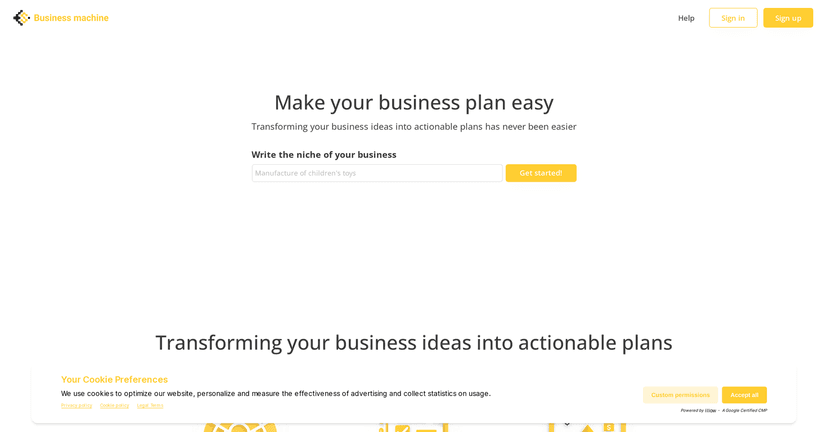
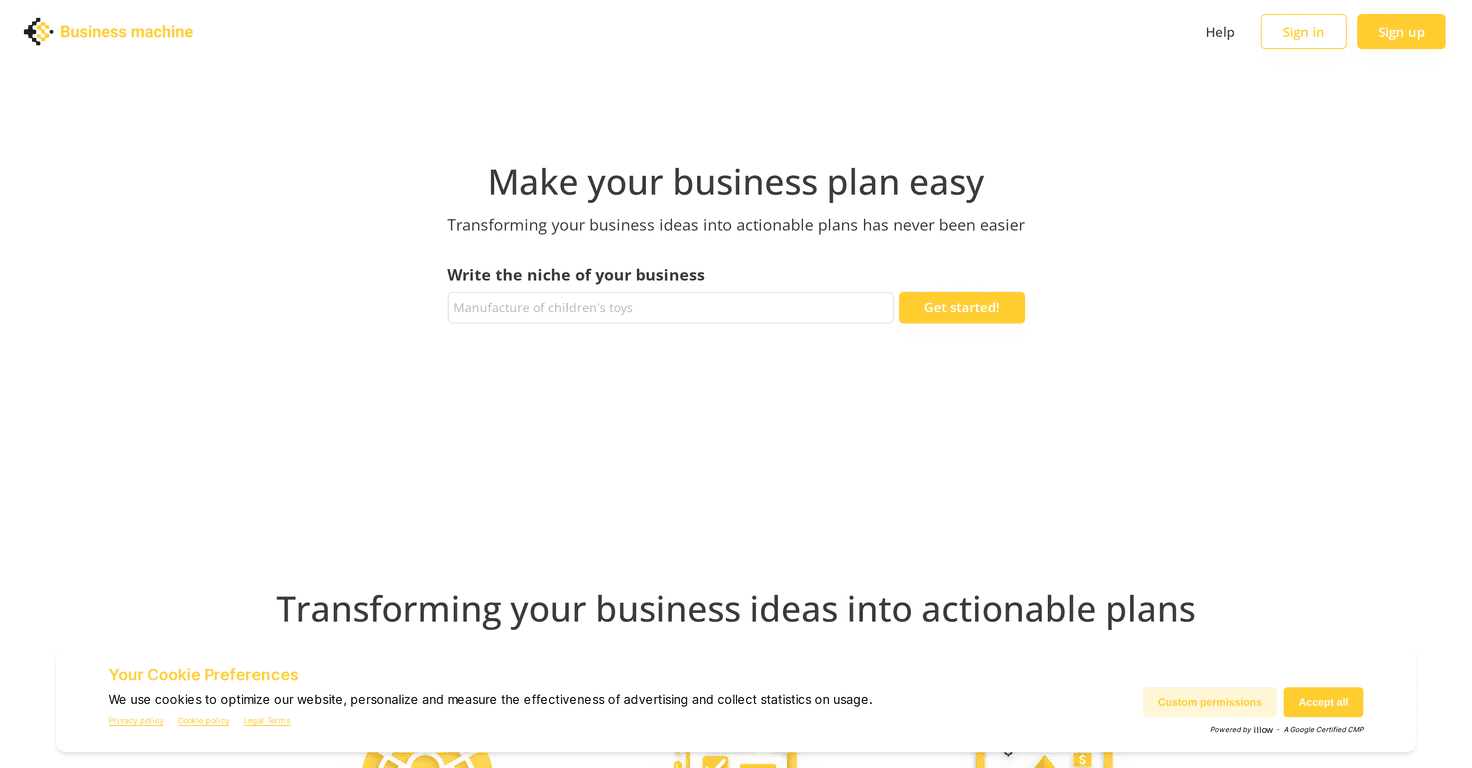
Business Machine is built to help you create a professional business plan quickly. It’s marketed as an AI-powered tool that generates a tailored plan based on what you enter. The big hook is that it starts with a free option, so you can try it before you commit. And honestly, I like that approach—because business plan tools can be hit-or-miss depending on how much guidance they actually give you.
Business Machine Review
Let me be upfront: AI can’t magically know your business. What it can do (when it’s done right) is turn your rough ideas into something structured—fast. That’s what Business Machine is aiming for.
In my experience, the tool’s value shows up when you’re trying to get from “I have an idea” to “I have a plan I can actually share.” The interface is straightforward, and that matters more than people think. If a tool is confusing, you’ll spend your time fighting it instead of building your strategy.
Here’s what I noticed right away: it pushes you to provide inputs, then generates a tailored plan from those details. If you’re launching a startup, that’s helpful because you can’t exactly copy/paste last year’s numbers. If you’re refining an existing business plan, it can still be useful as a starting point—especially if you want to tighten the messaging and structure without rewriting everything from scratch.
Also, the turnaround time is a real factor. When you’re working toward a pitch deck, investor meeting, or grant deadline, waiting around isn’t an option. A tool that gets you a usable draft quickly can absolutely reduce stress.
Key Features
- AI-driven business plan generation
You feed it information, and it outputs a business plan draft. This is the core feature, and it’s what saves the most time. - Customized plans based on user input
It’s not just one generic template. The goal is to reflect what you tell it—like your business type, goals, and positioning. - Built for startups and established businesses
Whether you’re brand new or updating an existing plan, the tool is positioned as broadly usable across different business stages. - Quick turnaround time
If you’re trying to move fast, this matters. You’re not stuck waiting days for a document draft. - Free starting option
You can test it first, which is a big plus in my book. I don’t love paying for “maybe it’ll work” tools.
Pros and Cons
Pros
- It saves time
Instead of building a plan outline from scratch, you get a draft structure quickly. That alone can cut hours off your first pass. - Output feels tailored
When you provide clear inputs, the generated plan tends to line up better with your direction than generic AI text. - Works for different business types
I found it easier to imagine using it for both early-stage startups and businesses that need a clearer plan narrative. - User-friendly interface
The workflow is simple enough that you don’t need to be “techy” to get value out of it.
Cons
- Pricing and advanced details aren’t clearly explained
If you’re the kind of person who wants to know exactly what you’re paying for, you might feel a little in the dark at first. - Not enough transparency on limits
It’s not always clear what the full capabilities are (or what you might hit as limits). That’s something I’d want spelled out more clearly before recommending it broadly.
Pricing Plans
From what’s available, Business Machine doesn’t lay out detailed pricing tiers in the content I reviewed. What it does mention is a free starting option, which is exactly how I’d want it to work—try it first, then decide.
If you want specifics (like monthly vs. yearly pricing, what features are locked behind a paid tier, or how many plans you can generate), you’ll need to check the official site. I’d do that before you invest time beyond the free draft—because you don’t want to build something you can’t fully export or use the way you planned.
How I’d Use Business Machine (Practical Tips)
Here are a few things I’d recommend if you’re going to use Business Machine for a real plan and not just a quick demo:
- Be specific with your inputs
AI is only as good as the info you give it. If you’re vague, the plan will be vague. Give it concrete details like target customer, problem, and how you’ll deliver value. - Use it for a first draft, then tighten it
Don’t treat the output like a final “send to investors” document. I prefer to edit the executive summary and business model sections so they sound like me (and like my market). - Double-check numbers and assumptions
Even if the tool generates projections or strategic claims, you should sanity-check anything that involves pricing, costs, or growth. - Match the plan to your goal
Is this for fundraising, a partnership, or internal planning? Your emphasis should shift based on the audience. If the plan feels off, adjust your inputs and regenerate.
Want the fastest path? I’d start with the free plan, review the structure, then decide if it’s the right drafting partner for the next iteration.
Wrap up
Business Machine is a solid option if you want a business plan draft without the usual grind. The biggest strengths are the quick AI-generated output, the user-friendly process, and the fact that you can start for free. The main downside is that key details—especially around pricing and limits—aren’t fully spelled out in the material I reviewed.
If you’re trying to get organized fast and you don’t want to spend your entire week building a document outline, it’s worth checking out. Just make sure you review the draft like you’d review any first draft: edit it, verify the assumptions, and tailor the story to your actual business.
Promote Business Machine



