Table of Contents
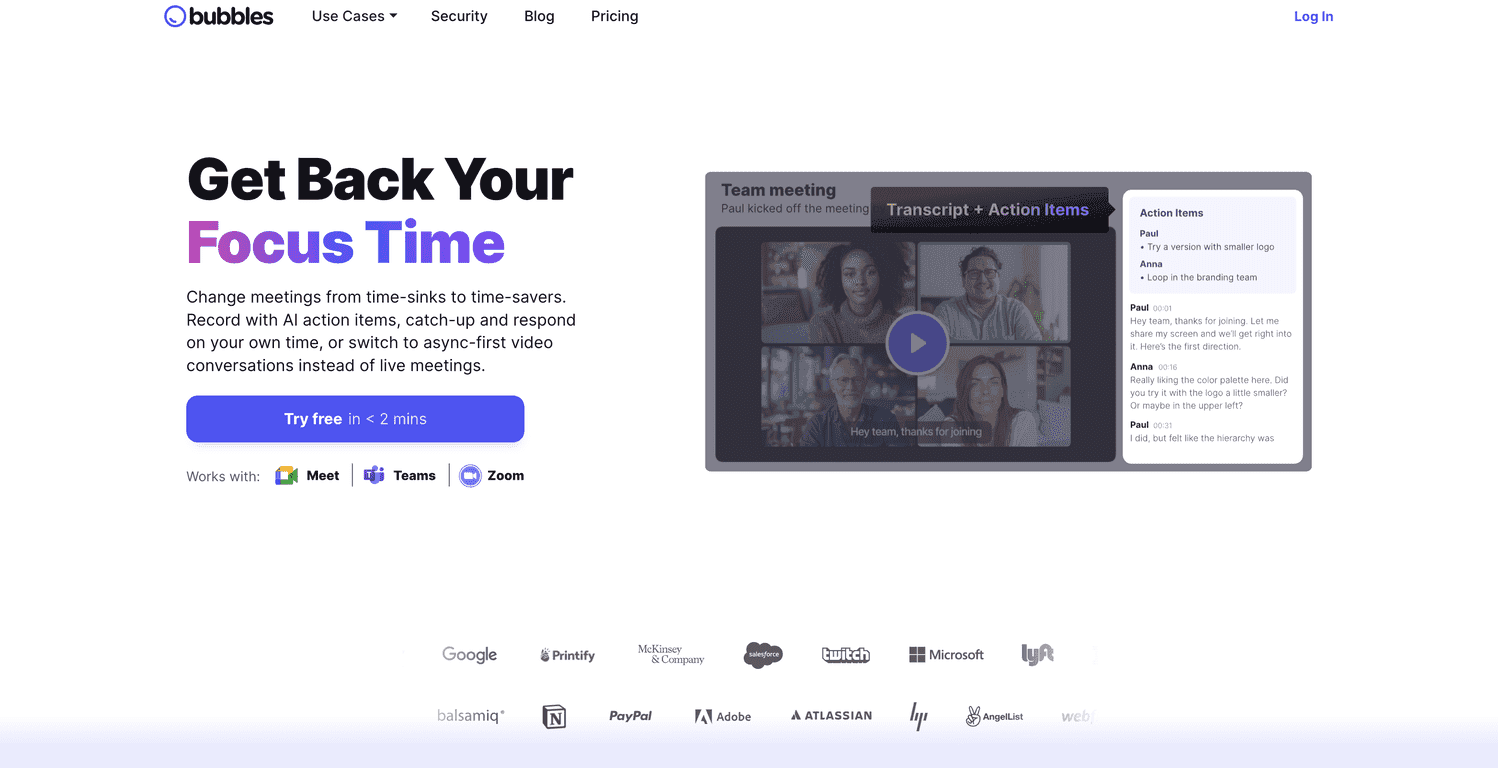
Let’s be real—most meetings aren’t “productive,” they’re just… loud. People talk, someone tries to take notes, and then a day later nobody can find the decisions. That’s exactly why I wanted to test Bubbles Notetaker. The idea is simple: let the tool capture the discussion and hand you back something usable right after the call.
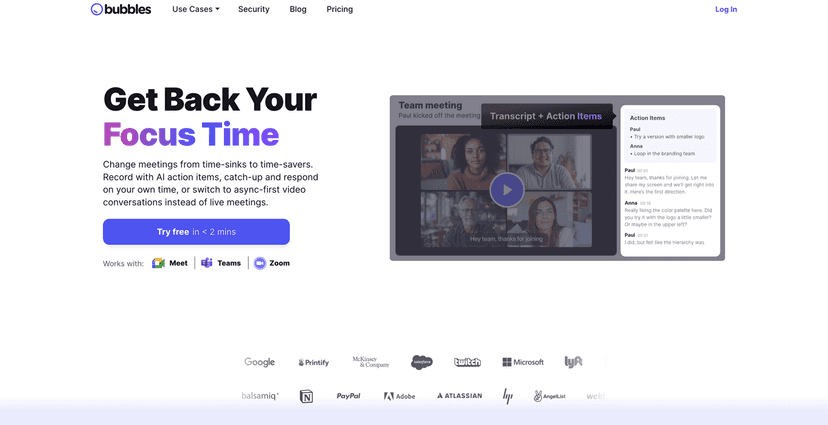
In my experience, the biggest win isn’t just “notes.” It’s not having to scramble to remember who said what, or replaying the same 20-minute section because you missed one detail. Bubbles generates summaries and action items soon after the meeting, so you can actually move on instead of doing a follow-up cleanup later.
One feature I didn’t expect to care about as much as I do: the asynchronous video side. Not every conversation fits neatly into a calendar invite. Sometimes you need to respond to a recorded meeting, or you want to keep momentum without getting everyone in the same room. With Bubbles, you can send video responses/comments on meeting recordings, which makes follow-ups feel more natural than typing a bunch of back-and-forth.
And yes, setup matters. What I liked here is that Bubbles is designed to work with the tools people already use—Zoom, Microsoft Teams, and Google Meet. That means you’re not stuck learning a whole new workflow just to get value. Your meeting recordings and notes also end up organized in one place, which is honestly the difference between “we should track decisions” and “we actually track decisions.”
Bubbles Notetaker Review: Does it actually help after the call?
I’m picky about meeting tools because I’ve used plenty that promise “smart summaries” and then hand you something vague. With Bubbles Notetaker, the whole point is to reduce the follow-up work: you get a recap, and you get action items so you know what to do next.
Here’s what I noticed most during my tests:
- Action items showed up quickly: Instead of waiting until the next day to reconstruct decisions, I could look at the output right after the meeting and start assigning next steps.
- Summaries were easier to scan: I’m not trying to read a wall of text. The summaries are structured enough that you can find the important parts without re-listening to the whole recording.
- Async video made follow-ups smoother: When someone couldn’t join live, they still had a way to respond to the recording. It felt more “in the conversation” than just leaving comments in a doc.
Is it perfect? Not always. If your meeting has lots of jargon, overlapping speakers, or people jump topics quickly, you may still need to sanity-check what the notes say. But that’s true for basically any AI note tool—I just appreciated that Bubbles is built around being useful, not just “technically correct.”
Key Features That Matter in Real Meetings
- Automated note-taking that captures the meeting content without you manually typing during the call.
- Instant summaries and action items so you can move from discussion to decisions fast.
- Asynchronous video conversations for when live meetings aren’t possible—send video responses or comments on recordings.
- Integrations with Zoom, Microsoft Teams, and Google Meet to make setup feel familiar.
- Commenting/annotation on recordings so collaboration doesn’t require everyone to be present at the same time.
- Organized storage of meeting records in one accessible place, which helps when you need to reference an old call.
Pros and Cons (From a User Who Actually Has Meetings)
Pros
- Less meeting drag: You’re not stuck doing manual notes that nobody reads later.
- Faster follow-up: Quick access to summaries and action items makes it easier to send a clean recap or start work immediately.
- Better collaboration for async teams: Video responses/comments keep the conversation going even when schedules don’t match.
- Integrates with the tools you already use: Zoom, Microsoft Teams, and Google Meet support reduces friction.
Cons
- AI accuracy can vary: If the audio is messy or speakers talk over each other, you might need to review the output.
- Async takes a little getting used to: If your team is used to “live or nothing,” you’ll need a short adjustment period for recording-based feedback.
Pricing Plans: Free Trial + Subscription Options
Bubbles offers a free trial, which is the right move in my opinion—you should test it with a couple of your real meetings before committing. After that, premium features are available through subscription plans. The setup is designed to be quick too, and the promise of getting started in under two minutes is believable enough that you won’t lose a whole afternoon just getting it configured.
If you’re evaluating tools like this, I’d suggest testing it on one meeting with clear decisions and one messier meeting. That way you’ll see how the notes hold up when things get chaotic.
Wrap up
Bubbles Notetaker is one of those tools that feels genuinely practical: it helps you turn meetings into usable outputs instead of leaving you with a vague “we talked about stuff” situation. If you care about follow-through—summaries, action items, and easy async collaboration—then it’s worth your attention.
If you’re curious, I’d start with the free trial, run it on a couple calls, and see whether the summaries and action items actually save you time. That’s the real test.
Promote Bubbles Notetaker




