Table of Contents
Contract review can be brutally slow. Even when everyone’s doing their best, you end up with the same questions popping up over and over: What’s the renewal term? Where are the indemnities? Did they sneak in a data processing addendum? I’ve sat through enough “let’s find it in 40 pages” moments to know why teams are looking for something like BRYTER Extract.
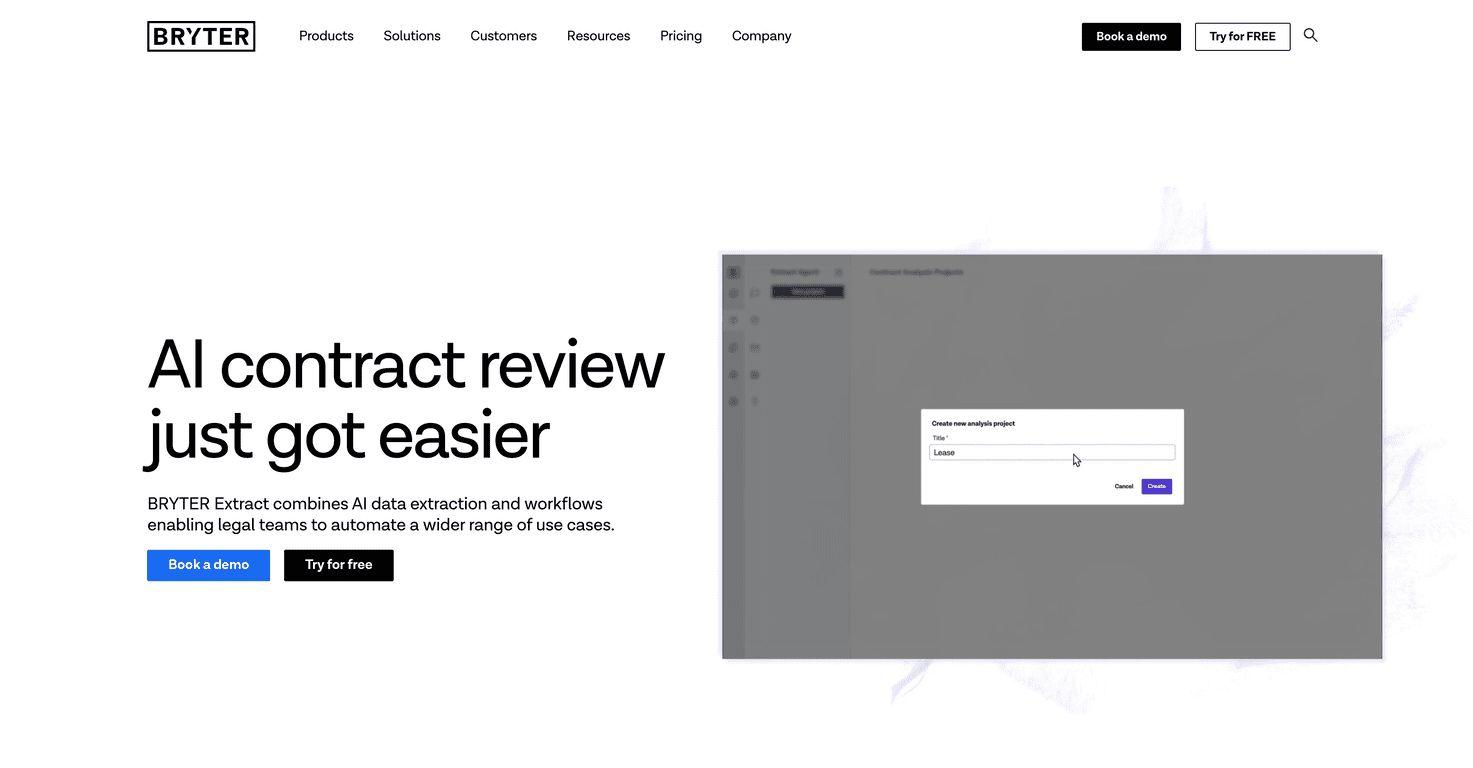
BRYTER Extract is built for AI-assisted data extraction in legal workflows. The pitch is simple: pull specific facts from contracts, turn them into structured outputs, and make it easier for legal folks to review what actually matters—faster, with less manual searching. The part I liked most is that it doesn’t just “read” a document; it helps you define what you want extracted in a way that fits real review tasks.

BRYTER Extract Review
Here’s what I’d expect from an “extract” tool in contract review: you upload (or connect) a document, it finds the relevant sections, and it outputs something you can actually use—terms, dates, obligations, and other structured fields. That’s where BRYTER Extract fits in.
In my experience, the biggest win with this kind of tool isn’t “AI magic.” It’s reducing the busywork. If your team spends hours hunting for the same 10–20 clauses across dozens of templates, extracting those data points automatically can be a real time saver. Instead of reading every line, reviewers can scan a summary and then jump to the exact spot in the contract when something looks off.
Also, I like that BRYTER Extract is positioned for legal teams specifically—not just generic document AI. You can set up customizable queries, which matters because every company’s playbook is slightly different. One team might care about DORA-related obligations; another might focus more on limitation of liability, confidentiality carve-outs, or termination for convenience.
Key Features
- AI-Powered Data Extraction for automatic data point retrieval
- Customizable Queries to target specific contract terms
- Workflow Integration for automated report generation and document reviews
- Multi-Language Support for versatile data extraction across different languages
- Pre-Built Extract Agents focusing on specific legal tasks like DORA compliance
What that looks like in practice: imagine you’re reviewing a contract and you need to capture (1) effective date, (2) notice period for termination, (3) liability cap language, and (4) whether there’s a renewal clause. With a structured extraction setup, you’re not just “reading”—you’re collecting. Then your team can compare outputs across vendors and spot deviations faster.
And if you operate internationally, multi-language support is more than a checkbox. Contracts don’t always arrive in perfect English, and even small wording differences can throw off manual review. Having extraction that’s meant to handle multiple languages can reduce the “translation tax” your reviewers otherwise pay.
Pros and Cons
Pros
- Drastically reduces review time by up to 90% (useful when you’re extracting the same fields repeatedly across many contracts)
- Seamless integration into existing legal workflows, so you’re not starting from scratch
- Tailored, high-quality responses thanks to specialized AI agents (you can align it with your actual legal tasks)
- Strong data privacy measures for sensitive information (important for anything involving customer data, pricing terms, or regulated obligations)
- Certifications (SOC 2 Type II and ISO27001) add credibility—especially if your procurement team asks hard questions
Cons
- There can be a learning curve if you’re new to setting up extraction queries and outputs—teams may need a short ramp-up period
- “High-quality” doesn’t happen instantly. You may have to spend time refining prompts/queries and testing against your own contract templates before you trust the results
One honest note: AI extraction is only as good as the consistency of the documents you feed it. If your contracts vary wildly in structure (different clause ordering, weird headings, inconsistent definitions), you’ll likely need to tweak your extraction setup. That’s not a dealbreaker—but it’s real.
Pricing Plans
BRYTER Extract doesn’t post a one-size-fits-all price here. Instead, it offers a personalized demo and a free trial option so you can test the workflow with your own use cases. For pricing, you’ll generally need to request a quote based on what your team needs (number of users, volume of documents, and the specific extraction/workflow setup).
If you’re evaluating tools like this, I’d ask for a trial that includes at least a few representative contract types—your “best case” templates and your messy ones. Otherwise, you won’t learn much about how robust the extraction really is.
Wrap up
BRYTER Extract is a solid option if your goal is to speed up contract review by extracting the right information in a structured way. The combination of customizable queries, workflow integration, and security credentials makes it feel like it was built for real legal teams—not just demos.
If you’re tired of hunting through documents for the same clauses, this is the kind of tool that can reduce that repetitive work and help reviewers focus on the exceptions. Just don’t expect it to be perfect out of the gate—plan for some setup and testing so your outputs match your standards.
Promote BRYTER Extract



