Table of Contents
Honestly, I get why people bounce off website builders. You open a tool, see a bunch of settings, and suddenly you’re Googling “what is a meta description?” before you’ve even picked a color. That’s exactly what made me curious about Brizy in the first place.
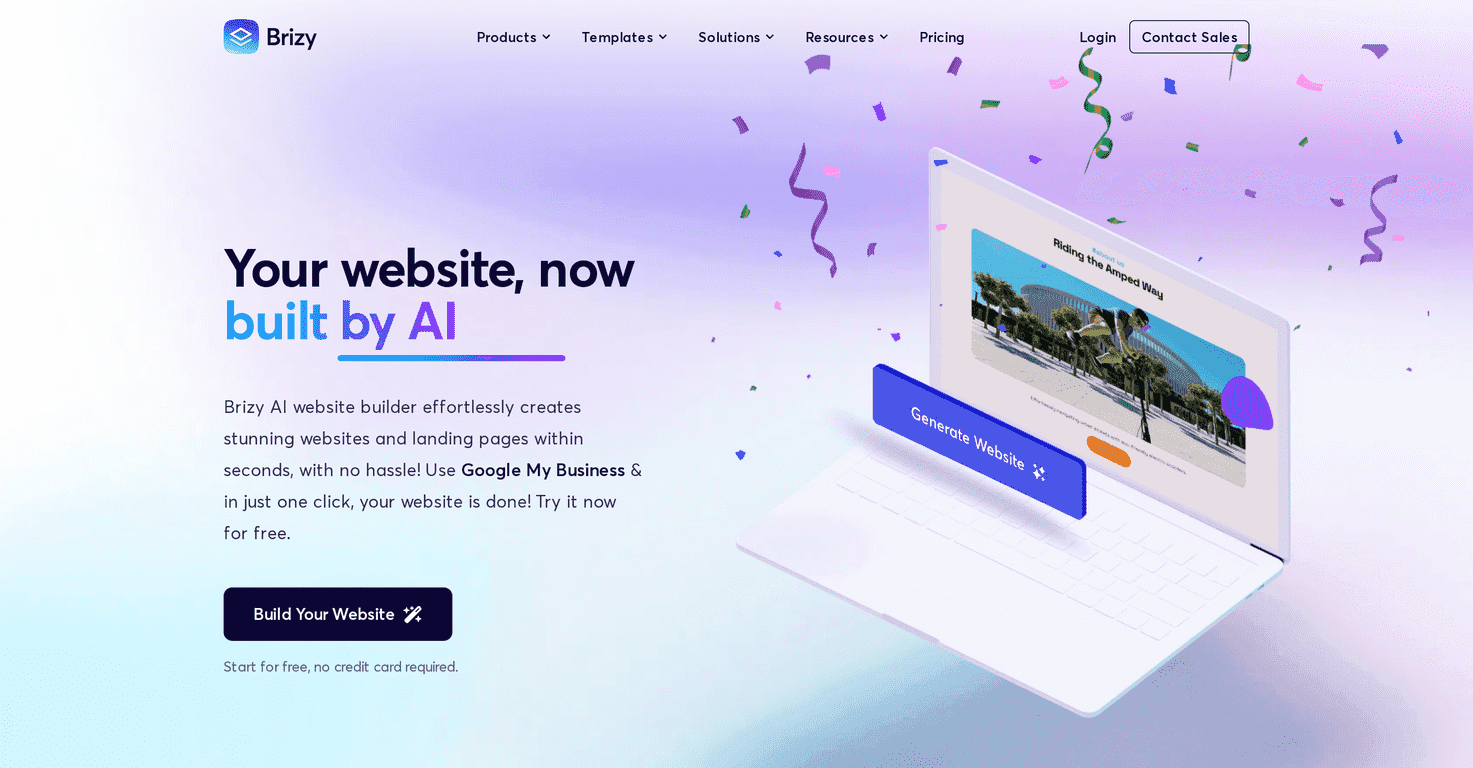
Brizy AI Website Builder is built to help you get from idea to a real-looking site fast. In my testing, the AI generation part can spit out a draft in under 20 seconds (not a polished “set it and forget it” page—more like a solid starting point). From there, you can tweak things using a drag-and-drop editor, so you’re not stuck inside a rigid template. And yes, the layouts I tried were responsive without me doing extra work, which is a huge win if you don’t want to manually adjust mobile views.
I also like that Brizy pushes you toward doing the basics that matter for visibility—things like SEO settings—rather than treating them like an afterthought. If you’re building a landing page for a local service or a small business, that kind of built-in support saves time.
Brizy Review: What It’s Like to Build With
Brizy AI Website Builder is designed for people who want a website without spending days learning layout grids. The core idea is simple: use AI to generate a draft quickly, then refine it with a visual editor.
Here’s what I noticed when I used it:
- AI generation is fast — in my experience, the initial draft can show up in under 20 seconds. It’s quick enough that you can iterate a few times without getting annoyed.
- Templates help you avoid the “blank page” problem — instead of starting from nothing, you get a structure you can build on. That matters more than people think.
- The drag-and-drop editor feels straightforward — I didn’t have to hunt for basic controls like swapping text, moving sections, or changing button styles.
- Mobile responsiveness is handled for you — the pages I previewed looked good on smaller screens. I didn’t need to redo spacing or font sizes manually right away.
- SEO tools are built in — it’s not just “here’s a website.” You get options that help with basics like meta info and on-page SEO settings, which is important if you want your site to be discoverable.
- White label can be useful for agencies — if you’re building client sites, being able to brand the experience can save you from using workarounds.
One quick reality check: AI can get you to a decent first version, but you’ll still want to customize the copy, tighten the structure, and make sure the design matches your brand. The AI draft is the starting line, not the finish line.
Key Features That Actually Matter
- AI Generation for quick website setup — use AI to create a draft fast, then refine it.
- Customizable templates — start with a layout that already looks “real.”
- Mobile-responsive design — your site should look good on phones without extra tweaking.
- User-friendly drag-and-drop interface — move sections, adjust elements, and edit content visually.
- SEO tools — built-in options to help with search visibility.
- White label options — useful for agencies and client work.
- Collaboration tools — helpful if you’re working with a team or handing off revisions.
If you’re building something like a service landing page, the “AI + template + editor” combo is especially handy. You can generate a first draft, swap in your service details, and then polish the sections that matter most—hero headline, benefits, FAQs, and a clear call-to-action.
Pros and Cons (Based on What I’d Care About)
Pros
- Beginner-friendly — you can build without coding, and the interface doesn’t feel overwhelming.
- Speed — AI generation can get you a usable draft in under 20 seconds, which is great when you’re iterating.
- Free trial available — you can test the workflow before committing.
- Support and resources — there are materials to help you figure things out when you get stuck.
Cons
- Custom domain publishing needs a paid plan — if you want your own domain, don’t expect to do it on the cheapest/free setup.
- Some features are locked behind PRO — you might hit limits before you reach the “fully featured” experience.
- AI content usually needs editing — I found I had to adjust wording, tighten messaging, and make sure it sounded like me/your brand.
So, is it perfect? Not really. If you’re the kind of person who wants total control down to every pixel, you may eventually want to compare it with more advanced builders. But for most small business sites and landing pages, Brizy feels like a practical middle ground.
Pricing Plans: What You’ll Pay (and When)
Brizy includes a free trial where you can create up to 5 websites. You also get 14 days to explore full features without needing an account upfront.
After the trial, pricing kicks in. A Personal plan starts at $19/month (and this is where custom domain publishing is mentioned). If you need more advanced options—like White Label—plans can go up to around $159/month.
My advice? If you’re just testing the builder, use the trial to build one complete page end-to-end (including the parts you normally forget, like SEO fields and your final CTA). Then you’ll know quickly whether the PRO features are worth it for you.
Wrap up
Brizy AI Website Builder is a solid option if you want to create a website quickly without starting from scratch. The AI draft speed, the template structure, and the drag-and-drop editing are the big reasons I’d recommend it—especially if you’re building a landing page or small business site.
Just go in with the right expectations: AI can get you 80% there fast, but you’ll still want to customize the copy and double-check the details before you publish. Once you do, it’s a pretty smooth way to get something real live on the internet.
Promote Brizy



