Table of Contents
Ever open a spreadsheet expecting to make a quick report… and then three hours later you’re still wrestling with formulas, chart settings, and formatting? Yeah, me too. Bricks is trying to solve that exact problem: taking the “blank page” stress out of spreadsheets and letting you describe what you want in plain language.
In my experience, the best part isn’t that it can “make spreadsheets.” Plenty of tools can. It’s that Bricks feels built for everyday reporting—charts, dashboards, and shareable documents—without making you fight the UI first.
Bricks Review: an AI-first way to build reports
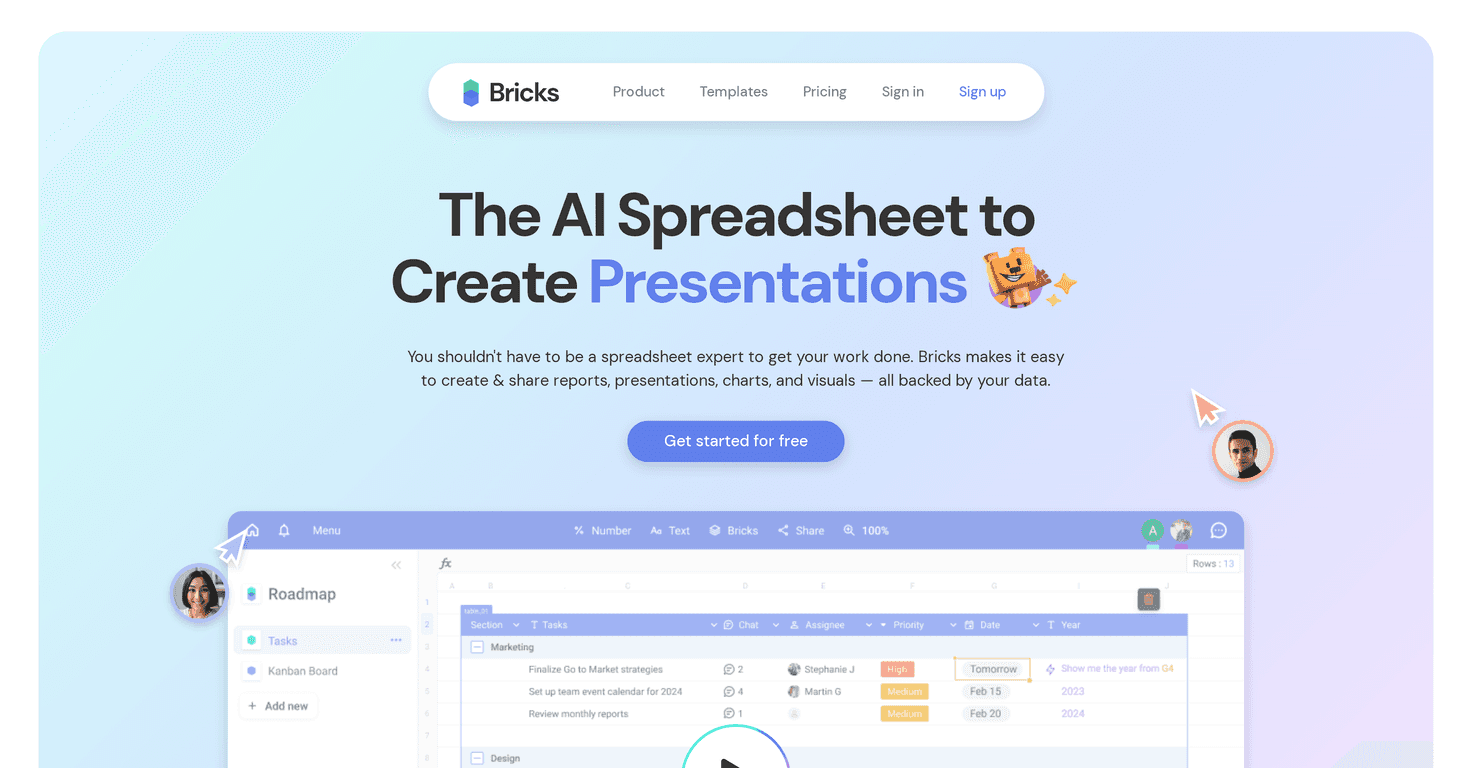
Bricks basically works like this: you tell it what you’re trying to produce, and it helps generate the spreadsheet structure, charts, and layout so you’re not starting from scratch. I tested it with a pretty typical “sales summary” workflow—importing a table of numbers and then asking for a report view. What I noticed right away is that it moves you toward a presentable result fast, instead of leaving you stuck in formatting hell.
AI-driven creation is the core pitch, and honestly, it’s the part that saves the most time. Instead of manually setting up columns, picking chart types, and formatting titles, you can describe what you want (for example: “Create a monthly revenue report with a line chart and a breakdown by region”). The tool then generates something you can tweak.
Now, it’s not magic. If your data is messy—missing headers, inconsistent date formats, or weird category names—you’ll still need to clean it up. But once your columns make sense, Bricks feels like it’s doing a lot of the “boring setup” for you.
Dynamic charts were another win in my testing. The charts looked clean without me spending ages on themes and axes. I also liked that it supports the kind of visuals you’d actually include in a report: trend charts, category breakdowns, and chart-ready layouts. When you’re trying to share results with someone who doesn’t want to dig through raw rows, that matters.
And yes, there are templates—things like dashboards, timelines, and scheduling views. I used a timeline-style template for a simple project plan and it saved me from building the layout myself. If you’ve ever tried to recreate a “roadmap” in a spreadsheet, you know how annoying that gets.
Collaboration is solid too. You can share projects and work together without the usual “who has the latest file?” chaos. In a real team setting, that’s huge. I wouldn’t say it replaces every collaboration workflow out there, but it does make it easier to keep everyone aligned on the same report.
Key Features I’d actually use
- AI-Driven Creation for report generation (ask for a report, get a starting layout you can edit)
- Dynamic Charts that help you visualize data quickly without micromanaging chart settings
- Calendar and Timeline Templates for scheduling, project planning, and roadmap-style views
- Visual Tools like diagrams and roadmaps that turn spreadsheet data into something easier to present
- Collaboration features for sharing and teamwork so updates don’t get lost
Pros and Cons (the real stuff)
Pros
- Beginner-friendly: you can get results without being a spreadsheet wizard.
- Faster reporting: in my experience, the biggest time savings come from skipping setup work (charts, layout, report structure).
- Templates help you look professional: you don’t have to start from a blank grid every time.
- AI assistance is genuinely useful for turning “data” into “a report someone will actually read.”
Cons
- There’s still a learning curve: you’ll want to spend a little time figuring out how Bricks expects your data to be organized and how to phrase requests.
- Don’t blindly trust the output: if you rely on AI without checking the numbers, you can end up with charts that look right but don’t reflect your intended logic.
- Complex spreadsheet workflows may require more manual tweaking than you’d expect, especially if you’re doing advanced, highly specific calculations.
Pricing Plans: what to expect
Bricks offers a free trial so you can test the workflow before committing. For current subscription details and plan limits (users, features, and usage), you’ll want to check their pricing page directly on their site.
Wrap up
Overall, I like Bricks because it feels focused on the end goal: turning spreadsheet data into something you can share—fast. The AI-driven creation and dynamic charts are the main reasons it stands out, and collaboration is practical enough for real work.
That said, it’s not a “set it and forget it” replacement for spreadsheet fundamentals. If you want accurate reporting, you still need to understand your data and sanity-check the results. If you do that, though, Bricks can genuinely cut down the time between “I have numbers” and “here’s the report.”



