Table of Contents
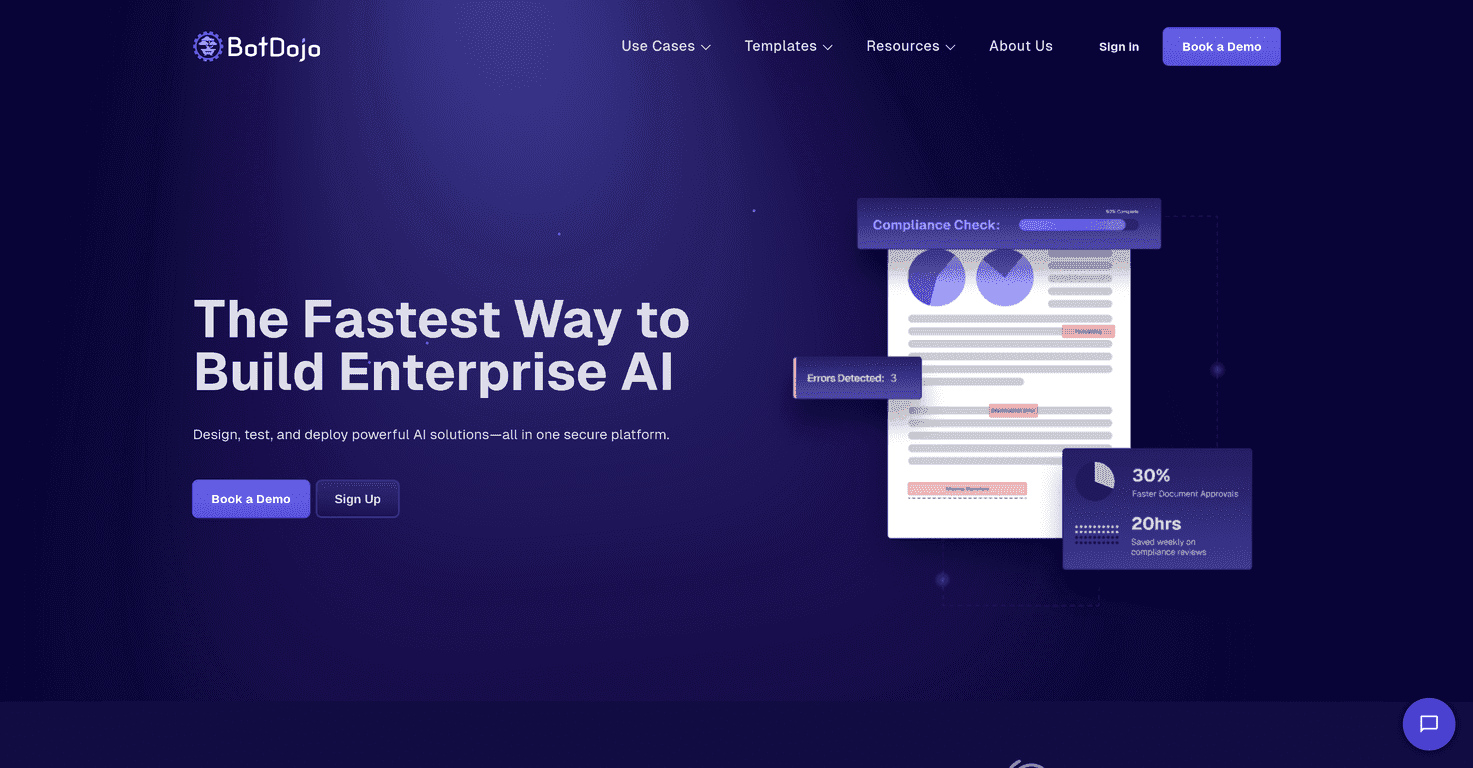
AI tools are everywhere, but most of them still feel a little intimidating—like you need a developer brain just to get started. That’s exactly why I was interested in BotDojo. The big promise here is accessibility: build AI workflows without writing code, using a drag-and-drop setup and an AI Copilot that helps you shape what you’re trying to do.
In my experience, the best “no-code” platforms aren’t just easy to click through—they help you avoid dead ends. BotDojo leans into that with workflow guidance and a bunch of starter templates. And honestly, when you’re trying to prove something to a team (or just get a prototype working fast), templates and guardrails matter more than flashy features.
BotDojo Review: What I Like (and What to Watch)
BotDojo is aimed at people who want AI workflows without the usual ramp-up time. The interface is built around drag-and-drop, so instead of hunting for code snippets, you’re building steps—inputs, prompts, actions, and outputs—visually.
One thing I noticed right away is the “AI Copilot” concept. It’s not just a chatbot you ask random questions. It’s meant to guide you while you’re creating and editing workflows. That’s helpful when you’re not sure what a workflow should look like yet, or when you want to iterate quickly without starting from scratch every time.
They also mention 200+ pre-built templates. In practical terms, that means you’re not starting with a blank canvas. If you’re exploring use cases like customer support automation or data analysis pipelines, templates can shave off hours (or days) of early experimenting.
On the data side, BotDojo includes integrated data management tools. I like this approach because “AI workflow” projects often die at the data prep stage. If you can pull, clean, and structure data inside the same environment, you spend less time bouncing between tools and more time testing whether the workflow actually works.
Another feature that stands out is the ability to switch between multiple AI models. That’s useful when you want to compare outputs, balance cost vs. quality, or choose a model that fits a specific task. Not every platform makes model switching feel easy—so if you care about experimentation, this is a plus.
And for enterprise teams, security matters. BotDojo lists compliance support for HIPAA, SOC 2, and GDPR. I can’t verify those certifications from here, but it’s at least a sign they’re thinking about the compliance checklist companies usually require before AI touches sensitive data.
Key Features
- Drag-and-Drop Tools for easy workflow design
- AI Copilot for creating and editing workflows with guidance
- Over 200 pre-built templates to kickstart common tasks
- Integrated data management tools for handling data prep in-platform
- Integration capabilities with platforms like Salesforce and HubSpot
- Ability to switch between multiple AI models for task-based tuning
- Security and compliance aligned with industry standards
Pros and Cons (Real-World Take)
Pros
- Fast to get going: the UI is approachable, and the drag-and-drop workflow builder helps you avoid getting stuck early.
- Good integration coverage: if you’re working with common CRM tools (like Salesforce or HubSpot), the platform is built to connect rather than force you to rebuild everything.
- Templates reduce trial-and-error: you can start with something that already makes sense, then tweak it instead of guessing from zero.
- Enterprise-minded security: the presence of HIPAA/SOC 2/GDPR language is reassuring for teams that need compliance.
Cons
- Advanced work may still require AI familiarity: if you want more complex logic, you’ll probably need to understand prompts, evaluation, or workflow design concepts.
- Integrations can get tricky at scale: connecting to existing systems is rarely “set it and forget it,” especially when data formats, permissions, and edge cases don’t match perfectly.
Pricing Plans
BotDojo doesn’t show pricing upfront on the page I reviewed. Instead, they encourage you to book a demo to learn what plan options fit your needs. If you’re evaluating it for an enterprise rollout, I’d treat the demo like a requirements interview—ask about model costs, usage limits, integration support, and how security/compliance is handled for your specific data types.
Wrap up
Overall, I think BotDojo is a solid option if you want an AI workflow platform that doesn’t assume you’re a developer. The combination of drag-and-drop building, Copilot-style guidance, and a library of templates makes it easier to move from idea to working prototype without weeks of setup.
That said, like most AI tools, the “easy” part is getting started. The real challenge comes later—when you’re integrating with messy real-world systems and trying to refine outputs. If you go in with that expectation, BotDojo can be genuinely useful instead of frustrating.
Promote BotDojo




