Table of Contents
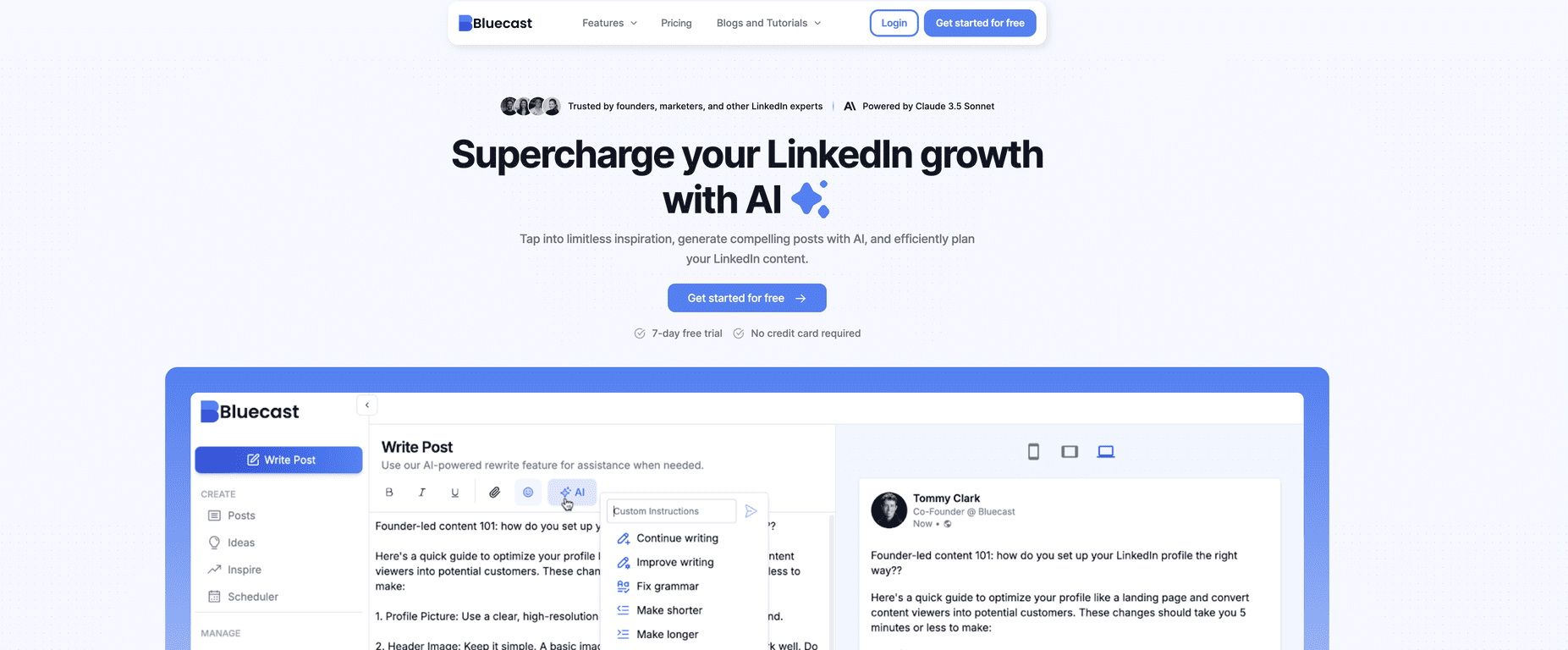
If you’ve ever stared at a blank LinkedIn draft at 11:47 p.m., you know the feeling. LinkedIn content can be time-consuming, and consistency is hard when you’re juggling work, clients, or just… life. That’s where Bluecast caught my attention. It’s a LinkedIn-focused tool that helps you come up with post ideas, generate drafts, repurpose content, and schedule posts—without needing a bunch of technical know-how.
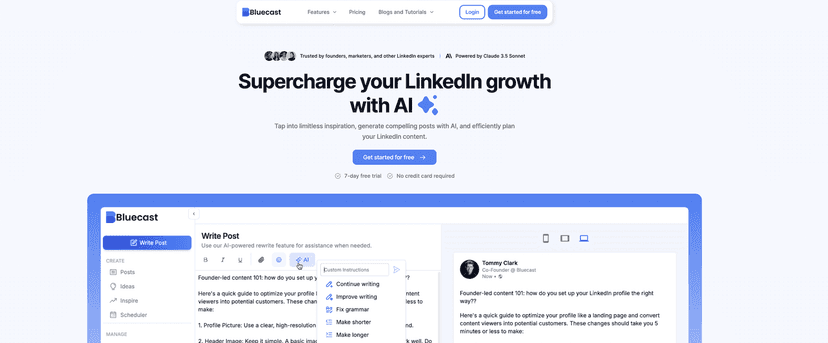
In my experience, the biggest win with tools like this isn’t “writing for you.” It’s getting you unstuck. Bluecast aims to do that with AI-assisted post generation and a workflow that’s built around actually posting on LinkedIn (not just creating content in a vacuum).
Bluecast Review: What It Actually Helps With
Bluecast is built for LinkedIn users who want to stay active without spending hours each week thinking about what to post. The platform leans on AI to generate drafts and ideas, but the real value (at least for me) is how it supports the whole process:
- Get a topic when you’re stuck.
- Generate a post draft quickly.
- Repurpose something you already wrote (so you’re not starting from scratch).
- Schedule posts so you’re not scrambling at the last minute.
One thing I like is that it’s not trying to be a generic “content app.” It’s focused on LinkedIn, which usually means the outputs are closer to what people actually post there—short paragraphs, clear hooks, and formatting that’s easier to paste into a post.
Key Features That Matter for LinkedIn
- Post Generator for quick drafts
If you need something you can edit fast, this is the core feature. I find it most useful when I already know my general angle (like “lessons from a client project” or “what I learned about hiring”). You still need to add your voice, but Bluecast helps you get to a solid first version quickly. - Repurpose Content
This is a big deal for anyone who writes elsewhere—blogs, newsletters, internal docs, even notes from meetings. Instead of rewriting everything from scratch, you can turn an existing piece into multiple LinkedIn posts. In my experience, repurposing is where you save the most time because you’re working with raw material you already have. - Idea Generator with tailored suggestions
When your content calendar is empty, “what should I post?” becomes the problem. Bluecast’s idea prompts help you narrow down topics so you’re not staring at a blank page. I’d still recommend keeping a simple list of your recurring themes (leadership, marketing, product updates, lessons learned) so the ideas feel more on-brand. - Curated feed of high-performing LinkedIn content
This can be helpful for inspiration, especially if you’re trying to match the tone of what’s working right now. Just don’t copy. Use it like a reference for structure—hooks, formatting, and how people frame questions. - Post Scheduler
Scheduling is where consistency becomes realistic. If you can plan 3–5 posts in one sitting, you’ll feel the difference during the week. I’ve noticed that even when the draft isn’t perfect, scheduling removes the “I’ll post later” delay that kills momentum.
Pros and Cons (Realistic Take)
Pros
- Faster turnaround: If you’re trying to publish regularly, Bluecast helps you move from idea to draft much quicker than starting cold.
- Good for brainstorming: The idea and generator tools are especially helpful when you don’t know what angle to take.
- Scheduling makes consistency easier: Being able to queue posts is a practical time-saver, not just a “nice to have.”
- Simple interface: It doesn’t feel like you need a marketing degree to get going. You can learn the basics quickly.
Cons
- AI drafts can sound generic: This is the main limitation with any AI writing tool. If you paste straight into LinkedIn, it can feel a bit “template-y.” I’d plan to edit—especially the first line and the examples.
- You still need your own perspective: The best posts usually include a real story, a specific result, or a clear opinion. Bluecast can help you draft, but it can’t replace your experience.
- Learning curve for power users: The tool is approachable, but if you want to use every feature (repurposing, scheduling, content inspiration) effectively, it takes a little time to set up a workflow.
Pricing Plans: What I Can Confirm
Bluecast offers a 7-day free trial and (based on the information available) it doesn’t require a credit card. After that, the exact pricing details aren’t clearly listed in the content I reviewed, so you’ll want to check Bluecast’s site for the current plans before committing.
If you’re evaluating it, I’d test it for a week with a simple goal: generate 2–3 drafts, repurpose one piece of content, and schedule at least one post. That way you’ll know quickly whether it saves you time or just produces drafts you still have to rewrite heavily.
Wrap up
Bluecast is a solid option if you want to stay active on LinkedIn without spending every free hour writing from scratch. The post generator and idea prompts are great for getting started, and the scheduling feature makes it easier to actually follow through. The main downside? You’ll still need to edit so your posts don’t sound like everyone else’s. If you’re okay putting in that final “human touch,” Bluecast can absolutely help you build momentum.
Promote Bluecast




