Table of Contents
Making social media videos sounds simple until you’re staring at a blank screen at 10 p.m. again. I’ve had weeks where I can write the idea, but turning it into a clean script, voiceover, captions, and an actual finished video takes way longer than it should. That’s where AutoPosts AI caught my attention.
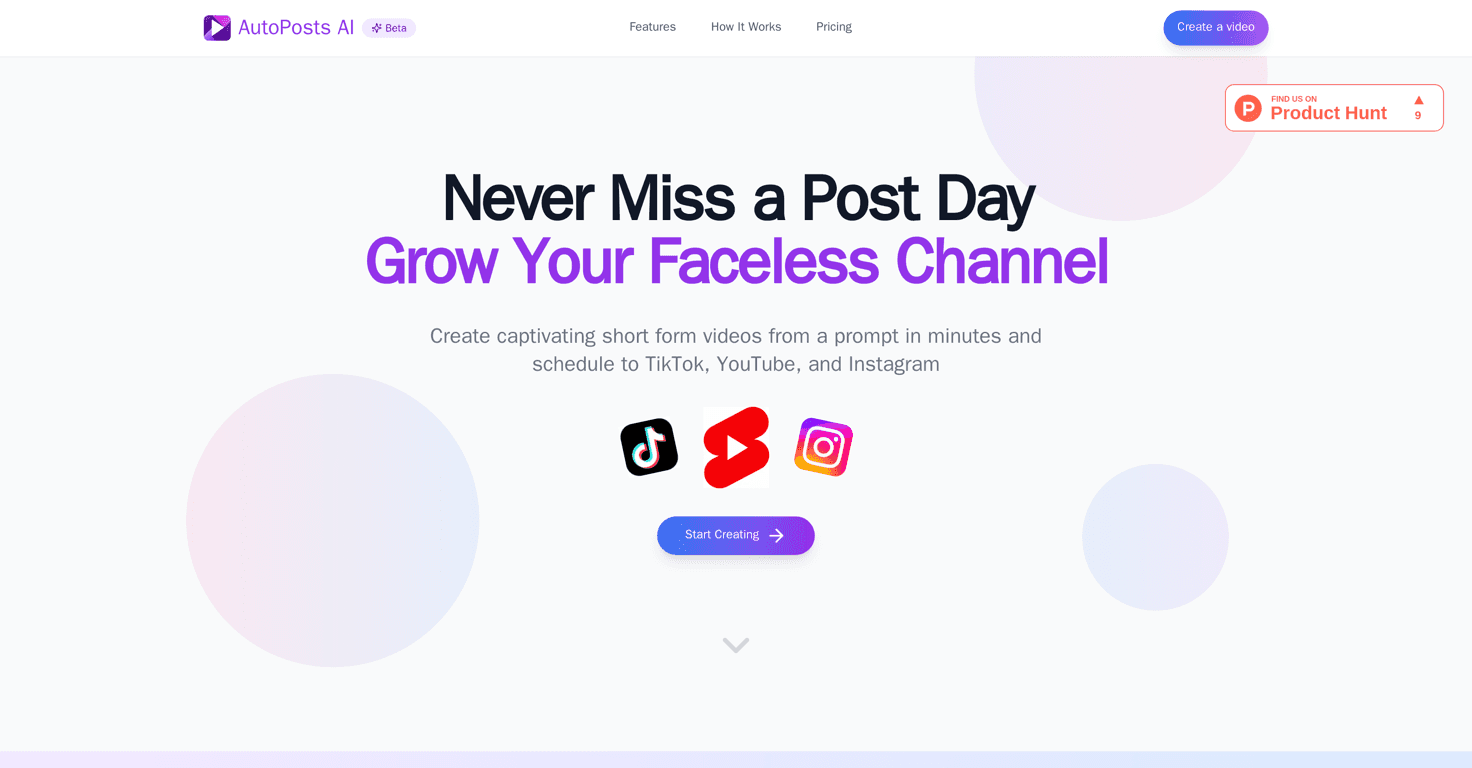
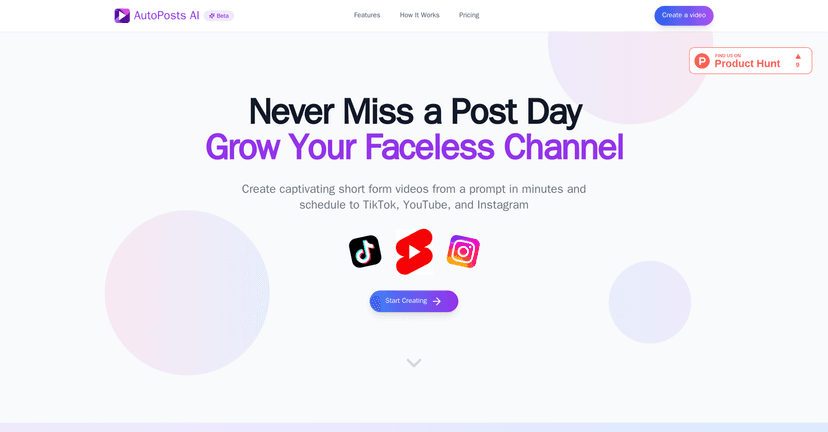
In my experience, AutoPosts AI is built for people who want to publish consistently (TikTok, Instagram Reels, YouTube Shorts—whatever you’re focusing on) without spending hours in an editor. The idea is straightforward: you pick a topic/niche, the AI helps generate the script and voiceover, it assembles visuals, adds captions, and you end up with a ready-to-post video. No complicated workflow. No “watch 12 tutorials first” energy.
AutoPosts AI Review
AutoPosts AI is aimed at both newer creators and people who already have a content routine. What I liked right away is that it doesn’t try to be a full-blown editing suite. Instead, it focuses on the parts that usually slow you down: script, narration, visuals, captions, and assembling the final video.
When I tested it, the workflow felt pretty “guided.” You start with a niche/topic, and then it generates content pieces that you can review. The big win is speed. If you’re trying to keep up with short-form publishing, saving time matters more than squeezing out perfection on every single post.
That said, I also think it’s important to be realistic. AI-generated videos can be great, but they’re not automatically “you.” If you want highly personal storytelling, custom jokes, or a very specific brand voice, you’ll still need to tweak things. The good news? You usually can.
Key Features
- Automated Scripts for niche-targeted content
Instead of starting from scratch, you can generate a script around your topic and then adjust it so it sounds more like you. - Voice Synthesis offering lifelike voiceovers
The narration options help a lot when you don’t want to record yourself. In my experience, the voice quality is one of the more important parts—because if the voice feels off, the whole video feels off. - Visual Content curated by AI to enrich your videos
AutoPosts AI pulls together visuals to match the script. It’s not always perfect, but it’s usually enough to get a polished-looking result without hunting for stock clips. - Automatic Captioning for accessibility and engagement
Captions are huge for retention on Reels and Shorts. I noticed the captions make the video feel more “native” to the platform, even when you’re using a voiceover. - Automated Editing to save valuable time
This is the core of the product. It assembles the pieces into a finished video quickly, so you’re not doing the same repetitive steps every time. - Post Scheduling feature coming soon
Scheduling would be a big convenience, but based on what’s listed, it’s not something you should count on yet.
Pros and Cons
Pros
- Time-efficient video creation process
If your biggest bottleneck is “turning ideas into finished videos,” AutoPosts AI helps a lot. - High-quality AI-generated content
The output is generally polished enough to post, not just draft-level content. - User-friendly interface for easy editing
You can review and adjust rather than being locked into a single one-click result. - Diverse professional narration options
Having multiple narration styles makes it easier to match different content types (educational vs. entertainment, etc.).
Cons
- Limited video credits depending on the pricing plan
If you’re testing a bunch of ideas, credits go faster than you’d think. I’d plan your production around your budget. - Some features, like post scheduling, may not be fully available
So if scheduling is your “must-have,” don’t assume it’s ready. - Potential learning curve for new users
Not a deal-breaker, but the first few videos take a little experimenting—mainly around getting the tone and script length right.
Pricing Plans
AutoPosts AI offers pricing plans that scale with how many videos you want to make. Here’s the breakdown as listed:
- Starter Plan: $13/month for 4 video credits
- Pro Plan: $27/month for 10 credits
- Premium Plan: $69/month for 30 credits (described as the most popular)
- Business Plan: $209/month for 100 credits
If you’re joining around the beta period, there’s a 30% discount on all plans with code LAUNCH30.
Quick tip from my side: if you’re not sure how many videos you’ll realistically publish each month, start with a lower tier for a couple weeks. Test your workflow (script + voice + visuals + captions), then upgrade once you know your rhythm.
Wrap up
AutoPosts AI is a solid option if you want to produce short-form videos without turning your life into an editing marathon. The combination of scripts, voiceovers, AI visuals, captions, and automated assembly is exactly what I’d look for when I’m trying to stay consistent. Just keep an eye on the credit limits and be prepared to tweak outputs so they match your voice and brand.


