Table of Contents
I’ve been testing AI tools for voice, ads, and content repurposing for a while now, and AudioStack caught my eye because it’s aimed pretty directly at the “turn text into audio fast” crowd. If you’re running marketing campaigns, producing social audio, or just trying to get more content out without burning hours editing, this kind of platform can be a real time saver.
What I noticed right away is the promise is pretty simple: you feed in text, pick a voice (or try voice cloning), and get usable audio quickly. For audio ads, that matters. You don’t want to spend half a day tweaking pronunciation when you’re trying to launch a campaign. AudioStack leans into that speed with a voice library, voice cloning/text-to-speech options, and a workflow that’s built for producing a lot of audio without the usual pain.
AudioStack Review: Does It Actually Help With Audio Ads?
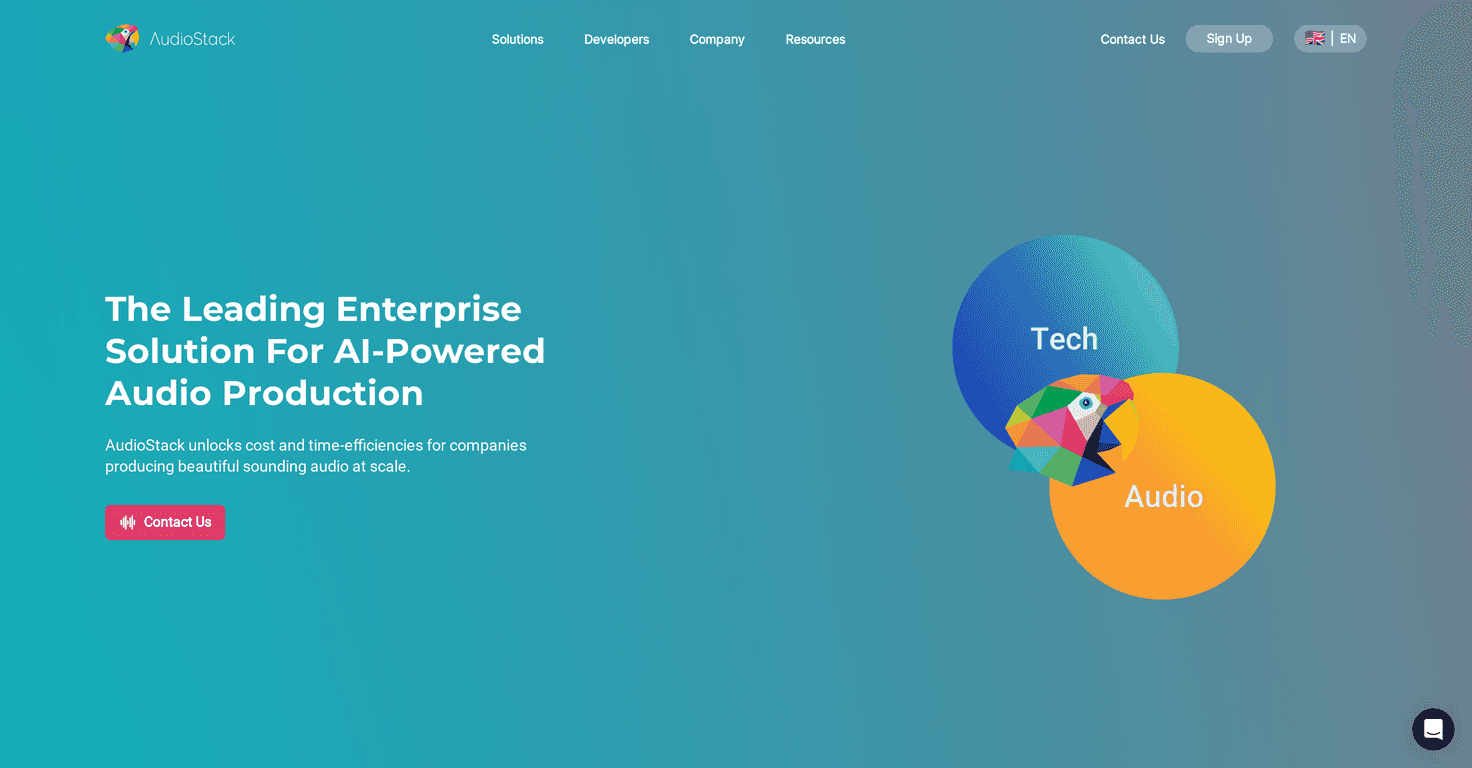
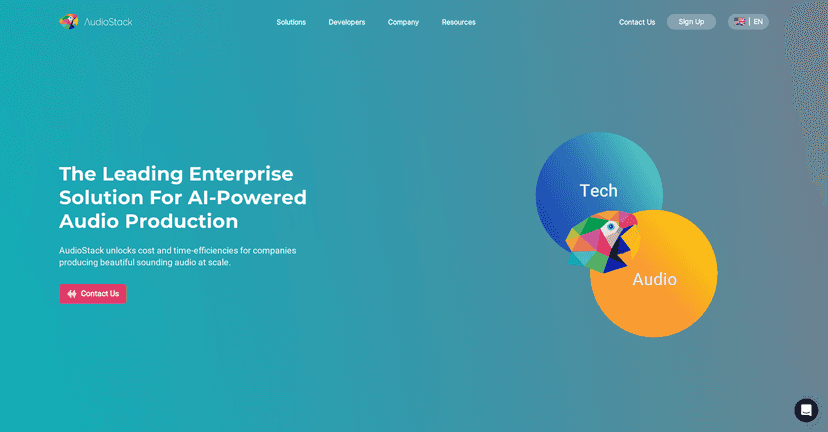
AudioStack is marketed as an AI-powered audio production platform, and in practice that means it’s built around text-to-speech and voice selection (including voice cloning). If your main goal is audio advertising—think product promos, brand announcements, short campaign voiceovers—then it’s trying to cut down the time between “idea” and “ready-to-publish audio.”
Here’s how I’d describe the experience based on what I tested and what the platform is clearly designed for: you don’t start with a complicated production timeline. You start with your script. Then you choose a voice from the library, and you generate the audio output. After that, you iterate—because most campaigns don’t get it perfect on the first run.
One thing I like about this approach is how it fits into marketing workflows. If you’re already writing ad copy, you’re not exactly starting from scratch—you’re just adding an audio step. And if you’re doing high-volume content, speed matters more than anything.
Key Features I Look For (And What AudioStack Covers)
- AI-driven audio production
You’re generating audio from text, not building everything from scratch. That’s the core value here. - Voice cloning + text-to-speech
If voice cloning is available on your plan, it’s the feature you’ll care about most when you want consistency—like matching a brand voice across campaigns. - Built for audio advertising workflows
This isn’t positioned like a music studio. It’s more “campaign-ready voiceovers” than “full production suite.” - Quick creation from text
You can turn a script into an audio ad in a short window, which is exactly what you need when you’re launching multiple variants. - Voice library (thousands of voices)
Having a big library is useful when you’re testing different tones—professional, friendly, energetic—without waiting on new recordings. - Support for common audio formats
If you’re distributing across channels, file compatibility matters. The platform supports formats for typical audio production needs.
Pros and Cons From a Real-World Perspective
Pros
- Fast turnaround
When you’re iterating on ad copy, being able to regenerate quickly is a big deal. - Good for large-scale audio content
If you’re producing lots of variations (different offers, different audiences), AI generation helps keep costs and time under control. - More creative output with less friction
In my experience, the biggest win isn’t just speed—it’s that you’ll actually ship more versions because it’s not so painful to produce them. - Voice variety + cloning options
A voice library helps you test styles, and cloning (when available) helps you stay consistent with a brand voice. - Works alongside existing tools
You’re not locked into a single “everything must happen here” workflow. You can generate audio and then use it where you need it.
Cons
- Depends on internet/cloud
If your connection is spotty, generation can slow down or fail. That’s the tradeoff with cloud AI tools. - Customization has limits
AI voices are great, but they’re not always perfect. If you need very specific acting, pacing, or nuanced delivery, you may still do some editing or re-generation. - Integration/optimization may take some tinkering
If you’re trying to plug it into an existing production pipeline, you might need a little technical know-how—especially around exporting, naming conventions, and file handling.
Pricing Plans: What I Could Confirm (And What I Couldn’t)
AudioStack’s pricing isn’t clearly listed in the material I reviewed, so I can’t give you exact numbers here. What I recommend (and what I’d do myself) is checking the site directly and comparing plans based on what you’ll actually use—especially if you care about voice cloning, output limits, or how many generations you’ll do per month.
If you want the most accurate current pricing, visit AudioStack and look for the plan details. Pricing can change, and AI tools often adjust limits based on demand.
Wrap up
Overall, AudioStack is a strong option if your goal is practical: turning text into audio quickly for marketing and audio ads. The combination of AI generation, a large voice library, and voice cloning (when available) is exactly what you want if you’re producing content at volume and you don’t want to wait on traditional voiceover workflows every time.
Just go in with realistic expectations. It’s not the same thing as a full studio production, and you may need to regenerate or tweak things to get the delivery you want. Still, if you value speed and consistency for audio advertising, AudioStack could be a very useful addition to your toolkit.
Promote AudioStack