Table of Contents
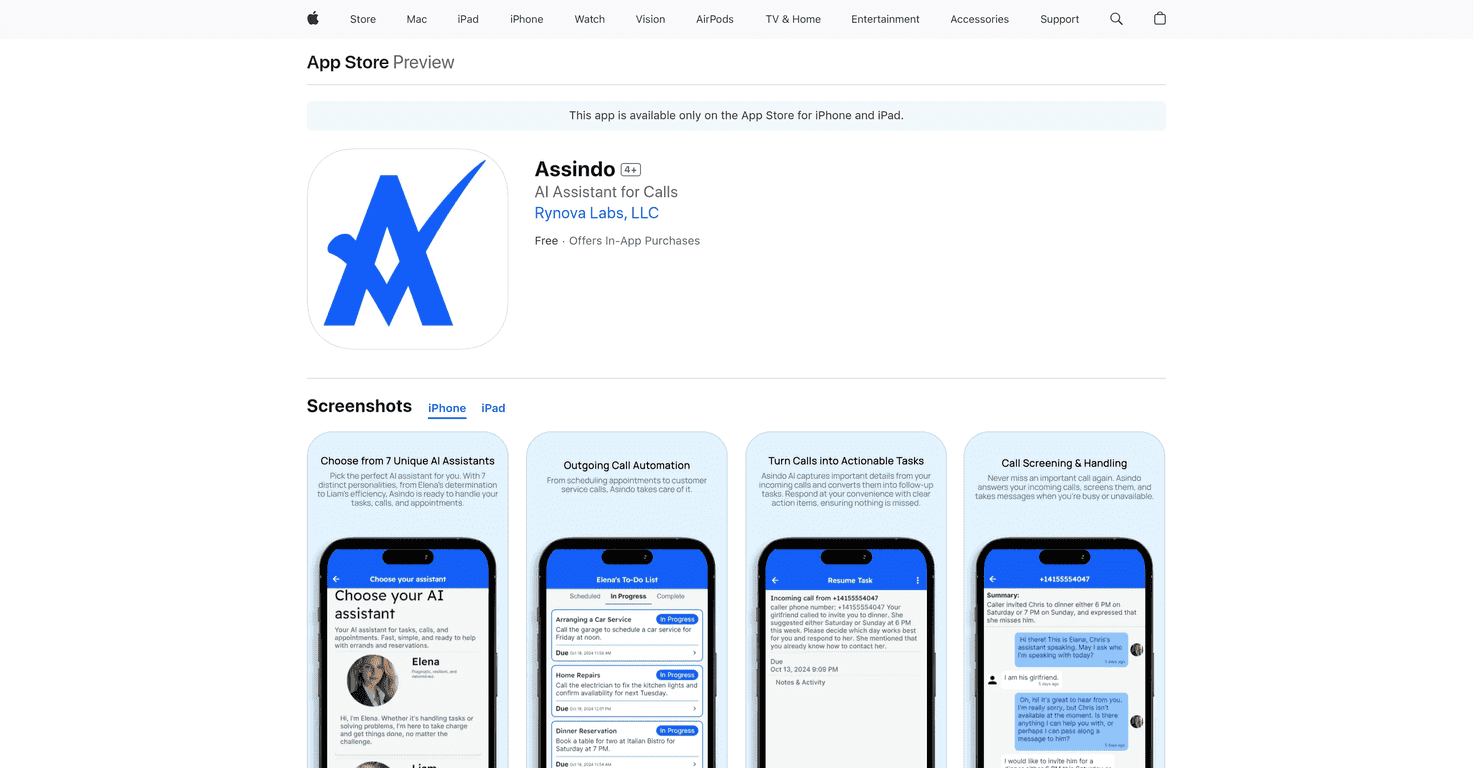
I’ve tried a few “AI assistant” apps that sounded great on paper, but didn’t really save me any time day-to-day. Assindo is different—at least in the way it’s built around one thing I always struggle with: missed calls and the follow-up chaos that comes after.
With Assindo, you’re basically getting a virtual receptionist/concierge that can answer missed calls, turn what was said into a transcript, and then convert that into tasks you can actually act on. And yes, it also handles outgoing calls for stuff like booking, rescheduling, and customer support—so you’re not stuck doing it manually every time.
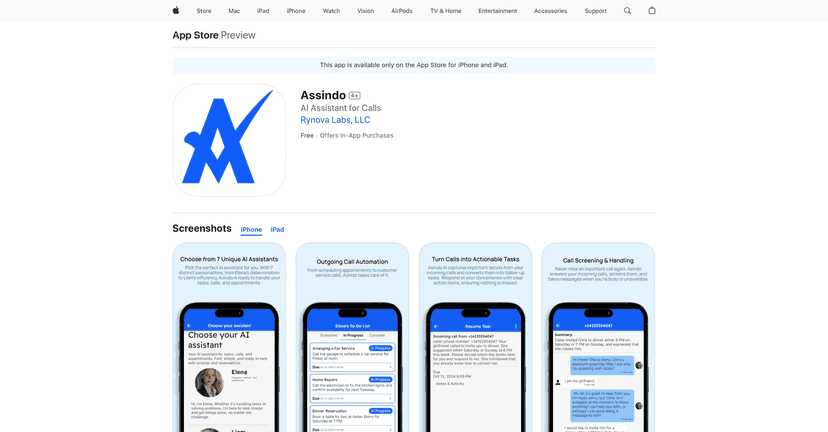
What I liked most is that it’s not just “here’s a summary.” It tries to move the conversation forward—then hands you the next steps in a usable format. That’s the part that makes it feel practical, not just gimmicky.
Assindo Review: a virtual receptionist that actually tries to finish the job
Here’s how I’d describe Assindo after using it for real-world call follow-ups: it behaves like a receptionist that doesn’t just “take a message.” It listens, transcribes, and then turns that into tasks you can review. That means you’re not stuck guessing what the caller wanted or scrambling to reconstruct the details later.
In practice, the biggest win is when your day gets hectic. If you miss a call from a client or a business (think: “Can we move the appointment to Tuesday?”), Assindo gives you a transcript and then creates actionable items. So instead of spending 10–15 minutes hunting down notes, you can knock out the next steps immediately.
And the outgoing call side matters too. If you’ve ever had to call back to reschedule, request an update, or handle customer support, you know how draining that can be. Assindo aims to take those calls off your plate—so you can focus on work that actually needs your attention.
Still, I’m not going to pretend it’s magic. If a caller is super unclear, uses jargon, or the details are missing (like the exact time or address), you’ll still need to review the task it generates. AI can’t invent information that wasn’t said.
Key Features (what you’ll use most)
- AI Receptionist for missed calls: When you don’t pick up, Assindo can answer and capture the conversation. What I found helpful is that you don’t just get a vague message—you get transcription plus tasks derived from the call.
- AI Concierge for outgoing calls: It can place calls for booking, rescheduling, and customer support. If you’ve got recurring admin tasks, this is where it starts to feel genuinely useful.
- Real-time updates: You’re not left waiting in the dark. Assindo provides progress updates on task status so you can see what’s happening without constantly checking.
- In-app messaging and reports: The app keeps call transcripts and task updates in one place. I like having everything searchable instead of digging through texts, voicemail screenshots, and calendar notes.
Pros and Cons (the honest version)
Pros
- It saves time on the stuff that steals your focus: missed calls and follow-ups are exactly the kind of work that fragments your day. Assindo helps you regain control.
- Transcriptions are detailed enough to turn into tasks: In my experience, the best part is the “actionable” conversion—so you’re not reading a transcript for 5 minutes trying to figure out what to do next.
- Communication feels more organized: With updates and in-app reporting, you’re not constantly asking “Did they confirm?” or “What did they say again?”
Cons
- Free tier feels limited: If you’re hoping to fully test it for heavy call volume, the free version likely won’t be enough. You’ll probably hit limits quickly.
- You may need a subscription for full functionality: The more you want outgoing calls and higher call handling time, the more you’ll want to move to a paid plan.
- It still requires your review for accuracy: If key details are missing or unclear during the call, you’ll need to correct or confirm the task output.
Pricing Plans (what you get for your money)
Assindo’s pricing is straightforward, and it’s easy to map the plans to how often you expect to use it.
- Free Plan: Includes basic features like an AI Receptionist and 5 minutes of incoming call handling per month.
- Essential: $4.99/month, with a 7-day free trial. Includes 30 minutes of call handling.
- Professional: $14.99/month. (This tier adds more capabilities and higher usage limits—especially useful if you’re doing more frequent scheduling or support calls.)
- Advanced: $24.99/month. Best if you want the assistant working more consistently and handling more tasks per month.
Quick tip from how I’d choose: if you only want to test whether it helps with missed calls, start with the Free Plan. If you know you’ll actually use it for follow-ups weekly, the Essential tier feels like the “try it for real” option thanks to the trial and the 30-minute allowance.
Wrap up
Assindo is one of the more practical AI assistant ideas I’ve seen—because it’s built around real communication problems, not just chat features. If you’re constantly missing calls, forgetting follow-ups, or spending evenings making reschedule calls, Assindo can genuinely cut down that friction.
Just remember: it’s still dependent on what’s said during the call. So you’ll want to review tasks and confirm details when needed. When it’s clear and complete, though? That’s when it feels like a real assistant, not a novelty.
Promote Assindo