Table of Contents
If you’re trying to keep up with competitors, you already know the problem: manual research eats up your day. I tested Askpot to see whether it actually makes marketing insights easier—or if it’s just another “AI dashboard” with vague outputs. Spoiler: it’s genuinely fast, and the workflow feels pretty practical… but it’s not magic, and some results depend heavily on what’s publicly visible on the pages you feed it.
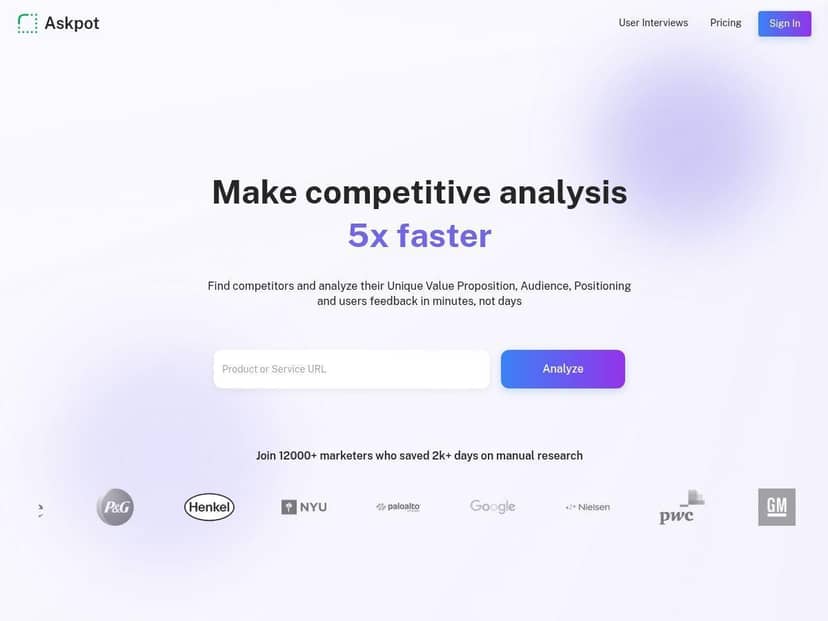
Askpot Review: What It Actually Does (and What It Can’t)
I decided to give Askpot a real test instead of just clicking around. I ran it on a small set of competitor pages—mainly marketing and pricing-style pages—because that’s where you can usually spot positioning, offers, and messaging fast.
Time-to-results: in my runs, I typically saw first structured output in the 2–5 minute range per batch (your mileage will vary depending on page complexity and how much content is available).
What I fed it: publicly accessible competitor URLs (landing pages and pricing pages). That matters because Askpot can only analyze what it can see, not what a company hides behind logins or dynamic scripts.
What the output looks like (sample breakdown)
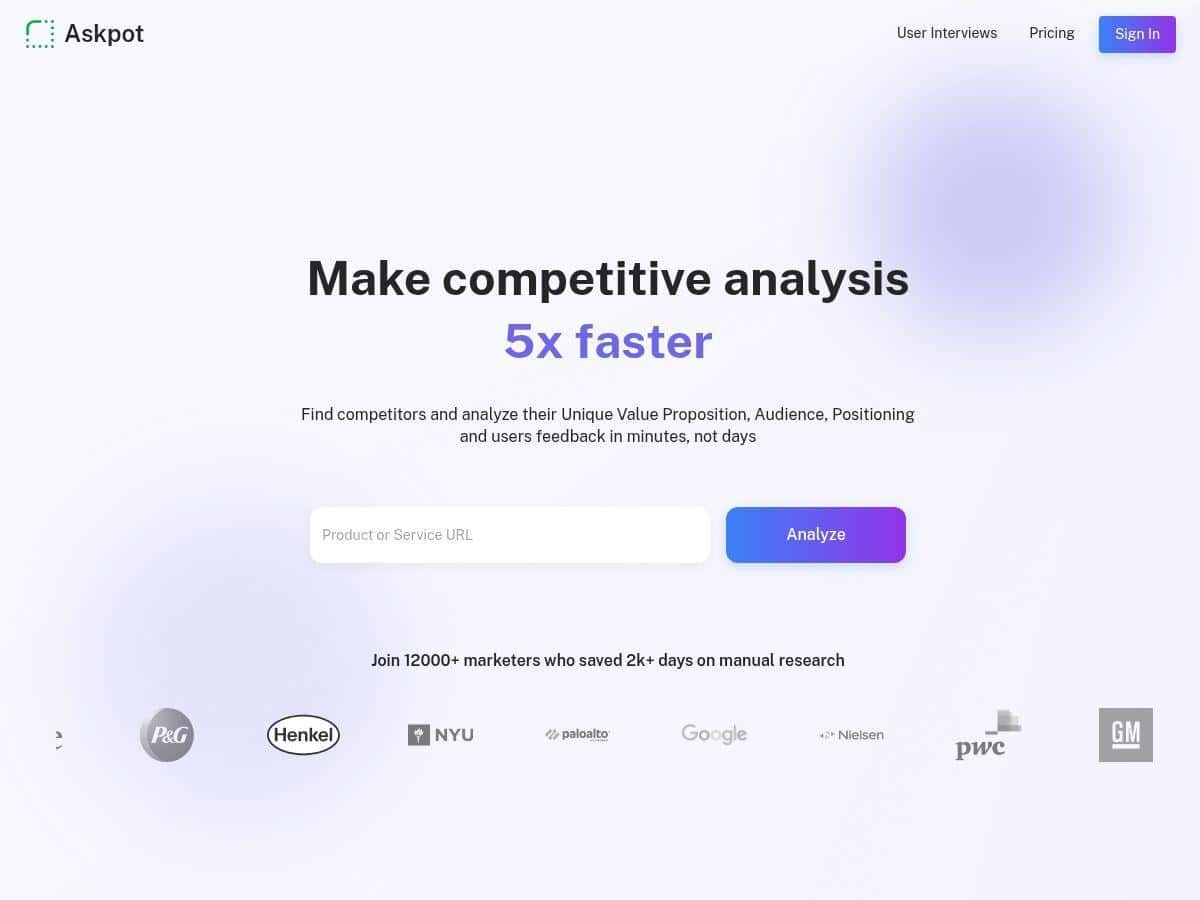
After I submitted the competitor pages, Askpot produced a structured summary that I could actually use. The parts I checked first:
- Value proposition: it pulled out the main “why us” angle and summarized it in plain language. What felt accurate was that it stayed close to the page’s wording instead of inventing a new narrative.
- Pricing extraction: on pages where pricing is shown directly (not locked behind “contact us” forms), Askpot identified the plan structure and key pricing signals. On pages where pricing was vague or missing, the output was correspondingly thin. In other words, it didn’t hallucinate numbers—it just couldn’t extract what wasn’t there.
- Positioning + marketing strategy: it highlighted messaging themes (audience focus, benefits, and differentiators). This was the fastest part to validate because I could cross-check it against headings, hero copy, and feature sections.
Where it surprised me (in a good way)
What I noticed most is how quickly it turns “a bunch of competitor pages” into something you can compare. Instead of me scrolling for an hour and building a spreadsheet manually, I could skim the extracted themes and then decide what to dig into.
Also, the interface felt clean and easy to navigate. If you’re not super technical, you won’t get stuck figuring out what to do next. I’m not saying it’s perfect for everyone—but it definitely doesn’t feel like one of those tools where you need to watch a 40-minute tutorial just to submit a URL.
Limitations I ran into
Here’s the part people usually skip, so I’ll be blunt: Askpot’s results can be limited by the source pages.
- Public webpage content only: if a competitor uses heavy JavaScript rendering, hides key details behind interactions, or keeps pricing behind forms, Askpot can’t magically access it.
- Advanced features may require setup: the basics are quick, but some of the more “power user” workflows take a bit of learning time.
- Export and sharing depend on your plan: you can share findings, but the exact depth of reporting/export options is tied to access level.
Who Askpot is for
Askpot makes the most sense if you regularly do competitive research and want a faster first pass—think marketing managers, product marketers, founders, and agencies who need to brief clients or teams quickly.
If you’re doing deep technical audits (like full SEO crawling, backlink analysis, or conversion funnel instrumentation), you’ll still want specialist tools. Askpot isn’t replacing those; it’s replacing the “manual skim + notes” stage.
How it compares to alternatives (quick reality check)
I’m going to keep this practical. Here’s how I’d compare Askpot to two common categories of alternatives people reach for:
- Versus manual competitor research (spreadsheets + reading): Askpot wins on speed. Manual research is flexible, but it’s slower and inconsistent. Askpot gives you structured summaries you can reuse.
- Versus generic AI chat for competitor pages: a chatbot can summarize, but it’s easy to get inconsistent outputs and you’ll spend time prompting and re-prompting. Askpot’s strength is that it’s built around competitor page analysis and structured extraction.
- Versus dedicated SEO tools: SEO platforms are better for rankings, keywords, and link data. Askpot is better for “what are they saying and how are they positioning it?” and for extracting marketing-relevant signals from page content.
If you tell me which tools you’re currently using (even just the names), I can help you decide whether Askpot is a good fit—or if you’d be better off sticking with what you already have.
Key Features: What You’ll Actually Use
- Automated competitor analysis directly from webpages
Instead of copying text into another tool, you can analyze competitor URLs directly. In my testing, the best results came from pages with clear headings, pricing sections, and straightforward HTML content. - AI-driven insights and data extraction
Askpot extracts marketing-relevant fields like value prop, pricing signals (when available), and positioning themes. When a page doesn’t include certain info, the output doesn’t magically fill the gaps—so you get fewer “mystery claims.” - Exportable reports and trend history
You can export/share findings with your team. I liked that the reports weren’t just a wall of text—I could point to specific extracted sections when discussing strategy. - User-friendly and customizable dashboards
The dashboard layout is easy to scan. I didn’t feel like I needed to “learn a new language” to navigate it, which matters if you’re using it in a busy workday. - Quick market and customer review analysis
This is useful when you need customer sentiment or recurring complaints at a glance. The key takeaway: it’s fast, but like any review summarizer, it’s only as good as the data it can access. - Integration options for added functionality
If you already have a workflow in place (CRM, reporting, or internal tools), integrations can reduce copy/paste. I didn’t fully stress-test every integration option, but the presence of integrations is a real plus. - Ability to build AI chatbots for marketing
If you’re using AI to support lead capture or FAQs, this can be a practical add-on. Just remember: chatbot quality still depends on your inputs and how well you train/ground it.
Pros and Cons (My Honest Take)
Pros
- Fast competitor summaries: I consistently got usable structured output in the 2–5 minute window for a small batch of pages.
- Actionable structure: the reports are organized around decision-making elements (value proposition, pricing signals, positioning), not just generic “AI summary” text.
- Beginner-friendly: the UI is straightforward. I didn’t hit that frustrating “what button do I press?” feeling.
- Better comparisons: it’s easier to compare competitors side-by-side because the same fields show up across results.
- Speed improvements over time: in my experience, subsequent runs felt quicker than the initial setup run—likely because you’re reusing context and workflows.
Cons
- Data completeness depends on the page: if pricing or key details aren’t present publicly, the extracted output will reflect that.
- Advanced features can add cost: if you need deeper usage or more advanced workflows, you’ll likely end up on a paid tier.
- Some learning curve for power features: basics are easy, but you may need a session or two to fully get comfortable with advanced tools.
- Limited to publicly accessible webpage data: it won’t replace systems that require private data access.
Pricing Plans: What I Could Confirm
Askpot uses a freemium setup with limited monthly queries. For full access—more queries and advanced features—paid plans are available.
One thing I couldn’t lock down from my side is the exact dollar pricing and plan names/limits at the time of writing. Prices can change, and the most accurate info is usually on their pricing page or from their team. If you want the exact current tiers, check the site or contact sales for the latest numbers.
What I can say from testing: the free tier is enough to validate whether the competitor-page extraction workflow is worth it for you, but you’ll likely want paid access if you’re doing ongoing research.
Wrap up
Askpot is a solid tool if your job involves competitive research and you want faster, more structured outputs than manual skimming. I liked how quickly it turns competitor webpages into organized insights you can share internally. At the same time, it’s not going to conjure pricing or details that aren’t publicly available—so you still need to choose good source pages for best results.
If you’re trying to shave hours off your “research → notes → share” workflow, Askpot is worth a test run. Just don’t expect it to replace deep SEO crawlers or tools that require private data access.