LIFETIME DEAL — LIMITED TIME
Get Lifetime AccessLimited-time — price increases soon ⏳
AI Tools

Aposting Review – Unleash Your LinkedIn Potential

Updated: April 20, 2026
5 min read
#Ai tool#Social Media

Table of Contents

If you’ve ever stared at a blinking cursor on LinkedIn and thought, “I swear I had something to say… where did it go?” — yeah, same. I’ve been there. And the hardest part isn’t writing once. It’s keeping a steady rhythm without your posts sounding copy-paste or robotic.

That’s why I tested Aposting. It’s an AI-driven LinkedIn post generator that’s meant to help you create drafts faster, then tweak them so they still sound like you. In my experience, the best value here is speed: you get a starting point, not a finished “post and forget it” piece.

Aposting

Table of Contents

Aposting Review: What I Actually Liked (and What Didn’t Feel Perfect)

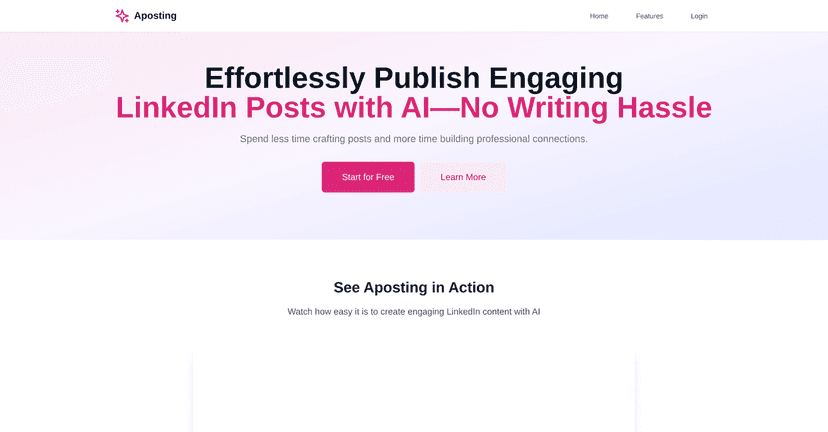
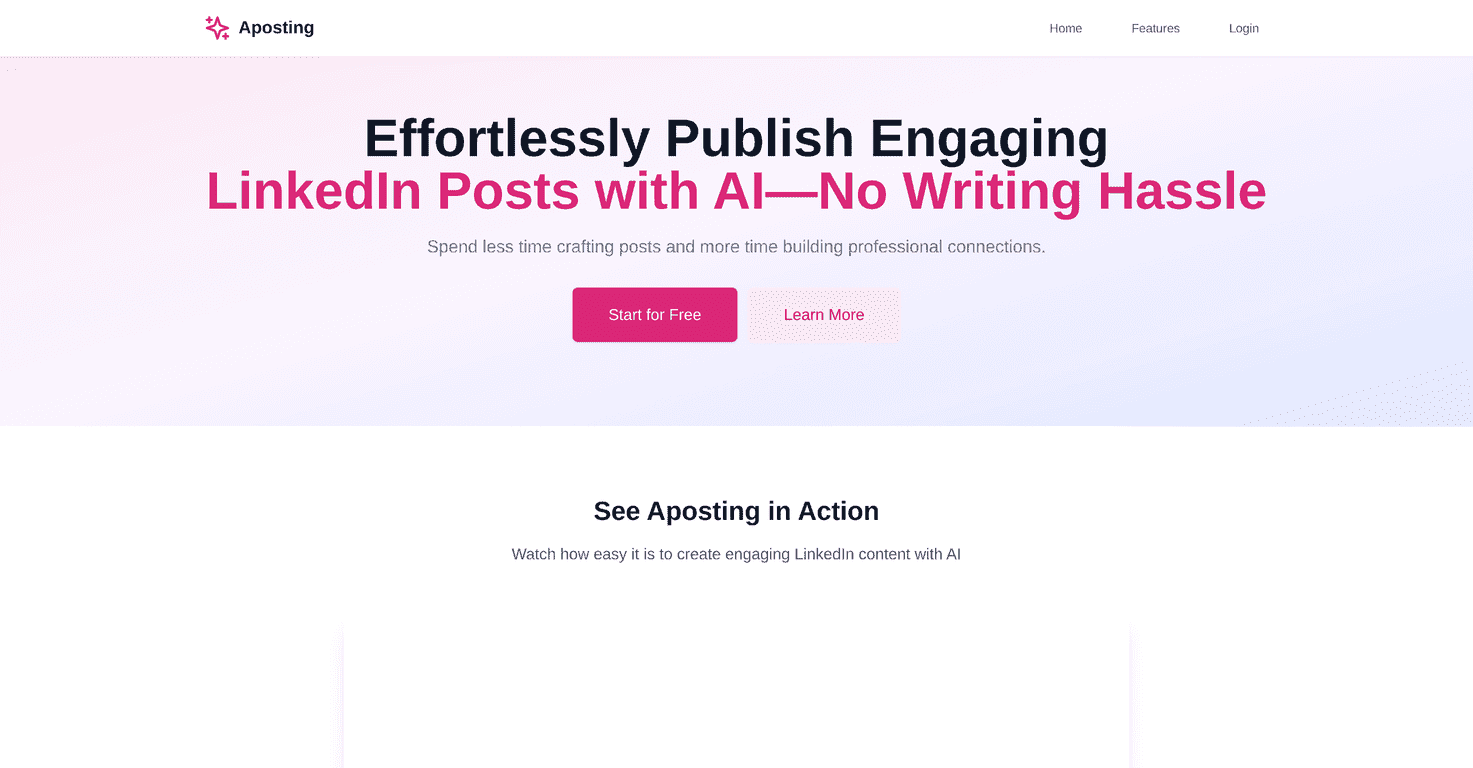
Aposting positions itself as an AI-driven LinkedIn post generator. That’s accurate, but here’s the part that matters: it helps you get from “blank page” to “draft I can work with” quickly.

When I used it, I noticed a few things right away:

  • It’s built for momentum. Instead of spending 30–45 minutes thinking about structure, I could generate a few options in minutes and then choose the one that felt closest to my tone.
  • You still have to steer it. If you don’t give it enough context (topic, audience, goal), the draft can sound generic. Garbage in, garbage out—AI or not.
  • Brand voice matters. The “brand voice control” is where it starts to feel more personalized. Without it, most AI posts drift into the same safe, hype-y wording you’ve probably seen a hundred times on LinkedIn.

So, is it magic? No. But if you’re trying to post consistently and you don’t want every post to take forever, Aposting can genuinely help.

Key Features (What You’ll Use Most)

  1. AI-powered content generation for LinkedIn posts
  2. It creates drafts based on the topic you provide. I found it best when I gave a specific angle (ex: “what I learned from onboarding new hires” vs. “leadership tips”).
  3. Smart suggestions to improve engagement
  4. Instead of just rewriting, it nudges you toward hooks and structures that typically perform better on LinkedIn (short opener, clear takeaway, a reason to comment). Still, you’ll want to sanity-check it—especially if you’re making claims that need accuracy.
  5. Multiple writing styles to choose from
  6. I tested different styles for the same idea. Some versions were more direct and “how-to,” while others leaned more story-driven. That variety helped me avoid repeating the same format every week.
  7. Brand voice control for personalized content
  8. This is one of the more practical features. If you’ve already got a voice (friendly, blunt, analytical, etc.), you can push the drafts closer to it instead of fighting the wording later.
  9. Rapid post creation to save time
  10. This is the big win for me. If you’re posting 3–5 times per week, cutting even 20 minutes per post adds up fast.
  11. Free 14-day trial available for new users
  12. I like that there’s a trial. You should test it with your real topics, not hypothetical ones.

Pros and Cons (Realistic Take)

Pros

  • Time savings are real. I could go from idea → draft quickly, which is honestly the difference between posting and postponing.
  • Better starting points. Even when I changed the draft a lot, the structure gave me momentum. It’s like getting 70% of the outline done.
  • Style variety helps you avoid “AI sameness.” Switching styles kept my posts from feeling identical.
  • Supports personal branding. When you feed it your voice and context, the output can sound more like you and less like a generic LinkedIn template.

Cons

  • It can miss nuance. AI can’t fully replicate your lived experience. If you want a post that feels deeply personal or highly specific, you’ll need to add your own details.
  • Quality depends on your input. If your prompt is vague, the post will be vague too. I had better results when I included audience + goal + a concrete example.
  • You’ll still do editing. Plan on spending a few minutes polishing. If you expect “one click and done,” you might be disappointed.

Quick tip from my testing: When a draft feels off, don’t just rewrite everything. Try adding one real detail (a metric, a moment, or what you changed after a mistake). That’s usually what makes the post feel human.

Pricing Plans (What’s Known)

Aposting offers a 14-day free trial, which is useful for testing with your actual content ideas. After the trial, the exact subscription pricing isn’t listed in the information I reviewed here, so I’d recommend checking the checkout page directly before committing.

If you’re comparing tools, don’t just look at price—also compare how many drafts you can generate during the trial and whether you can reliably export or reuse your best-performing templates.

Wrap up

Overall, I think Aposting is a solid option if you want to post more consistently on LinkedIn without burning hours. The biggest benefit is speed plus better structure right out of the gate. But it’s not a substitute for your opinions, your examples, and your real voice.

If you’re on the fence, the 14-day trial is the right move. Test it with 3–4 topics you’d actually post about and see whether the drafts feel like a helpful starting point—or just more noise.

Stefan

Stefan

Stefan is the founder of Automateed. A content creator at heart, swimming through SAAS waters, and trying to make new AI apps available to fellow entrepreneurs.

Related Posts

self-publishing affirmation cards featured image

Self-Publishing Affirmation Cards: The Ultimate 2026 Guide

Discover how to create, market, and succeed with self-publishing affirmation cards in 2026. Expert tips, top trends, and proven strategies included.

Stefan
how to ghost write a book featured image

How to Ghostwrite a Book: The Ultimate 2026 Guide

Learn how to ghostwrite a book in 2026 with our comprehensive step-by-step guide. Discover expert tips, workflows, pricing, and how to build your ghostwriting career.

Stefan
plr simple reviews featured image

PLR Simple Reviews: Best Sites & Tips for 2026

Discover the top PLR sites, expert tips, and industry trends for 2026. Learn how to find high-quality PLR and maximize your resale profits today!

Stefan

Create Your AI Book in 10 Minutes