Table of Contents
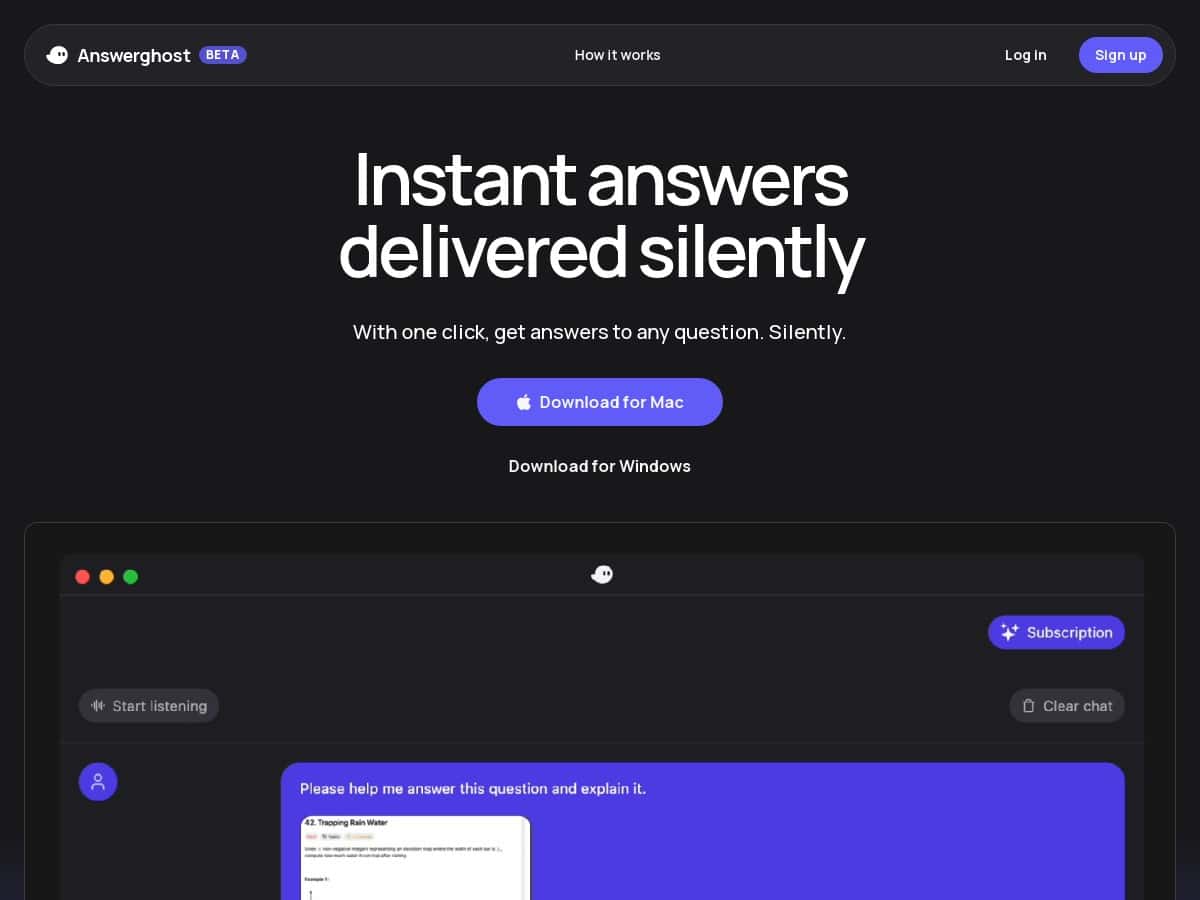
If you’re the kind of person who’s constantly bouncing between tasks (emails, meetings, quick research, “wait—what did they say?”), you’ll probably get why I wanted to test Answerghost. I tried it with a pretty normal workflow: a couple of live meeting sessions, plus some short Q&A prompts where I wanted quick, usable answers without digging through tabs for 10 minutes.
What I noticed right away: it’s built around real-time audio transcription and question detection, so it doesn’t feel like you’re just typing into a chatbot. It feels closer to “ask while you’re working,” which is exactly how I use tools like this. I also spent time using the stealth mode during meetings—more on that below—because discretion matters when you’re in a room (or call) with other people.
Answerghost Review
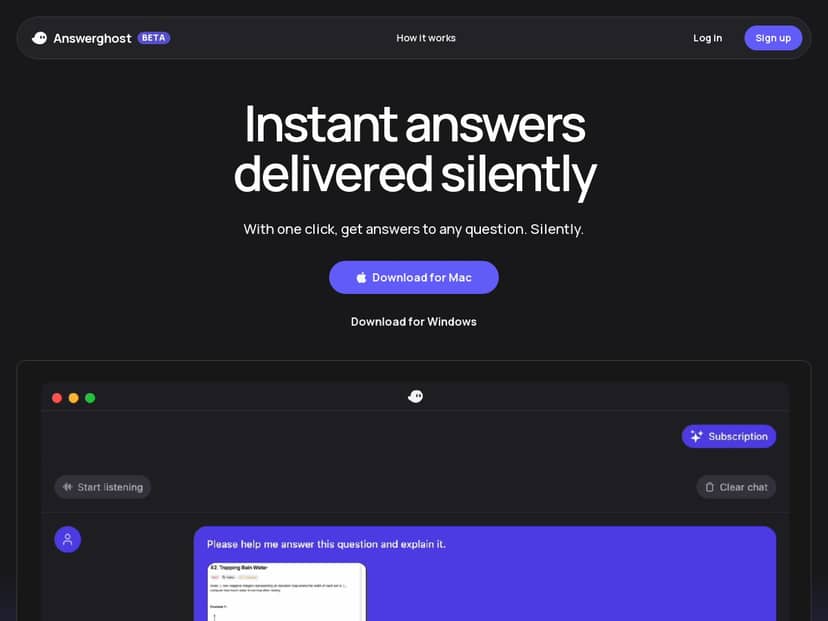
I tested Answerghost during a couple of real meetings (the kind where you don’t want a loud assistant popping up every time someone says something). The main reason I stuck with it was the flow: audio transcription runs in the background, and it seems to detect when there’s a question worth answering. That’s a big deal, because otherwise these tools feel like “type first, think later.” Here, it’s more like I can ask naturally, then get a response without breaking my rhythm.
Stealth mode is the feature I’d call out first if you’re using this in professional settings. I didn’t want to be the person “checking something” constantly on-screen. With stealth mode on, it felt more discreet—less distraction for everyone else, and less pressure for me to keep looking at the interface.
Now, the honest part: it’s still in beta. During busier moments, I did notice occasional delays. Nothing that made it unusable, but it wasn’t instant every single time like the marketing promises. If you need perfectly real-time performance for fast back-and-forth, that’s the one area I’d watch.
As for the responses themselves—yeah, they do come across pretty natural. I found the answers were easier to digest than a lot of “robot-y” assistants, and that matters when you’re trying to keep up in a meeting or quickly decide what to do next.
Key Features
- Real-time audio transcriptions and question detection so you can interact without constantly switching modes
- Stealth mode for private working during meetings
- Smart shortcuts to navigate features without losing focus
- High-quality, human-like responses powered by advanced AI models
Pros and Cons
Pros
- Fast, usable answers: In my tests, it was the kind of assistant where you can actually act on the response, not just read it and move on.
- Built for “meeting mode”: The audio-first approach is what makes it feel different from a normal chat box.
- Stealth mode helps in real rooms: If you’re on calls with colleagues or clients, discretion is a real benefit.
- Responses feel more natural than expected: I noticed the tone is easy to read and not overly stiff.
Cons
- Beta rough edges: Some features can feel incomplete, and you may hit behavior that’s still being ironed out.
- Performance can dip when demand is high: I saw minor delays during peak usage, which can be annoying if you’re trying to keep pace.
Pricing Plans
Here’s the part I don’t love being vague about: in the information I had available for this review, I don’t have reliable, specific pricing figures (like “$X/month for plan Y”) to cite accurately.
What I can tell you from using the product experience is that you should expect some level of feature gating or limits if you’re not on a higher tier—most AI assistants do this. The best way to confirm pricing and what’s included right now is to check the official Answerghost site directly (and if you don’t see an annual option, don’t assume it exists).
If you want, I can help you compare plans quickly—just paste the pricing screenshot or the plan list you see on their page, and I’ll tell you which one actually matches your use case.
Wrap up
So, is Answerghost worth your time? In my experience, it’s strongest when you want an AI assistant that works alongside real meetings and quick questions—especially if you care about stealth mode and not turning your screen into a distraction.
But if you need rock-solid, always-instant responses with zero delays under load, remember it’s still in beta. The concept is solid, and the execution is promising, but it’s not “perfect every time” yet.
If that sounds like you—someone who values discretion, natural responses, and meeting-friendly interaction—then Answerghost is definitely worth a look. Just go in with realistic expectations and check pricing/limits on their official page before committing.