Table of Contents
Have you ever looked at an old photo and thought, “I wish this could move”? I do. It’s usually a picture from a birthday, a family trip, or some random moment that somehow feels bigger than the room it’s sitting in. That’s why I tried Animate Old Photos—to see if AI could actually bring those images back to life (and not just produce something weird and generic).
In short: it’s a pretty simple web tool that turns your still photos into short animated clips. The results are usually fun and surprisingly watchable, especially for 5-second “memory reels.” The interface is straightforward too, so you’re not stuck fighting settings for an hour.
Animate Old Photos Review: Can AI Really Make Old Photos Move?
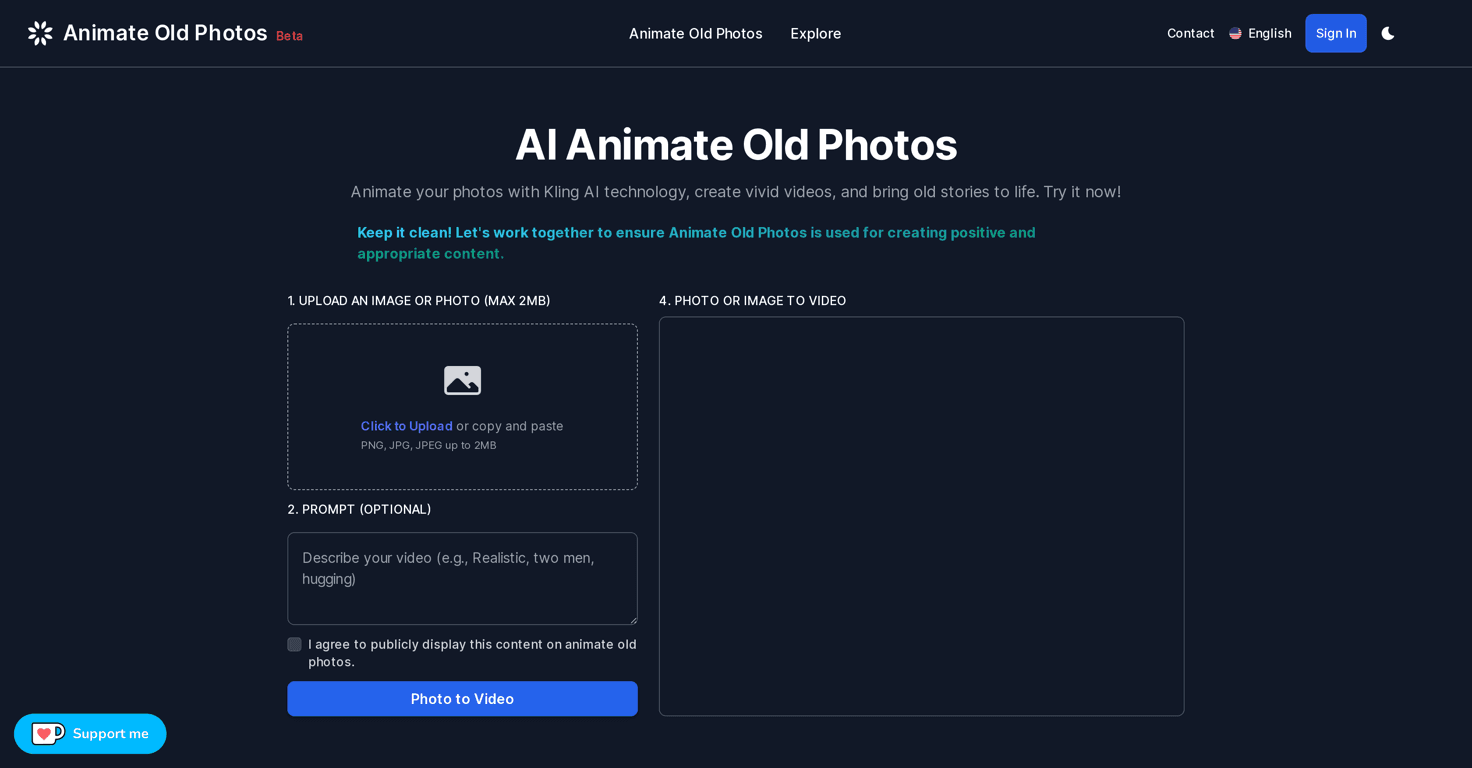
Animate Old Photos is an online AI photo animation tool. You upload an image, optionally add a prompt to steer the style, and it generates a short animated clip. The part I liked most is that it doesn’t try to make everything complicated. You’re not downloading special software or dealing with a bunch of technical steps.
After uploading, the service turns your still image into a 5-second animation. That’s short, but honestly it’s the right length for this kind of “memory replay.” You get enough motion to feel the change, without waiting forever for a long video.
One thing I noticed right away: results depend heavily on the photo. A clear face photo tends to look more natural than a blurry, low-light image. If your photo is heavily cropped or the subject is tiny, the AI has less to work with—so you may see more “generic motion” instead of something that looks like it belongs to that exact moment.
Still, when it hits, it’s genuinely fun. It’s the kind of output you can send to family group chats or add to a slideshow and nobody will immediately complain about. And if you’re curious, you can experiment without paying first—more on that below.
Key Features I Looked For (and What They Actually Do)
- AI-powered photo animation (5-second videos)
This is the core feature. Upload a photo and you get a short animated clip instead of a static image. - Optional prompts to influence animation style
If you want a certain vibe—more dramatic, more cinematic, or a different feel—you can add a prompt. In my experience, prompts help, but they also require a little trial and error. - 60 free animations per day without logging in
I like that there’s a daily free allowance. It makes it easy to test multiple photos and compare results. - User-friendly upload interface (max 2MB)
Uploads are simple. The 2MB limit is something to keep in mind—if your photo file is bigger, you’ll need to compress it first. - Direct access to the video outputs from the platform
You don’t have to hunt around for downloads in complicated places. The output is accessible right on the site. - Upcoming features
They mention creative prompts, image enhancements, colorization, and personalized music integration. If those land well, it could make the results feel more “finished,” not just animated.
Pros and Cons (Realistic Expectations Included)
Pros
- Simple upload and quick results — I didn’t feel like I needed a tutorial to get started.
- Fun animations that add life — the motion makes old photos feel less “archived” and more personal.
- Free credits to test it — with 60 free animations per day, you can try different photos and prompts without committing.
- Helpful guidance and support — there are user guides, and support is responsive when you run into issues.
Cons
- Video availability window — outputs are only available for 7 days unless you’re logged in. If you want to keep everything, don’t wait around.
- Prompts aren’t magic — limited prompt options can mean you’ll experiment a bit to get the look you want.
- Processing can slow down — during busy times, you might hit longer processing delays. I’ve seen this kind of thing happen with most AI web tools.
Pricing Plans: What You Get for Free (and What Happens After)
Here’s the practical bit: you can generate 60 free animations per day without logging in. If you go beyond that limit, you’ll likely need to log in and recharge your account. The exact subscription tiers and pricing details weren’t clearly listed in the information I reviewed, so I’d treat the free daily allowance as your main testing window until you see the current plans on the site.
If you’re planning to animate a bunch of photos, I’d suggest doing it in a single session within the daily limit so you’re not scrambling later.
Wrap up
Animate Old Photos is one of those tools that’s easy to try and surprisingly enjoyable to use. It won’t turn a blurry 1970s snapshot into a perfect Hollywood reenactment—but it will add motion, personality, and that “wow, it’s moving” feeling. If you’ve got family photos you love (and you want a fun way to share them), this is worth testing—especially with the 60 free animations per day.



