Table of Contents
Let’s be honest—keeping up with your money is hard. Bills come in, subscriptions sneak up on you, and then you’re staring at a pile of transactions thinking, “Where did it all go?” That’s exactly why I wanted to try Amigo AI. In my experience, the biggest pain isn’t even tracking spending—it’s getting everything organized without spending hours doing it manually.
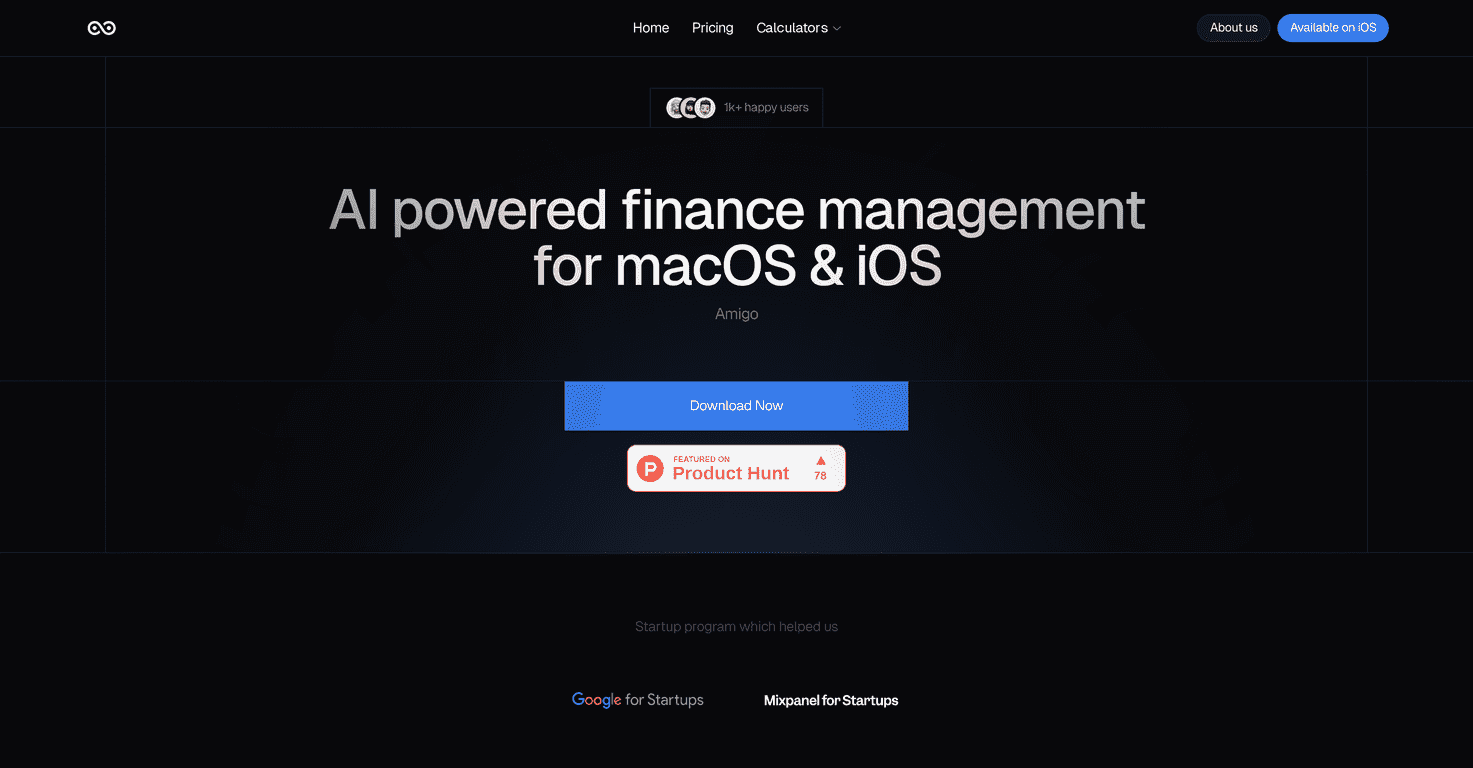
Amigo AI positions itself as an AI-powered financial management companion. The core idea is simple: it uses your transaction history (and other inputs like emails and bank statements) to categorize spending and give you insights. So instead of only seeing “$47.12” and guessing what it was, you get a clearer breakdown and a dashboard that actually helps you make decisions.
In this Amigo AI review, I’ll walk through what stood out to me—what’s genuinely useful, what feels a bit limited, and who I think this app is best for.
Amigo AI Review
What I like about Amigo AI is that it tries to remove the “manual bookkeeping” part of personal finance. It’s powered by AI that personalizes insights based on your transaction history, emails, and bank statements. That means it’s not just a static budget spreadsheet—it’s meant to learn what your spending looks like.
One of the practical things it leans on is Gmail sync. If you’ve ever tried categorizing transactions yourself, you already know how repetitive it is. Amigo AI aims to categorize expenses automatically by pulling relevant transaction info from your Gmail. That’s a big deal if you don’t want to spend your weekends cleaning up categories.
It also supports importing bank statements and then categorizing them. When I’m testing finance tools, I pay attention to how much effort it takes to get from “I have money” to “I have usable charts.” With Amigo AI, the goal is that you’re not staring at blank dashboards for long.
And yes—the dashboard matters. Amigo AI uses it to visualize your expenses and show insights into your financial health. I’m not looking for fancy visuals just to feel productive. I want to spot patterns quickly. For example: do you have a “random” category that’s actually consistent? Are you spending more on takeout than you thought? Does your spending swing week-to-week? That’s the kind of information a dashboard should make obvious.
Key Features
- Personalized financial insights based on transaction data
- Gmail sync for automatic transaction categorization
- Easy bank statement import with automatic categorization
- Customizable dynamic dashboard to visualize financial health
- AI-driven analysis for enhanced predictive financial advice
- Faster, detailed updates and recommendations
What those features look like in real life
Here’s how I think about features like these: they’re only “good” if they reduce friction. So I look for signs that the app is actually doing work for me—like categorizing transactions without me manually fixing every line item.
For example, if you get an email receipt for a purchase, it’s usually easy to miss it later when you’re trying to review spending. Gmail sync helps because those receipts and transaction-related emails are already there. Instead of switching apps and copying info around, the idea is that Amigo AI reads what it needs and organizes it.
On the dashboard side, I also care about clarity. A good dashboard doesn’t just show totals—it helps you understand where money is going. If the app can point out patterns (like recurring subscriptions or spending spikes), that’s when it starts feeling like an actual companion instead of a glorified ledger.
And the “predictive” angle? I’m cautious with that. Predictions should be treated like guidance, not guarantees. Still, if the AI analysis helps you catch an issue earlier—like rising spending in a category before it becomes a problem—that’s valuable.
Pros and Cons
Pros
- User-friendly interface for finance tracking without feeling like you need an accounting degree.
- Security-focused approach with encryption and biometric features. I like seeing that because finance apps are a prime target.
- Solid set of management tools that go beyond just categorizing—especially with the dashboard and AI-driven recommendations.
Cons
- Privacy trade-off: relying on external data sources (like Gmail and bank statement imports) can be a deal-breaker for some people. If you’re protective about data sharing, make sure you’re comfortable with the permissions.
- Platform limitation: it’s currently limited to macOS and iOS users only. If you’re on Android or Windows-only, you’ll have to wait—or look elsewhere.
My honest take
Amigo AI feels like it’s built for people who want a cleaner way to manage everyday spending. If you’re the type who already tracks everything manually and loves spreadsheets, you might not get as much extra value. But if you want the “set it up and get insights” experience? That’s where this kind of app shines.
Still, I’d suggest you approach any AI finance tool with a little common sense. Always double-check categories for unusual purchases, and don’t blindly trust predictions. The best results usually come when you review what the app suggests and correct anything that looks off.
Pricing Plans
The Amigo AI app is available for free during its beta version, so you can access premium features without paying right away. If you’re curious, this is the kind of situation where it makes sense to try it early and see how well the categorization works with your own data.
Wrap up
Overall, I think Amigo AI is a strong option if you want your spending to be organized automatically and turned into something you can actually act on. The combination of AI-driven categorization, Gmail support, and a dashboard built for insights is the right direction—especially for anyone who’s tired of guessing where their money is going.
If you’re considering trying it, the beta pricing makes it easier to take the risk out of it. Give it a shot, check your categories, and see whether the insights feel accurate for your spending habits. If they do, you’ll probably wonder how you managed without it.
Promote Amigo AI