Table of Contents
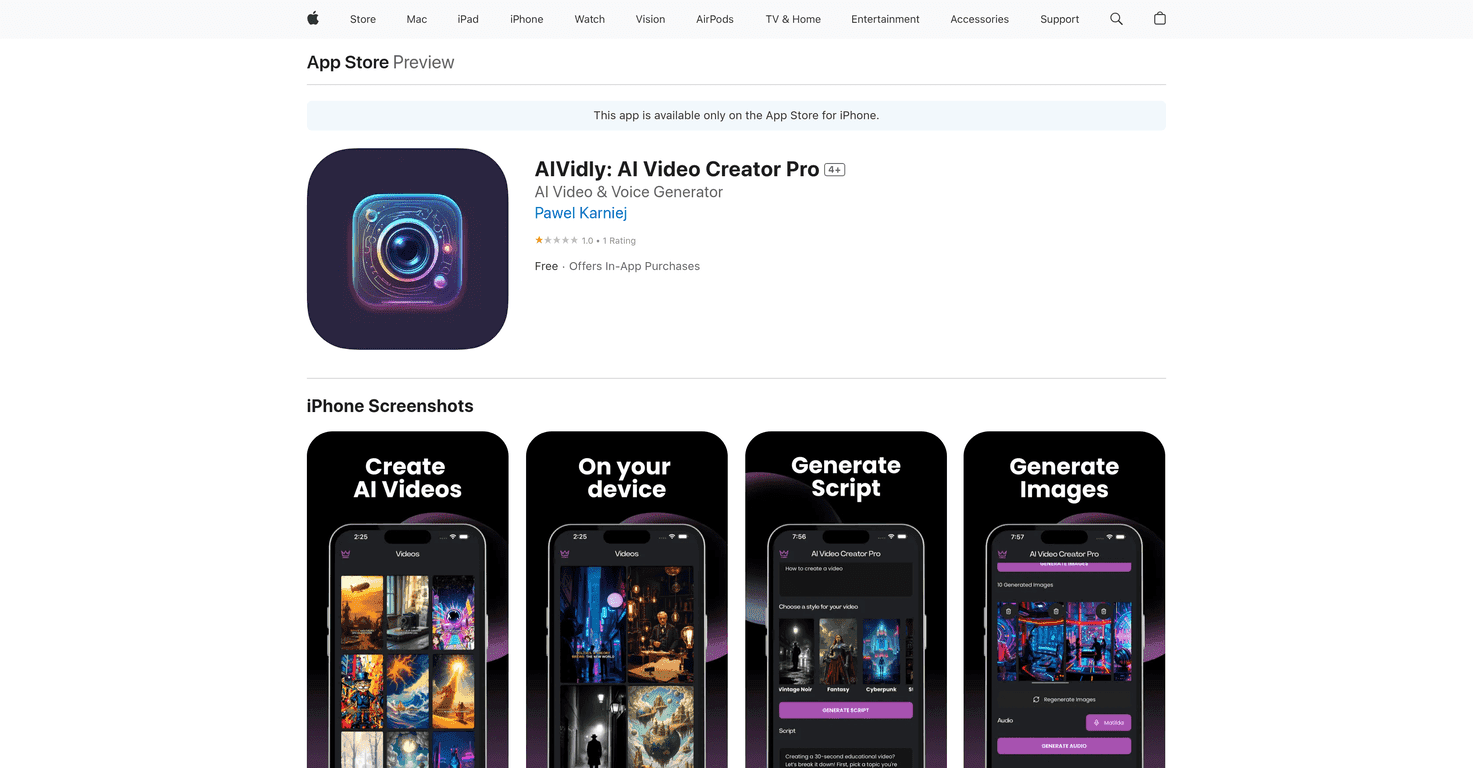
If you’ve ever tried to crank out TikToks or YouTube Shorts on a busy week, you already know the problem: filming takes time, editing takes even more, and then you’re still stuck staring at a blank screen wondering what to post next. That’s exactly what I was hoping AIVidly: AI Video Creator Pro would fix.
I tested AIVidly with a few different video ideas and what stood out to me right away was how “topic → video” it feels. You basically type what you want to make, and the app tries to handle the rest—script, visuals, voiceover, and export. It’s built for people who don’t want to become editors overnight.
AIVidly Review
Let me be upfront: AIVidly isn’t trying to replace every video editor on the planet. It’s more like a “get me something shareable fast” tool. And honestly? That’s a valid goal—especially for short-form content where you don’t always need a cinematic masterpiece.
When I used it, I noticed the workflow is straightforward:
- Pick a topic or prompt (you don’t need a full script ready).
- Let AIVidly generate the script and supporting images.
- Choose/generate the voiceover.
- Export in a format that’s meant for TikTok and YouTube Shorts.
So if you’re an influencer, marketer, or just someone who wants to post regularly without spending hours editing, the pitch makes sense. The app feels geared toward “idea → video” rather than “idea → perfect production.”
One thing I liked: it doesn’t assume you already know editing tools. The interface is designed so you can move through the steps without getting stuck in settings. But—like most AI video tools—your results will depend on how specific your input is. Broad prompts usually lead to more generic outputs.
Key Features
- AI Video Generator that builds a video from scratch based on your topic.
- AI Voice Generator for voiceovers that aim to sound natural (I found it works best when the script isn’t overly complicated).
- Automatic Video Creation so you’re not manually assembling scenes and clips.
- AI Script & Image Generation driven by your user-provided topic—this is the core “all-in-one” part.
- One-Tap Export optimized for TikTok and YouTube Shorts, which saves time when you’re posting on a schedule.
Practical tip from my testing: if you want the video to feel less “template-y,” try adding details like the audience (“for beginners,” “for busy professionals”), the angle (“3 mistakes to avoid”), or the format (“quick tips in 30 seconds”). It’s not magic, but it does help the script and visuals line up better.
Pros and Cons
Pros
- Beginner-friendly: I didn’t feel like I needed a tutorial to get a video out.
- Time-saving: It cuts out the “record → edit → format” grind for short-form content.
- Social-ready output: The export is clearly meant for TikTok/Shorts, so you’re not guessing aspect ratios.
- Works for different creators: Whether you’re promoting a product or sharing tips, the tool is flexible enough to cover multiple styles.
Cons
- Low user rating (reported 1.0/5): That’s a red flag. I can’t ignore it. If you’re the type who needs everything to work perfectly, you may run into frustration.
- Some features may be locked: Advanced options can push you toward in-app purchases, so it’s worth checking what you can do in the free tier first.
- AI quality varies: If your prompt is vague, the script and visuals can come out more generic than you’d want.
Pricing Plans
AIVidly has a free version with basic features. If you want more, the paid plans include a Starter Monthly plan for $9.99 and a Pro Monthly plan for $39.99. In my opinion, the smart move is to test a couple of videos on the free plan first—then decide if the extra features are actually worth paying for.
Wrap up
AIVidly: AI Video Creator Pro is a solid option if your main goal is to publish short-form videos without spending your whole day editing. I like how quickly it moves from a topic to an exportable video, and the one-tap TikTok/Shorts angle is genuinely convenient.
That said, the reported low rating and the possibility of locked features are things I’d take seriously. If you’re okay experimenting and you write better prompts than “make me a viral video,” you’ll probably get more out of it. If you want total control and flawless results every time, you may still prefer a traditional editor.
Promote AIVidly




