Table of Contents
I needed a new headshot for my LinkedIn, and I didn’t want to spend a weekend coordinating a photoshoot. So I tested AISuitUp to see if it actually produces “studio-like” results from a selfie—or if it’s just marketing.
Here’s what I noticed: the whole process really is quick. I uploaded a selfie, selected a package, and got my generated images back the same day. The images looked realistic enough that I’d feel comfortable using them for professional profiles—though, as you’d expect, the outcome depends heavily on the photo you start with.
AISuitUp Review
I tested AISuitUp with a single selfie I took in daylight (front-facing, no heavy filters). I uploaded it through the site, then chose a package. The UI is straightforward—no fancy setup, no studio gear, and I didn’t have to mess with technical settings.
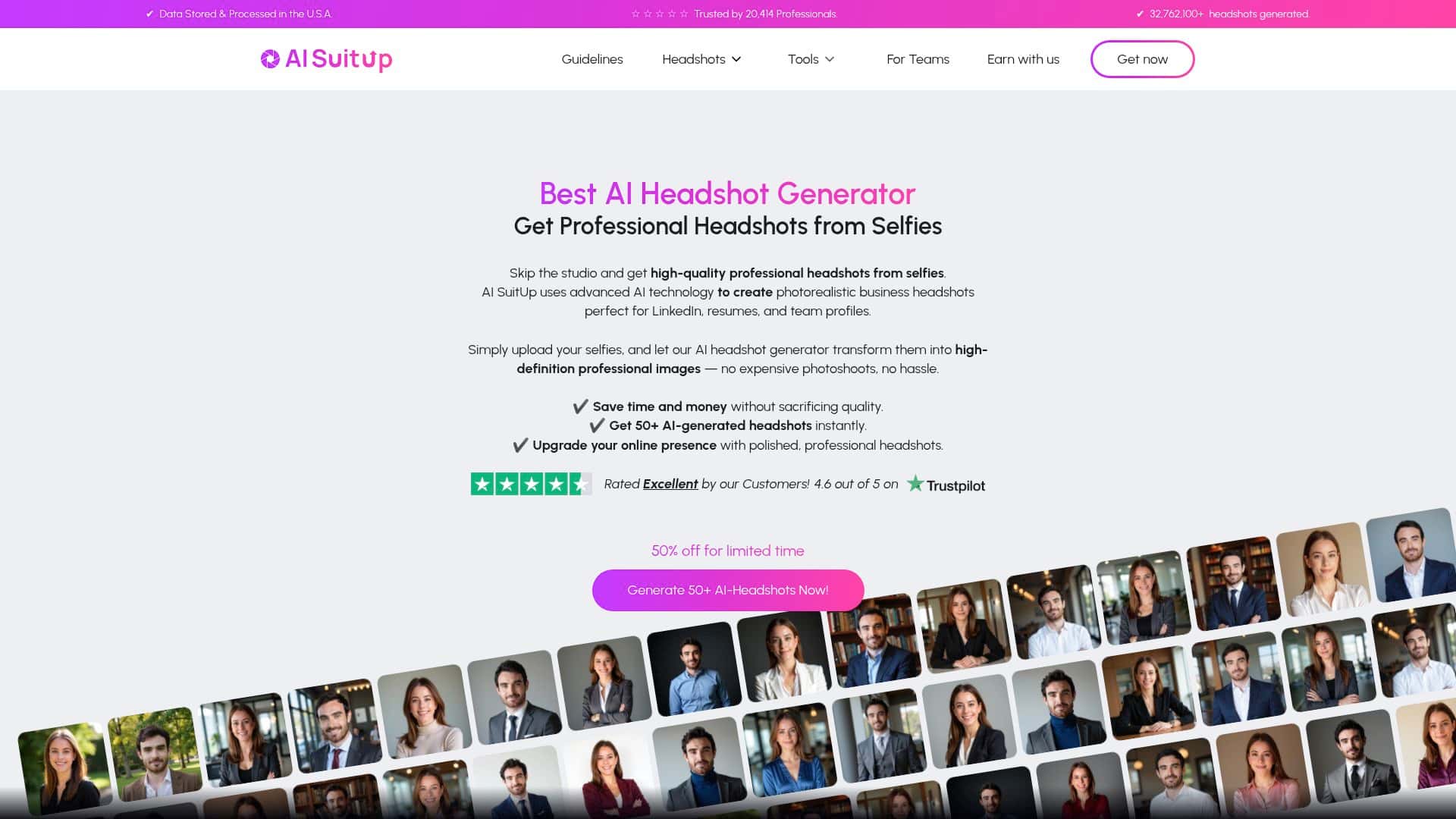
What I got back: a batch of AI-generated headshots that kept my face recognizable while changing the “studio” look—lighting, background, and overall styling. I’d say the results were strong enough that I could pick a few options immediately, which is the real win when you’re trying to update a profile fast.
Before/after reality check: my original photo had more casual lighting and a plain background. The generated versions looked more polished—cleaner lighting and more consistent framing. That said, this isn’t magic. If your selfie is blurry, badly lit, or taken at an angle, you’ll usually see those weaknesses show up in the output.
Style variety (what I actually received): out of the set I generated, I picked three styles that stood out for different reasons: one with a darker, professional background, one with a brighter, “clean studio” vibe, and one that leaned more modern with a sharper contrast look. I didn’t just rely on one image either—I compared several to make sure the face stayed consistent across the batch.
Quality consistency (and where it can slip): overall, a good chunk of the images were usable for LinkedIn. But I did notice a few common AI artifacts in the “not quite there” picks—things like slightly off hair edges and occasional background warping around the shoulders. I’d estimate that a realistic “use it immediately” portion would be around 60–80% depending on your selfie quality, with the rest needing to be replaced by another option in the batch.
So, does it feel effortless? Yes. Does it always look perfect? No. But if you want a fast, professional-looking headshot without paying for a full photoshoot, it’s a solid option—especially when you can select from a larger set and choose the best one.
Key Features
- Fast turnaround: depending on the package, you can get results in just a few hours.
- Photorealistic headshots: the “studio” lighting and background styling are the main upgrades.
- Multiple outputs per upload: you’re not stuck with a single result—there are multiple variations to choose from.
- Style variety: the different looks help you match your industry vibe (corporate, modern, clean studio, etc.).
- Simple upload flow: no special equipment required—just a selfie that clearly shows your face.
Pros and Cons
Pros
- Good value compared to hiring a photographer for a quick profile update.
- Lots of usable options in the batch—this matters more than people think.
- Quick delivery (hours, not days), which is great if you’re updating for a job search or new role.
- Realistic look for most of the generated images—especially lighting and framing.
- Free testing available daily, so you can see how your selfie performs before committing.
Cons
- Your selfie quality sets the ceiling. If the image is blurry or your face is partially shadowed, results can look “off.”
- Less personal than a real shoot. It can’t fully replicate the subtle human factors you get from a photographer (like natural posture cues).
- Limited fine control. You can choose a package and work with the generated variations, but you don’t get the same precision you’d have with traditional editing.
- Occasional artifacts. In my batch, hairline edges and background consistency were the most common “imperfections” to watch for.
Pricing Plans
AI SuitUp has three packages: Basic ($27), Professional ($37), and Ultimate ($57). The deal changes mainly by how many headshots you get and how fast they’re delivered.
- Basic: 50 headshots in about 6 hours
- Professional: 100 headshots in about 3 hours
- Ultimate: 150 headshots in about 1 hour
All plans are positioned for high-resolution professional use. Also, there are sometimes discounts running, so I’d check the checkout page before you pay—those small promos can make a noticeable difference.
Quick tip before you buy: if you’re picky about final output, I’d lean toward a plan with more images. More variations means a better chance of getting one that’s perfect for your profile photo.
Wrap it up
AI SuitUp is best for busy people who need a professional headshot quickly and don’t want the cost or scheduling hassle of a traditional photoshoot. In my experience, the biggest strengths are the speed and the variety—you can usually find at least a few images that look polished enough for LinkedIn.
If you try it, do yourself a favor: upload a clear, well-lit selfie with your face centered. Then, once the batch comes back, don’t just pick the first image—scan for hair edge issues and background weirdness. When you do that, the results can be genuinely useful.
So—should you try it? If you’re updating your profile fast and you’re okay choosing from multiple AI-generated options, AISuitUp is worth a shot. Just don’t expect every single output to be flawless.


