Table of Contents
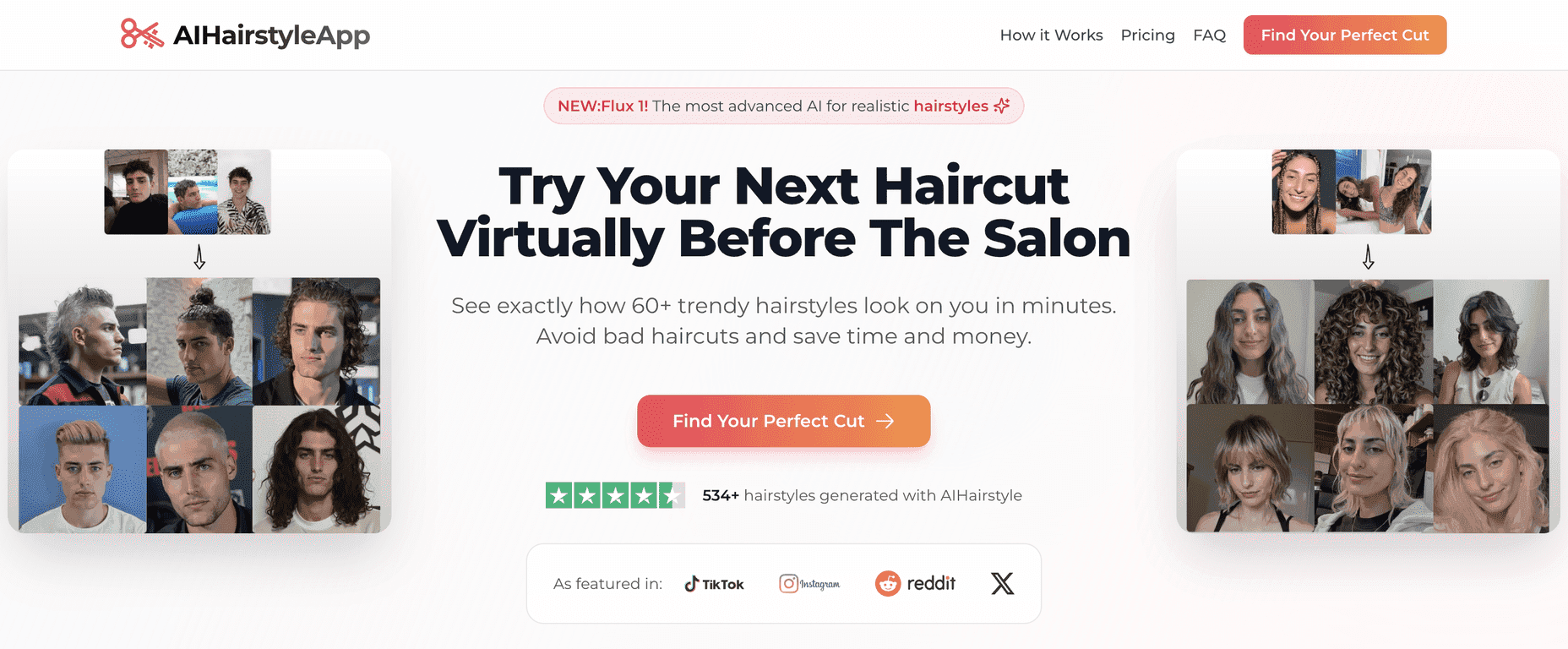
Ever sat in the salon chair, trying to explain a haircut you saw online… and then walked out thinking, “Why did I do that?” I’ve been there. That’s basically where the AIHairstyleApp comes in. Instead of guessing, it lets you upload a selfie and preview hairstyles on your own face and hairline before you commit to anything.
In my experience, the biggest win is how fast you can test ideas. You’re not stuck imagining what a style might look like—you can actually see it. The app claims 60+ hairstyles for men and women, and the AI “maps” the look to your features so the previews feel more realistic than generic hairstyle filters.
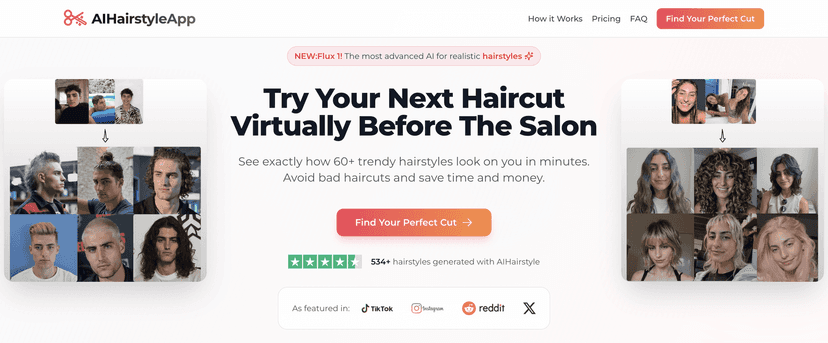
What I liked right away: it’s pretty straightforward. You upload a photo, pick from the hairstyle options, and you get high-resolution results you can zoom in on. It’s also nice that you can try multiple styles in one sitting—especially if you’re the type who keeps changing their mind (no judgment).
One thing to be honest about: the results can only be as good as your selfie. If your photo is blurry, poorly lit, or taken at a weird angle, the preview won’t look as convincing. So if you want the best outcome, use a clear, front-facing picture with decent lighting.
If you’re trying to cut down on unnecessary salon visits or you just like experimenting, this app is a fun way to narrow down what you actually want to ask for. And if you’re curious, you can start with the Basic plan and upgrade later if you find you’re using it a lot.
AIHairstyleApp Review
The AI Hairstyle App is built for people who want to experiment without the “what if it looks awful?” feeling. You upload a selfie, and the app generates previews of different hairstyles—meant to look realistic and personalized. It’s designed to be a quick alternative to scrolling salon photos and hoping you picked the right cut.
When I tested it, I noticed the preview quality is pretty consistent for common styles (think classic bobs, fades, layered looks). The AI does a decent job matching the hairstyle to your face shape and overall proportions, which makes it easier to decide what you actually want to show your stylist.
As for how it feels to use: you control the process. You pick hairstyles from the catalog, upload your photo once, and then cycle through options. No complicated steps. Just try, compare, and move on.
And yes, there’s a big difference between the free “idea” and actually seeing the style on you. That’s where this app earns its keep—especially if you’re stuck between two cuts or you’re growing your hair out and want to see what the in-between stages could look like.
Quick tip: if you’re taking a selfie for best results, face the camera directly, use bright natural light if you can, and avoid heavy shadows across your forehead. It makes a noticeable difference.
Key Features That Matter (Not Just Buzzwords)
- AI-powered simulations: Upload a selfie and generate hairstyle previews using AI.
- Big hairstyle library: The app includes 60+ styles across both men’s and women’s looks.
- Easy selection: You can browse and choose hairstyles without jumping through hoops.
- Simple photo upload: Straightforward process—upload, preview, repeat.
- High-resolution results: The output is clear enough to get a real sense of the style.
- Priority processing (Pro): If you’re hitting it often, Pro users get faster turnaround.
- Custom requests (Pro): You can request custom hairstyle ideas if you’re on the Pro plan.
Pros and Cons From My Testing
Pros
- Less risk than “blind” haircut decisions: Seeing the style on you helps avoid regret.
- Good variety: There are enough trendy options that you’ll usually find something you like.
- Simple, user-friendly interface: I didn’t feel like I needed a tutorial to get started.
- Flexible one-time payment: You’re not locked into a monthly subscription model.
- 14-day money-back guarantee: It’s reassuring if you want to test it first.
Cons
- Selfie quality matters a lot: Blurry or poorly lit photos lead to less convincing previews.
- Custom requests cost extra: If you want custom hairstyle requests, you’ll need the Pro plan.
- Processing speed can vary: Like most AI tools, it can depend on traffic and demand.
Pricing Plans (Basic vs Pro)
Here’s how the pricing breaks down. The app offers two one-time payment plans:
- Basic Plan: $9 for 300 credits, which covers previews of 30 unique hairstyles.
- Pro Plan: $14 for 600 credits, which covers previews of 60 unique hairstyles, plus priority processing and custom requests.
Both plans include a 14-day money-back guarantee. If you’re just trying it out for one or two haircut sessions, Basic may be plenty. If you’re the type who constantly experiments (or you want custom requests), Pro makes more sense.
Wrap up
AIHairstyleApp is a solid way to test haircut ideas before you spend the money at the salon. The previews are easy to generate, the hairstyle selection is broad, and the results are clear enough to help you make a decision. Just don’t ignore the selfie quality—use a good photo, and you’ll get way more out of it.
If you’re trying to change things up, grow your hair with a plan, or you just want fewer “oops” moments, this app does what it promises: it makes experimenting feel low-pressure and a lot more practical.
Promote AIHairstyleApp