Table of Contents
Honestly, AI tools can feel a little intimidating—especially when you’re not a developer. I’ve clicked through more than a few “AI platforms” that look great on paper but still leave you staring at setup screens like, “Okay… now what?”
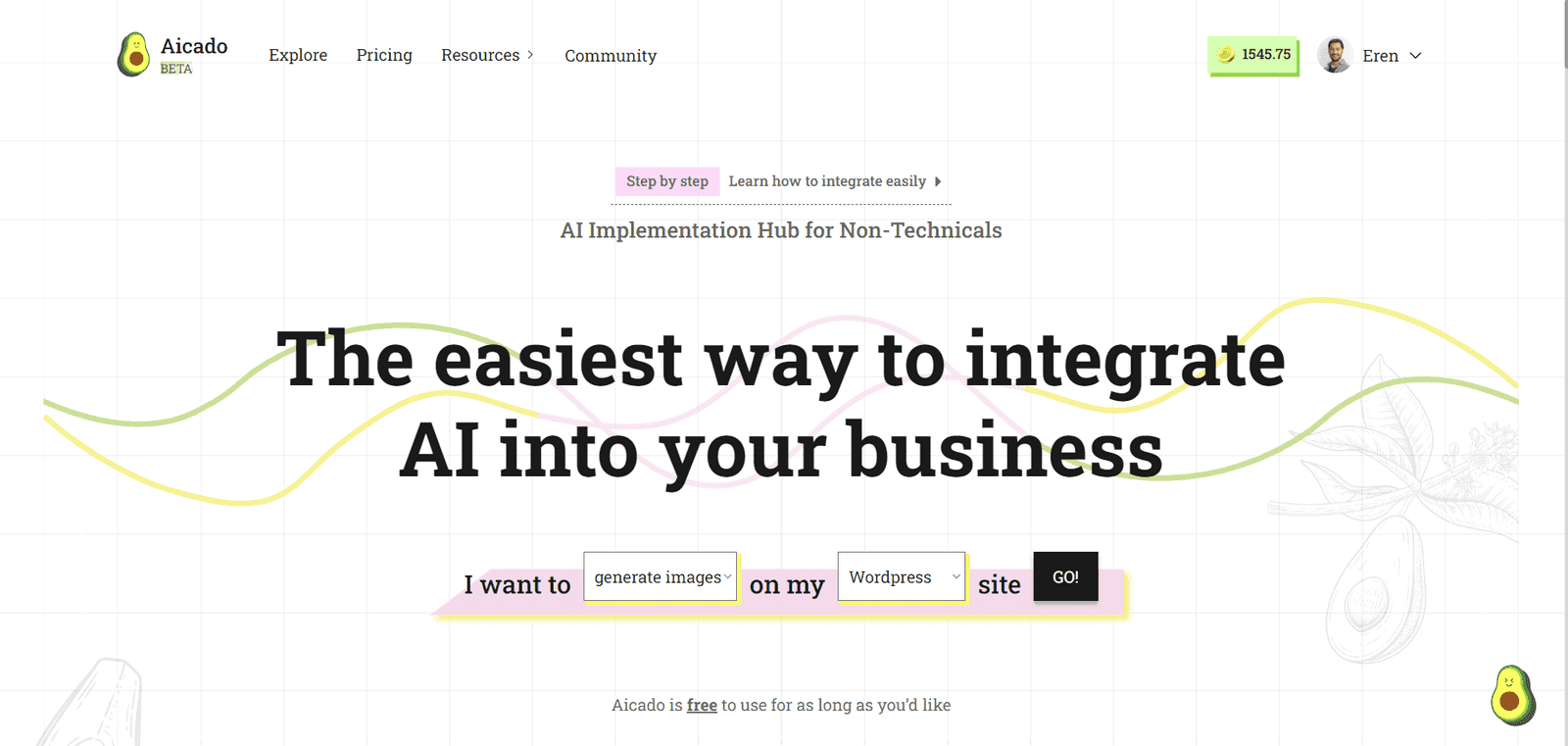
This is why I was interested in Aicado v1.2.0. The pitch is simple: make AI integration feel more like configuring a tool than building something from scratch. It’s positioned as an AI Implementation Hub for people who want to add AI to their website without needing to write code or hire a specialist.
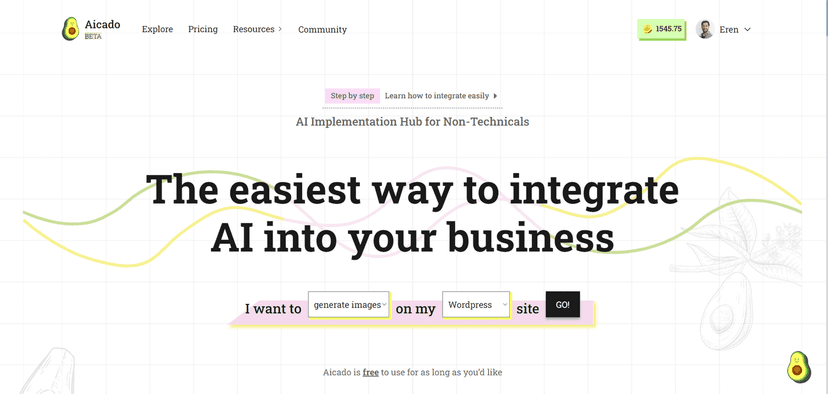
In my experience, what matters most is how quickly you can get from “I want AI” to “it’s actually working.” Aicado v1.2.0 focuses on that. The interface is laid out in a way that nudges you through the setup, and it leans heavily on customization so you’re not stuck with a one-size-fits-all bot.
That said, it’s not trying to be the most advanced, research-grade platform out there. If you’re the type who wants deep control over every model parameter and workflow step, you might feel the limits sooner than you’d like. But if your goal is practical—better website interactions, faster answers, and AI features without the headache—Aicado makes a lot of sense.
Aicado v1.2.0 Review: AI that doesn’t feel like a project
What stood out to me right away is how “non-technical” the experience is meant to be. You shouldn’t need to know how to stitch APIs together, and you shouldn’t have to guess where the code goes. The platform is built around the idea that you can create and implement AI models for your website with a guided flow.
In plain terms, that means you can focus on the outcome (what you want the AI to do) instead of the plumbing. And if you’re a small business owner, marketer, or team lead who’s tired of waiting on developers for every little change, that matters.
Also, the customization angle is practical. Instead of just dropping in a generic chatbot, you can tailor the setup toward what your business needs. I like tools that let you adjust things without turning it into a full-time job.
Still, I wouldn’t oversell it. Aicado v1.2.0 feels best for straightforward use cases. If you’re chasing advanced features—complex multi-step workflows, heavy customization, or deeper model-level control—you may hit a ceiling compared to more technical platforms.
So the real question is: do you want AI you can actually deploy, or AI you can obsess over? For “get it live and move on,” Aicado is a strong contender.
Key Features I’d Actually Use
- Customizable AI models for website integration
- User-friendly interface aimed at non-technical users
- Tools and resources that help you implement without the usual learning curve
- No coding skills required to get started
If you’re setting this up for a real website, I’d pay attention to how quickly you can go from model selection to something you can test. That’s where most “no-code” tools either shine or fall apart.
Pros and Cons (My Honest Take)
Pros
- Much easier for non-tech users: The setup feels designed for people who don’t want to learn developer tools first.
- Customization without chaos: You can adapt the AI for different business needs without turning it into a complicated build.
- Fast path to implementation: The guided approach helps you get moving quickly.
- Practical AI for real websites: It’s aimed at putting AI to work, not just showing demos.
Cons
- Not built for advanced users: If you want deeper control and complex setups, you may feel boxed in.
- Best for straightforward goals: If your use case is highly specific or workflow-heavy, you might need something more robust.
Pricing Plans
The pricing details weren’t clearly listed in the information I reviewed. If you’re serious about comparing costs, I’d check directly on Aicado.ai so you get the most current plan names and any limits (like usage caps or feature tiers).
Quick tip: when you’re evaluating pricing, don’t just look at the monthly number. Also check what you get for that price—things like model options, how many integrations you can run, and whether there are restrictions that matter for your site traffic.
Wrap up
Overall, I think Aicado v1.2.0 does what it claims: it lowers the barrier to AI integration for people who don’t want to deal with technical setup. The guided, user-centric approach makes it easier to get something working on your website, and the customization options help it feel more relevant than a generic plug-in.
If you want AI features that you can deploy without turning your week into a development sprint, Aicado v1.2.0 is worth a look.
Promote Aicado v1.2.0




