LIFETIME DEAL — LIMITED TIME
Get Lifetime AccessLimited-time — price increases soon ⏳
AI Tools

AI Web Scraper Review – Unlock Effortless Data Extraction

Updated: April 20, 2026
4 min read
#Ai tool#Data Scraping

Table of Contents

If you’ve ever tried to pull data from a website with copy/paste or a pile of brittle scripts, you already know how annoying it gets. One update to the page and your selectors break. Layout changes. Buttons move. Suddenly you’re back to square one.

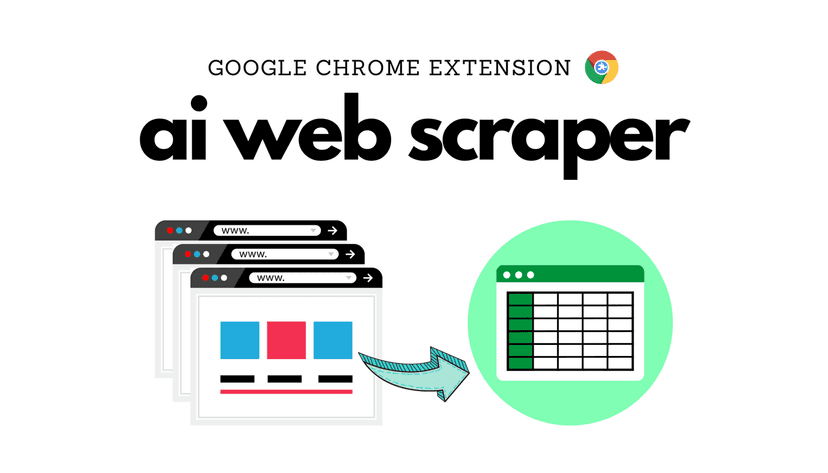
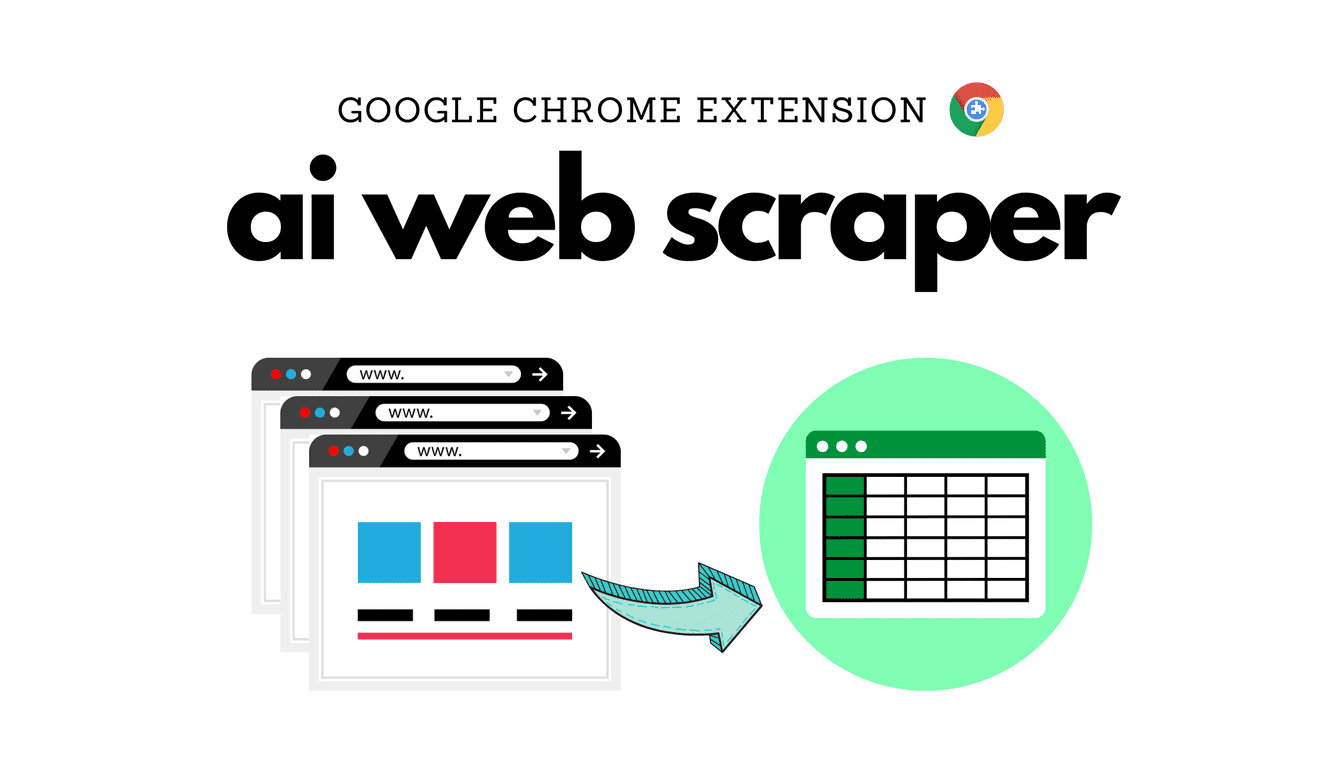
In my experience, that’s exactly where InstantAPI.ai feels useful. It’s an AI Web Scraper that’s built to work even when you don’t want to (or can’t) write code. I tested it on a few pages that normally cause headaches—pages with dynamic content and JavaScript-driven elements—and the results were surprisingly consistent.

Ai Web Scraper

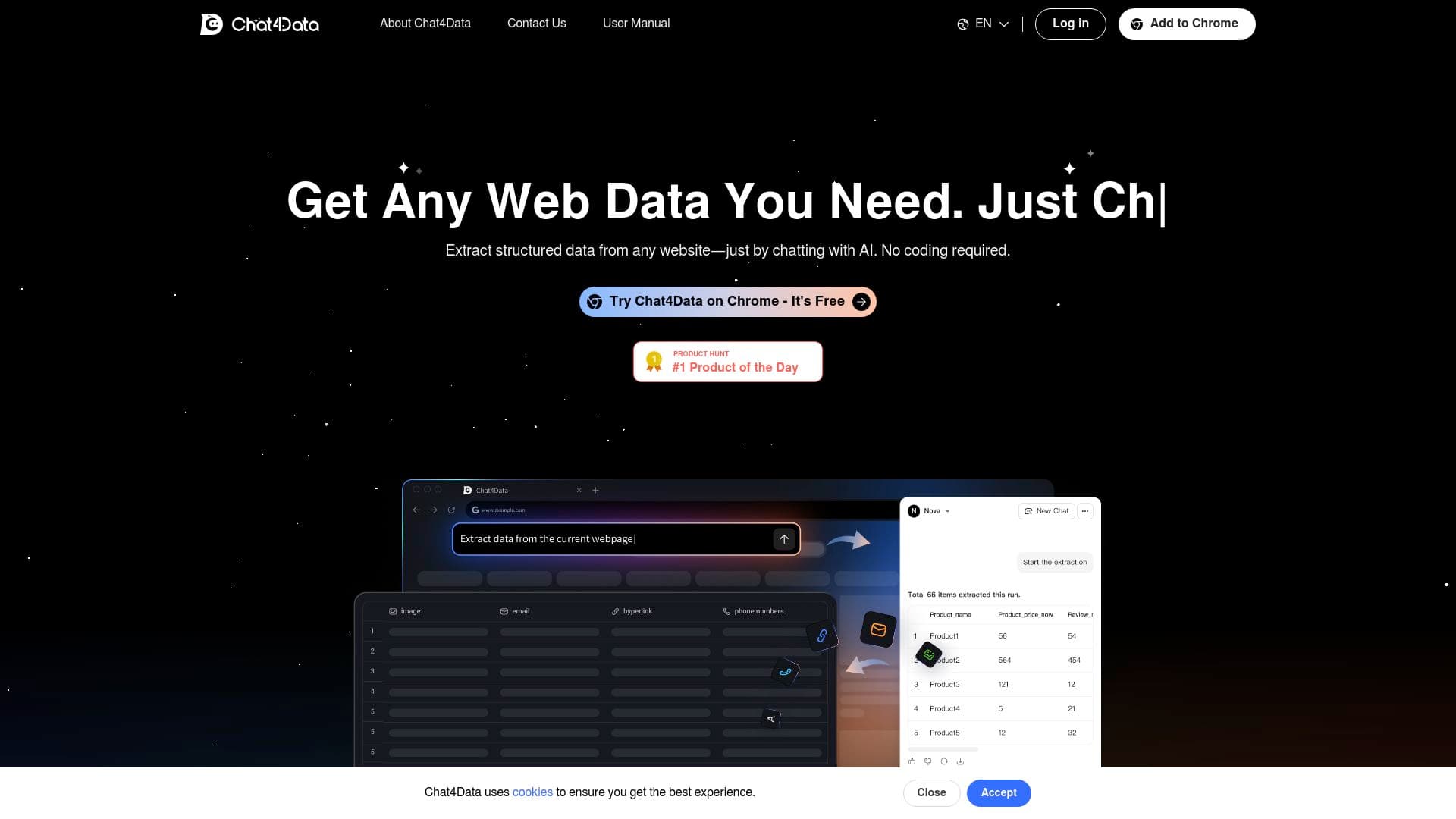
What I liked most is that you’re not starting from scratch. You can scrape from the Chrome extension for quick tasks, and if you want to automate it in your own stack, there’s also an API option. And yes—if the page needs JavaScript rendering, it’s designed to handle that too. That matters because a lot of “simple scrapers” fail the moment content loads after the initial HTML response.

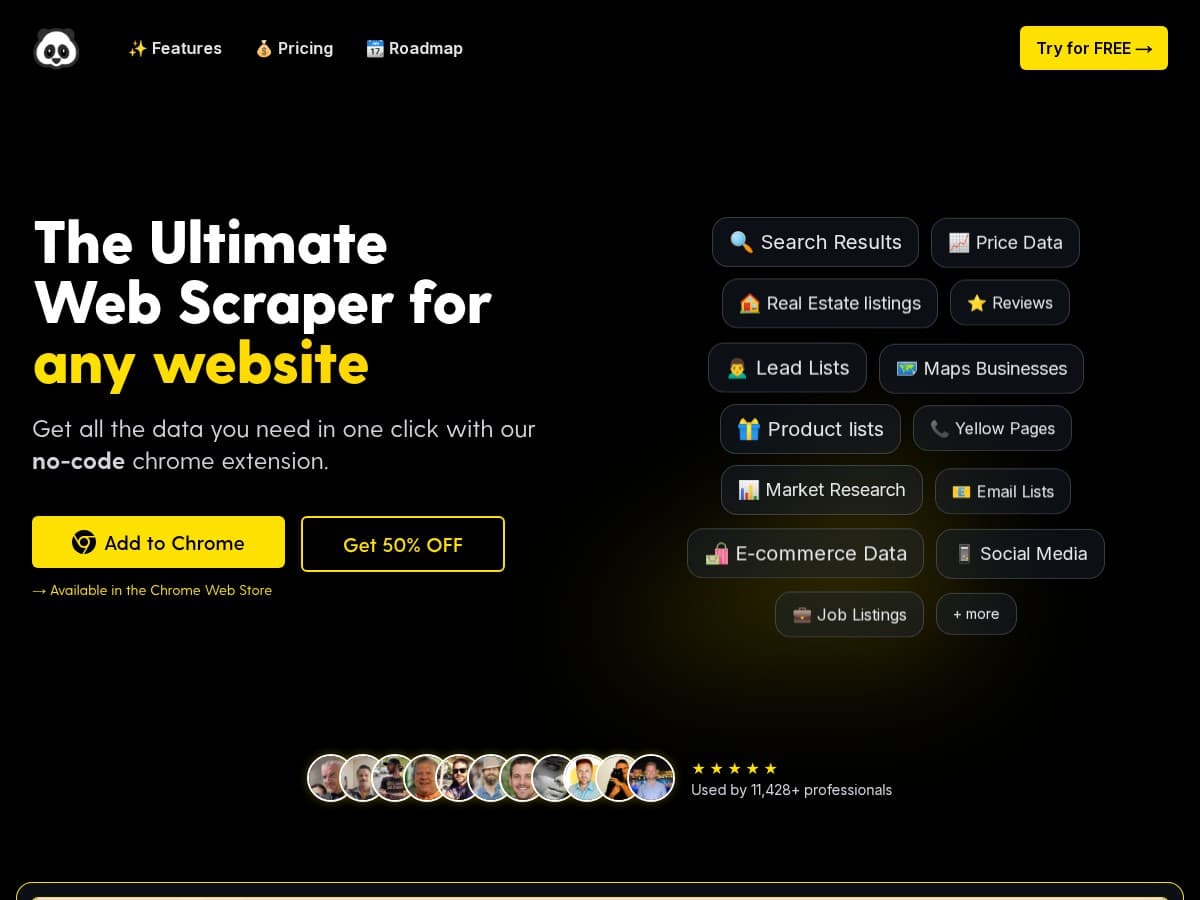
Want product details? Pricing tables? Names, specs, locations, or anything that shows up on the page? You can typically map what you need and generate an output that fits your workflow. It’s not magic—anti-bot rules and aggressive protections can still get in the way—but the overall experience is a lot less painful than traditional scraping.

AI Web Scraper Review

InstantAPI.ai’s web scraping tool is clearly aimed at people who want results without spending their weekend fighting CSS selectors. The UI is straightforward, and the AI-driven approach helps reduce the “why is this empty?” moments you get with more traditional scrapers.

Here’s the practical side: when I tried scraping pages that load content dynamically, the tool didn’t just grab the initial HTML and stop. It behaved more like a real browser session, which is what you want for pages where the data shows up after scripts run.

Also, I appreciate having both options:

  • Chrome extension for quick scraping while you browse
  • API integration if you want to run scrapes on a schedule or inside your app

And the output is customizable. That sounds like a marketing line until you actually need it—because scraping “everything” is rarely useful. Most of the time you want a clean set of fields (like title, price, SKU, availability, etc.) and you want it in a format you can use immediately (not a messy blob).

Key Features

  1. No-Code Web Scraping
  2. AI-Powered Automation
  3. Chrome Extension for Easy Access
  4. API Integration for Programmers
  5. Customizable Outputs
  6. Real-Time Data Monitoring
  7. Robust Support via Documentation and Discord
  8. 7-Day Money-Back Guarantee

Pros and Cons

Pros

  • Beginner-friendly — it’s genuinely usable without coding, which saves a ton of time if you’re not a developer.
  • Handles real-world pages — dynamic content and JavaScript rendering are where a lot of tools stumble, and this one is built for that.
  • Output control — I didn’t have to accept a generic dump of page text. Being able to shape the extracted fields is a big deal.
  • Good value for ongoing scraping — the “unlimited scraping” angle makes it easier to justify using it for recurring tasks.

Cons

  • Short free trial — the 3-day free trial is fine if you already know what you want to test, but if you’re exploring multiple sites or formats, it can feel a bit tight.
  • Anti-scraping defenses still matter — no scraper is immune to every protection. If a site has strict bot detection, you may need to adjust your approach or accept that some pages won’t scrape reliably.

Pricing Plans

InstantAPI.ai keeps pricing pretty simple. There’s a monthly subscription for $9, and it includes unlimited scraping (at least under their plan terms). For testing, there’s a free 3-day trial with no credit card required, which is honestly one of the better “try it first” setups I’ve seen.

They also include a 7-day money-back guarantee. That’s a nice safety net if you end up scraping a site that behaves differently than expected.

Wrap it up

For me, InstantAPI.ai hits the sweet spot between “too technical” and “too limited.” If you want to scrape data from pages that aren’t perfectly static—and you’d rather spend time using the data than debugging scrapers—this is worth a serious look.

If you’re mostly scraping a single simple page, a basic tool might work. But if you’ve dealt with dynamic content before, you already know why this kind of approach is useful. I’d start with the 3-day trial, test a couple of the sites you care about, and see how reliable the results are for your exact fields.

Stefan

Stefan

Stefan is the founder of Automateed. A content creator at heart, swimming through SAAS waters, and trying to make new AI apps available to fellow entrepreneurs.

Related Posts

chine meilleure imprimante featured image

Chine Meilleure Imprimante : Guide 2026 des Fournisseurs et Technologies

Découvrez la meilleure imprimante chinoise en 2026 : types, fournisseurs, technologies, prix et conseils pour choisir la solution adaptée à vos besoins. Lisez notre guide complet !

Stefan
is lisa crowne a real person featured image

Is Lisa Crowne a Real Person? Uncovering the Truth About Daisy Jones & The Six

Discover whether Lisa Crowne is a real person or fictional character from Daisy Jones & The Six. Get expert insights, episode details, and practical tips.

Stefan
are quotes public domain featured image

Are Quotes Public Domain: Complete Guide

Learn everything about are quotes public domain. Complete guide with practical examples, expert tips, and actionable strategies.

Stefan

Create Your AI Book in 10 Minutes