Table of Contents
I’ve been trying to repurpose longer videos into shorter clips for a while, and honestly, the hardest part isn’t the “editing” — it’s finding the moments that actually land. That’s where AI Video Cut caught my attention. It’s built to turn one long video into multiple attention-grabbing clips for places like YouTube Shorts and TikTok, without making you wrestle with a timeline for hours.
AI Video Cut Review
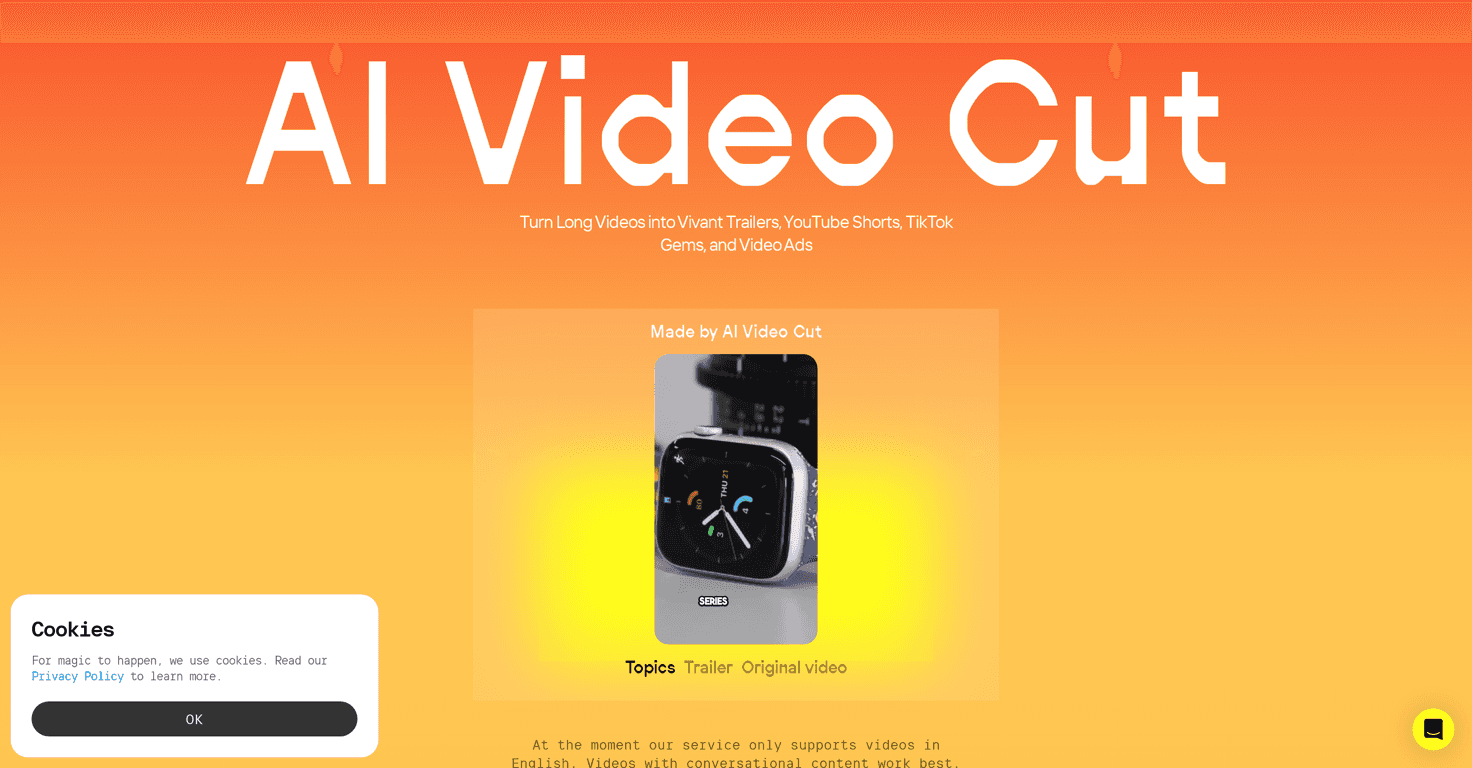
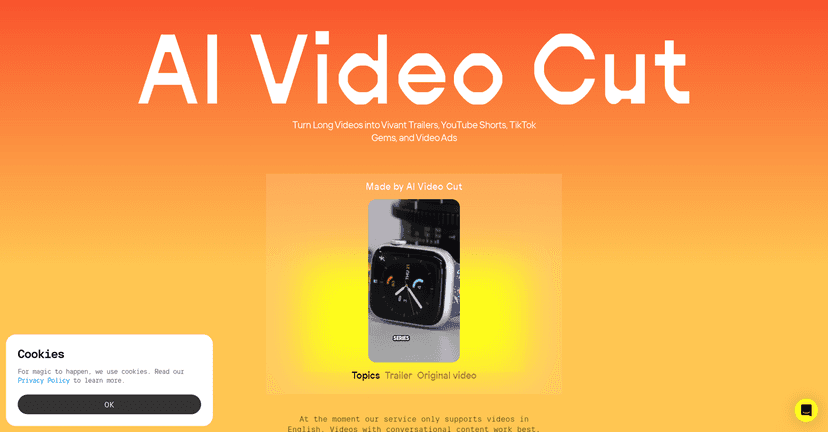
AI Video Cut is aimed at one specific problem: taking a longer video and turning it into short, clip-sized content that’s easier to post consistently. I tested it with a typical “talking head” style video, and what I noticed right away was how quickly it moves from upload to usable clips. No deep editing setup. No complicated steps.
The biggest question, though, is always the same: do the clips actually feel like good picks, or are they random cuts? In my experience, the tool does a solid job of pulling out moments that match the spoken content. It’s not perfect (nothing is), but it’s a strong starting point if you want to generate multiple options fast and then pick the best ones.
Also, the interface feels pretty approachable. If you’ve never edited before, you won’t feel totally lost. I wouldn’t call it a replacement for a full editor like Premiere or CapCut, but for repurposing content at speed, it makes sense.
Key Features
- 100% Viral Content for trailers and ads - This is the positioning, and while you still need to choose what you publish, it’s designed to generate clip ideas meant for promotional formats.
- Tone-of-Voice options - It mentions persuasive or emotional clip styles (coming soon). If this lands well, it could be useful for different audience moods.
- Customizable clip length - You can pick 5, 10, or 20 phrases. I like this because it gives you control over how “dense” the output is, instead of forcing one fixed length.
- Transcription accuracy + AI prompts - The flow relies heavily on transcription, and the better the transcript, the better the cuts. When speech is clear, the results are much more usable.
- Aspect ratios for platform compatibility - Coming soon. Right now, that’s something I usually care about because Shorts and TikTok typically need different framing.
- Convenient Telegram Bot - Also coming soon. If you already post from your phone or manage content in Telegram, this could save time.
Pros and Cons
Pros
- Simple workflow - It’s built for quick repurposing, not complicated timeline editing.
- Clip customization - Choosing 5/10/20 phrases helps you control how much content you get back.
- Good transcription-driven cutting - When the audio is clear, the clips come out more coherent and less “choppy.”
- Useful for content consistency - If you’re trying to post more often, generating options in minutes (not hours) is a big deal.
Cons
- Limited to English videos right now - If your channel is multilingual or you work with non-English footage, this is a blocker.
- Some features are still “coming soon” - Tone-of-voice options, aspect ratios, and the Telegram bot aren’t available yet, so you can’t fully tailor output to every platform or style today.
- Not a full replacement for manual editing - You’ll still want to review clips before posting. Sometimes the best moment is close, but not exactly where you’d cut it manually.
Pricing Plans
AI Video Cut is currently free, which is honestly the best way to test something like this. You can sign in via Google, and there aren’t any clearly listed pricing tiers for advanced features yet. That usually means the product is in an early rollout stage, so expect changes as more features land.
If you’re deciding whether to try it, my suggestion is simple: upload one video you’ve already posted before. If the cuts match your style and the transcript is accurate enough, you’ll know quickly whether it’s worth your time.
Wrap up
Overall, I think AI Video Cut is a practical tool for anyone who wants to turn one longer video into multiple short clips without going through a heavy editing process. It’s especially appealing if you’re focused on repurposing for Shorts/TikTok and you want speed.
Just go in knowing it’s not built to replace professional editing yet, and the current limitations (like English-only and missing “coming soon” features) matter. Still, for a free try, it’s absolutely worth testing—because if you find even a couple of strong clips per video, that’s time saved you can’t really get back.