Table of Contents
If you’ve ever stared at an email draft thinking, “Why does this sound a little off?”, you’re not alone. I’ve been there—especially when I’m trying to sound friendly but still professional. That’s where AI Text Improver caught my attention. It’s a Chrome extension that helps clean up your writing, tighten the wording, and adjust the tone so your message lands the way you intended.
In my experience, the biggest win isn’t “magic rewriting.” It’s that it gives you quick, usable suggestions—fast enough that you can actually keep moving instead of rewriting from scratch.
AI Text Improver Review: Does It Actually Help Your Emails?
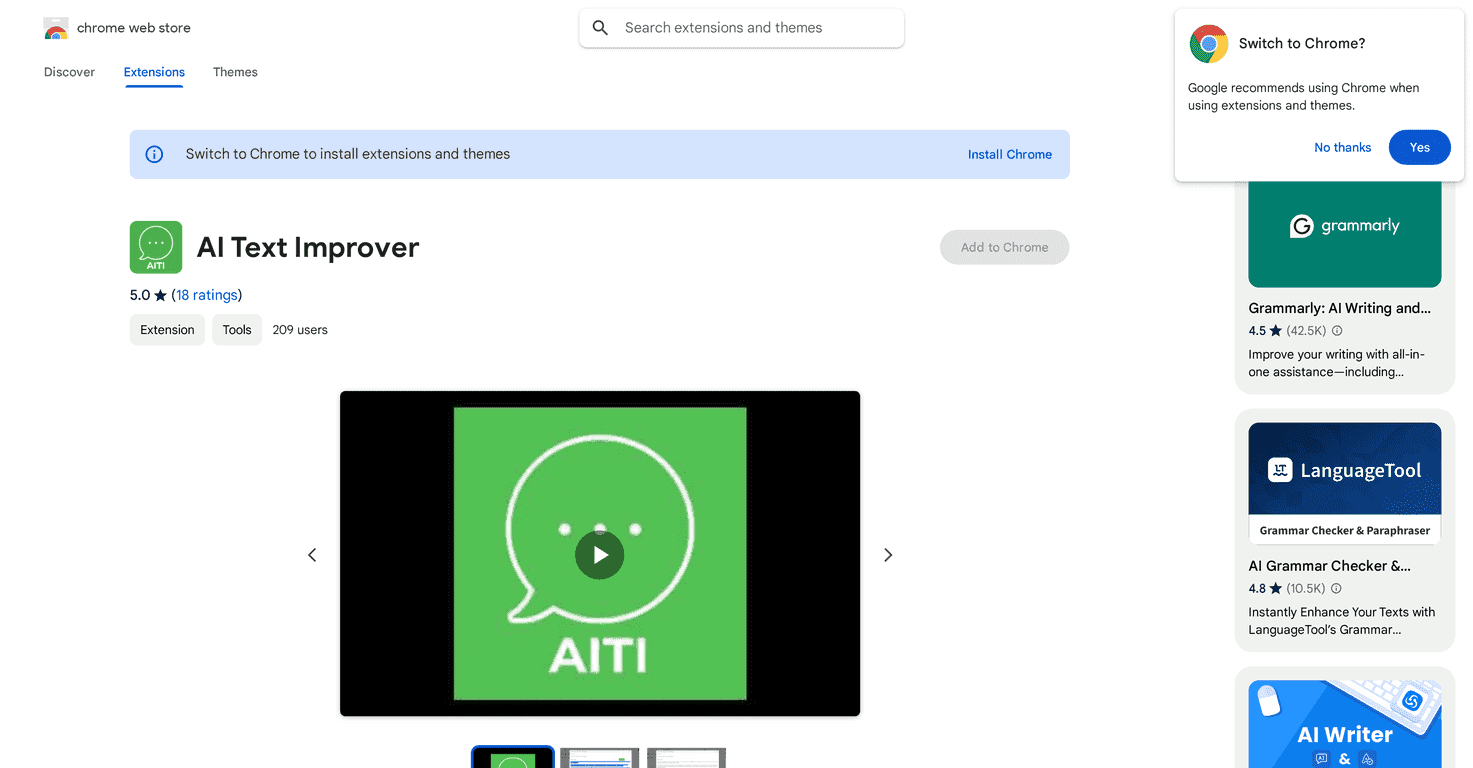
AI Text Improver is built for one main job: improving the text you write—especially when you’re sending emails or messages where tone matters. The extension lets you highlight text and get suggested edits for grammar, clarity, and style. It also claims tone adjustments powered by GPT-4 from OpenAI, which is a big reason people (including me) are interested in it.
What I noticed right away is how “click-and-fix” it feels. I tested it on a few email drafts—things like a quick status update to a coworker, a short follow-up after a meeting, and a more formal request to a client. In most cases, it helped with:
- Fixing awkward phrasing that sounds fine in your head but weird on the page
- Turning run-on sentences into cleaner, easier-to-scan lines
- Making the tone less abrupt (without making it sound like a robot)
It also integrates with common email workflows like Gmail and Outlook, so you’re not stuck copying and pasting into some separate editor. For busy days, that matters.
Key Features That Matter (Not Just Buzzwords)
- AI-powered improvements for grammar and style
When I used it, the suggestions were mostly practical—fixing grammar, smoothing wording, and improving flow. It’s not just “spellcheck with extra steps.” - Works inside popular email platforms
Integration with Gmail and Outlook is a real quality-of-life feature. You can keep working in the same place instead of bouncing between tabs. - Easy text selection
The extension is designed so you can highlight what you want to improve and get results quickly. No complicated setup. - Replacement and addition options
Instead of only saying “this is wrong,” it helps you replace parts of your text and—when needed—add wording that makes the message clearer. - Secure/private data handling (claims)
This is one of those areas I always check before trusting any writing tool. The extension advertises secure handling, which is reassuring, but you should still review the permissions and settings in your browser.
Pros and Cons From a Real-World Test
Pros
- More professional tone fast
If your draft sounds too casual or too blunt, it usually gives you a calmer, more polished version. - Saves time on rewrites
I found myself making small edits instead of starting over. That’s the difference between using it and ignoring it. - Helps you catch “almost-right” wording
Sometimes you know the meaning is correct, but the phrasing is slightly off—this tool helps with that. - Useful across different email types
Quick messages, follow-ups, and more formal requests all benefited from cleaner structure.
Cons
- It’s mainly for text improvement
If you’re looking for help with full strategy, messaging frameworks, or writing an email from scratch, this isn’t that kind of tool. - Needs an internet connection
Because it’s using AI processing, you’ll need connectivity for it to work reliably. - Not perfect for highly specialized writing
If you’re writing something very technical or niche, you may need to review carefully. I wouldn’t blindly accept every suggestion—especially where accuracy matters.
One more honest thing: like most AI writing tools, it can occasionally produce wording that’s “technically better” but not quite your voice. When that happens, I just treat the suggestions as options and choose what fits.
Pricing Plans (And What I’d Expect)
AI Text Improver is free to install via the Chrome Web Store. From there, it looks like premium features may be available if you want extra capabilities. If you’re just trying it out, start with the free version and see how often you actually use it—because for me, the value depends on how many emails/messages I send in a week.
If you’re considering upgrading, I’d compare what you get in the free tier versus paid (things like extra options, faster processing, or more advanced edits). You don’t want to pay for features you won’t use.
Wrap up
Overall, AI Text Improver is a solid Chrome extension for improving email communication without turning your workflow into a project. It’s especially helpful when you want quick grammar and tone cleanup, and when you’d rather not rewrite the same message five times. Just remember: it’s best as an assistant, not an autopilot—review the suggestions and pick the ones that match your intent and your voice.
Promote AI Text Improver




