Table of Contents
Trying to estimate software costs can feel like guessing in the dark. You know roughly what you want to build, but once you start thinking about roles, timelines, integrations, and all the “hidden” stuff, the numbers get messy fast. That’s why I tested the AI Software Cost Estimator—to see if it actually makes this easier or if it’s just another generic calculator.
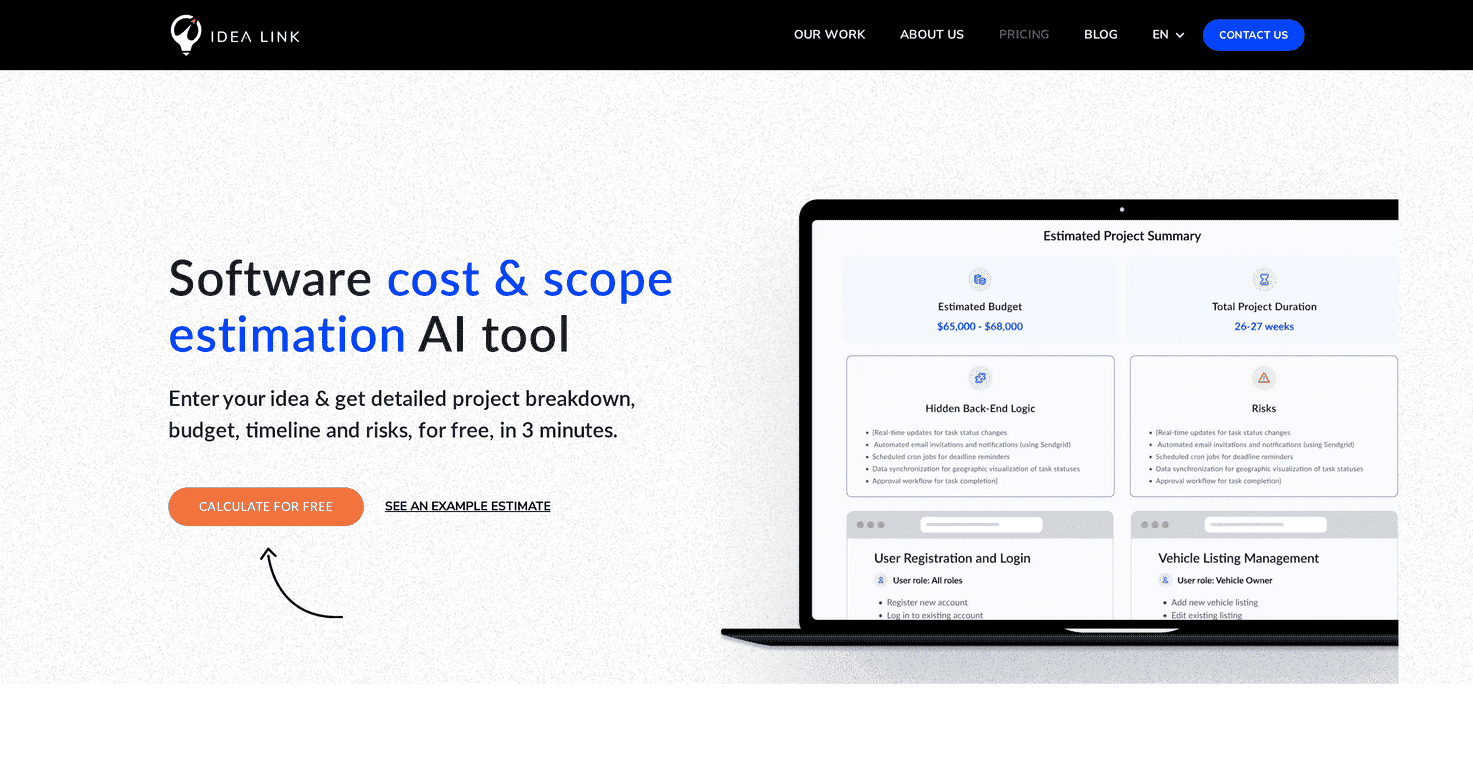
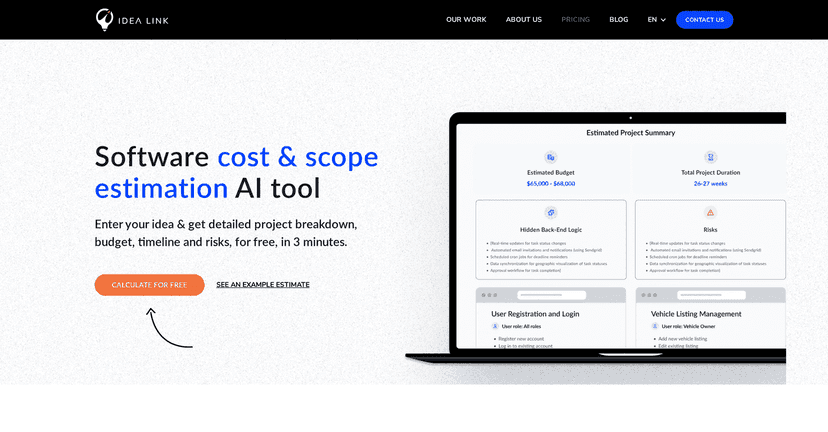
After running a few sample inputs, what stood out to me is how quickly it turns your answers into a structured estimate. It’s not asking you to be a developer. You’re basically guided through the basics, then the tool produces a report you can use to talk through scope and budget. And yes, it really is fast—my report came back in minutes, not days.
AI Software Cost Estimator Review
Here’s my honest take: the AI Software Cost Estimator is a solid starting point if you need a rough-but-structured budget for a software project. It’s especially useful when you’re early-stage and you don’t have a full requirements doc yet.
In my experience, the tool does a good job translating what you know (or think you know) into something you can actually review. Instead of just spitting out a single number, it breaks things down—cost and time estimates by development stage, plus a risk section that makes you pause and think. That last part matters more than people realize. If you’re building anything beyond a basic CRUD app, risks like scope creep, unclear workflows, or integration complexity can quietly wreck timelines.
Also, the interface is straightforward. I didn’t feel like I needed to “speak developer.” It’s the kind of tool I’d use before I talk to an agency or a freelance team—because it gives you a baseline to compare against.
Key Features
- Quick Estimate Generation — it generates a report in about 3 minutes after you answer the questions.
- Detailed Breakdown — you get a clearer picture of what’s included, including a feature breakdown and how things map to user roles. This is helpful if you’re not sure whether you need separate permissions, dashboards, or workflows.
- Risk Analysis — the report flags potential complexities and risks. I like this because it pushes you to think about “what could go wrong” before you lock scope.
- Cost & Time Estimates by Development Stage — the tool claims its estimates are based on insights from over 100 projects. In practice, that shows up as stage-by-stage breakdowns instead of one flat estimate.
- User-Friendly Setup — you don’t need technical knowledge to produce something usable. If you can describe your app idea and basic requirements, you can get value from this.
Pros and Cons
Pros
- Fast — you get an estimate quickly, which is great when you’re iterating on ideas or preparing for early client conversations.
- More than a number — the report includes breakdowns and risk analysis, so you can actually discuss what’s driving the estimate.
- No prior dev knowledge required — I didn’t have to translate jargon into plain English. The questions feel designed for non-technical founders and managers.
- Helps you spot missing details — when you see what the estimate assumes, it’s easier to decide what you still need to clarify (roles, workflows, integrations, etc.).
Cons
- It won’t catch every niche requirement — if your project has very specific compliance needs, unusual architecture, or highly specialized integrations, this kind of estimator can only be so accurate.
- Results depend on your input — if you’re vague (or you pick the wrong assumptions), the estimate will reflect that. Garbage in, garbage out—just like any estimator.
One thing I’d recommend: treat the output as a planning draft, not a final contract number. If you’re using it to set expectations, it’s smart to build in a buffer and validate assumptions with a real team.
Pricing Plans
The tool is completely free. In my case, it asked for an email address to deliver the generated report. That’s a pretty reasonable trade-off—at least it’s not pushing you into a paid plan just to see something usable.
Just keep in mind: since it’s free, you’ll likely want to use it as a first-pass estimator and then follow up with a more detailed discovery process if you’re serious about building.
Wrap up
If you’re trying to get your arms around software costs without spending a week building spreadsheets, the AI Software Cost Estimator is worth trying. What I liked most is the speed and the fact that it produces a structured report—cost/time estimates by stage, plus risk notes you can use to tighten scope.
It’s not going to replace a real project discovery with developers and product folks. But as a fast, informative starting point? Yeah, it earns its keep. I’d use it early, compare the output to what a team estimates later, and use the risk section to ask better questions from day one.
Promote AI Software Cost Estimator




