Table of Contents
I’ve definitely had those moments where I stare at a blank page and think, “Okay… what do I even write first?” If you’re trying to get past writer’s block, speed up drafts, or just find better phrasing for marketing copy, the AI Sentence Generator is worth a look. In my experience, it’s one of those tools that doesn’t replace your voice—it helps you get unstuck faster.
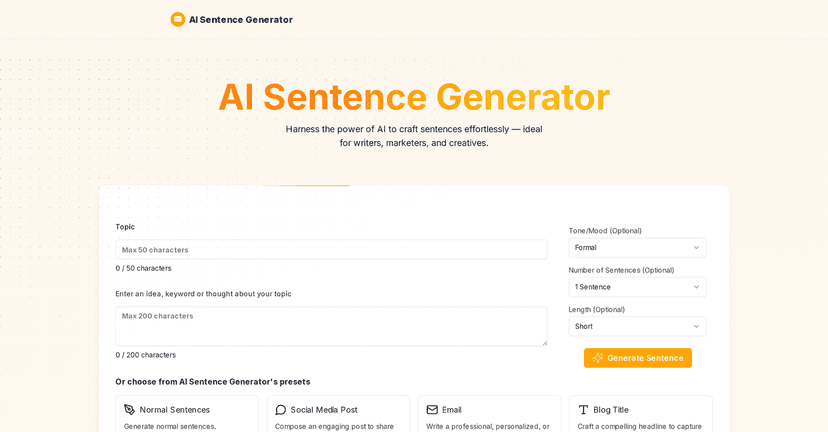
What I like right away is the basic promise: you type what you want, and it spits out sentence options quickly. You can use it for blog intros, product descriptions, email lines, social captions, and even quick educational explanations. And yes, it’s especially handy when you’re working against a deadline and you can’t afford to overthink every sentence.
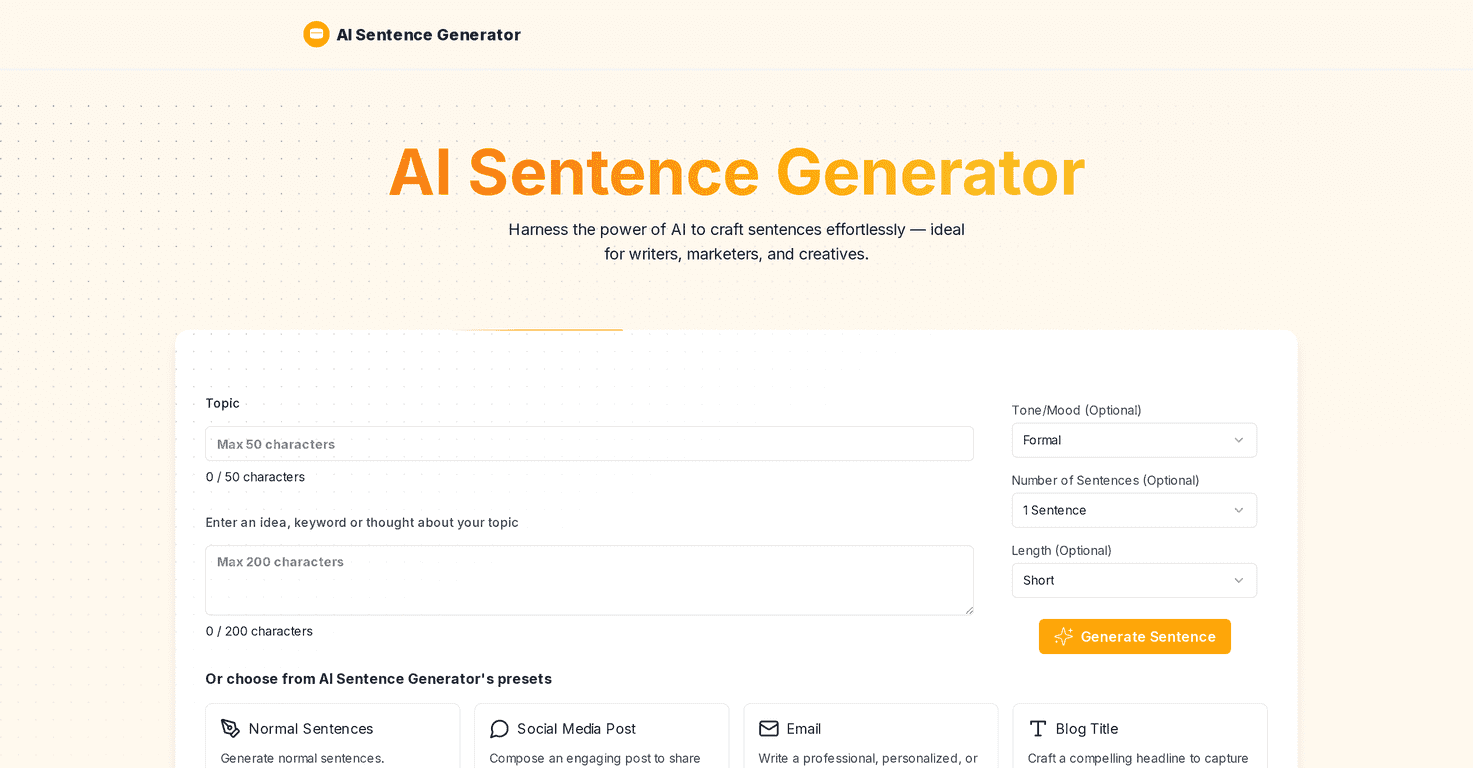
Under the hood, it uses AI and Natural Language Processing (NLP). Translation: it’s designed to understand your input and generate text that matches the direction you give it. The tool also lets you steer the output with different sentence styles, and you can tweak things like topic, tone, and length. That control matters more than people think—because “better” isn’t useful unless it’s also aligned with what you’re trying to write.
AI Sentence Generator Review
The AI Sentence Generator is aimed at writers, marketers, and creatives, but honestly, it’s useful for anyone who needs clean sentence ideas on demand. I tested it with a few prompts—things like “write a friendly product description,” “give me a professional intro paragraph,” and “create short social captions”—and it consistently gave me multiple variations to pick from.
Here’s what that looks like in real life: instead of getting stuck on sentence #1 for 20 minutes, you can generate a batch, scan for the one that fits your tone, and then edit from there. That workflow is way faster than starting from scratch every time.
At the same time, it’s not magic. If your prompt is vague, your results will be vague too. I found that giving a little context improves the output a lot—like specifying your audience (beginners vs. experts), the vibe (casual vs. formal), and what the sentence should do (hook, explain, persuade, summarize).
Key Features
- Tone selection to match different writing styles (so you’re not stuck with one “AI-ish” voice)
- Choose how many sentences to generate at once (handy when you want options, not just one line)
- Select sentence length for tighter or more detailed phrasing
- Customization options for topics, tones, and lengths, so you can steer the output toward what you actually need
One practical tip: if you’re writing for social media, I’d generate several short sentences first, then combine the best pieces. For emails and blog sections, generate fewer but slightly longer sentences so you’re not doing heavy rewrites later.
Also, pay attention to the “style” you pick. In my experience, tone and length settings are the two biggest levers for getting something that sounds usable without sounding forced.
Pros and Cons
Pros
- Simple interface that doesn’t require a learning curve—this matters when you’re trying to write, not troubleshoot.
- Saves time for marketers and content creators, especially when you need fresh sentence options quickly.
- Works across use cases like creative writing, educational content, and marketing copy.
- Free to use with limited features, which is great for testing it before you commit.
- Privacy-focused approach with no data storage or sharing (at least as described), which is always a plus when you’re pasting draft text.
Cons
- Limited handling of prohibited content—so don’t expect it to generate everything under the sun. If your prompt crosses a line, you’ll hit restrictions.
- Quality can vary from one run to the next. Sometimes you’ll get a sentence that’s almost ready; other times it needs editing to sound natural.
- Input/output length restrictions may apply, which can be annoying if you’re trying to brainstorm longer paragraphs or multi-sentence sections.
What I noticed most: it’s strongest when you treat it like a drafting assistant. If you ask it to “write perfectly” with no context, you’ll probably end up rewriting more than you expected.
Pricing Plans
From what’s available, the AI Sentence Generator is free to use, but you’ll hit limitations depending on how much you generate and what features you’re trying to access. If you want more control or higher usage, there’s a premium plan upgrade option.
My take? If you’re just testing the tool for occasional use, the free version is enough to see whether it fits your writing style. If you’re generating sentences every day—like for ongoing campaigns or a content schedule—then the paid plan is probably where it starts to feel worth it.
Wrap up
If you need sentence ideas fast and you don’t want to burn time staring at a cursor, the AI Sentence Generator can be a helpful addition to your toolkit. The tone and length controls make it easier to get output that matches your intent, and the ability to generate multiple sentences at once is genuinely useful when you’re drafting.
Just go in with realistic expectations: it won’t replace your judgment, and the quality won’t be perfect every time. But with a good prompt and a quick edit pass, it can absolutely speed up the “rough draft” stage—which is usually the hardest part anyway.
Promote AI Sentence Generator