Table of Contents
I’m always a little nervous when I have to make a call with someone who doesn’t speak my language. Even if everyone “knows English,” there’s usually a moment where the conversation speeds up, a key detail gets lost, or I realize I’ve misunderstood something important. That’s why I was curious about AI Phone.
AIPhone.AI is built around live call translation and transcription. The pitch is simple: you talk, it translates in real time, and it also records what was said so you can review it later. On paper, that sounds like the kind of tool that could save time for business calls, make travel logistics easier, and help anyone who needs to communicate internationally without constantly stopping to ask “wait, what did you mean?”
In my experience, the real test is how well it handles messy real-world speech—different accents, people talking over each other, and the occasional “uh… let me rephrase that.” So below, I’ll break down what stood out, what felt smooth, and where you might still need to be patient.
AI Phone Review
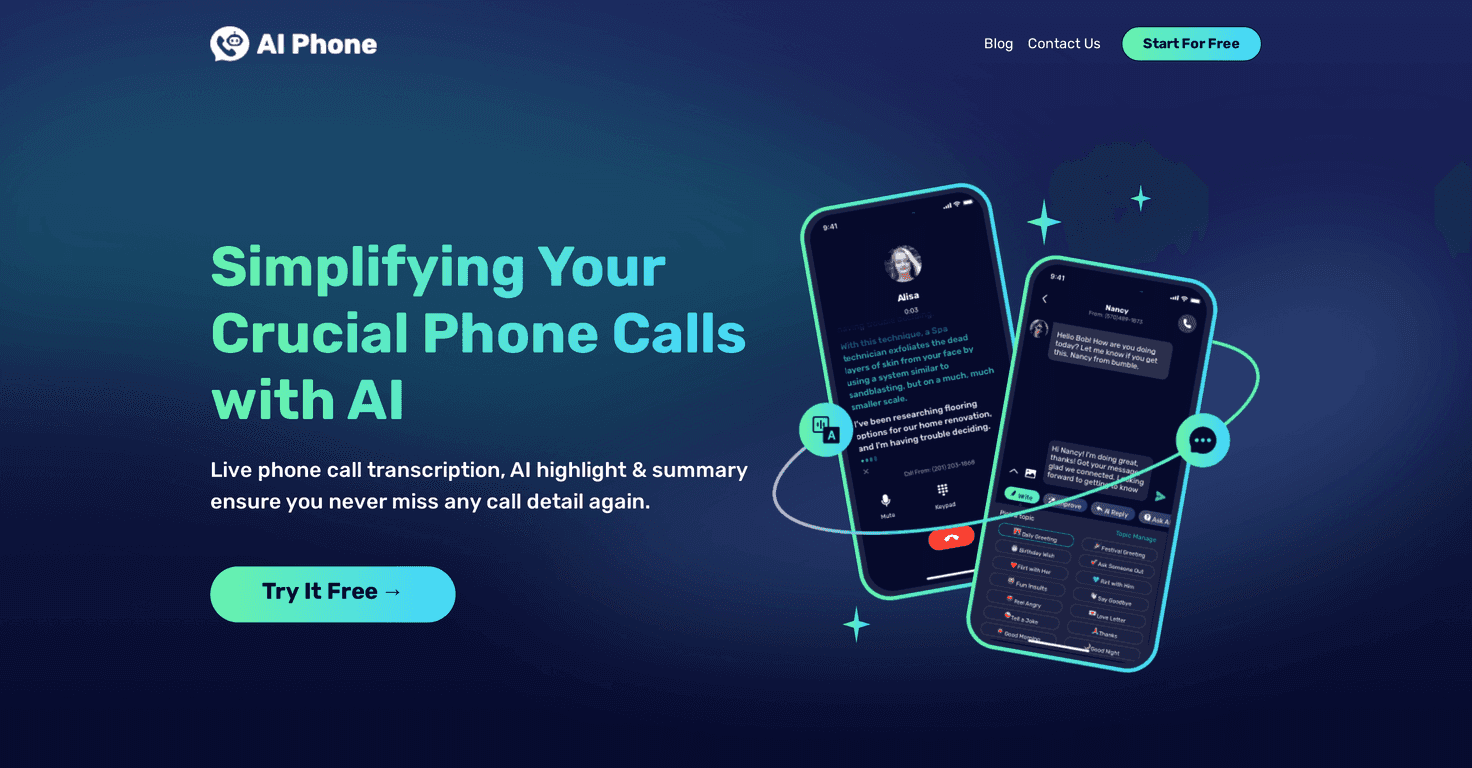
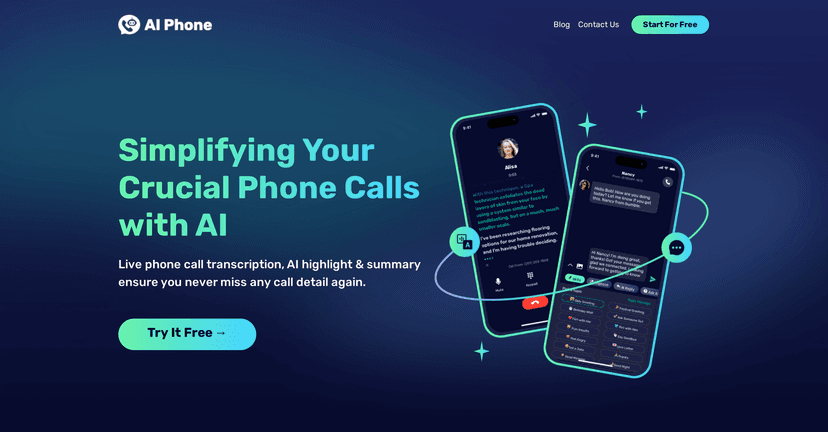
AI Phone is all about making live phone conversations easier when you don’t share a common language. The core idea is live translation plus live transcription, so you’re not just hearing a translated version—you can also read what was said.
What I like is that it doesn’t treat the call like a “one-and-done” event. You get a transcript you can refer back to, and there’s also an AI summary that’s meant to pull out the key points. If you’ve ever gotten off a call and immediately thought, “Wait… what exactly did we agree on?” then you already know why that matters.
There’s also a “smart phone number” angle where an AI assistant can help manage calls and messages 24/7. For busy people, that’s a big deal. I don’t always want to be available instantly—especially across time zones—so having an assistant handle the initial back-and-forth can reduce the chaos.
Now, let’s talk features and what they actually mean in practice.
Key Features
- Live Call Translation for real-time conversations
- During a call, the translation is meant to appear as you speak. In other words, you’re not waiting for a recording to be processed after the fact. When it works well, it feels like you’re having a normal conversation—just with the language barrier removed.
- Enhanced ASR + context-aware correction for higher accuracy
- AIPhone.AI uses automatic speech recognition (ASR) and “AI context-aware correction.” In the real world, that’s the difference between a translation that sounds close enough and one that’s actually understandable. I’ve noticed that cleaner audio and slower phrasing usually lead to fewer weird mistranslations.
- Live Call Transcription so you can review later
- This is one of the most useful parts for me. If you’re discussing logistics, schedules, pricing, or anything detailed, reading the transcript afterward saves you from relying on memory. It’s also handy when you need to share notes with someone who wasn’t on the call.
- Automatic AI Call Summary of key call points
- Instead of scanning a full transcript, a summary tries to highlight what mattered. I found that helpful for quick follow-ups—like sending an email with the agreed next steps—without spending 15 minutes hunting for names, dates, and decisions.
- Smart phone number managed by an AI assistant
- This is aimed at people who want “always-on” help. If someone calls when you’re asleep or in a meeting, the assistant can manage calls and messages so you don’t miss everything.
- Support for 100+ languages and accents
- The app claims support for over 100 languages and various accents. From a practical standpoint, that’s the difference between using it once and realizing it actually covers the languages you need for work or travel.
Pros and Cons
Pros
- Real-time translation that’s designed to keep you in the conversation instead of pausing constantly.
- Transcription you can revisit—great for remembering details and sharing with others.
- Summaries that reduce manual note-taking, especially when calls get long.
- Smart AI assistant for call/message handling, which is useful if you can’t be available 24/7.
Cons
- You’re dependent on stable internet and call quality. If the connection drops or the audio is noisy, translation can lag or become less accurate.
- New users might need a little time to get comfortable. The first few calls can feel a bit “settings and workflow” heavy—once you understand the flow, it gets easier.
- Fast, jargon-heavy speech is always a challenge. Even with AI, if people talk quickly or use lots of technical terms, you may still need to clarify or repeat key parts.
Pricing Plans
AIPhone.AI offers a free basic plan for new users. After that, the exact premium pricing details aren’t clearly listed here, so what I recommend is simple: open the app and check the subscription options directly. That way you’ll see what you get (translation limits, transcription/summarization access, and any smart number features) before committing.
If you’re just testing the waters, the free plan is a decent starting point. If you’re using it for real work calls, you’ll want to confirm whether the features you care about are included in the tier you pick.
Wrap up
AIPhone.AI is a solid option if you regularly deal with language barriers—whether that’s client calls, interviews, international support, or just travel planning with local contacts. The combination of live translation, live transcription, and an AI summary is the kind of setup that actually reduces stress instead of creating more steps.
Will it be perfect every time? No tool is. But if you want a practical way to communicate without constantly guessing what was said, AI Phone is worth a try.
Promote AI Phone