Table of Contents
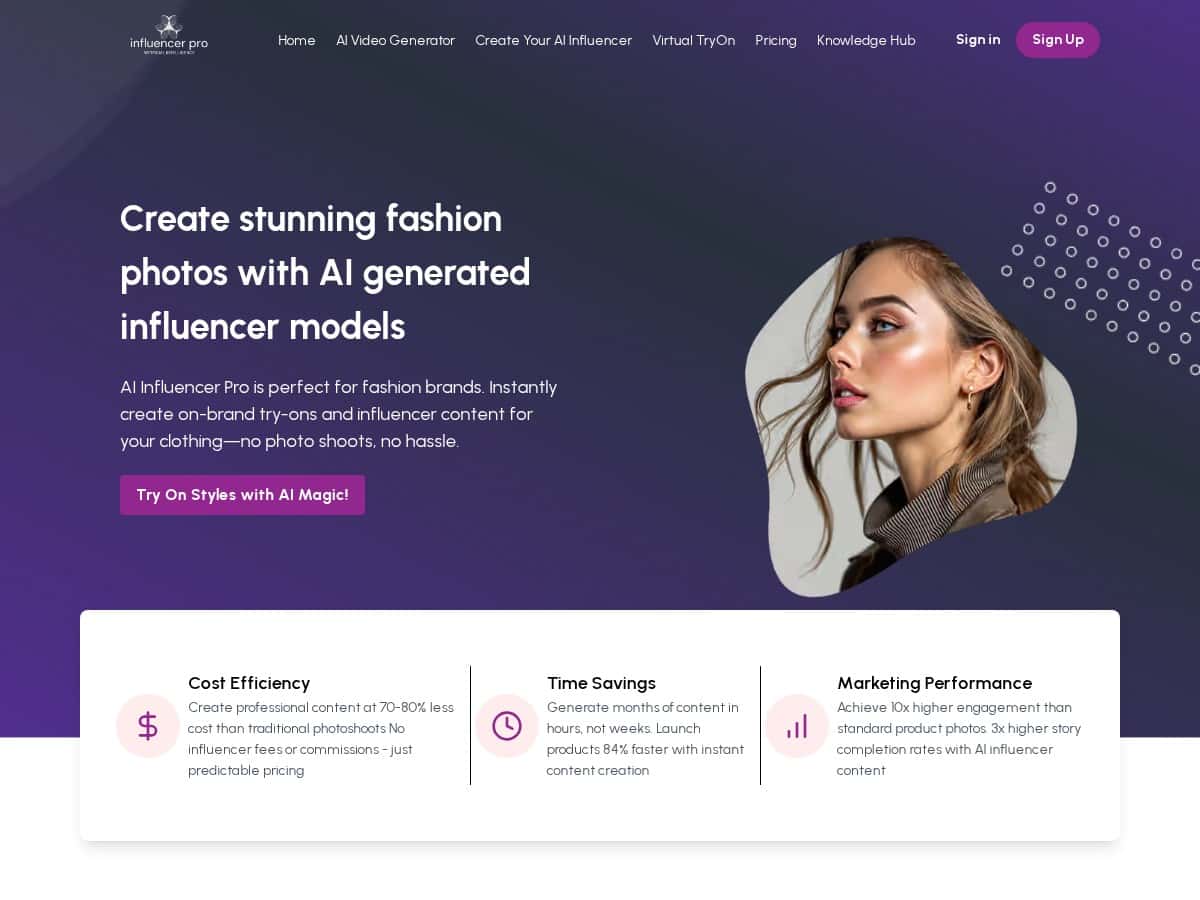
I tested AI Influencer Pro for a few weeks with a pretty practical goal: generate product + “virtual try-on” style visuals faster than we could with a traditional shoot. I wasn’t looking for fancy buzzwords—I wanted to know if the workflow is actually easy, if the results look credible, and whether it’s worth using for real campaigns.
What I noticed right away: the interface feels straightforward. I didn’t have to hunt through menus for basic actions like uploading images, choosing a style, and generating variations. And once I got going, turnaround was genuinely quick. I could go from “upload” to usable drafts in a matter of hours, not days.
AI Influencer Pro Review (What I Actually Did + What I Saw)
Here’s the exact kind of workflow I ran. I started with a small batch of product images (the kind you’d normally use for ads—clean lighting, clear product framing). Then I used the platform to create multiple virtual-model variations so we weren’t stuck with one “perfect” image.
Step-by-step workflow (my test):
- Uploaded product images: I started with a handful of product shots and kept the framing fairly consistent (so the AI had an easier time matching the look).
- Chose a style/virtual model direction: I experimented with a few different visual directions rather than trying to force everything into one look.
- Generated multiple variations: Instead of waiting for one “final” image, I generated a set of options and picked the best ones.
- Reviewed realism + product visibility: The key for me wasn’t just “cool visuals”—it was whether the product still looked accurate and recognizable.
- Exported for use in campaigns: I used the outputs as drafts for ad creatives and social posts.
What I noticed about quality: The results look convincingly realistic when the input images are clear. Where things got tricky was when the product photo had awkward angles or inconsistent lighting—then the model sometimes introduced minor artifacts (like slightly off textures or less-than-perfect alignment). It’s not unusable, but it means you’ll want to review before publishing.
Time savings (realistic, not magical): For my batch, I could generate usable drafts within the same workday. That’s a big deal if your team is trying to keep up with weekly drops, seasonal promos, or quick re-targeting. It’s not “instant forever,” but it’s fast enough that you can iterate.
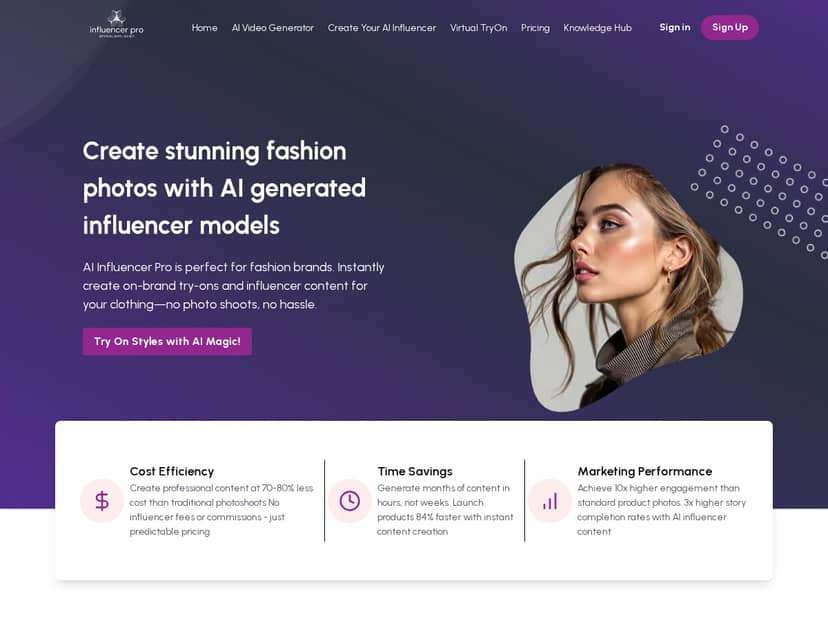
About engagement claims: You’ll see big numbers online (like “10x engagement” type statements). I can’t honestly verify those exact multipliers from your audience, because engagement depends on your followers, offer, and creative testing. What I can say is this: the visuals are strong enough to support A/B testing, and that’s usually where the real lift comes from.
If you’re comparing this to a traditional influencer campaign, the real advantage is control and speed. You’re not waiting on schedules, travel, wardrobe, and reshoots. You’re generating variations and selecting what fits your brand.
Key Features (How They Help in Daily Use)
- Virtual try-on / product model variations: The platform makes it easy to create multiple style directions from the same product inputs. In practice, this helps when you need different ad angles or different “vibe” creatives for the same item.
- Fast content generation: In my testing, I could move from upload to draft outputs in hours. That’s useful for weekly campaigns, retargeting sequences, and quick creative refreshes.
- Photorealistic visuals (when inputs cooperate): The realism is the main selling point. With clean product images, the outputs look credible enough for social and ads. With messy inputs, you’ll see more imperfections—so don’t skip the “garbage in, garbage out” part.
- Variation-driven creative testing: Instead of betting on one image, you can generate a set and test which version actually performs. That’s where you can find lift without increasing your budget.
- Multi-platform publishing workflow: The tool is designed to support social-style creative use (think Instagram/TikTok-style visuals). I didn’t treat it like a full “Shopify app that auto-posts everything,” but it’s clearly meant to produce assets you can use across channels.
- Simple model setup: Upload, choose settings, generate. I didn’t need to be a designer to get decent results, which is honestly what most teams need.
Best use case I found: ad creatives for product pages, seasonal promos, and “try it on” style marketing where you want variety quickly.
Limitations I ran into: If you’re expecting perfect brand-accurate textures every single time (especially with complex materials), you’ll still need review time. Also, if you need a fully custom model with highly specific features, you may spend more time iterating than the marketing pages suggest.
Pros and Cons (My Honest Take)
Pros
- Speed you can actually feel: I was able to generate and review drafts within hours, not weeks.
- Good realism for product marketing: When the input images are solid, the virtual models look believable enough for campaign use.
- More creative options without more reshoots: I could generate multiple variations from the same product set, which is great for testing.
- Lower logistical burden: No scheduling, travel, or wardrobe coordination. That alone can save a ton of time for small teams.
- Easy to get started: The workflow didn’t feel overly technical, even for someone not living in design tools all day.
Cons
- Input quality matters a lot: Poor product photos lead to less convincing outputs. It’s not a “fix any image” button.
- Not a guaranteed human-level influencer impact: If your strategy relies heavily on authentic personality, storytelling, or audience trust built through real creators, this won’t fully replace that.
- Creative review is still required: Expect to select, refine, and reject some outputs. You won’t publish everything.
- Engagement claims are marketing-dependent: Any “10x” numbers you see online aren’t universal. Your results will depend on your creative testing and audience.
Pricing Plans (What I Can and Can’t Confirm)
I couldn’t find fully transparent, publicly listed pricing tiers inside what I reviewed. Because of that, I’m not going to guess numbers and pretend they’re accurate.
What I recommend instead: check the current plan options on the official page linked above, then compare based on what you actually need—like how many generations you plan to run per month and whether you need specific export formats or higher-resolution outputs.
How to estimate cost for your use:
- Decide your monthly content volume: For example, if you need 30 product creatives/month, you’ll want a plan that supports that without surprise limits.
- Account for iteration: If you generate 10 variations to choose 2–3 winners, your “generation budget” matters more than the headline price.
- Factor in review time: Even with fast generation, you’ll spend time selecting the best outputs.
If you want a quick rule of thumb from my test experience: it’s most cost-effective when you’re already doing creative testing and can use multiple variations per product.
Best Alternative to AI Influencer Pro (Depending on What You Need)
Here’s the part people skip: “best alternative” depends on your goal. If you want virtual try-on + product model visuals, you’ll usually prioritize tools that let you generate variations quickly and keep product placement consistent. If you want full creative control (like custom scenes, deeper character consistency, or brand-specific art direction), you might pair AI generation with a separate design tool workflow.
In my experience, the best alternative is the one that matches your bottleneck:
- If your bottleneck is speed: look for platforms that generate lots of drafts quickly and let you iterate without heavy setup.
- If your bottleneck is realism consistency: prioritize tools that let you lock style/model settings and reuse them across campaigns.
- If your bottleneck is brand storytelling: consider combining AI visuals with a human-led creative process (even if the visuals are AI-generated).
Wrap Up: Should You Use AI Influencer Pro?
I’d recommend AI Influencer Pro if you’re a brand or marketer who needs fast, repeatable product visuals and you’re comfortable reviewing outputs before publishing. It’s especially useful when you want variety—different styles, different ad angles, different versions for testing—without paying for a full photoshoot every time.
If you’re expecting it to fully replace human influencers in every scenario, that’s where expectations need adjusting. But if your goal is to modernize your creative pipeline and produce more campaign-ready assets with less friction, this is one of the more practical options I tested.