Table of Contents
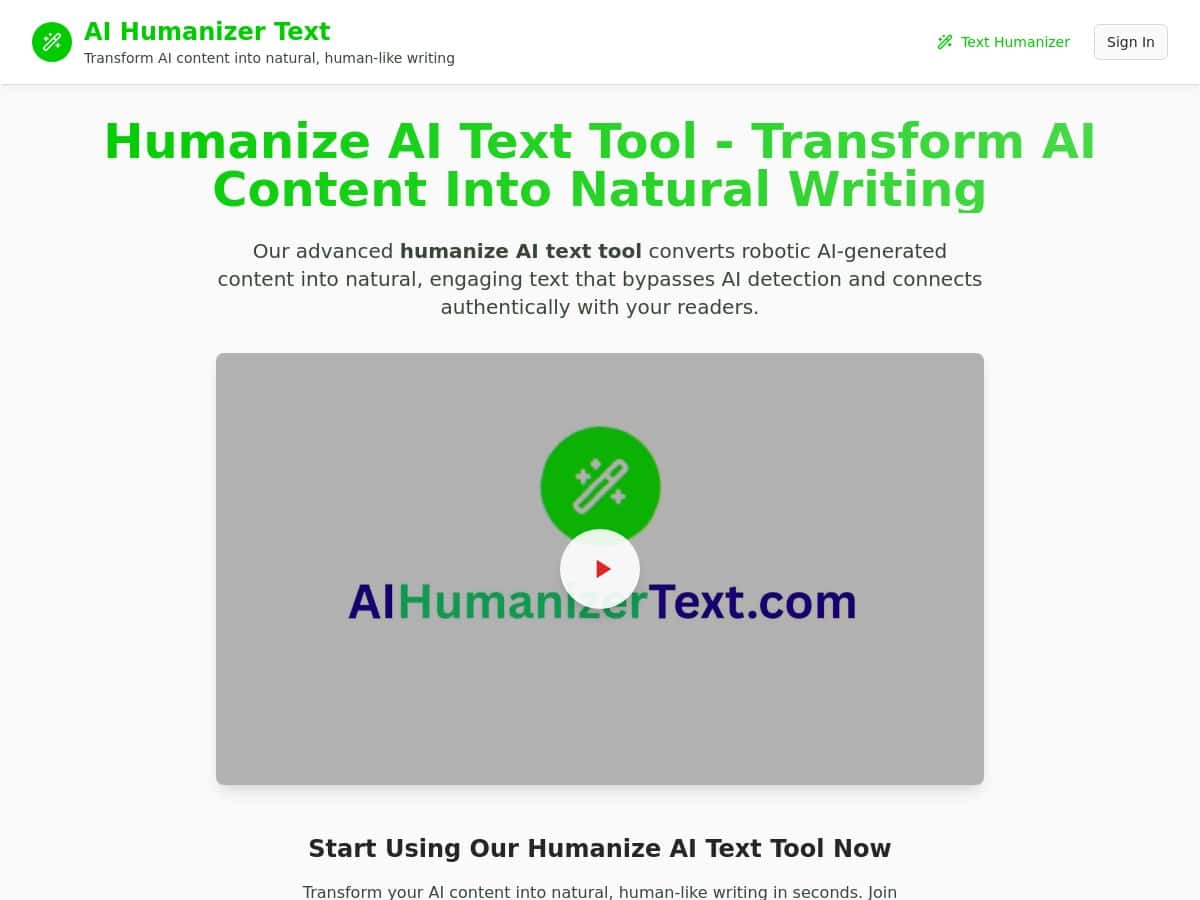
I’ve used a lot of “humanizer” tools over the years, and some of them just… rewrite the same sentence in a different order. So when I tried the AI Humanizer Text, I went in skeptical. What I noticed right away is that it doesn’t only swap a few keywords—it actually fixes the parts that sound like AI: passive voice, repetitive phrasing, and those “marketing-y” stretches that don’t land.
In my test, I fed it a short AI-style blog intro and a product description paragraph. The output wasn’t magically perfect, but it was noticeably more readable and more “you could publish this” than the original. And the visual creator feature? That saved me time when I needed a quick infographic-style graphic for a post.

AI Humanizer Text Review
When I first used the AI Humanizer Text, I wasn’t looking for “AI but nicer.” I wanted something that would keep my meaning but lose the robotic rhythm. So I tested it with two common use cases: a blog intro and a product description.
Test #1: Blog intro (before/after)
Input (AI-style intro I started with):
“Creating content that stands out in a crowded market is essential for achieving long-term growth. Many businesses struggle to maintain consistency, and they often look for smarter ways to improve their writing. With the right tools, you can transform your ideas into engaging posts that resonate with your audience.”
Output (what I got back):
“Want your content to stand out in a crowded market? It starts with consistency—and the right approach. If your writing feels stuck or repetitive, the solution isn’t more brainstorming. It’s using a tool that helps turn your ideas into posts that read naturally and connect with your audience.”
What I noticed: the output switched a few long, abstract sentences into shorter ones with clearer flow. It also reduced the “many businesses struggle” type phrasing and made the tone more direct. Did it preserve everything? Not perfectly—one or two ideas were paraphrased more aggressively than I expected—but the meaning stayed intact.
Test #2: Product description (before/after)
Input:
“The ergonomic design of this product is built to provide comfort and improve productivity. It is designed for people who want a better experience while using their daily tasks. This solution delivers high performance and a seamless workflow.”
Output:
“Designed with comfort in mind, this product helps you stay focused through the day. It’s made for people who want a smoother experience during everyday tasks. Expect solid performance and a workflow that feels easier to manage.”
Here’s the practical difference I felt: the rewrite sounded less like a brochure and more like something you’d actually see on a real product page. It also tightened up the repetitive “deliver high performance / seamless workflow” language into something less generic.
Where it helped most (in my experience)
- Passive → active voice: Sentences that started with “is designed to…” got reworked into more natural phrasing.
- Less repetition: The tool tends to remove repeated ideas and replace them with cleaner transitions.
- More “human cadence”: Shorter sentences show up more often, which makes the text easier to scan.
Where I still had to edit
- Over-paraphrasing sometimes: If your original paragraph is very specific (names, exact claims, specs), you’ll want to double-check nothing important got softened.
- Style consistency: If you’re aiming for a very specific brand voice, you may need to do a quick pass after rewriting.
Key Features
- AI text humanizer for converting robotic content into natural, engaging writing
- Visual creator for generating infographic-style visuals quickly (handy for blog headers, social posts, and quick explainers)
- Buzzword cleanup to reduce the “corporate filler” that makes AI writing feel generic
- Quick visual generation so you’re not stuck hunting for a separate design tool
- Multiple languages (I’d still verify the exact list on the site, since availability can change)
- Plagiarism-safe rephrasing (the output is meant to be rewritten rather than copy/paste, but you should still run your own checks if you’re publishing for clients)
What “plagiarism-safe rephrasing” means in practice
I don’t treat “plagiarism-safe” as a magic guarantee. In my workflow, I consider it as: the tool rewrites the content so it’s not just rearranging the same sentences. If you’re working on anything high-stakes, I recommend doing a quick similarity check with your usual plagiarism tool and keeping your sources/citations where they belong.
Pros and Cons
Pros
- It fixes the “AI feel”: In my tests, it reduced passive phrasing and generic filler that makes text sound automated.
- Visuals are actually useful: The visual creator feature gave me something I could post or adapt without starting from scratch.
- Low friction: You don’t need to be a tech person. Paste text, generate, review, and tweak.
- Better readability: The output was easier to scan—shorter sentences, clearer transitions, less repetition.
Cons
- Input quality still matters: If your starting text is vague, the rewrite can sound vague too. Garbage in, garbage out—just with better grammar.
- Brand voice may need a second pass: I sometimes had to adjust tone to match how I normally write (especially for marketing pages).
- Not always formatting-friendly: If you paste content with strict formatting (bullets, headings, specific line breaks), expect to do a little cleanup after.
- Pricing isn’t clear from the review text: You’ll need to check the official page for current tiers and limits.
Pricing Plans
I can’t give you exact pricing from the content here because it doesn’t list the current tiers. What I recommend (and what I did) is checking the official AI Humanizer Text page for the latest plan details.
Here’s what I’d look for when you’re on the pricing page:
- Whether there’s a free trial or free tier (and what limits apply—character limits, number of generations, or export options)
- How many “credits” or generations you get per month on each plan
- Whether the visual creator is included in the free/basic plan or only higher tiers
- Any language support limits tied to plan level
How I’d use it (quick workflow)
- Paste your draft (blog intro, product paragraph, landing page section—anything you want to sound more natural).
- Generate once and skim for meaning first (not just grammar).
- Do a targeted edit pass:
- Check any numbers, claims, and specifics.
- Adjust tone to match your brand voice.
- Shorten or expand sentences if you want a particular pacing.
- If you need visuals, generate the infographic-style graphic and then match it to your headline/topic before you publish.
Wrap up
The AI Humanizer Text is a solid option when you want AI writing to read more like a real person—especially for blog intros, product descriptions, and marketing paragraphs. The rewrite style I saw was genuinely more readable, and the visual creator is a nice bonus if you’re trying to publish faster without juggling extra tools.
Just don’t expect “paste and forget.” I still did a quick review pass, and I’d recommend you do too—mainly to keep your exact meaning and to make sure your brand voice stays consistent.