Table of Contents
If you’ve ever tried to make SVGs from scratch, you already know the pain: too many knobs, too many settings, and somehow you still end up with something that doesn’t look quite right. I’ve been there. That’s why I tested AI Generate SVG—to see if it actually helps you generate clean, scalable vector graphics without needing advanced design skills.
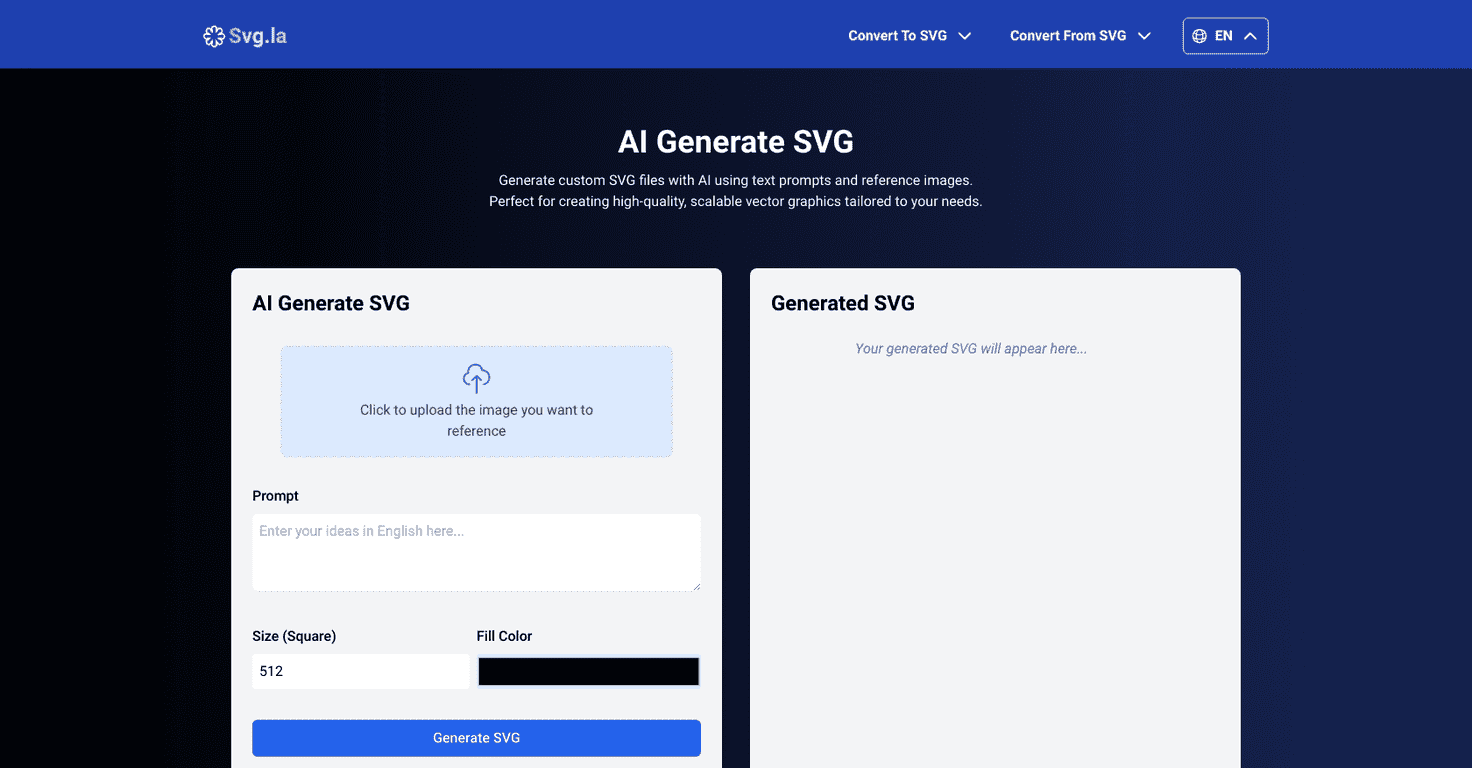
Here’s the short version: AI Generate SVG lets you turn text prompts (and in many cases reference images) into SVG files you can use on the web, in apps, or even for print work. The interface is pretty straightforward, so you’re not spending your first hour just learning where everything is. I like tools like that—because you should be making, not troubleshooting.
What stood out to me most is the option to upload an image and use it as a style guide. Instead of starting from nothing, you can give the AI something to “look at,” then describe what you want changed. That’s huge if you’re trying to match an existing brand style or recreate a specific look.
And yes, the SVG output stays crisp. That matters more than people think. Raster images blur when you scale them up; SVGs don’t. In my tests, the generated shapes and lines held up well when I zoomed in—no weird pixelation, no “why does this look softer now?” moments.
One more thing: it’s free with unlimited design creation, which is honestly rare. If you’re a small business, a freelancer, or just experimenting, you can generate a bunch of variations without feeling like every attempt costs you money.
AI Generate SVG Review: What I Actually Liked (and What to Watch)
So what does AI Generate SVG do in real life? It turns your prompt into an SVG. That can be anything from a simple icon to a more detailed illustration—depending on what you ask for and how specific you are.
When I tried it with a clear prompt (something like “minimal line icon of a coffee cup, flat black strokes, centered, no background”), the results were surprisingly usable right away. The lines looked clean and the shapes stayed consistent. If your goal is quick assets for a landing page, app UI, or social graphics, this is the kind of workflow that saves time.
Where it gets even better is when you include a reference image. I’ve found that prompts alone can sometimes drift (especially with style). But if you upload an image that already matches what you want—like a logo style, a color mood, or an art direction—you can steer the output more effectively.
One practical tip: don’t just say “make it nice.” Be specific about style and constraints. For example:
- Include style words: “flat,” “outline,” “monoline,” “geometric,” “retro,” “modern minimal”
- Specify background: “transparent,” “no background,” “white only”
- Call out composition: “centered,” “single icon,” “no extra elements”
- If it’s for web: mention “SVG icon size” or “fit to viewBox” style output
Also, keep an eye on complexity. Large or detailed reference images can slow things down. That’s not a dealbreaker, but it’s something you’ll notice if you’re uploading bigger files or very busy artwork.
Key Features That Matter for SVG Work
- AI-powered SVG creation using text prompts (and it can work with images too, depending on what you’re trying)
- Reference image upload so the AI can match style and composition more closely
- Scalable vector output that stays sharp when you zoom in or scale up
- Beginner-friendly interface—you don’t need to know SVG syntax to get results
- Cross-platform use since SVGs work everywhere (web, mobile, print workflows)
- Free and unlimited generation so you can iterate without constantly worrying about costs
If you’re building a small library of icons or variations, unlimited generation is the kind of feature you’ll feel immediately. I’d rather generate 20 slightly different options than spend an hour trying to get one perfect prompt on the first try.
Pros and Cons (My Honest Take)
Pros
- Easy to use—I didn’t need design training to get usable SVGs
- Fast iteration—you can test multiple prompts quickly and compare results
- Prompt + image flexibility helps when you’re trying to match an existing style
- Unlimited free designs is great for experimenting, prototyping, and lightweight client work
Cons
- Processing time can increase with large or complex images (you’ll wait a bit longer)
- You need an internet connection to use the tool since it’s web-based
- Not every output is perfect—sometimes you’ll get extra elements or slightly off proportions, especially with vague prompts
That last one is worth saying clearly: AI can get you most of the way there, but you may still want to tweak the SVG after. If you’re using it for something polished (like a client logo), plan on doing a quick review.
Pricing Plans
AI Generate SVG is completely free to use, with unlimited design creation. No tiers to think about, no credit system to babysit.
Wrap up
Overall, I think AI Generate SVG is a solid way to create custom SVG files without getting stuck in complicated software. The combination of text prompts, optional reference images, and the fact that you can generate unlimited designs for free makes it especially appealing if you’re making icons, simple illustrations, or quick brand-style assets.
If you want a tool that helps you move faster and still gives you crisp, scalable vector graphics, this is worth trying. Just be prepared to refine your prompts a little—and don’t be surprised if you occasionally need to clean up the final SVG for the best results.
Promote AI Generate SVG




