Table of Contents
News moves fast. Like, really fast. I can’t tell you how many times I’ve opened a news site, skimmed a few headlines, then realized I’d spent 20 minutes bouncing between tabs without actually learning anything new. That’s exactly why I was curious about AI for News—it’s built to turn “endless scrolling” into something more like a personalized magazine.
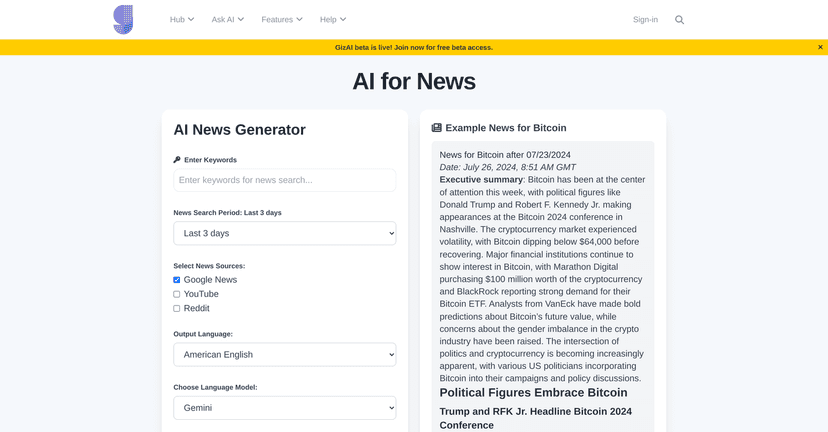
In my experience, the biggest win isn’t that it “finds news.” The internet already does that. The real value is that it helps you organize what you care about—then summarizes the important parts so you can decide what’s worth your time. You pick topics, it pulls in relevant items from places like Google News, Reddit, and YouTube, and then packages everything into a magazine-style layout.
So does it live up to the hype? Let’s break it down.
AI for News Review
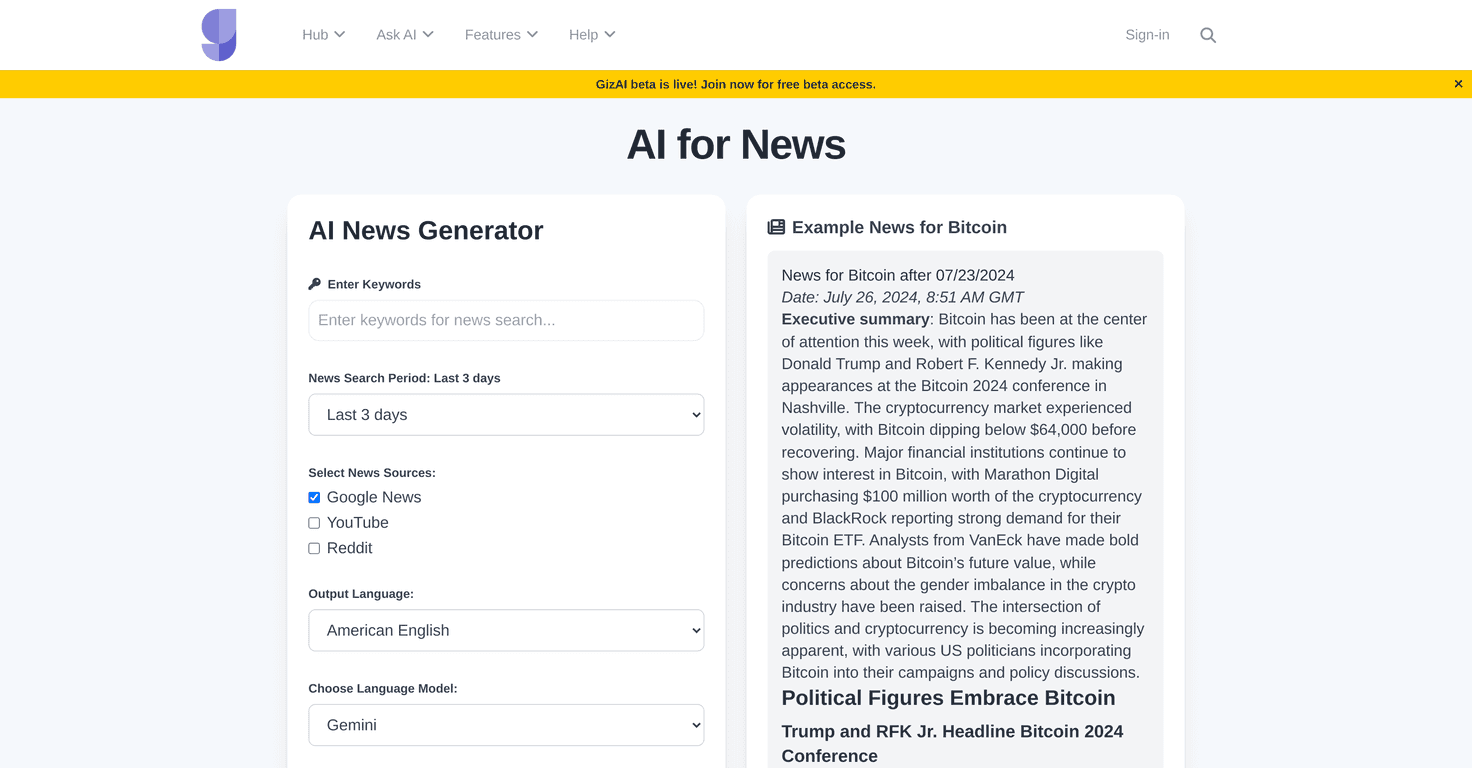
AI for News is set up to feel less like “a feed” and more like “your personal briefing.” It uses popular AI models such as ChatGPT, Claude, and Gemini to generate digital magazines around whatever topic you choose. The idea is simple: you shouldn’t have to hunt across the web to piece together a coherent view of what’s happening.
What I noticed right away is how it pulls in mixed media, not just plain text links. Depending on what you set up, you can get articles plus video content (and images) in a single reading flow. That matters because some topics are easier to understand with a short clip, while others are better handled through an article summary.
It also leans into personalized curation. Instead of “here are trending stories,” you can generate newsletters using your preferred keywords and topic interests. For example, if you tell it you care about “AI regulation” or “personal finance for beginners,” you’re not stuck with random tech headlines—you’re building a theme.
And then there’s the AI-powered summarization. This is the part that saves time. I don’t want to read every full article just to decide whether it’s relevant. The summaries help you quickly understand the main point and whether you should click through for the details.
One more thing I like: the platform feels flexible. You can set your preferred sources, languages, and even the AI model used for curation. In other words, it’s not one-size-fits-all. If you don’t want everything in English or you prefer certain ecosystems, you can usually adjust.
Key Features
- Customized Content Curation
Build newsletters around keywords and topics you actually follow, instead of generic trending feeds. - AI-Powered Summarization
Get quick takeaways so you can skim and decide what’s worth your time. - Flexible Configuration
Choose preferred sources, languages, and AI models for the curation process. - Multimedia Integration
Articles and videos show up together in a magazine-style format—easier to browse than a scattered link list. - Smart Filtering & Detailed Summaries
The goal is relevance first, then clarity—so you’re not drowning in noise. - Seamless User Experience
Designed to be readable and organized, not just a raw collection of links.
Pros and Cons
Pros
- Saves time by summarizing content so you don’t have to open everything.
- Helps with learning and research since you’re getting a themed roundup instead of random headlines.
- Personalized content based on your topics/keywords, not just what’s popular.
- Supports multiple languages, which is great if you follow international news or want broader coverage.
- No sign-up required for access (at least for the core experience), so you can test it quickly.
Cons
- Summary quality can vary. Some summaries are sharp and focused, while others feel a bit more “generic recap” than true synthesis.
- It depends on what’s available from the connected news sources. If there aren’t many stories matching your niche, your magazine can feel thinner.
One honest note: if you’re the kind of person who wants deep reporting and multiple viewpoints on every story, you’ll still need to click through and verify. The summaries are helpful, but they’re not a replacement for actual journalism.
Pricing Plans
The webpage doesn’t spell out pricing in a clear “$X/month” format. What it does mention is that users can join the GizAI beta for free access. If premium tiers exist later, they’ll likely depend on things like higher limits, more customization, or additional model options—so it’s worth checking once you’ve joined the beta.
Wrap up
Overall, AI for News is a practical tool for anyone who’s tired of doomscrolling and wants a more structured way to keep up. The personalized magazine approach, plus summarization, is exactly the kind of “less effort, more signal” experience I look for. If you set your topics well, it can genuinely make your daily news routine feel lighter.
If you’re curious, I’d try it with one focused theme first (like a single industry, a hobby, or a learning goal). Once you see how the summaries and filtering work for your interests, you’ll know fast whether it fits your style.


